
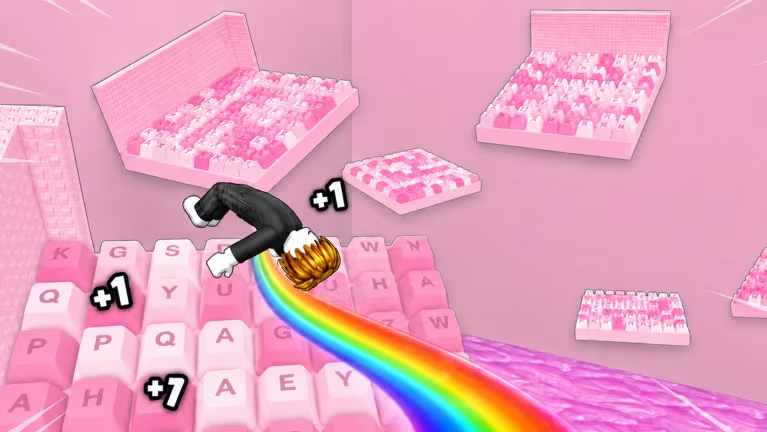
+1 Backflip Keyboard Escape is a Roblox obby-style experience where you rack up Speed and Wins as you clear runs. Codes are the fastest way to pad out those stats without grinding, and a handful of them also unlock a Content Creator Badge if you’re following a specific creator code.
Working +1 Backflip Keyboard Escape codes
Here’s every code that’s redeemable right now, along with what it hands you.
SPEED82
25k Speed
New
FINISH2
40k Wins
New
WINNER4
400 Wins
New
150KLIKES
150k Speed
FLASH
25k Speed
100KLIKES
2.5k Wins
HEADSET1
1x Blue Headset
L09ANNN
500k Speed plus a Content Creator Badge (one redemption per account)
KUU
500k Speed plus a Content Creator Badge (one redemption per account)
chillerongfilo
500k Speed plus a Content Creator Badge (one redemption per account)
1KMEMBERS
500k Speed plus a Content Creator Badge (one redemption per account)
ILOVEYOU
500k Speed plus a Content Creator Badge (one redemption per account)
RIFT
500k Speed plus a Content Creator Badge (one redemption per account)
kyro
500k Speed plus a Content Creator Badge (one redemption per account)
BREAD
500k Speed plus a Content Creator Badge (one redemption per account)
xarleny77
500k Speed plus a Content Creator Badge (one redemption per account)
1975NZ
500k Speed plus a Content Creator Badge (one redemption per account)
ARIGAMES
500k Speed plus a Content Creator Badge (one redemption per account)
TheCarlitin
500k Speed plus a Content Creator Badge (one redemption per account)
myllersi
500k Speed plus a Content Creator Badge (one redemption per account)
kaymex1
500k Speed plus a Content Creator Badge (one redemption per account)
Notice how many codes on that list hand out 500k Speed plus a Content Creator Badge. Each of those is a creator code, meaning it’s tied to a specific content creator and can only be redeemed once per account, so pick one and use it rather than trying to stack several.
How to redeem codes in +1 Backflip Keyboard Escape
Redeeming a code takes seconds once you’re inside the experience on Roblox.
If nothing changes after you press submit, double-check the code for typos first. Codes are case-sensitive in most Roblox experiences, so an extra space or a lowercase letter where an uppercase one belongs will stop it from registering.
Expired +1 Backflip Keyboard Escape codes
These two no longer redeem anything, so don’t waste time typing them in.
KELSIE
Rewards
DJCHAINS
400 Wins and a DJ Cat item
How to get more +1 Backflip Keyboard Escape codes
New codes tend to show up around milestones like Like counts or member counts, so keep an eye on the developer’s own channels rather than relying on memory. The official Discord server is where announcements typically land first, and joining the game’s Roblox community puts you in the loop for group-wide updates too. You can jump straight into the experience itself through the +1 Backflip Keyboard Escape page on Roblox to test any code as soon as you find it.
Are these codes free?
Yes. Every code listed here is free to redeem and comes straight from the developer as a reward for hitting community milestones or supporting specific content creators.
Why didn’t my creator code work?
Creator codes like L09ANNN, KUU, and the others tied to a Content Creator Badge only work once per account. If you’ve already redeemed one of them, trying a different creator code won’t grant a second set of rewards.
Run through the working list above whenever you load in, since Speed and Wins stack up fast once you’ve cleared out the codes that are still live.






Leave a Reply