


What to know
- You must unlock the shovel first before using this method.
- Dropped items can be permanently deleted by digging over them.
- This is one of the only reliable ways to remove clutter in Windrose.
- The method works anywhere you can dig, including your base.
Managing inventory in Windrose can quickly become overwhelming, especially as you gather resources, loot, and crafting materials across multiple islands. If you’ve found yourself stuck with items you no longer need, the game doesn’t offer a traditional “delete” button. Instead, you rely on a clever in-game mechanic using the shovel to remove items permanently. Once you understand how it works, you can keep your storage clean without wasting time or space.
| Feature | Details |
|---|---|
| Requirement | Unlock and craft the shovel |
| Method | Drop item → dig over it |
| Result | Item permanently deleted |
| Best Use | Clearing junk items, duplicates |
| Limitations | Requires diggable ground |
How to unlock the shovel before deleting items
Before you can delete anything, you need access to the shovel, which is an early but essential tool in Windrose. You unlock it through basic progression tied to resource gathering and crafting.
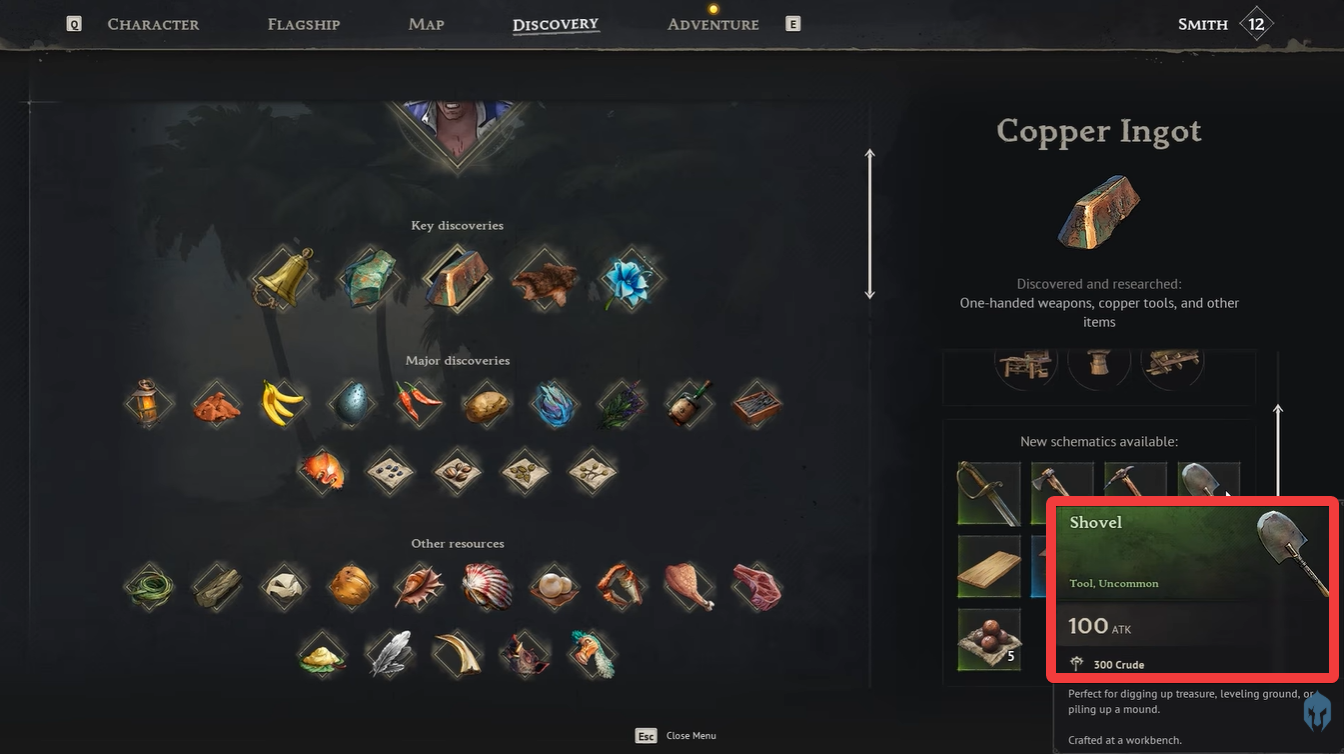
The process revolves around exploring your starting island and locating copper deposits. These appear as undiscovered map points and often lead you to caves or resource nodes. Once you gather enough materials, you can craft the shovel through your crafting system, making it available as a usable tool.
Without this tool, item deletion is not possible, so unlocking it should be one of your early priorities if you want better inventory control.
How the digging method permanently removes items
The shovel deletion mechanic works by interacting with the game’s terrain system rather than the inventory itself. When you dig into the ground, anything placed on that spot gets removed as if it were buried and erased from the world.

This makes the system feel natural within the game’s sandbox design, but it also means you need to be precise with your placement and digging location.
How to delete items using the shovel in Windrose
Step 1
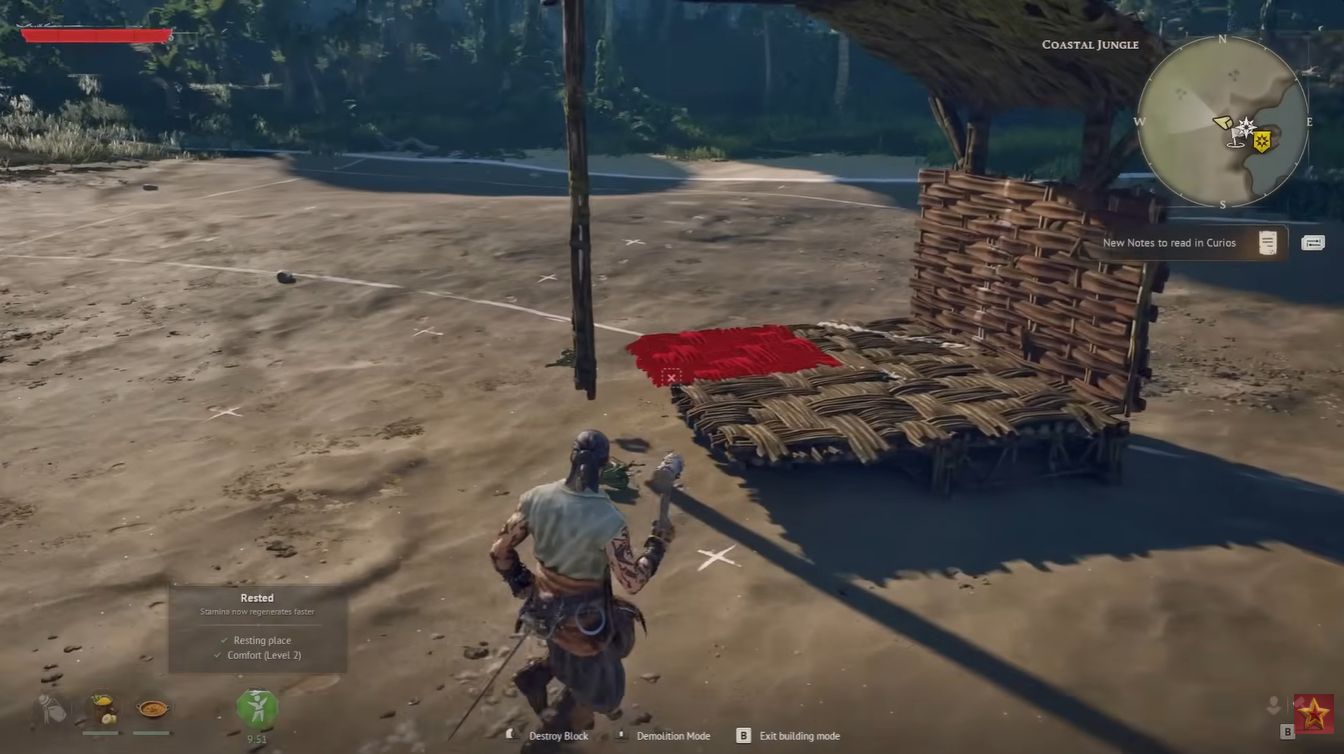
Drop the unwanted item from your inventory onto the ground.
Make sure you place it somewhere accessible and clearly visible so you don’t lose track of it.
Step 2
Equip your shovel from your tool selection.
Ensure it is actively selected so you can use the digging action immediately.
Step 3
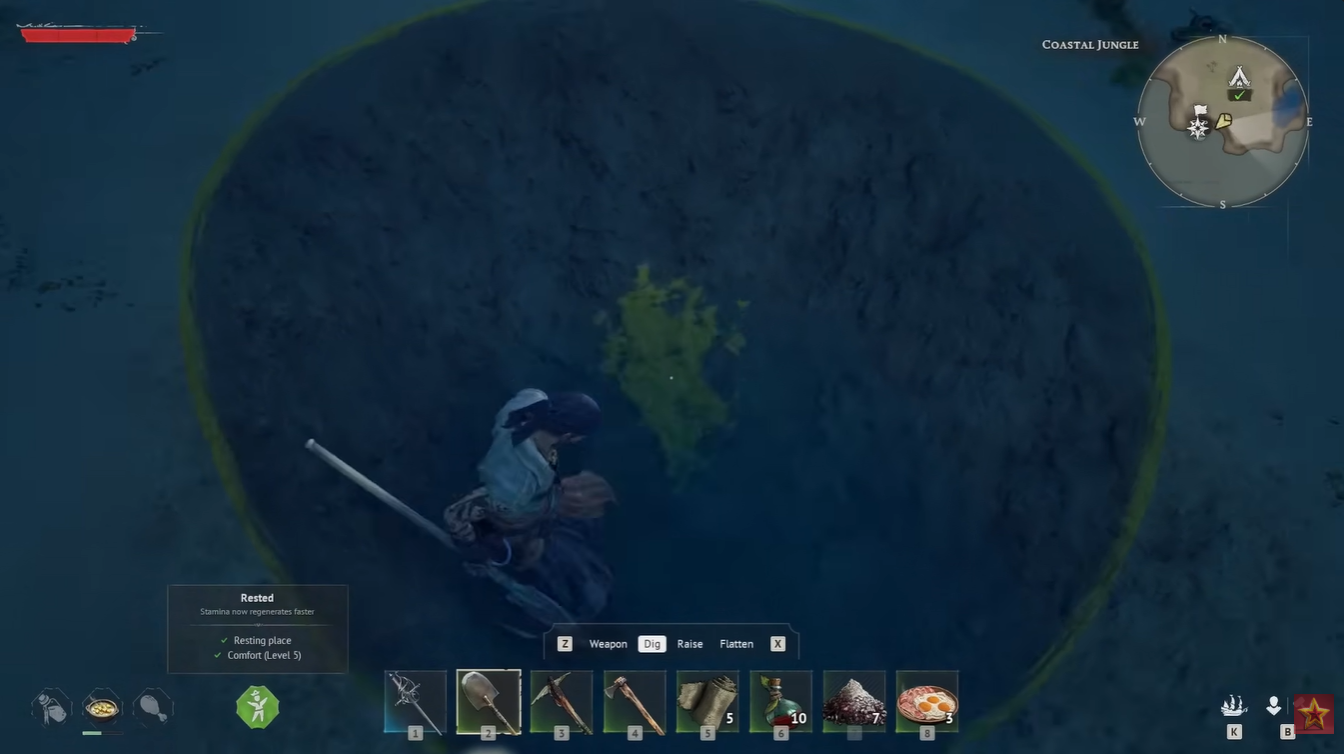
Stand directly over the dropped item and dig into the ground.
Positioning matters here—you need to dig exactly where the item is placed.
Step 4
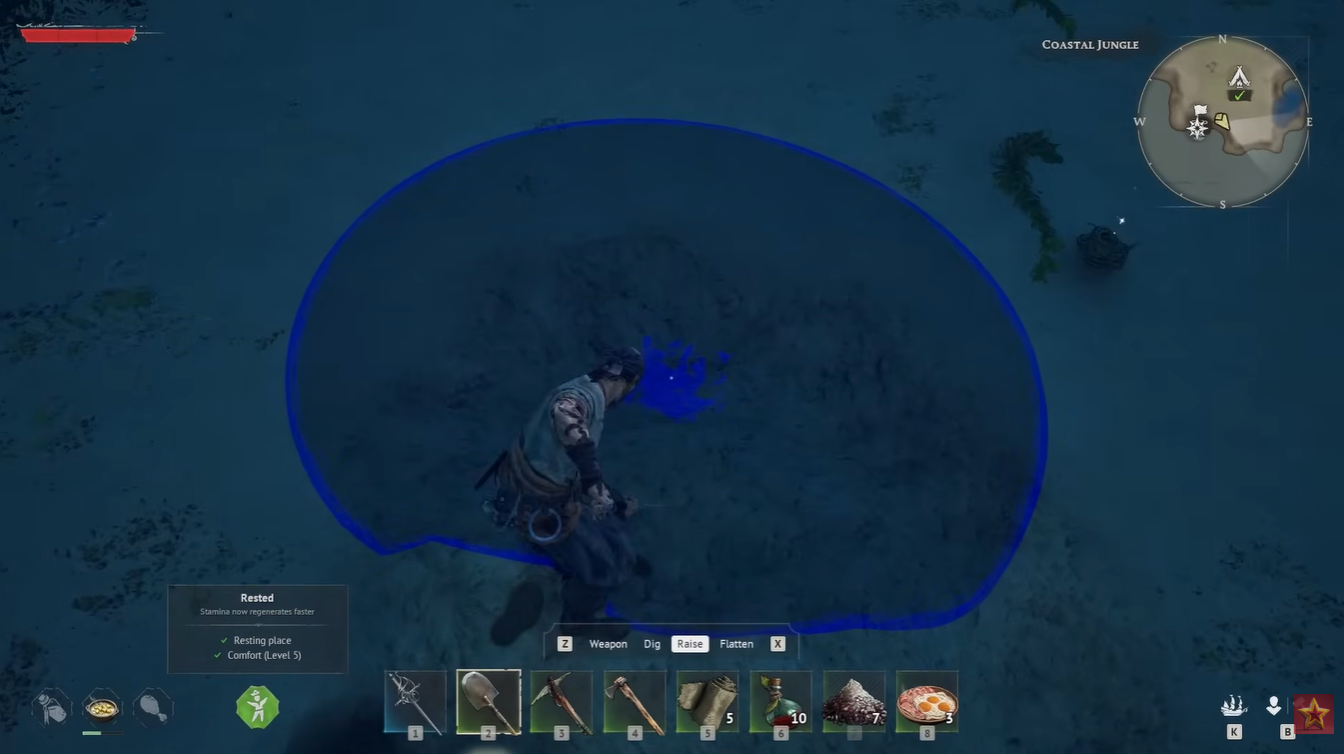
Watch the item disappear as the ground is dug up.
Once completed, the item is permanently deleted and cannot be recovered.
Where this method works best in your gameplay
You can use this method almost anywhere with diggable terrain, making it extremely flexible. It works particularly well around your base, where you often accumulate excess materials, duplicate loot, or outdated gear.
If you’re managing storage or reorganizing your camp, this trick becomes essential. Instead of building extra storage or carrying junk around, you can quickly clear space in seconds.
Common mistakes that can prevent item deletion
One of the most common issues is digging in the wrong spot. If you’re even slightly off, the item will remain on the ground. You may need to adjust your position and try again.
Another issue comes from terrain limitations. Some surfaces may not allow digging, which prevents the method from working. In those cases, simply move the item to a different location.
It’s also important to double-check the item before deleting it, since there is no recovery system once it’s gone.




