Gaming

GTA 6 Wine for Groceries: Wine Rack Location, Buying Steps, and Checkout

Find the wooden wine rack at Key Lento Mini-Mart, buy a $12 bottle, and visit the front checkout counter to complete the GTA 6 wine for groceries shopping errand.

Find the wooden wine rack at Key Lento Mini-Mart, buy a $12 bottle, and visit the front checkout counter to complete the GTA 6 wine for groceries shopping errand.

0 Comments
QUICK ANSWER
Buy wine for $12 from a convenience store’s wooden rack, then speak to the cashier at the front checkout counter.

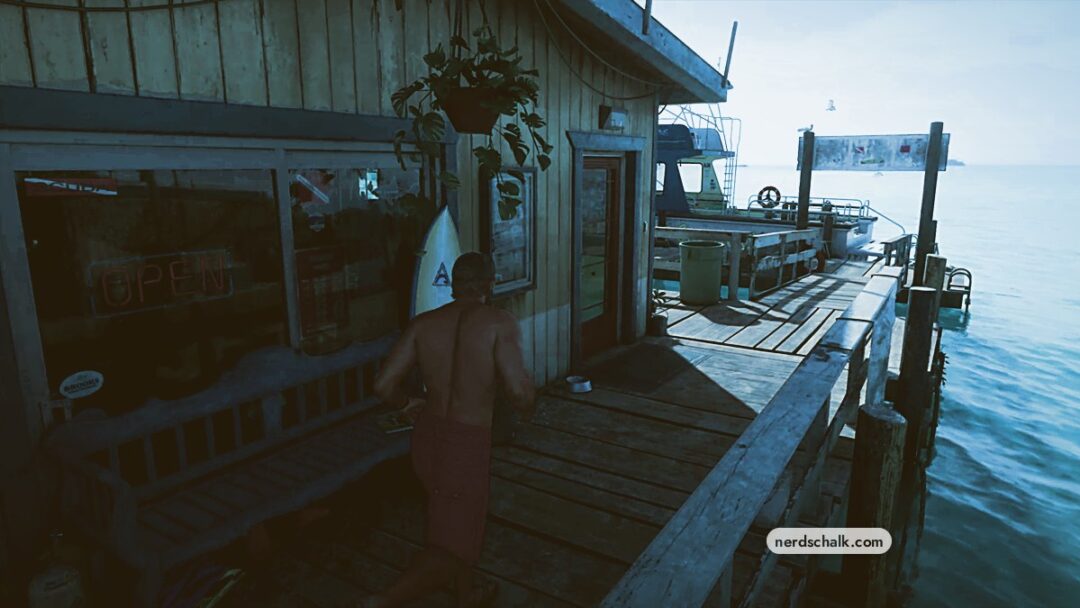
During the grocery errand, you can collect a bottle of wine while shopping. The pictures here show Key Lento Mini-Mart. This guide covers finding its wine rack, collecting a bottle and visiting the checkout.

storeKey Lento Mini-Martwine price$12shelfWooden wine rack

How to buy wine for groceries in Grand Theft Auto VI

STEP 1

Enter the convenience store for groceries

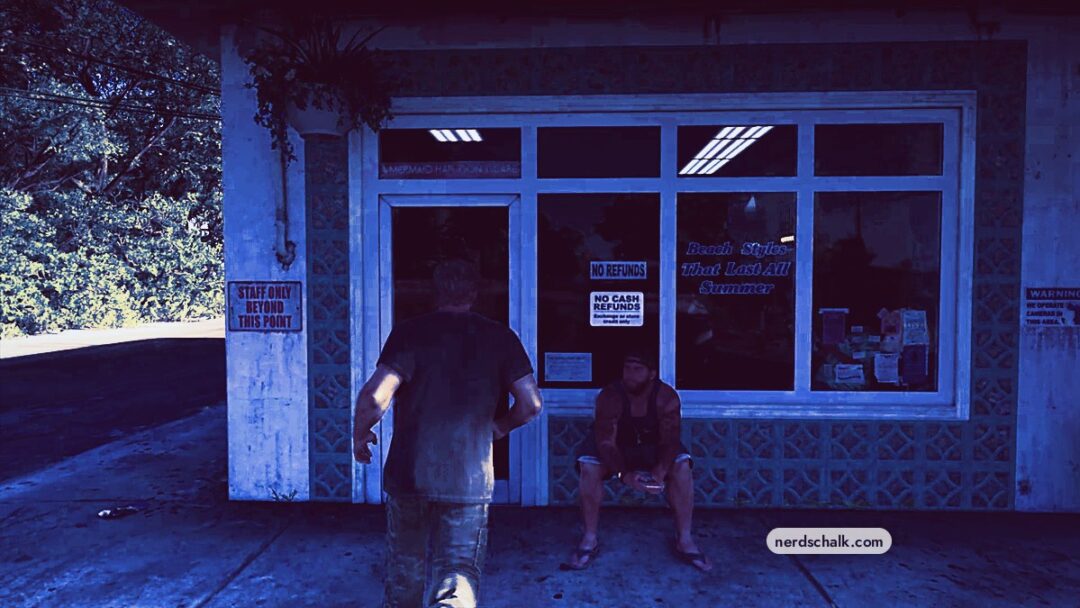
Drive to Key Lento Mini-Mart, park outside and walk through the front doorway to begin shopping.
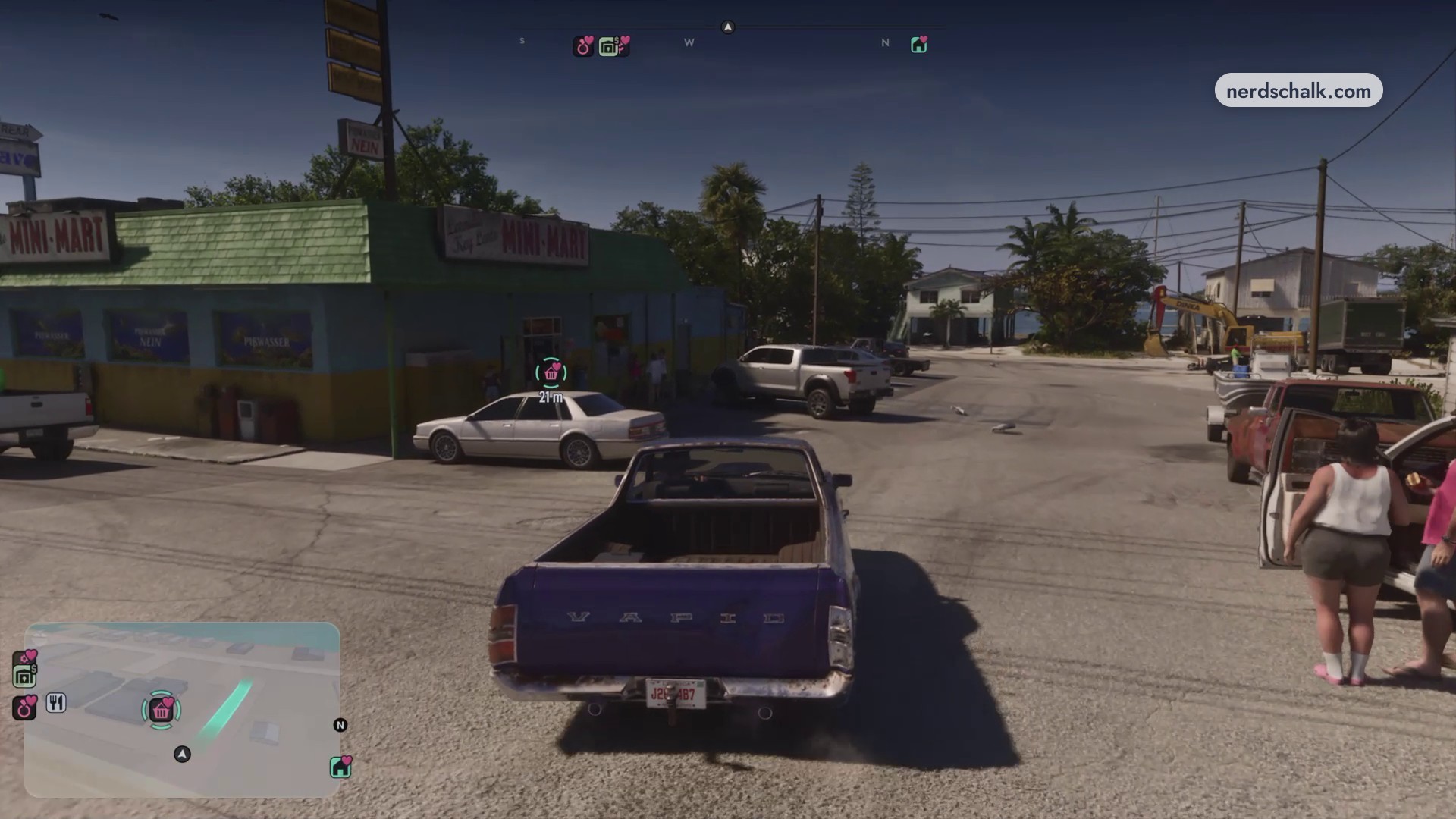
Approach the convenience store for groceries
Approach the convenience store for groceries · Screenshot by NerdsChalk

Head inside, where the objective asks you to buy groceries.
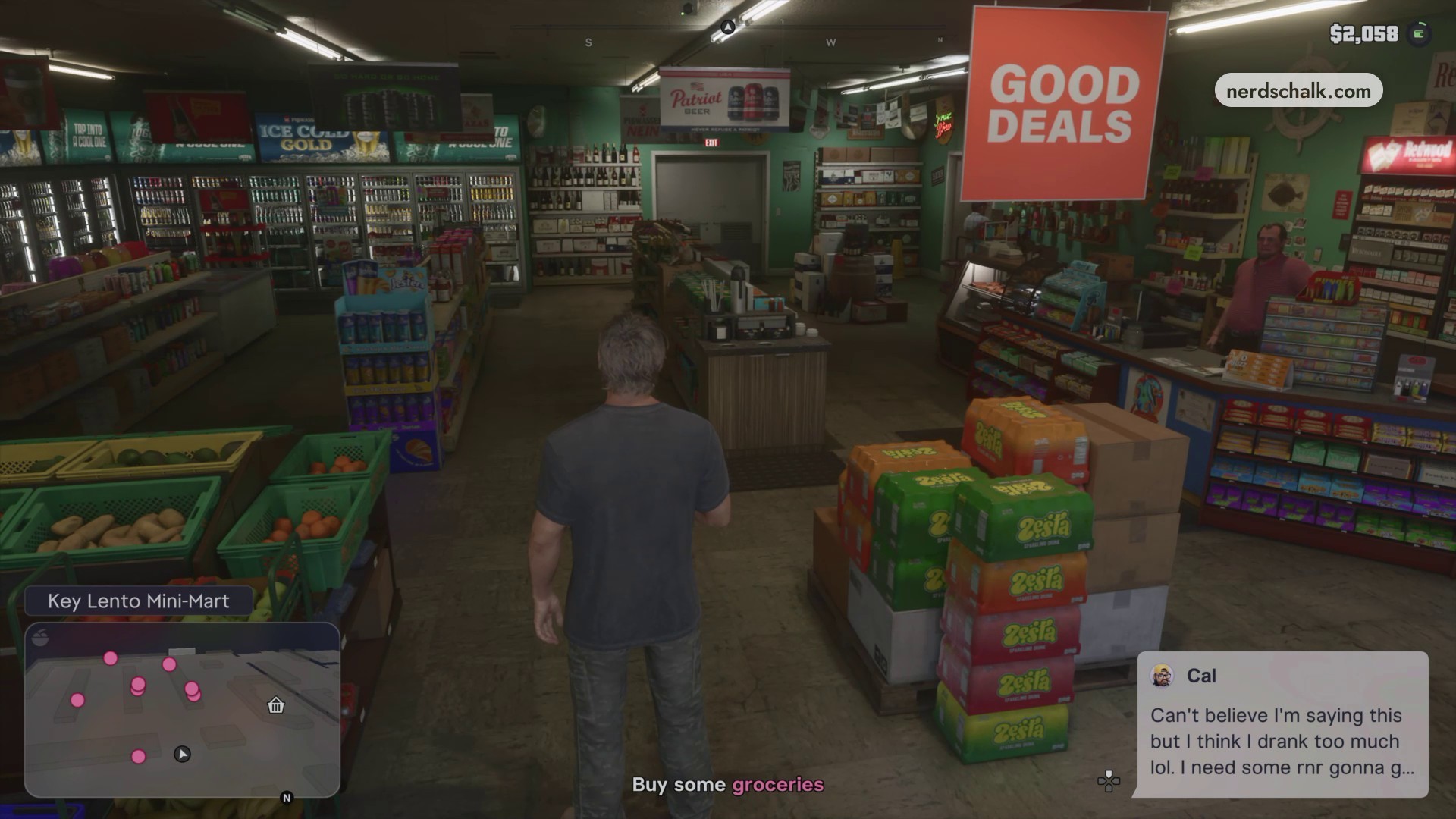
Enter the store for Buy some groceries
Enter the store for Buy some groceries · Screenshot by NerdsChalk
STEP 2

Find the wine rack

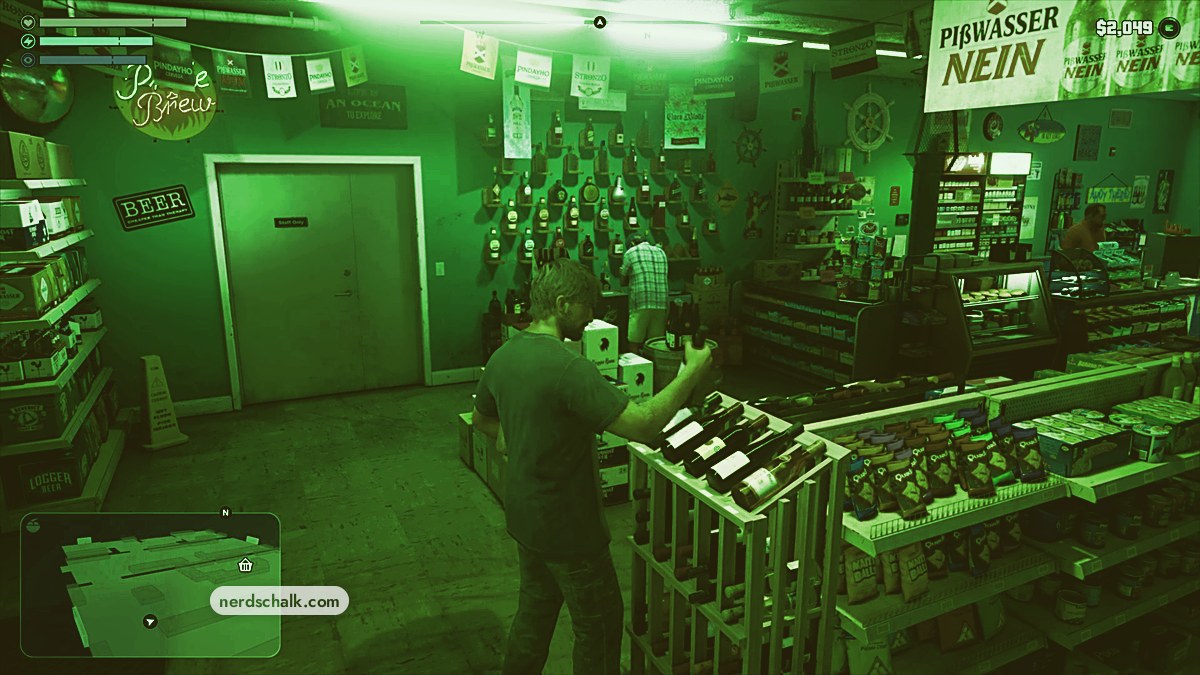
Follow the aisle toward the wooden wine rack standing beside it.
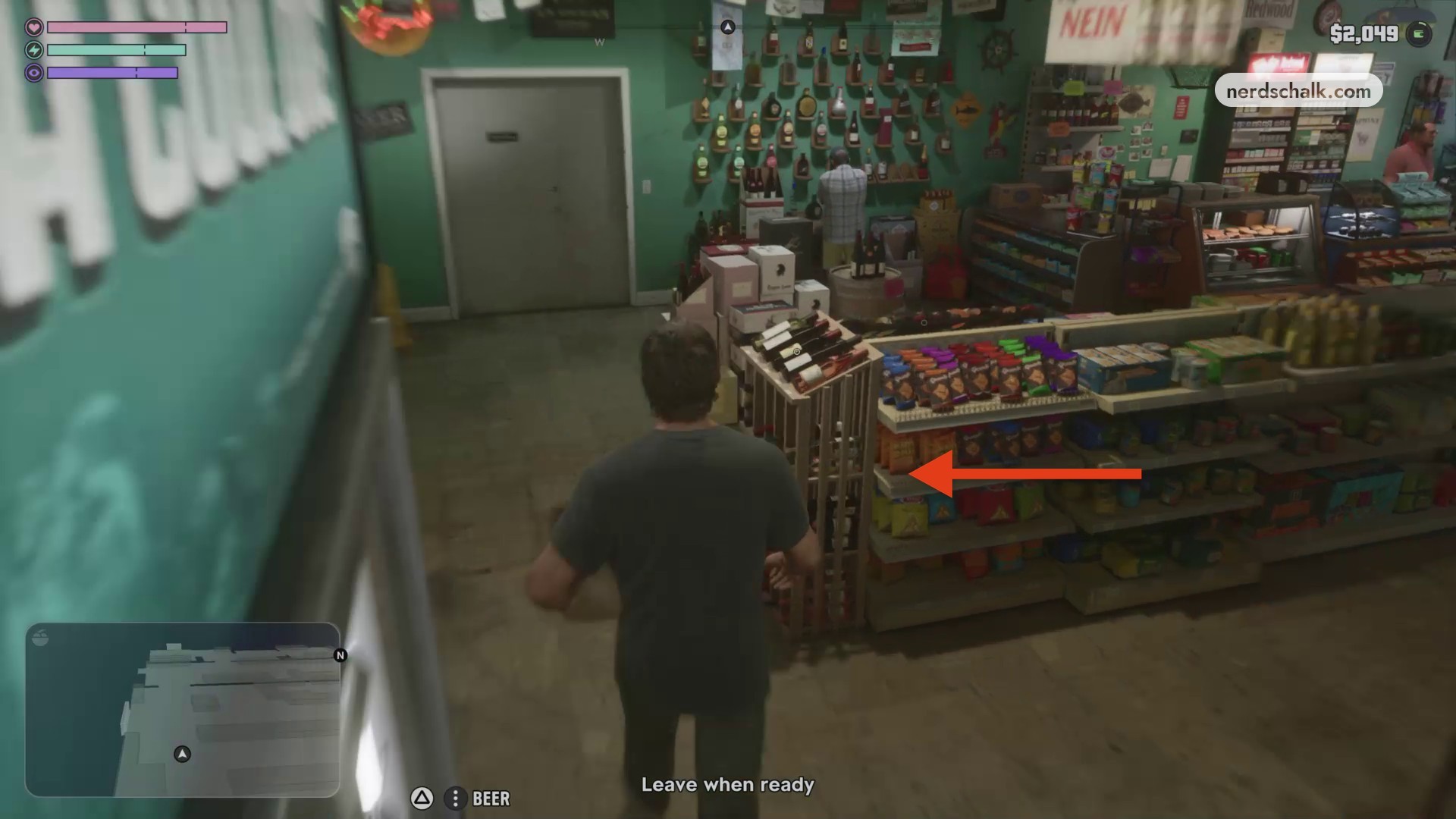
Find the wooden wine rack beside the aisle
Find the wooden wine rack beside the aisle · Screenshot by NerdsChalk

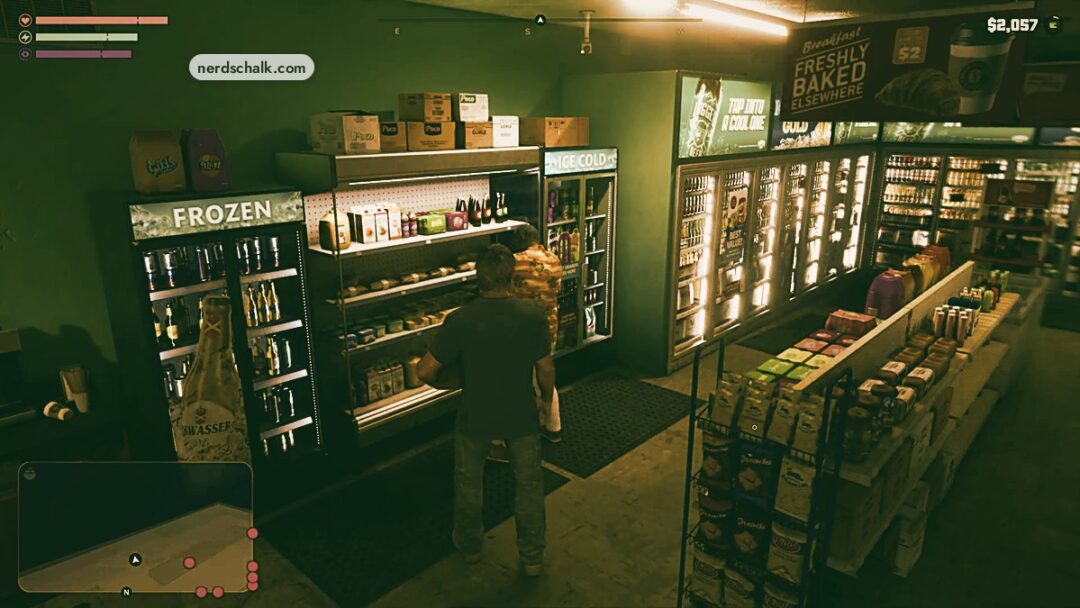
Continue along the aisle toward the wine display. The aisle portion displays Leave when ready. Before buying wine, you have $2,049 in cash.
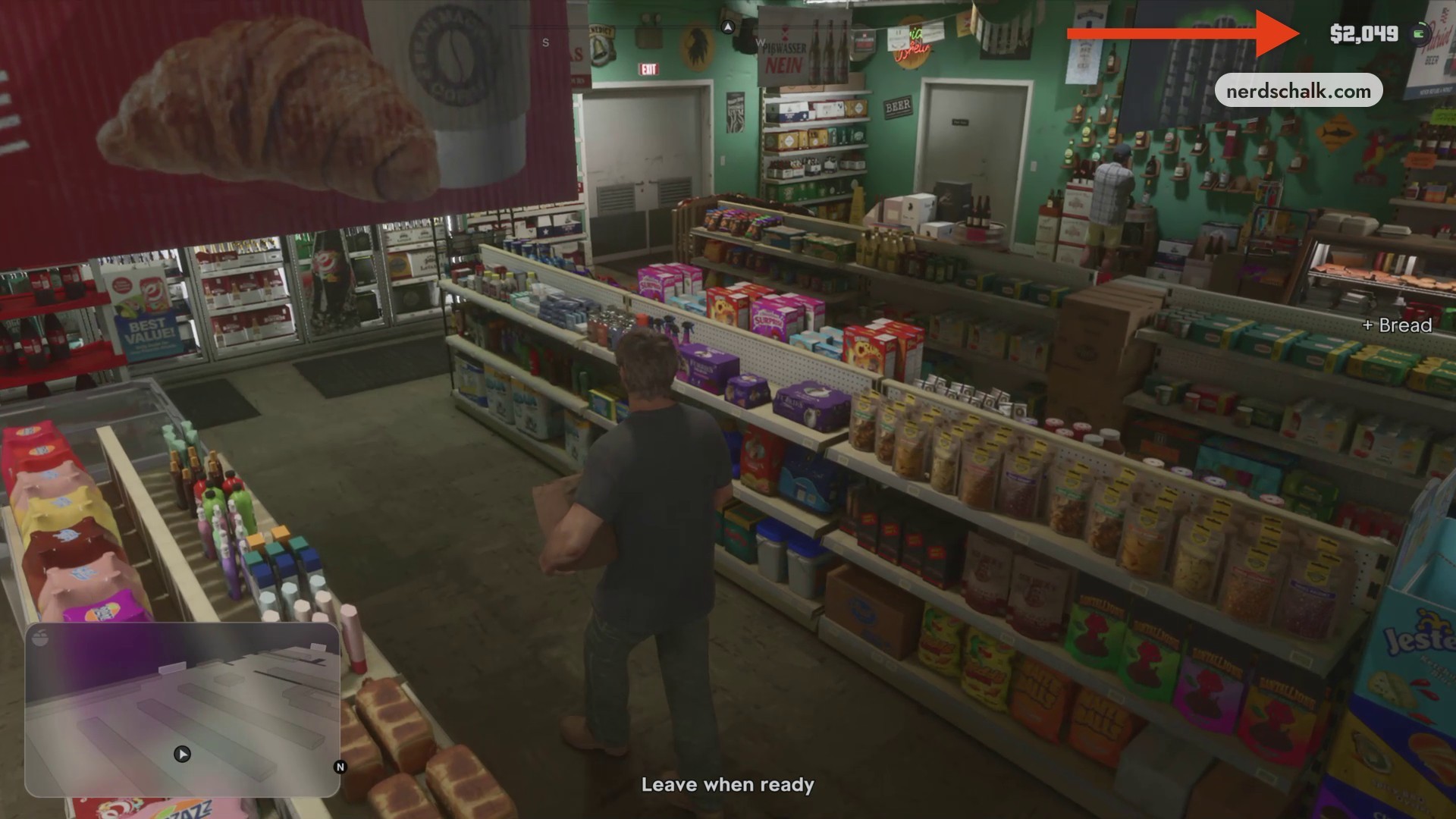
Follow the grocery aisle toward the wine
Follow the grocery aisle toward the wine · Screenshot by NerdsChalk
STEP 3

Collect a bottle of wine

Use the interact button at the rack to pick up a bottle of wine for $12.
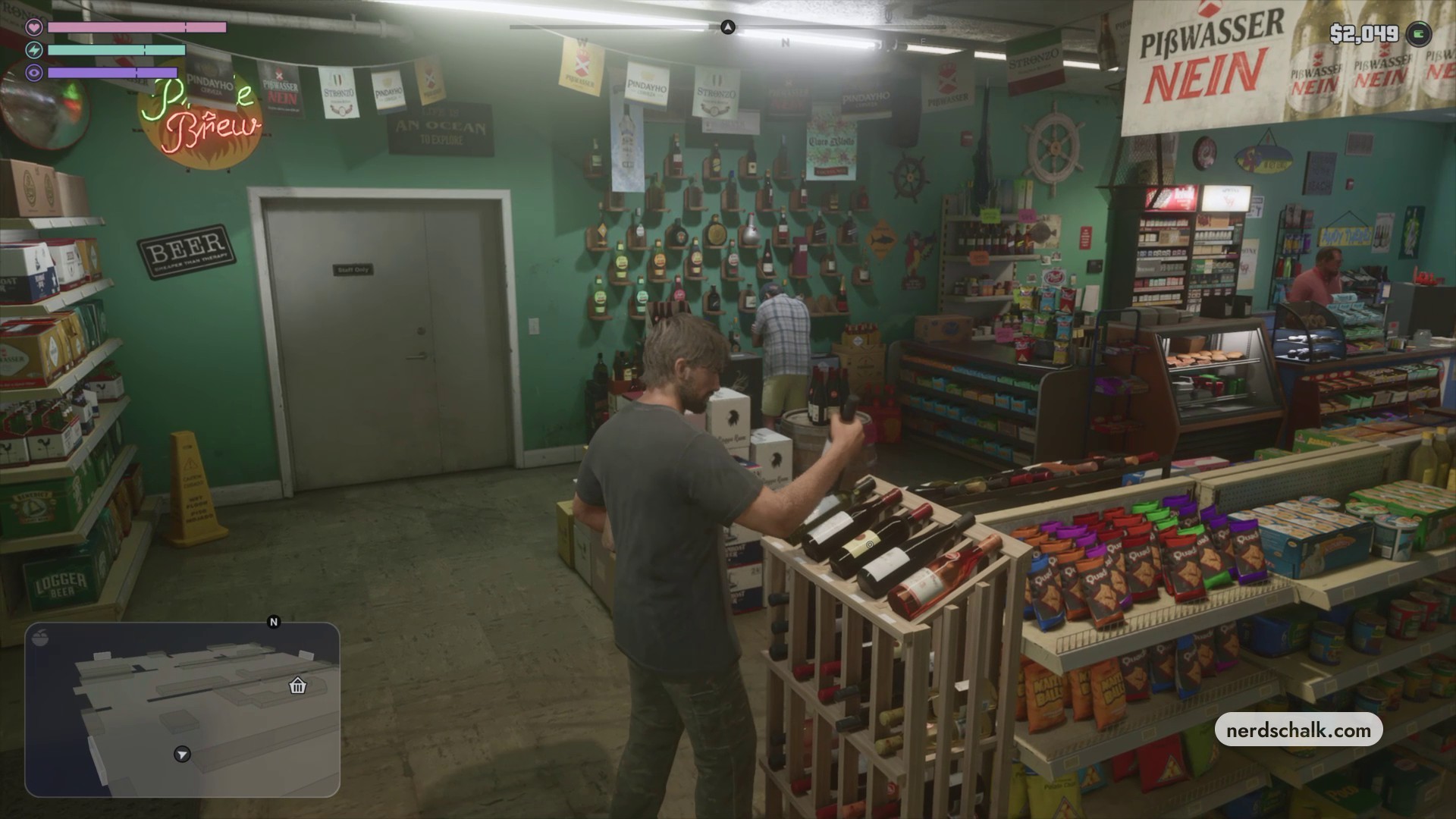
Collect a wine bottle from the rack
Collect a wine bottle from the rack · Screenshot by NerdsChalk
STEP 4

Visit the grocery checkout

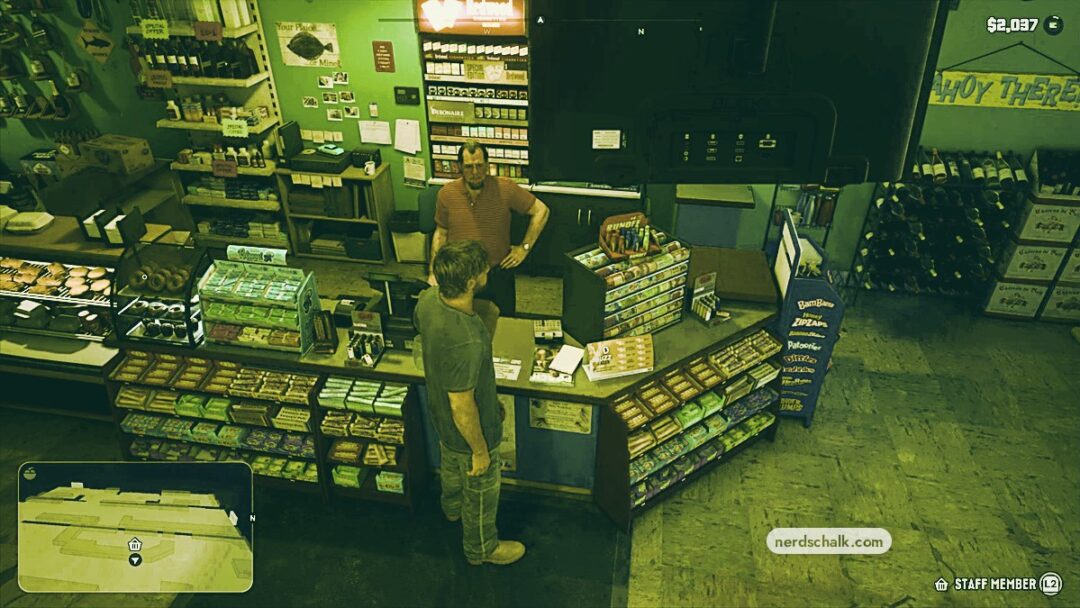
Walk to the checkout counter at the front of the store and speak to the cashier. Talking with the clerk lets you view the available merchandise. The interaction includes BROWSE and GOODBYE options. Afterward, leave the store carrying your grocery bag.
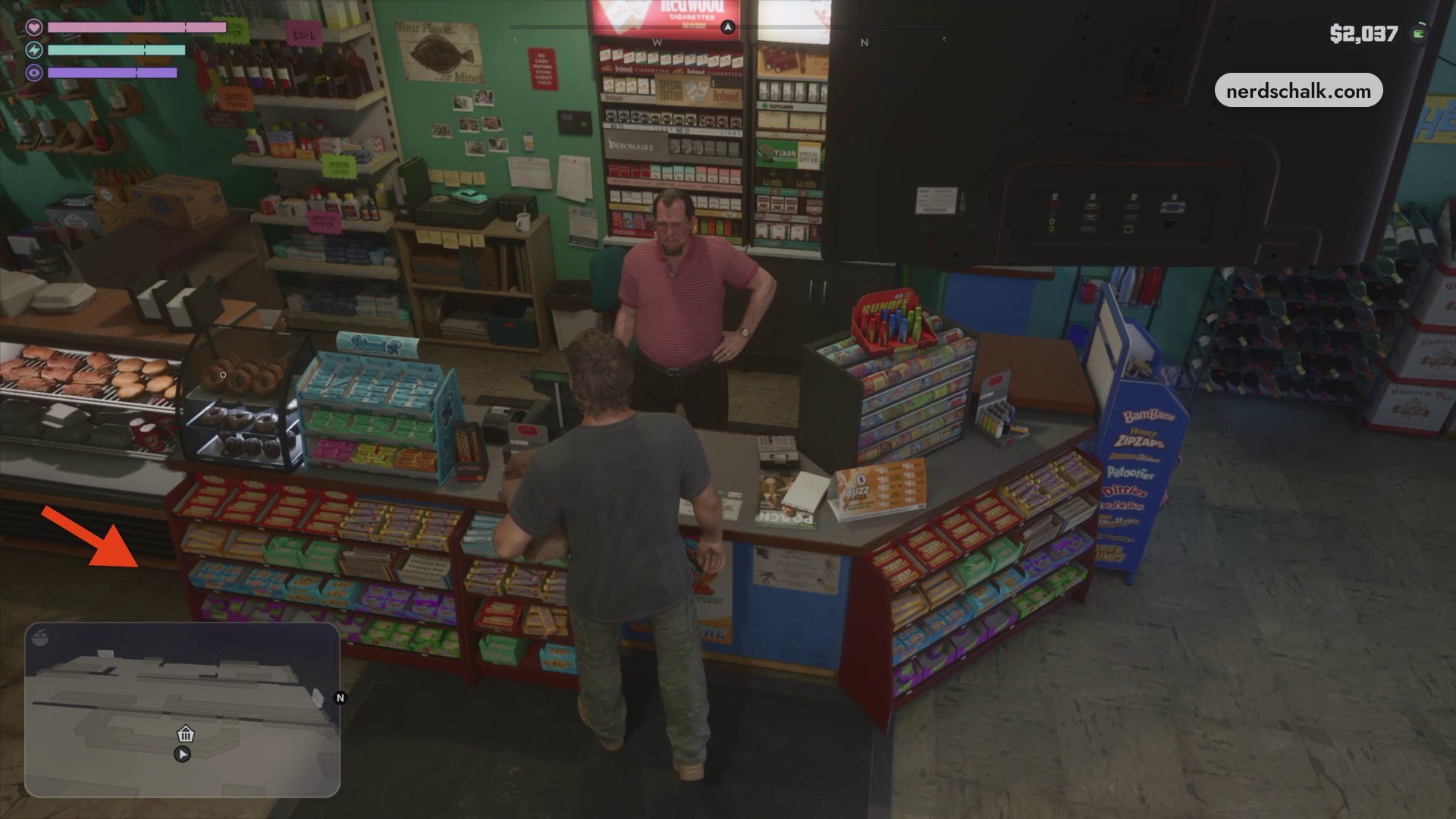
Speak to the cashier at the grocery checkout
Speak to the cashier at the grocery checkout · Screenshot by NerdsChalk

Look for + Wine to confirm you have the bottle. Your remaining cash reads $2,037.
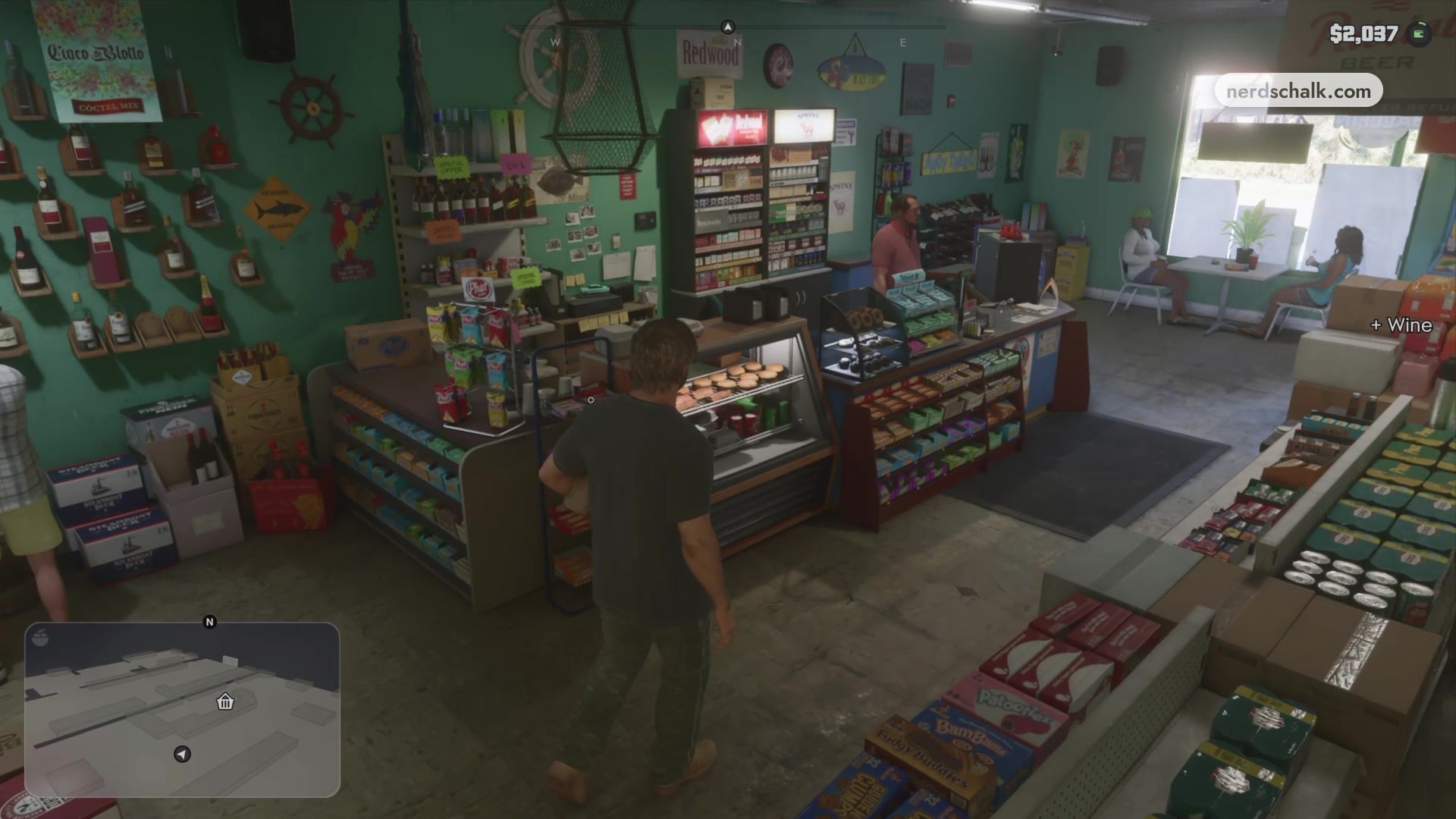
Check the + Wine notification before finishing checkout
Check the + Wine notification before finishing checkout · Screenshot by NerdsChalk

Choose BROWSE or GOODBYE at the counter before leaving with your groceries.
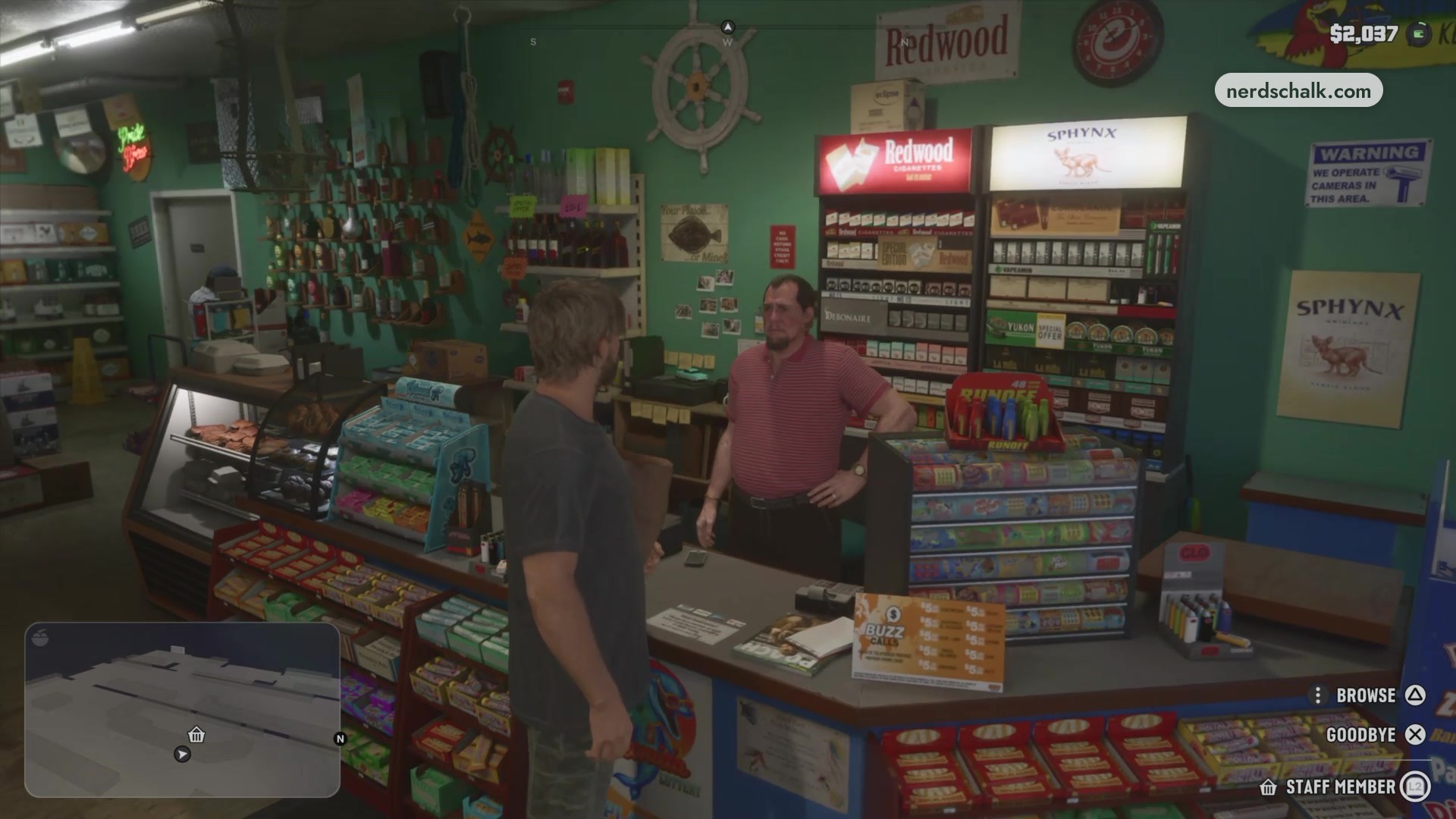
Use the grocery checkout interaction prompts
Use the grocery checkout interaction prompts · Screenshot by NerdsChalk
releaseNovember 19, 2026platformsPlayStation 5, Xbox Series X|SeditionsStandard Edition, Ultimate EditionratingsUS: ESRB M (Mature 17+); Europe: PEGI 18

Related Grand Theft Auto VI guides
Leave a Reply

Your email address will not be published. Required fields are marked *