
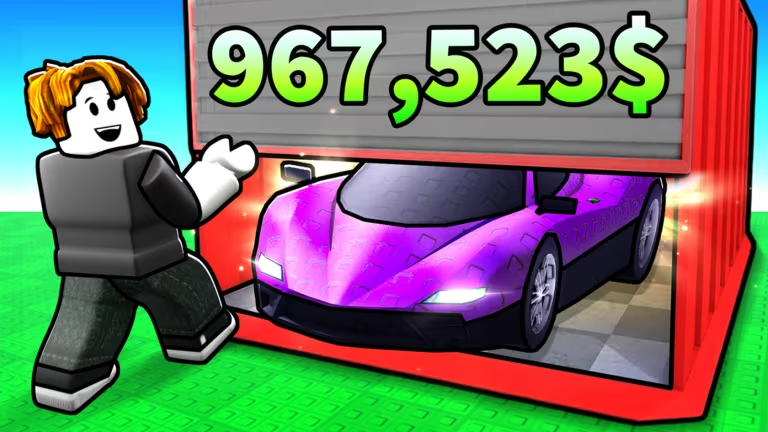
Unbox Your Car is a Roblox experience where you crack open crates to collect cars, and codes are the quickest way to pad your cash balance or grab bonus crates without grinding for them.
Working Unbox Your Car Codes
Here’s every code that’s currently redeemable, along with what you’ll get for typing it in.
ThanksPlain
3 Enchanted Crates
New
welcome
200 Cash and a Cash Potion II
1KLIKES
200 Cash
100LIKES
200 Cash
Codes are case-sensitive, so typing ThanksPlain as “thanksplain” or “THANKSPLAIN” won’t work. Copy and paste each one exactly as shown above to avoid wasting a redemption attempt.
How to redeem codes in Unbox Your Car
You won’t find a redemption page on any website for this one. Codes only work from inside the game, so you’ll need to load in first.
You’ll know it worked the moment your cash total ticks up or a new crate lands in your inventory. If nothing changes after hitting Claim, double-check the spelling and capitalization before trying again.
How to get more Unbox Your Car codes
New codes tend to show up around milestones, like hitting a like or follower goal, or during in-game events. Keeping an eye on the developer’s official Discord server is your best bet for catching new drops as soon as they’re posted. You can also check the Unbox Your Car page on Roblox for any announcements tied to the game itself.
Are these codes free?
Yes. Every code listed here is free to redeem and only requires that you type it in correctly before it expires.
Why didn’t my code work?
The most common reason is a typo or mismatched capitalization, since the redemption box reads codes exactly as entered. If you’ve copied the code correctly and it still won’t claim, it likely means the developer has already turned it off.
Redeeming these codes only takes a minute, and the free cash and crates you get from them make an easy head start whether you’re just picking up the game or already have a garage full of cars.





Leave a Reply