

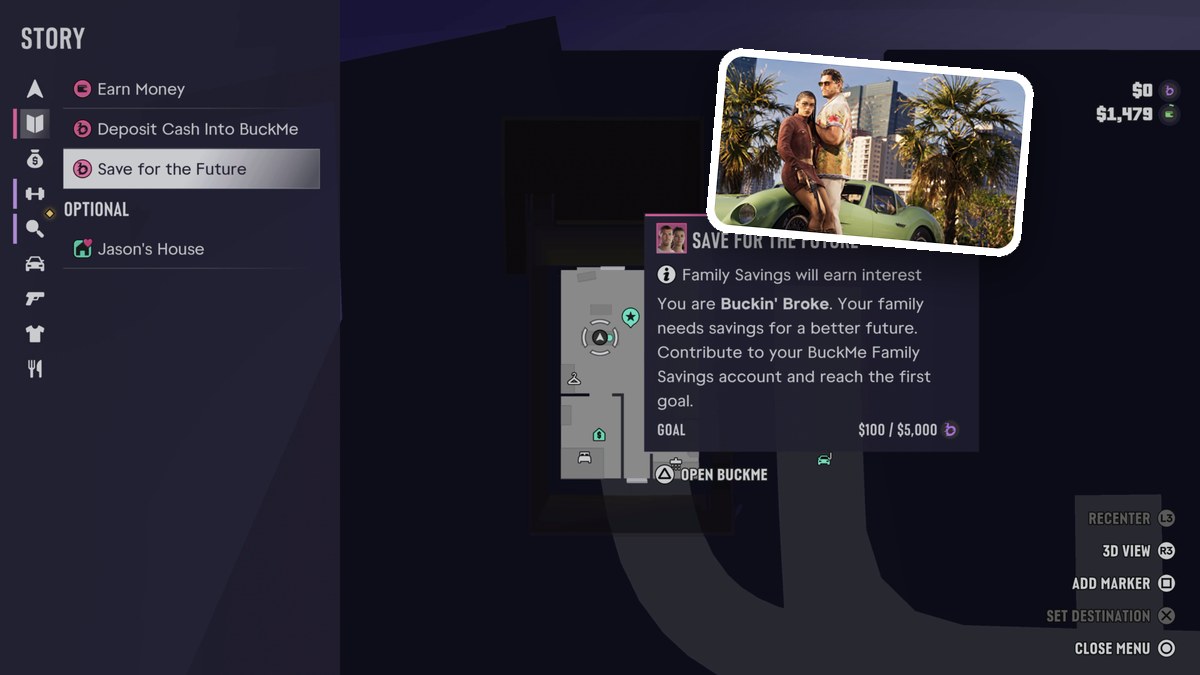
BuckMe Family Savings is the account you contribute to for the Save for the Future objective in Grand Theft Auto VI. Your contributions work toward its first savings goal.
Grand Theft Auto VI’s listed platforms are PlayStation 5 and Xbox Series X|S.
objectiveSave for the Futurefirst savings goal$5,000account benefitEarns interest
How to check BuckMe Family Savings progress in Grand Theft Auto VI
STEP 1
Review your savings progress
Open the pause menu and select Story, then review Save for the Future to read your current savings progress. Its tracker displays $100 / $5,000. The menu also displays an OPTIONAL label.
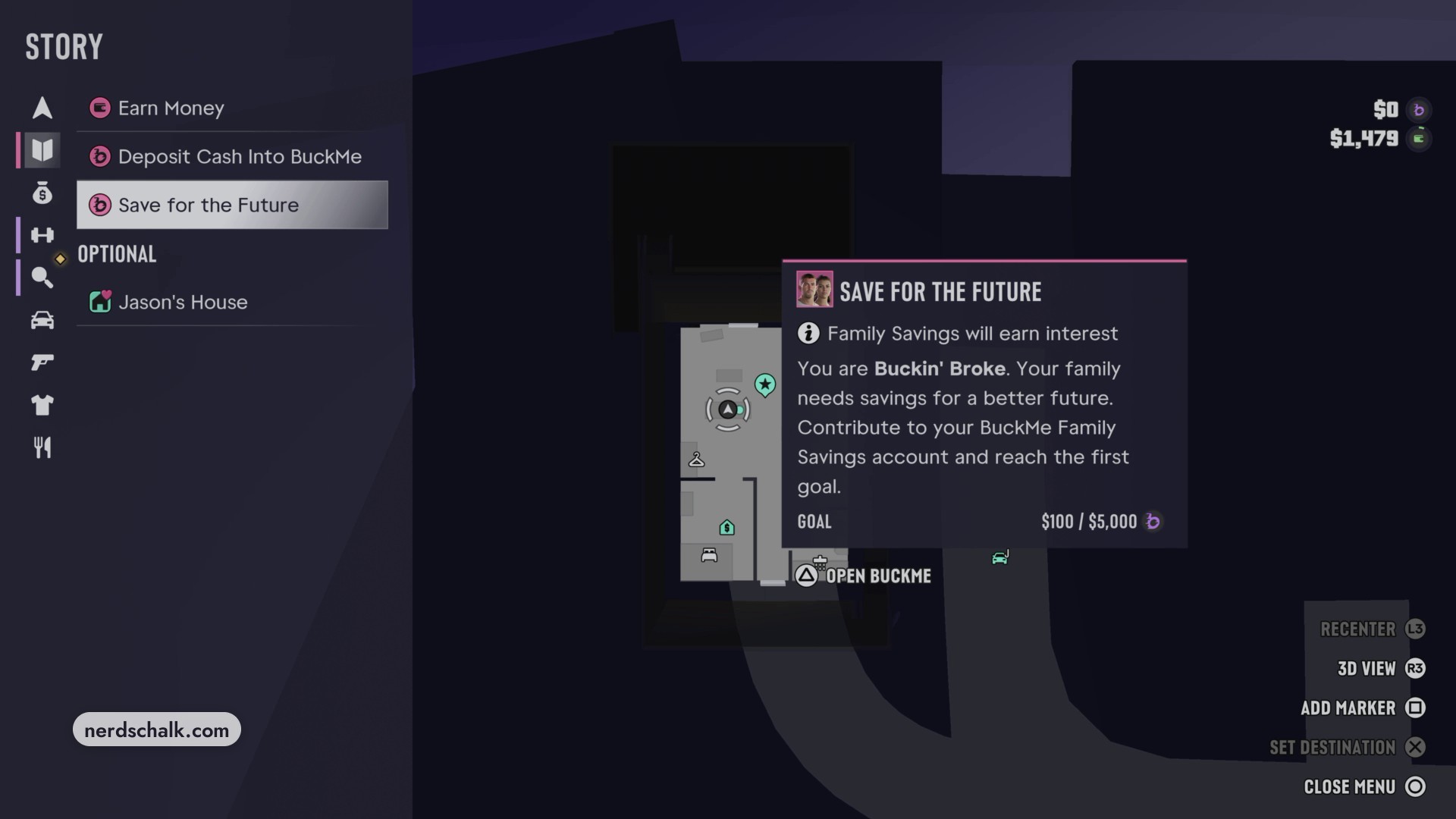
Don’t miss thisFamily SavingsA Family Savings transfer differs from an ATM depositDeposit Cash Into BuckMe asks you to deposit cash into your BuckMe checking account at an ATM. That is a separate action from transferring money into Family Savings.
Related Grand Theft Auto VI guides

Leave a Reply