
Topic
iOS 18
-

How Long Does the iOS 18 Update Take? What You Need to Know
What to know Updating to iOS 18 can take anywhere from 30 minutes to an hour. Several factors determine how long it’ll take for…
-
How to Hide Webpage Items in Safari in iOS 18
What to know iOS 18 has a new ‘Distraction Control’ feature on Safari that lets you select and hide unwanted and distracting items on…
-

Apple Intelligence Won’t Arrive With iOS 18 Launch, Delayed by a Few Weeks
What to know A new Bloomberg report claims Apple Intelligence won’t arrive with the launch of iOS 18. AI features are likely to be…
-
3 Ways to Control How You Share Contacts With Apps in iOS 18
What to know In iOS 18, you can now limit an app’s access to your contacts and decide exactly which contacts an app has…
-

How to Use Journal in iOS 18
What to know Apple’s Journal app is the ideal app for creating journal entries and getting your thoughts down. Apart from adding photos, videos,…
-
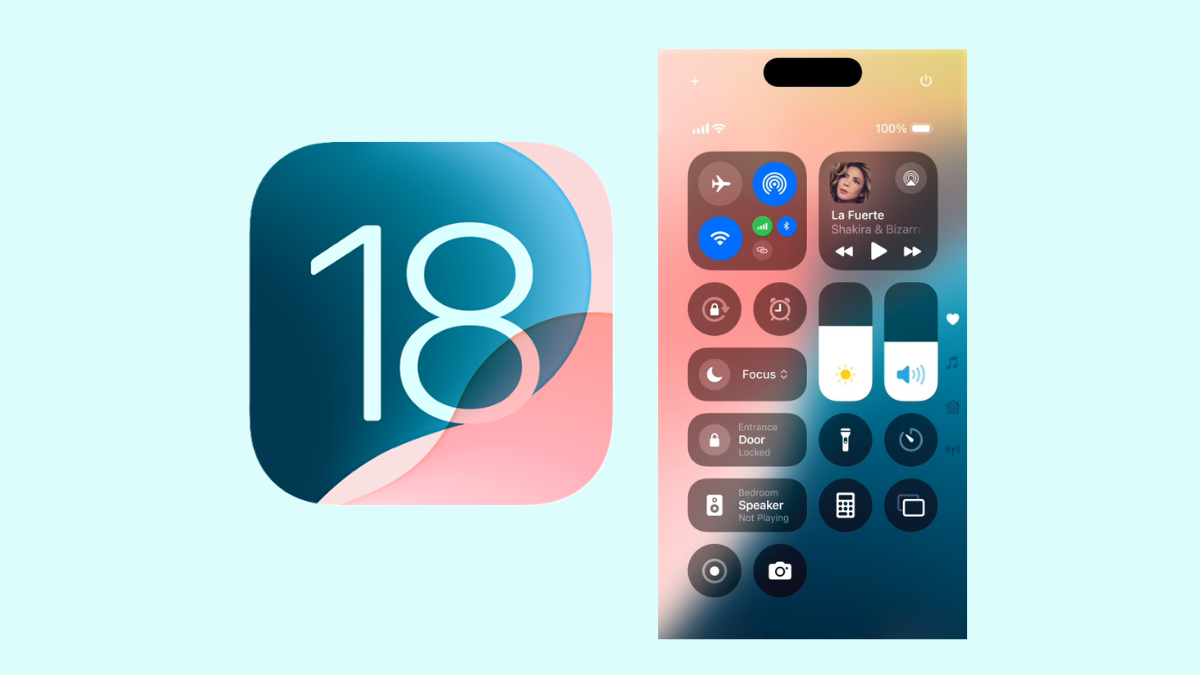
How to Customize Control Centre on Your iPhone With iOS 18
What to know The Control Center in iOS 18 has been revamped to allow for greater customizations. There are now three control center screens…
-
How to Search Your Calls in iPhone in iOS 18
What to know The Phone app’s ‘Recents’ tab in iOS 18 now has a ‘search’ field that lets you search for contacts and look…
-
How to Use Passkeys in Apple’s Passwords App on Your iPhone
What to know Passkeys provide a safer, faster alternative to traditional means of signing into apps, websites, and services. The Passwords app in iOS…
-

What to Know Before Installing iOS 18 Public Beta and How to Do It
What to know The public beta of iOS 18 is here and you can get it on your iPhone today. But before you install…
-
How to Find Compromised Passwords and Weak Passwords in Apple Passwords App
What to know Find compromised passwords and weak passwords from the Passwords app > Security. You can also open the ‘All’ section and look…
-
5 Reasons to NOT Use Apple’s Passwords App Just Yet
What to know The new Passwords app in iOS 18 has several limitations and missing features usually found on password manager apps. The Passwords…
-

iOS 18 Has a New ‘Dynamic’ Wallpaper That Changes Throughout the Day
What to know iOS 18 has a dynamic wallpaper that cycles through available styles and changes throughout the day. Access ‘Dynamic’ wallpaper by long…
-

How to Turn On Eye Tracking in iOS 18
What to know Eye Tracking is a new accessibility feature on iOS 18 that lets you use your iPhone with only your eyes. Enable…
-

How to Add Multiple Websites to a Single Login in iOS 18
What to know The Password app on iOS 18 lets users add multiple websites for the same password. The feature lets you pair several…
-

How to Delete Songs in Bulk in Apple Music With the iOS 18 Update
What to know Apple Music in iOS 18 allows bulk deletion of songs in playlists. To delete songs in bulk, open the playlist and…
-
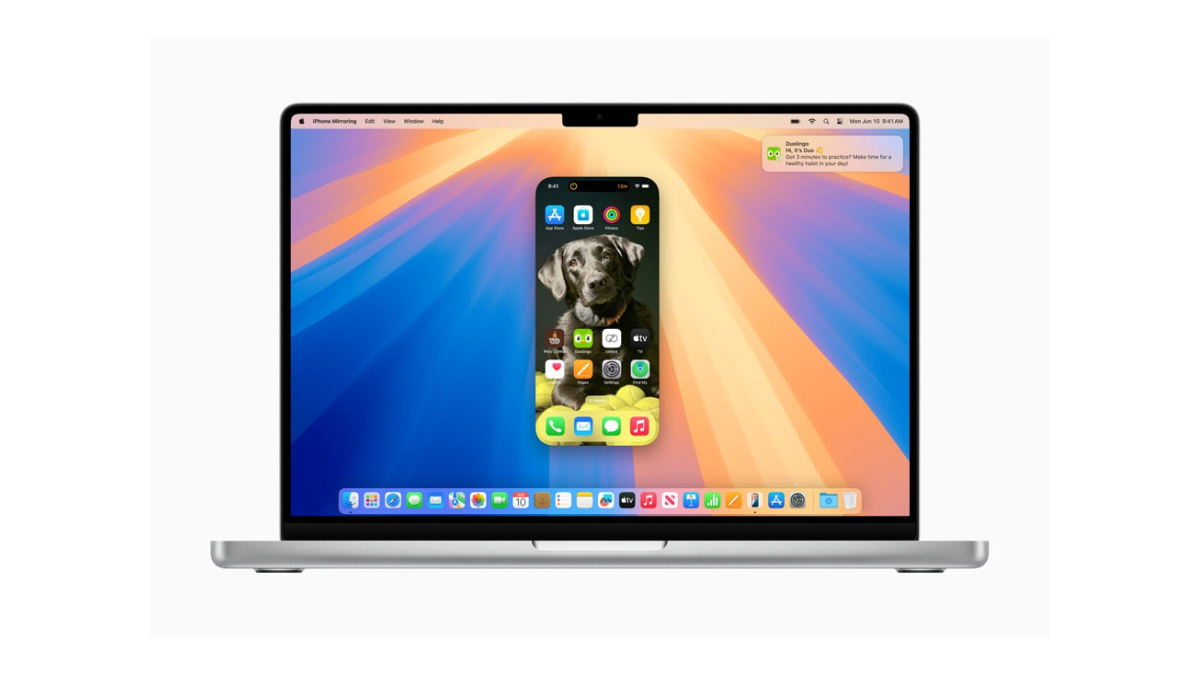
iPhone Was Used From Mac: What Does It Mean in iOS 18 and Why Am I Seeing It
What to know Your iPhone will show the “iPhone was used from Mac” message when it’s been used for mirroring on a Mac. The…
-
How to Switch Cellular Data Line in iOS 18
What to know From the ‘Control Center’, long press on the cellular data option to choose between two data lines. You can also set…
-
iOS 18 Lets You Use Your Personal Voice for VoiceOver and Spoken Content
What to know You can use your Personal Voice as one of the voices for VoiceOver and Spoken Content on iOS 18. Both accessibility…
-

iOS 18 (Finally!) Lets You Search Within an Area in Apple Maps
What to know Apple Maps in iOS 18 introduces a new “Search Here” button, allowing users to search for locations in specific areas outside…
-

How to Turn Off RCS on Your iPhone in iOS 18
What to know Apple has introduced RCS messaging with the iOS 18 update. You can turn off RCS from Settings > Apps > Messages…