
Topic
-

Android 16 will let you add rain, snow, and other weather effects to your photos
Google’s upcoming Android 16 introduces AI-powered weather effects that can transform your photos with realistic rain, snow, and other atmospheric conditions.
-

Google adds mobile data option to Quick Share on Android, making file transfers easier
Google is rolling out a new ‘Use mobile data’ option for Quick Share on Android, allowing users to share files without Wi-Fi. This update…
-

Google plans to show ads in AI search results starting next month
Google announced it will begin displaying advertisements in its AI-powered search results next month, marking a significant shift in how the company monetizes its…
-

Google co-founder admits Google Glass failures in rare public reflection
Sergey Brin acknowledges multiple mistakes with Google Glass, including poor timing, inadequate technology, and privacy concerns that led to the product’s commercial failure.
-

Google launches NotebookLM mobile app for research and note-taking
Google has released the NotebookLM mobile app, bringing its AI-powered research and note-taking tool to smartphones. The app is now available for both Android…
-
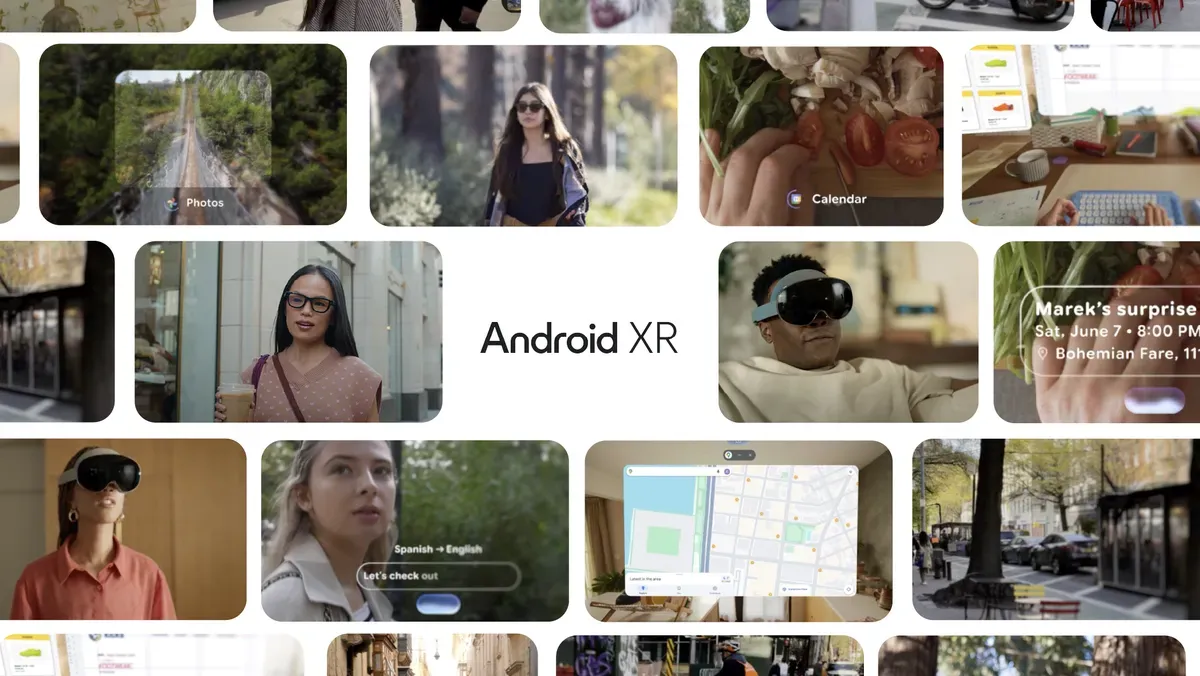
Google Unveils Smarter Glasses to Compete With Meta in Wearable Tech
Google is developing advanced smart glasses to rival Meta, focusing on improved AI features and user experience. The move intensifies competition in the wearable…
-
Google’s AI Search Mode Rolls Out To Millions Of Users Starting Today
Google launches its AI-powered search experience to millions of users in the US, with plans for global expansion. The new AI Mode offers conversational…
-

Android 16 QPR1 Beta 1 rolls out with Material 3 Expressive design refresh
Google launches Android 16 QPR1 Beta 1 with Material 3 Expressive design, bringing customizable color schemes and improved animations to eligible Pixel devices.
-
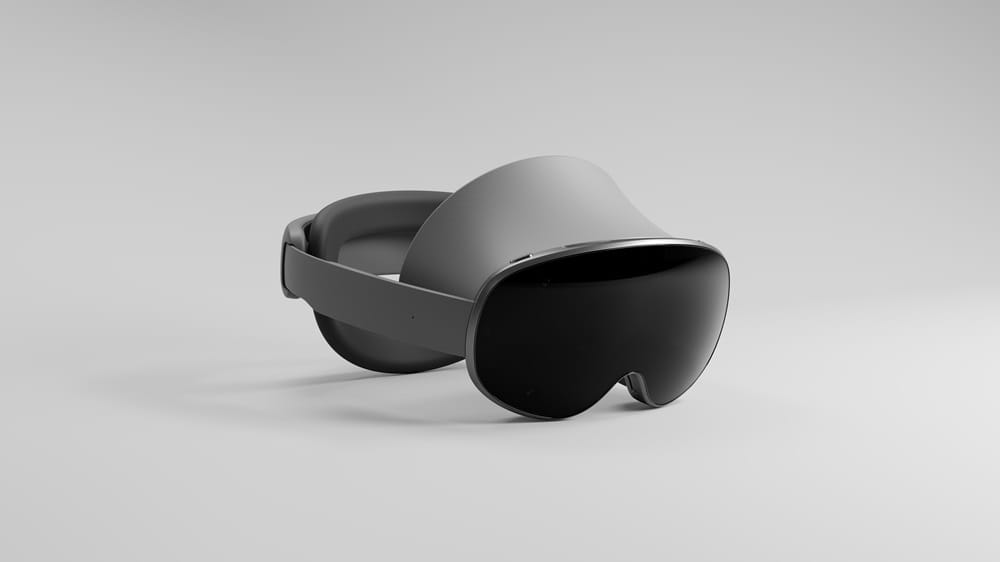
Samsung XR headset to launch in late 2025, Google confirms at I/O event
Google has officially confirmed at its I/O 2025 event that Samsung’s highly anticipated XR headset will launch later this year, marking Samsung’s entry into…
-
Android Auto will soon let you browse the web directly from your car’s dashboard
Google is adding web browsing capabilities to Android Auto, allowing drivers to access websites directly from their car’s dashboard when parked, with safety measures…
-
Google’s new AI Mode quietly launches with little fanfare amid safety concerns
Google has rolled out its new AI Mode with minimal promotion, raising questions about the company’s confidence in the feature amid ongoing concerns about…
-

Google unveils Flow AI tool to simplify video creation for everyone
Google introduces Flow, an AI-powered tool that helps users create videos easily. Flow was announced at Google I/O 2024 and aims to make video…
-
Google Search Moves Toward AI Mode as the Next Big Step
Google is introducing AI Mode in Search, signaling a major shift in how users will interact with information online. The new mode aims to…
-

Google brings Gemini AI to Chrome for millions of users
Google is integrating its Gemini AI into Chrome, offering new features and assistance directly in the browser. The rollout will reach millions of users…
-

Google introduces AI-powered virtual try-on for clothes in 2025
Google will let you use AI to virtually try on clothes before buying. The new feature aims to make online shopping more accurate and…
-

Circle to Search expands text search to your whole screen
Google’s Circle to Search now lets you select and search text from anywhere on your screen, not just images or specific apps. This update…
-

Android Auto 14.3 update now rolling out to more users
Android Auto 14.3 is now widely rolling out, bringing bug fixes and stability improvements. Users can expect a smoother experience as the update reaches…
-

Gemini makes it easier to analyze GitHub projects with new update
Google’s Gemini chatbot now offers improved tools for analyzing GitHub projects, making it simpler for users to review code, understand repositories, and get insights…
-
Google experiments with replacing I’m Feeling Lucky with new AI Mode button
Google is testing a new ‘AI Mode’ button on its homepage, replacing the classic ‘I’m Feeling Lucky’ feature. The change is currently visible to…
-
Gemini AI will soon expand to TVs and cars as Google plans broader rollout
Google’s Gemini AI is set to expand beyond phones and computers, with plans to bring the technology to TVs, cars, and more devices in…