

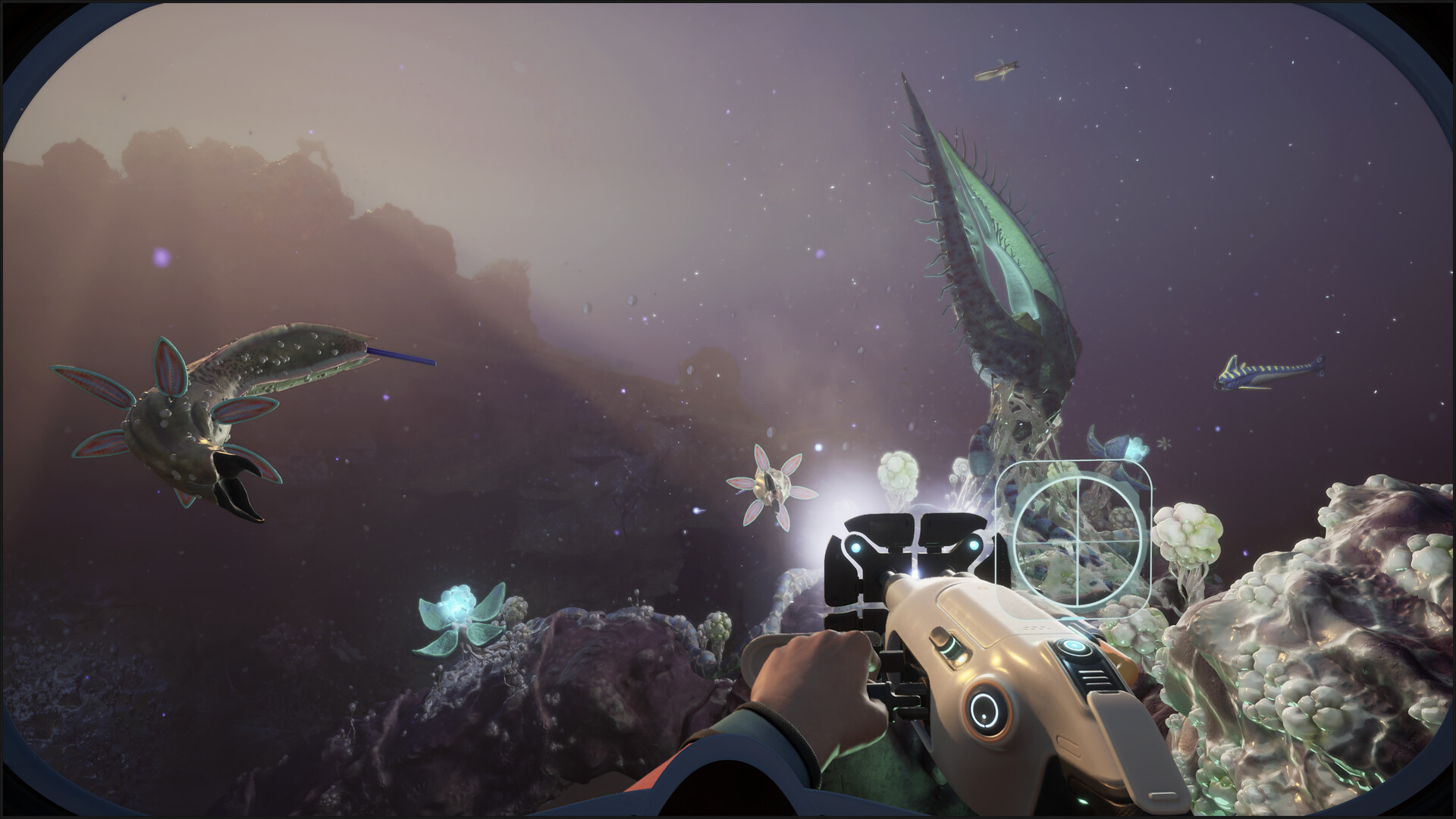
What to know
- The Processor blueprint is found inside the Old Habitat wreck area in Subnautica 2.
- The location sits roughly 320–350 meters north of the starting Lifepod and about 320 meters deep.
- You must enter through the lower hatch and check the immediate right-side room.
- Scanning the Processor helps unlock advanced base room functionality and progression systems.
After unlocking the Habitat Builder and surviving the early hours of exploration, you will eventually need the Processor blueprint to expand your underwater base options in Subnautica 2. Many players miss this blueprint because it is hidden inside a deeper abandoned habitat structure that requires careful oxygen management and navigation.
The good news is that the Processor is available relatively early if you know exactly where to look.
| Quick Overview | Details |
|---|---|
| Blueprint | Processor |
| Main Use | Unlocks room/base progression |
| Location | Old Habitat |
| Distance from Lifepod | Around 320–350m north |
| Depth | Approximately 320m |
| Entry Point | Lower hatch |
| Exact Spot | Immediate right-side room |
| Recommended Gear | Standard Air Tank, Scanner, Air Bladder |
Subnautica 2 Processor blueprint location
In Subnautica 2, you can get the Processor in Old Habitat.
The Old Habitat can be found north of your starting Lifepod, sitting inside a deeper trench system. The structure rests around 320 meters below sea level, so you will need improved oxygen capacity before attempting the dive.
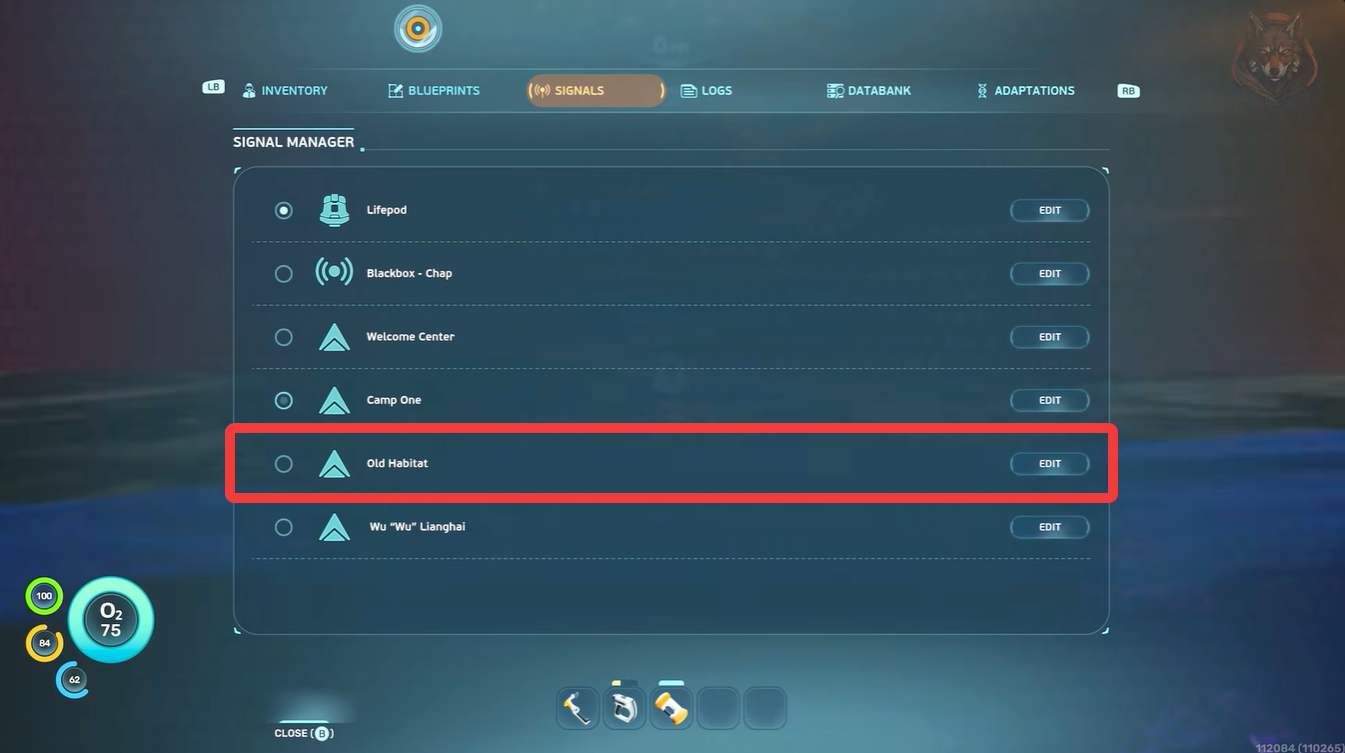
As you swim away from the Lifepod heading north, you will eventually notice older colony wreckage and damaged habitat structures embedded into the rocky terrain. The habitat itself is partially intact and contains several rooms with collectible technology.
The Processor is specifically located in the lower hatch section of this habitat.
Preparing before diving to the Processor location
Before attempting the trip, you should prepare for a longer underwater dive. The depth alone makes oxygen management the biggest challenge during this expedition.
A Standard Air Tank is highly recommended, and bringing an Air Bladder can help you escape quickly if oxygen becomes low. Many players also craft the Wakemaker/Wavemaker early to improve underwater travel speed. A Scanner is mandatory because you must scan the Processor to unlock its blueprint.
| Recommended Equipment | Why You Need It |
|---|---|
| Scanner | Required to unlock blueprint |
| Standard Air Tank | Extra oxygen capacity |
| Air Bladder | Emergency ascent |
| Seaglide/Wavemaker | Faster travel |
| Medkits | Safety during deep exploration |
How to get the Processor blueprint in Subnautica 2
Step 1
Start from your Lifepod and swim toward the north/northeast region. Keep moving until you locate deeper crater terrain and abandoned colony structures.
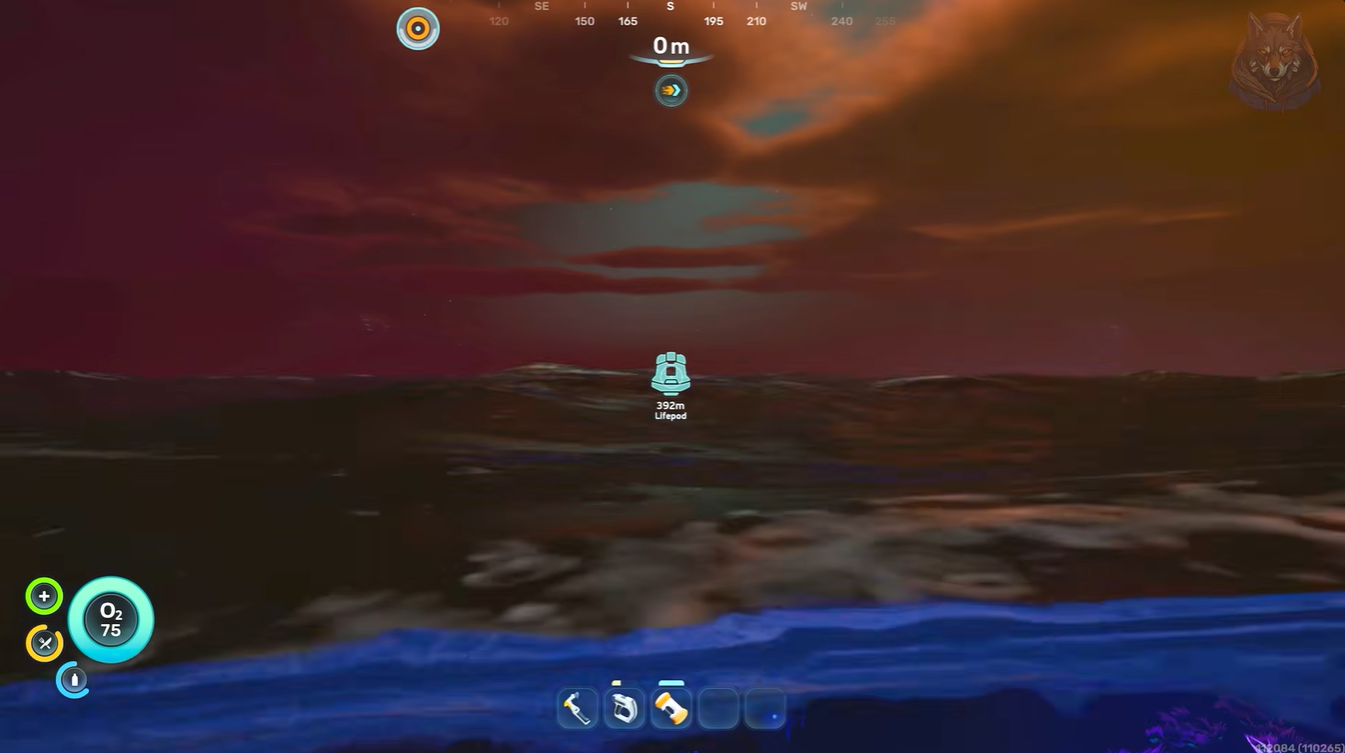
Step 2
Descend carefully into the trench area. You will eventually spot the partially destroyed Old Habitat sitting against the terrain at around 320 meters depth.
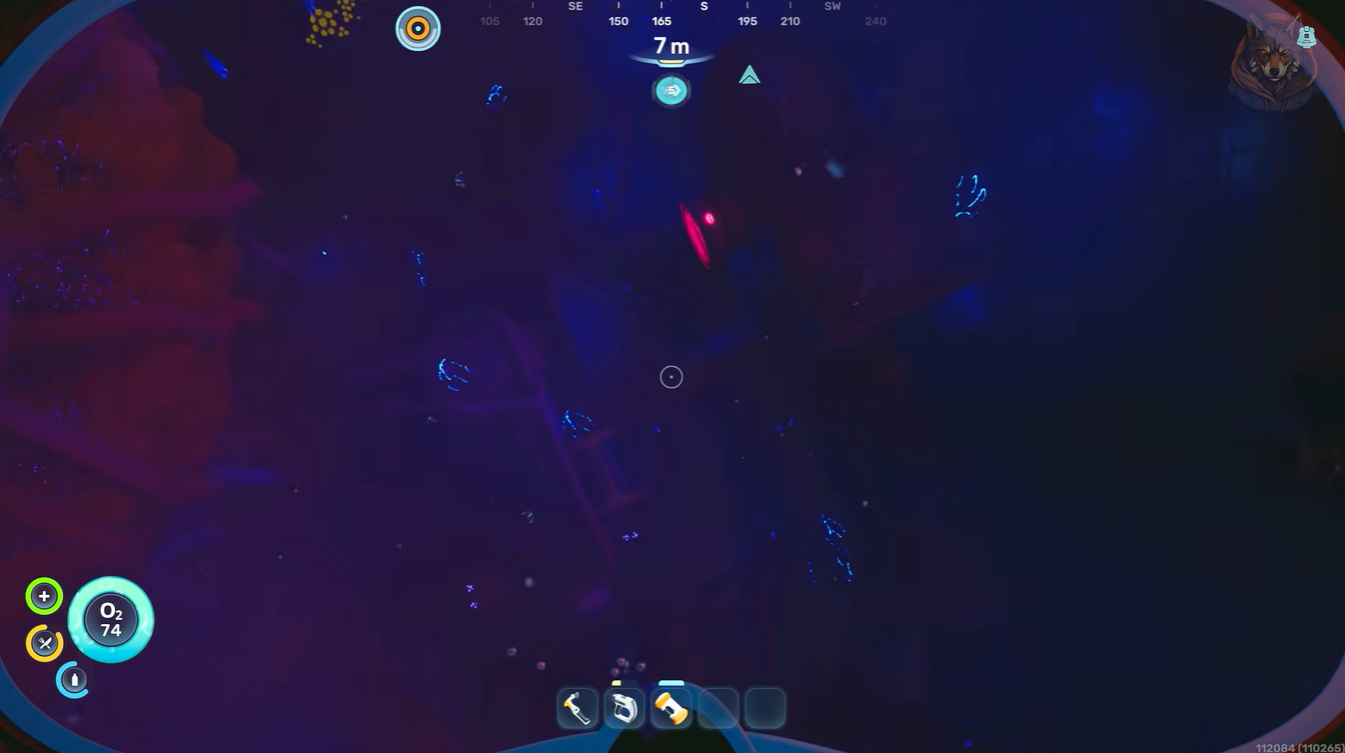
Step 3
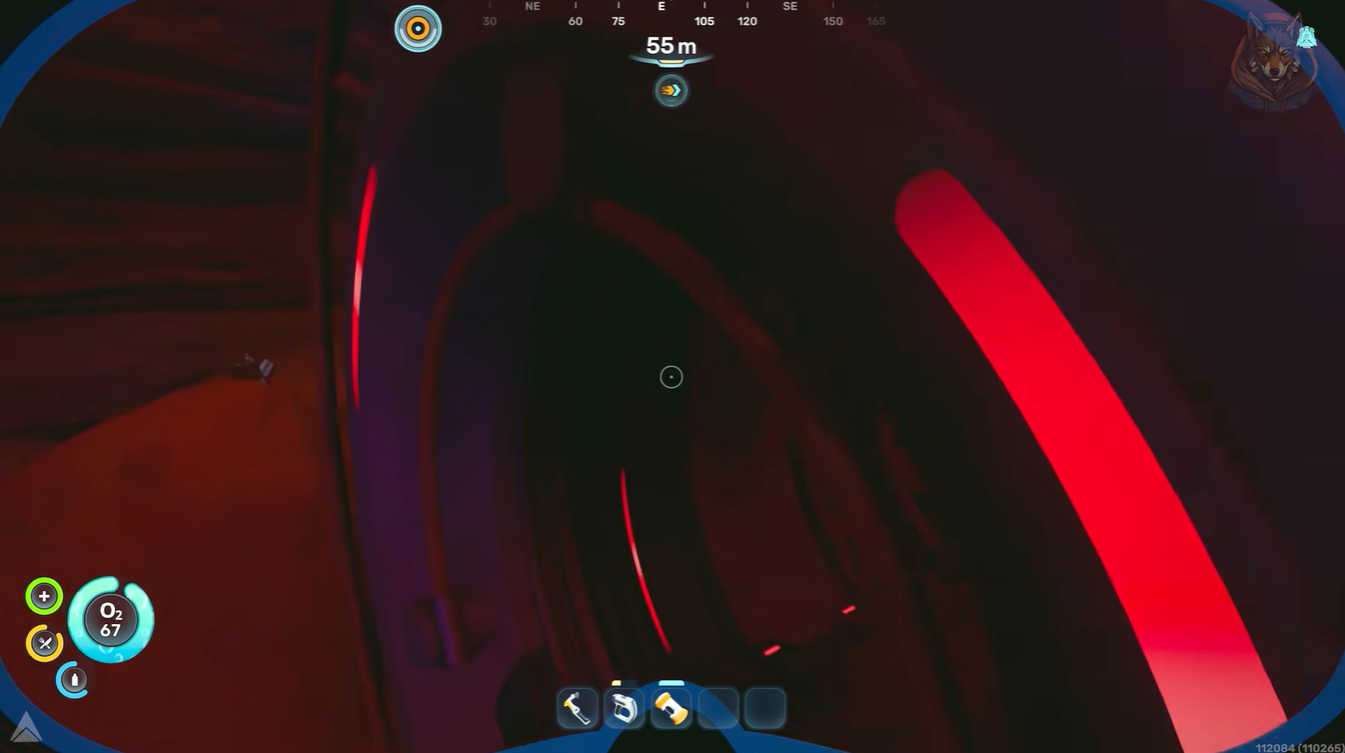
Look for the lower hatch entrance rather than the upper damaged sections. The lower hatch gives direct access to the correct interior section.
Step 4
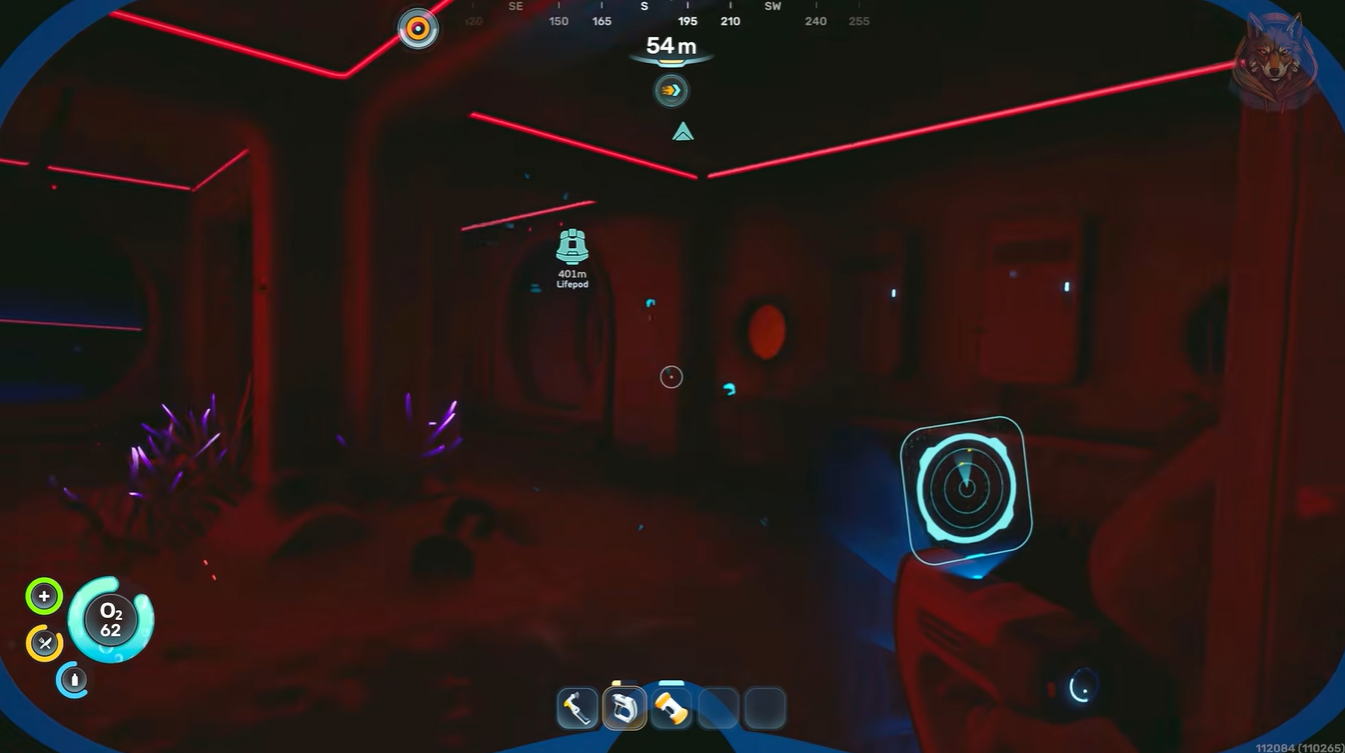
Enter the habitat and immediately turn right after passing through the entrance corridor.
Step 5
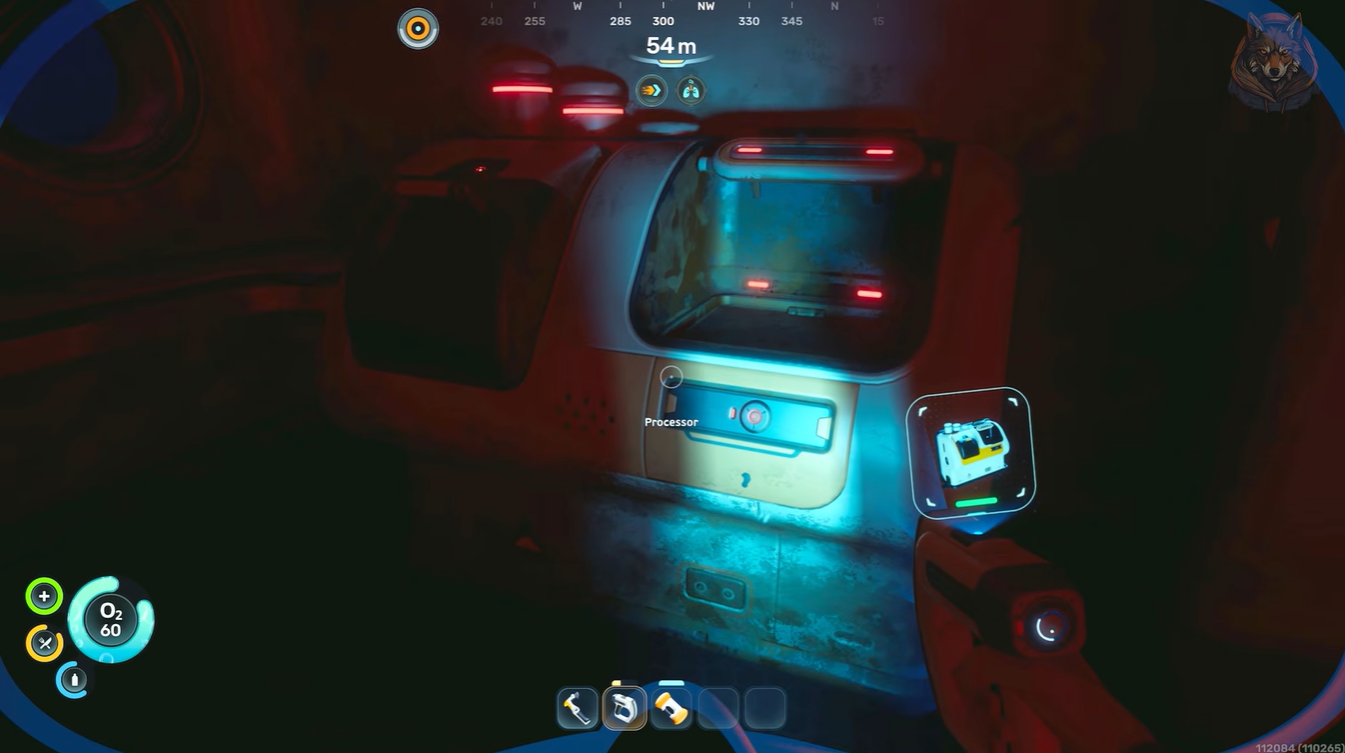
Inside the room on the right side, you will find the Processor blueprint object resting among old equipment and habitat debris. Use your Scanner to scan it completely.
Once scanned, the blueprint unlocks permanently.
What the Processor is used for in Subnautica 2
The Processor becomes extremely important for expanding your base capabilities. Early players often encounter limitations where they can only place corridors and basic structures. The Processor helps unlock more advanced room-building functionality tied to habitat progression systems.
Some players discover the Processor naturally while following NOA black box objectives, since the game eventually directs you toward the Old Habitat region during exploration progression. However, finding it early gives you a major advantage because you can begin constructing larger and more functional underwater bases much sooner.
Subnautica 2 Processor progression tips
After obtaining the Processor, focus on expanding your habitat with dedicated crafting and storage rooms. This makes future deep-diving expeditions significantly easier because you can prepare resources efficiently before traveling into dangerous biomes.
It is also worth revisiting nearby wrecks around the Old Habitat since several useful fragments and room-related unlocks can spawn in the same general area. Some players also locate the High Capacity Air Tank recipe during nearby exploration routes.
The Processor blueprint is one of the most valuable early exploration rewards in Subnautica 2. By heading to the Old Habitat roughly 320 meters deep, entering through the lower hatch, and checking the first room on the right, you can unlock an important piece of your base-building progression much earlier than normal.
Once scanned, your underwater base options expand dramatically, making future survival and exploration much smoother.





Leave a Reply