
What to know
-
Start from the Lifepod and travel directly southeast until you reach the edge of a cliff in the warmer biome.
-
From there, go straight down through the opening and keep close to the edge so you do not drift into hazards.
-
A heat adaptation upgrade may be needed to make the trip safely.
-
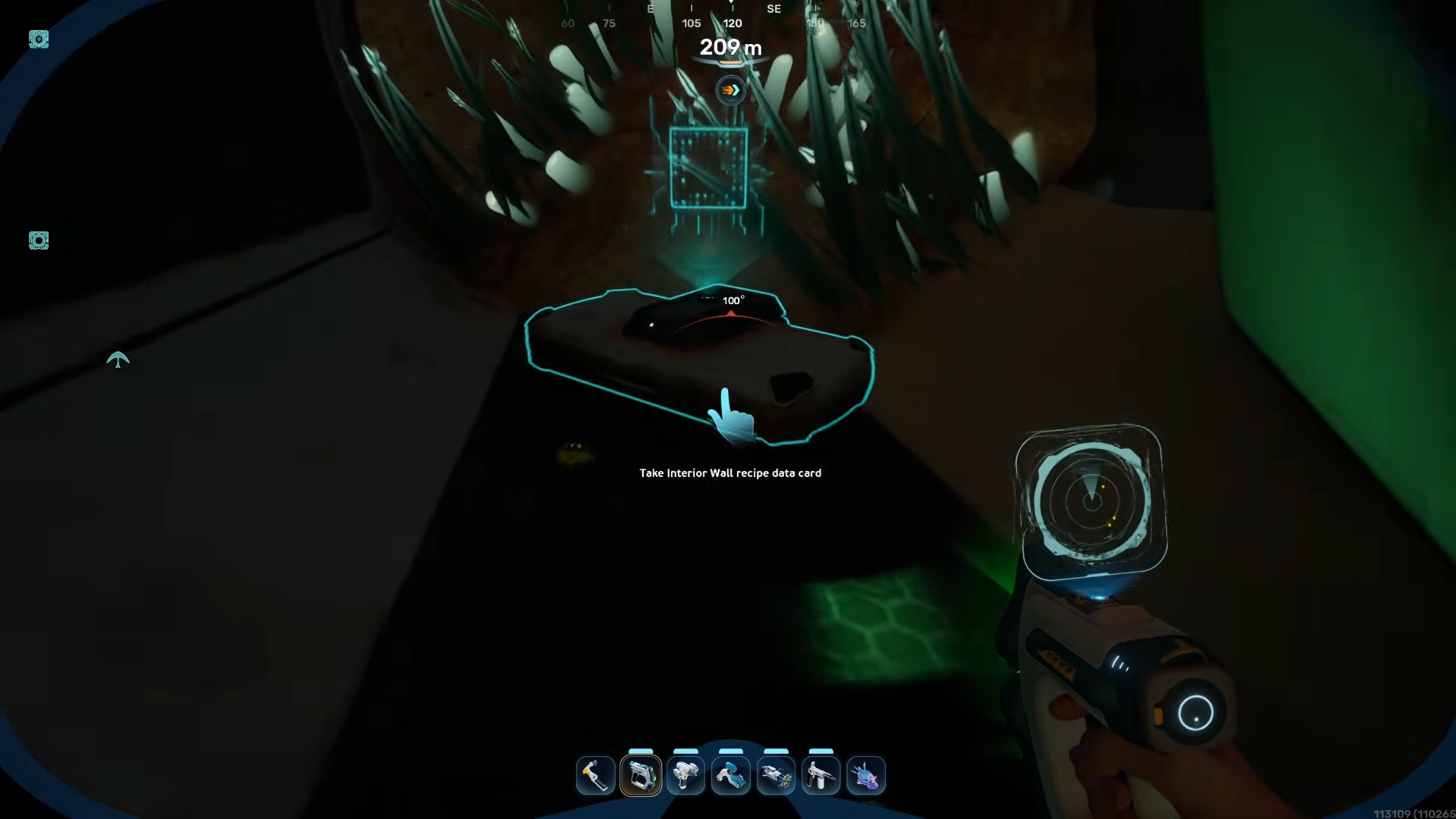
The blueprint is inside the area after a short search, and the scan point is very close once you enter.
Interior Wall Blueprint Location in Subnautica 2 is found deep in the warm biome, inside a hidden area reached by heading southeast from the Lifepod and dropping down through a cliffside opening. The scan point sits inside the structure after a careful descent, and the route may require heat adaptation to reach safely.
Interior Wall Blueprint details
Route to the Interior Wall blueprint
Step 1
Leave the Lifepod and head southeast in a straight line.
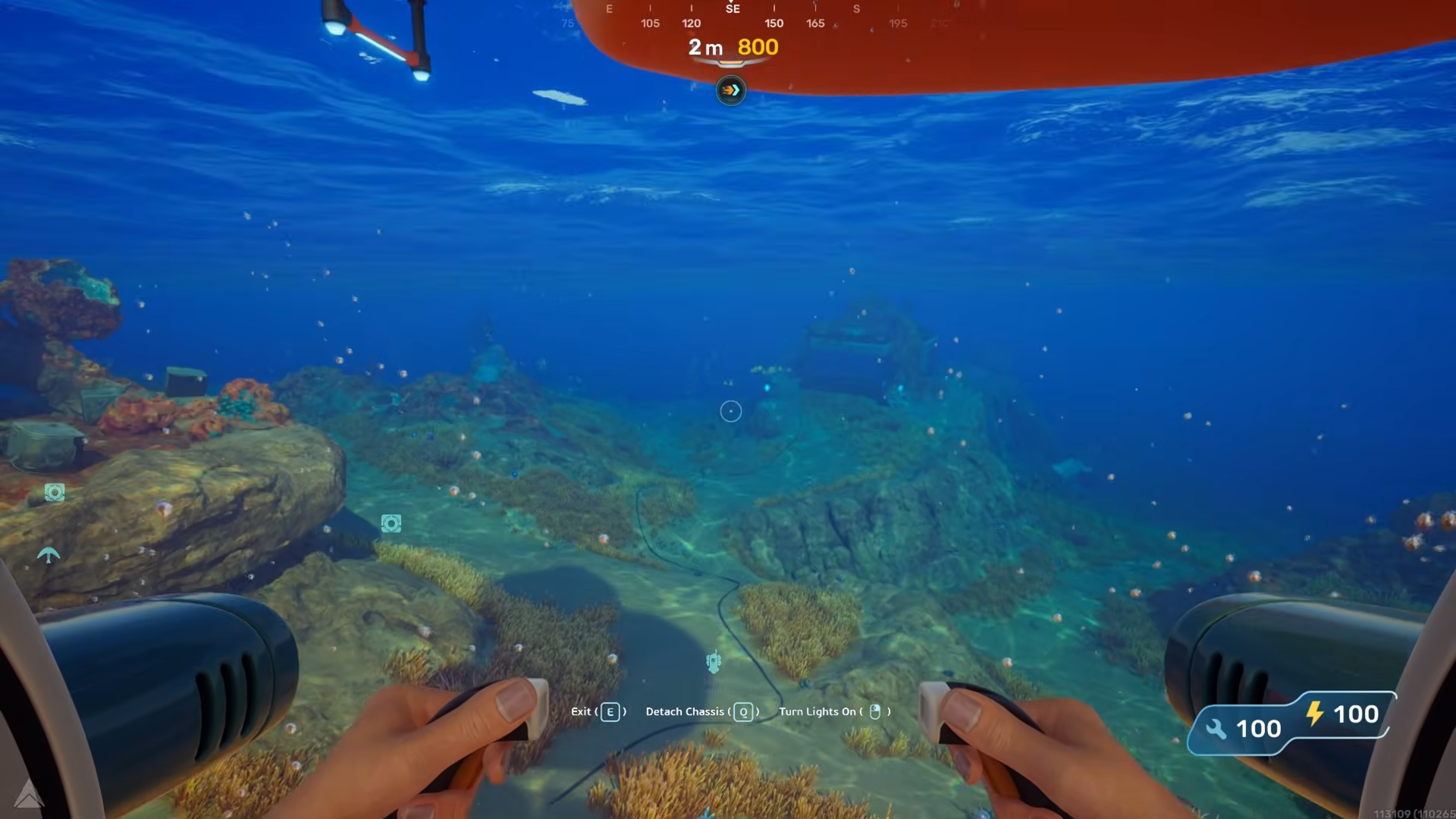
Keep going until you begin approaching a cliff edge in a warm area.
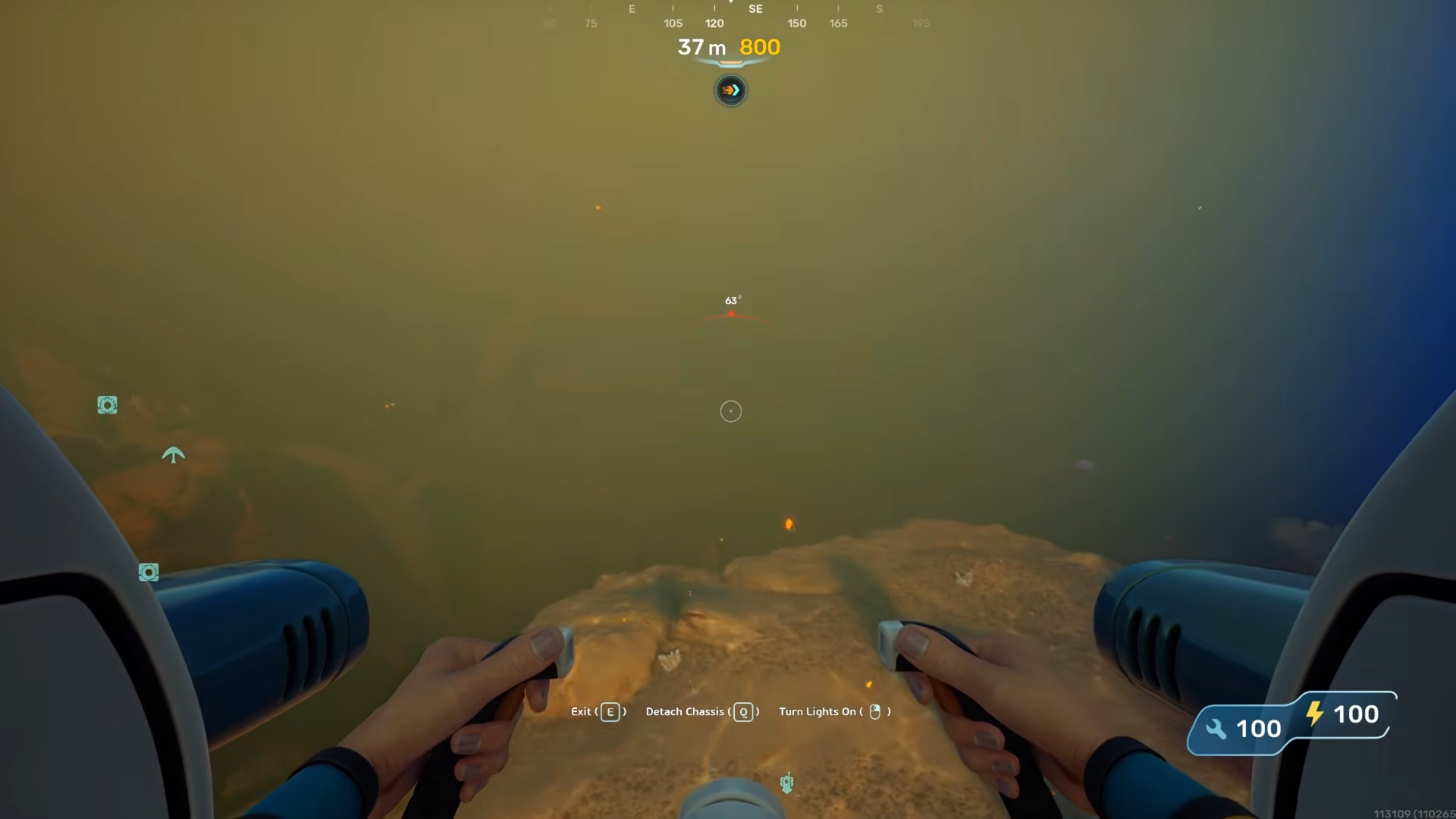
Step 2
Stay close to the edge as you move forward, since the route becomes a downward descent once you reach the drop.
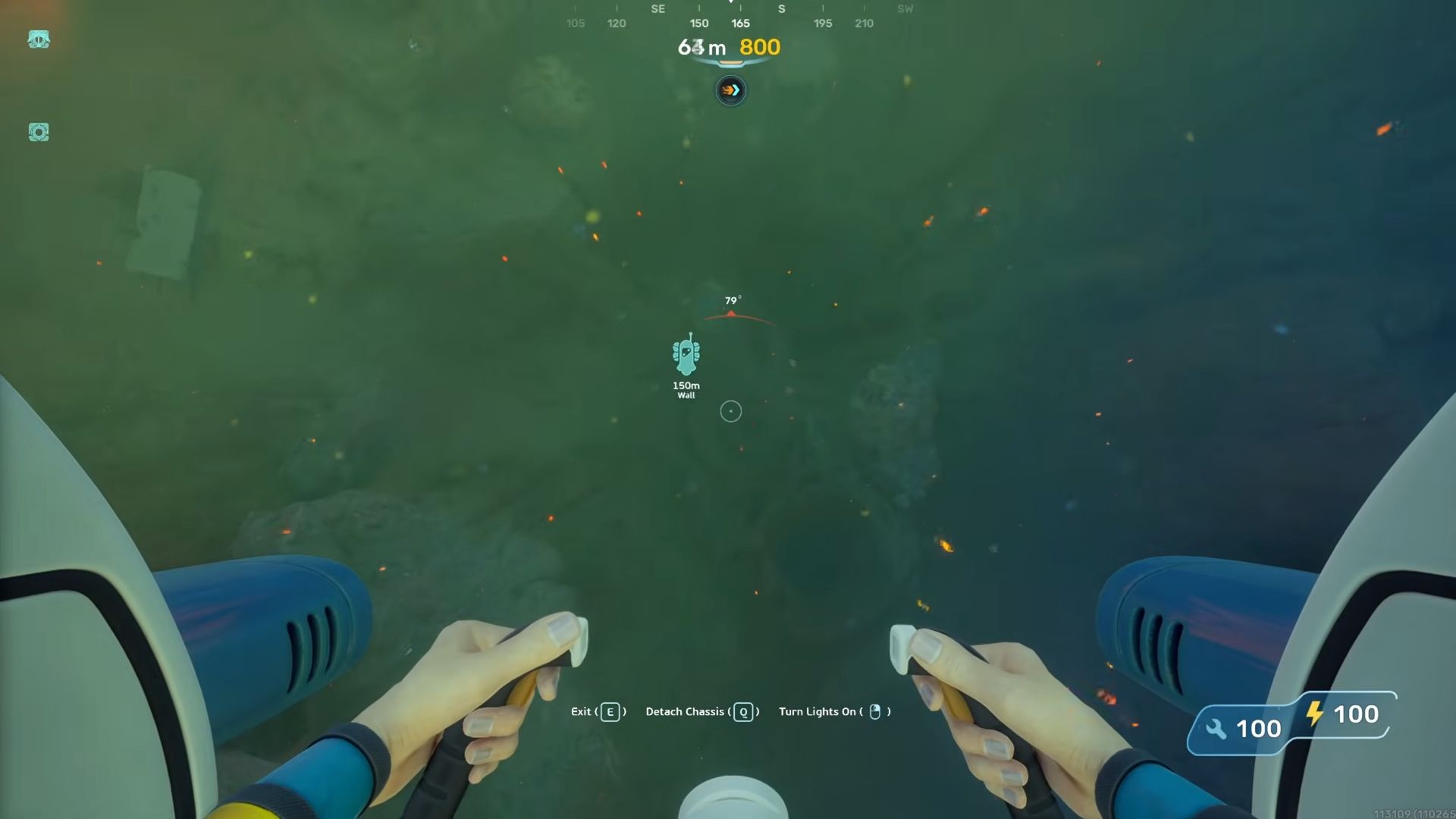
Step 3
Enter the opening.
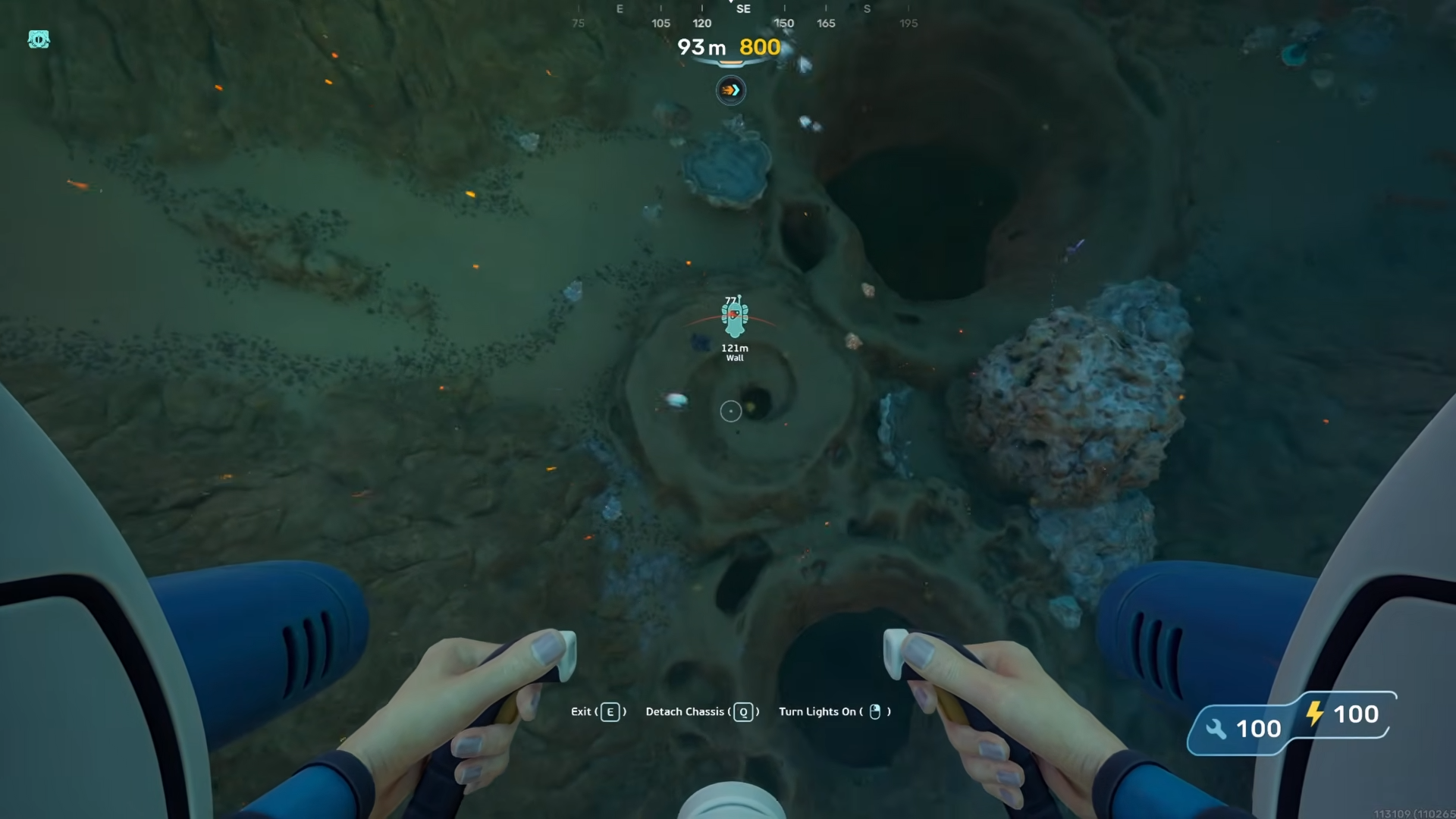
And keep going down through the passage, following the path into the hidden area.
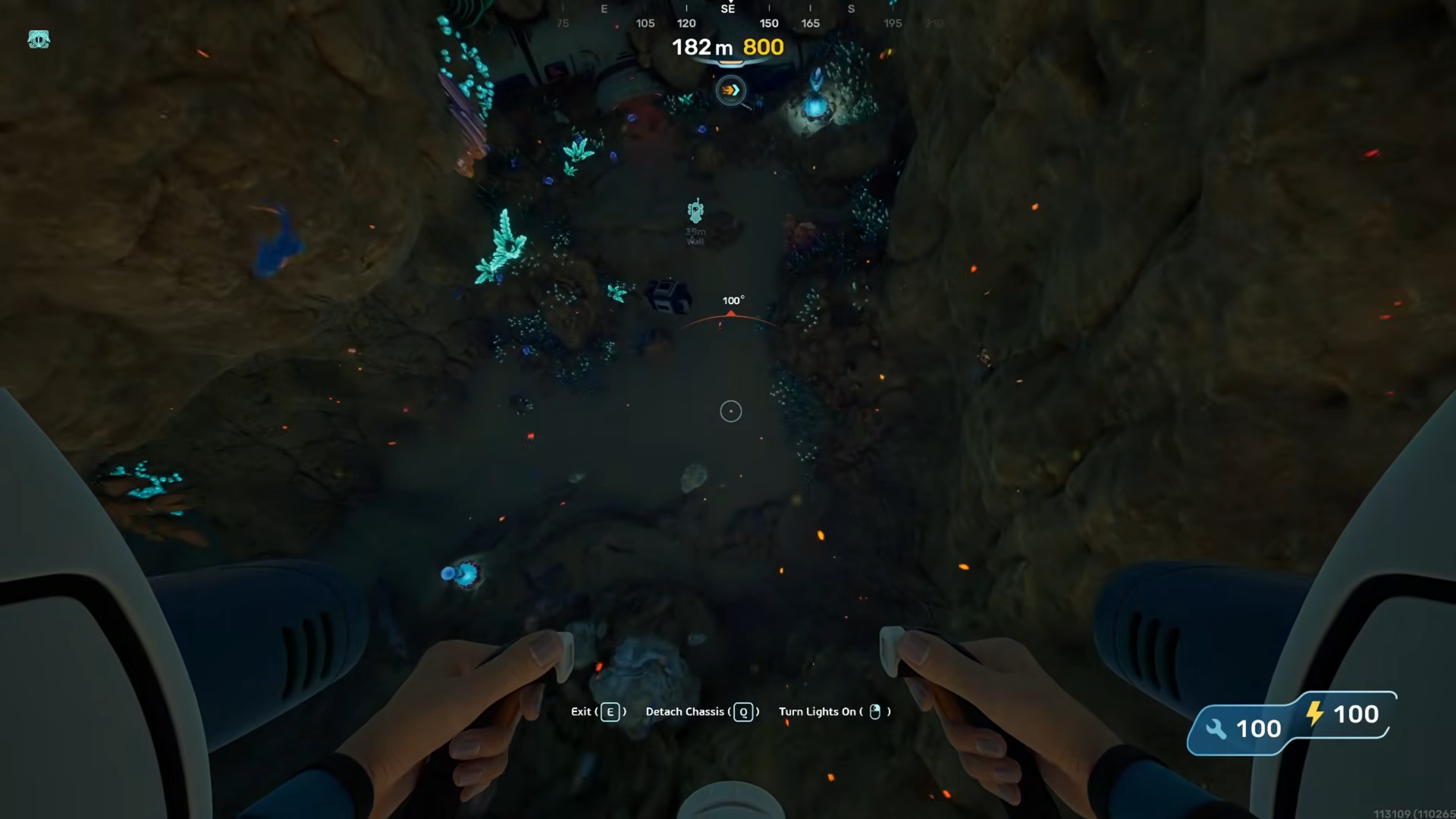
Step 4
Once inside, look around the structure carefully.
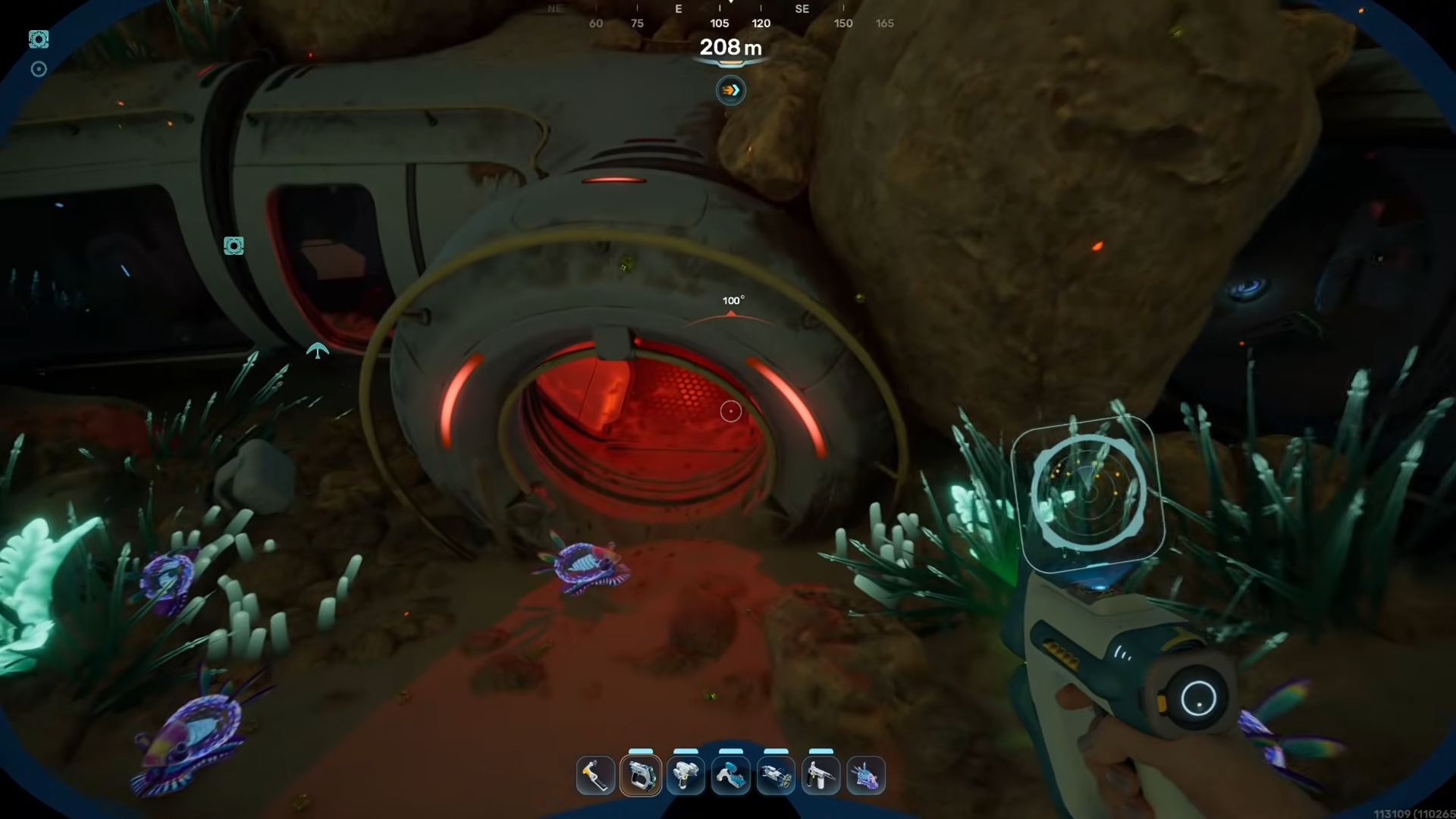
The blueprint location is nearby and can be missed if you move too fast.
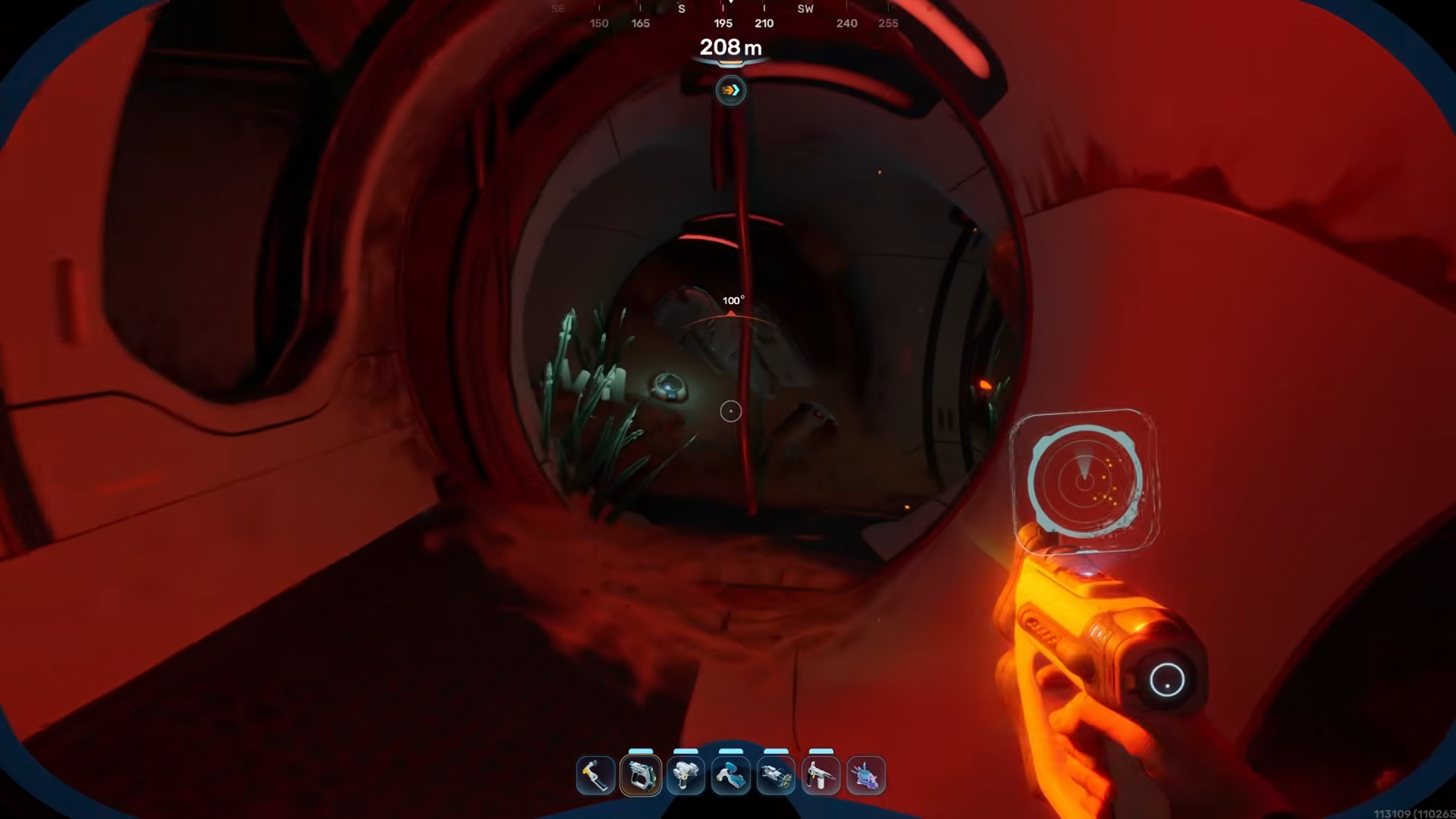
Step 5
Scan or collect the Interior Wall recipe when you find it.
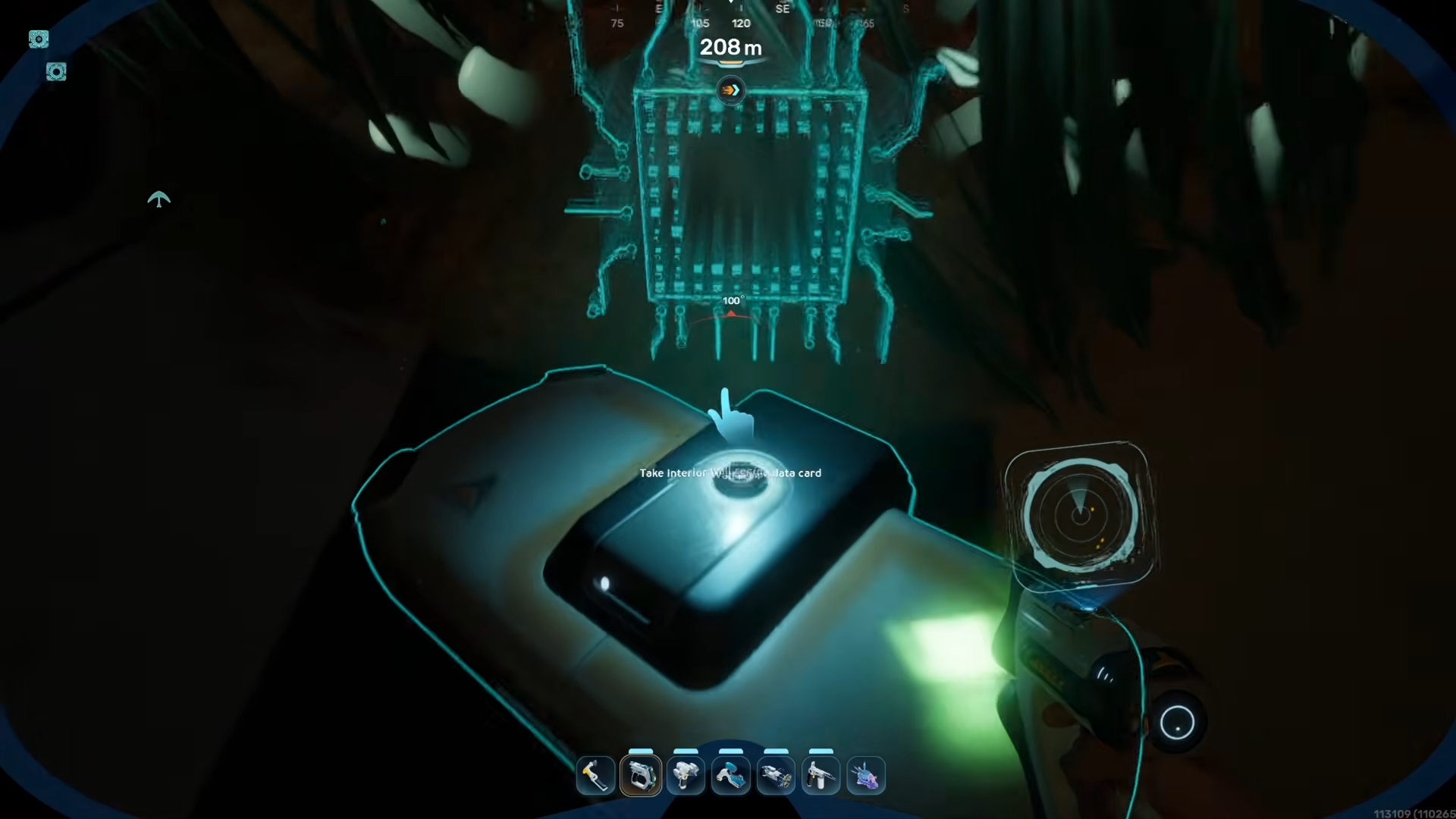
Location details
The key landmark is the warm biome cliff that sits roughly southeast of the Lifepod. The route drops into a concealed space rather than a visible base, so the last part of the journey is vertical rather than horizontal.
Travel conditions
This location appears to sit in a hotter zone, which is why the route may feel more dangerous than a normal blueprint run.
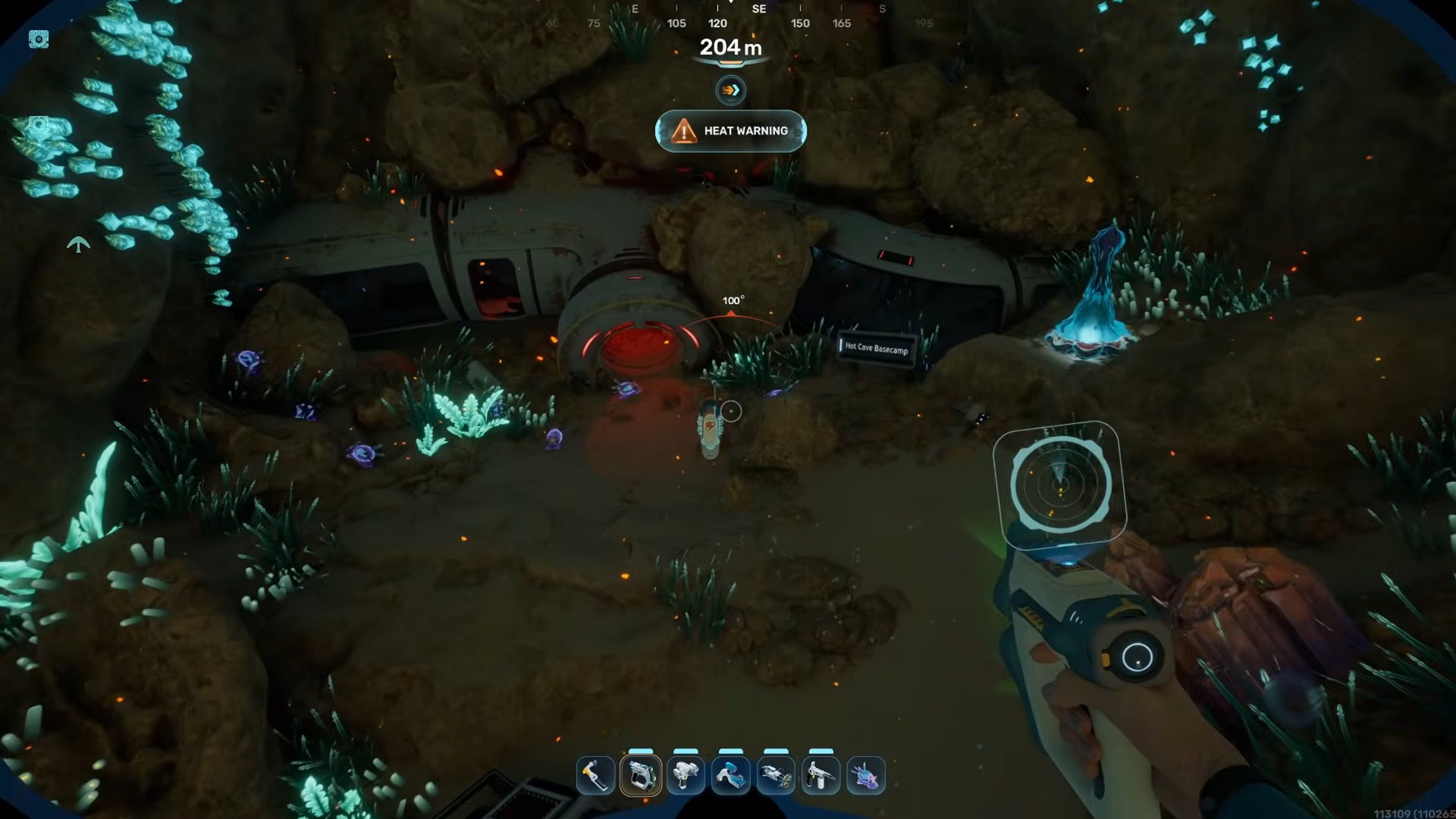
Heat adaptation will be needed, so it is smart to prepare before making the trip. If you are undergeared, the descent can still be done, but you will need to move carefully and avoid wasting time searching at the wrong depth.




Leave a Reply