
What to know
-
The journey begins at your lifepod starting area
-
You need to travel approximately 350 meters due north
-
The destination is a massive underwater structure known as the old habitat
-
The blueprint is located at the top level inside the main cockpit area
In Subnautica 2, getting the blueprint for the basic room structure allows you to transition from a cramped lifepod into a fully customizable underwater home. The schematic is hidden within a sunken structure not too far from where you begin your adventure, making it an accessible objective early in your playthrough.
Room Blueprint details
Room Blueprint location
The old habitat is a massive underwater base situated roughly 350 meters north of your starting lifepod. It stands out clearly in the aquatic environment due to its sheer size, appearing as a giant abandoned facility resting beneath the waves. While the main structure towers above the seabed, the lowest sections provide the necessary access points to explore its flooded interior.
Step 1
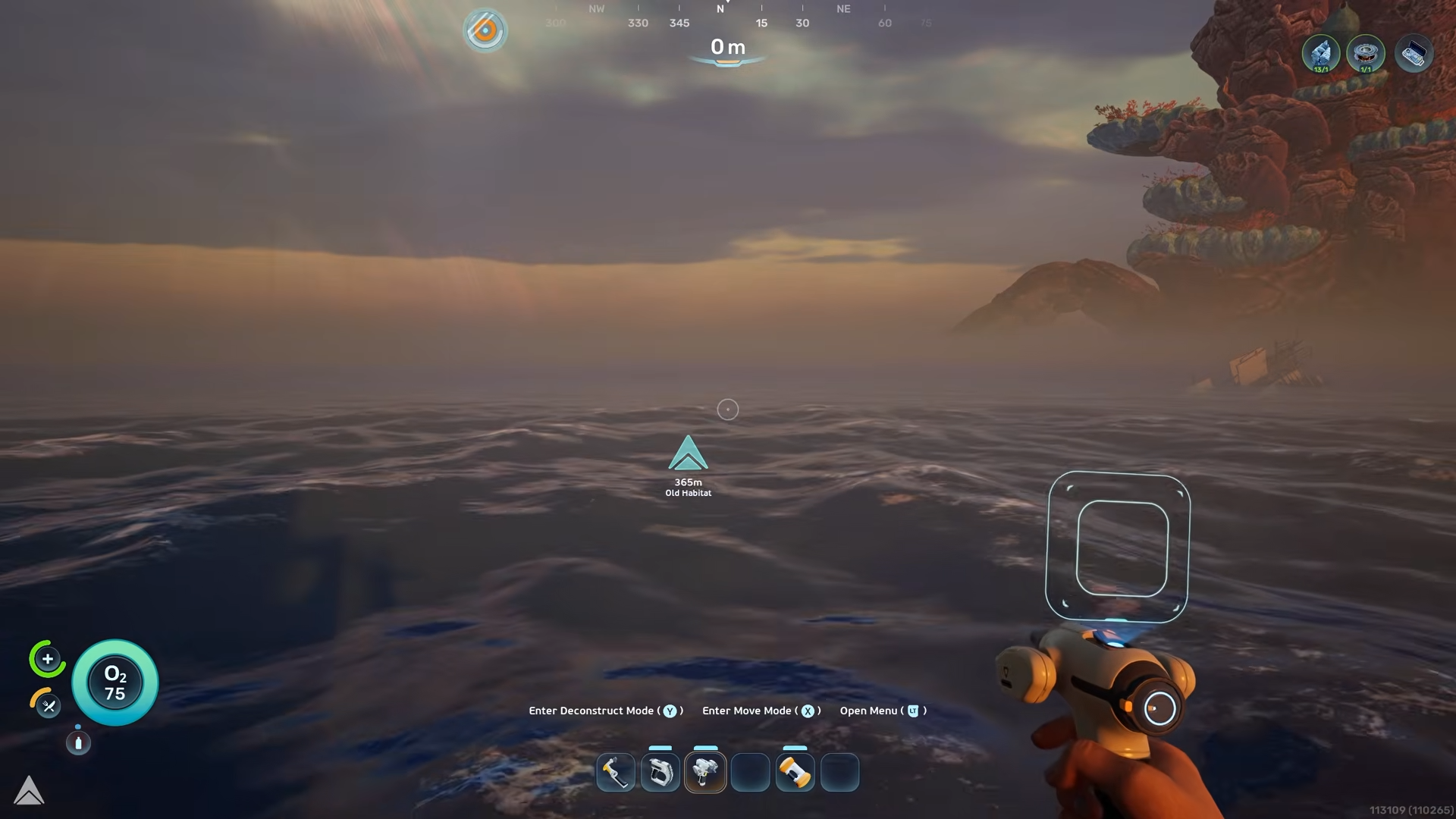
Exit through the front door of your lifepod and orient yourself to face directly north.
Step 2
Swim due north for approximately 350 meters.
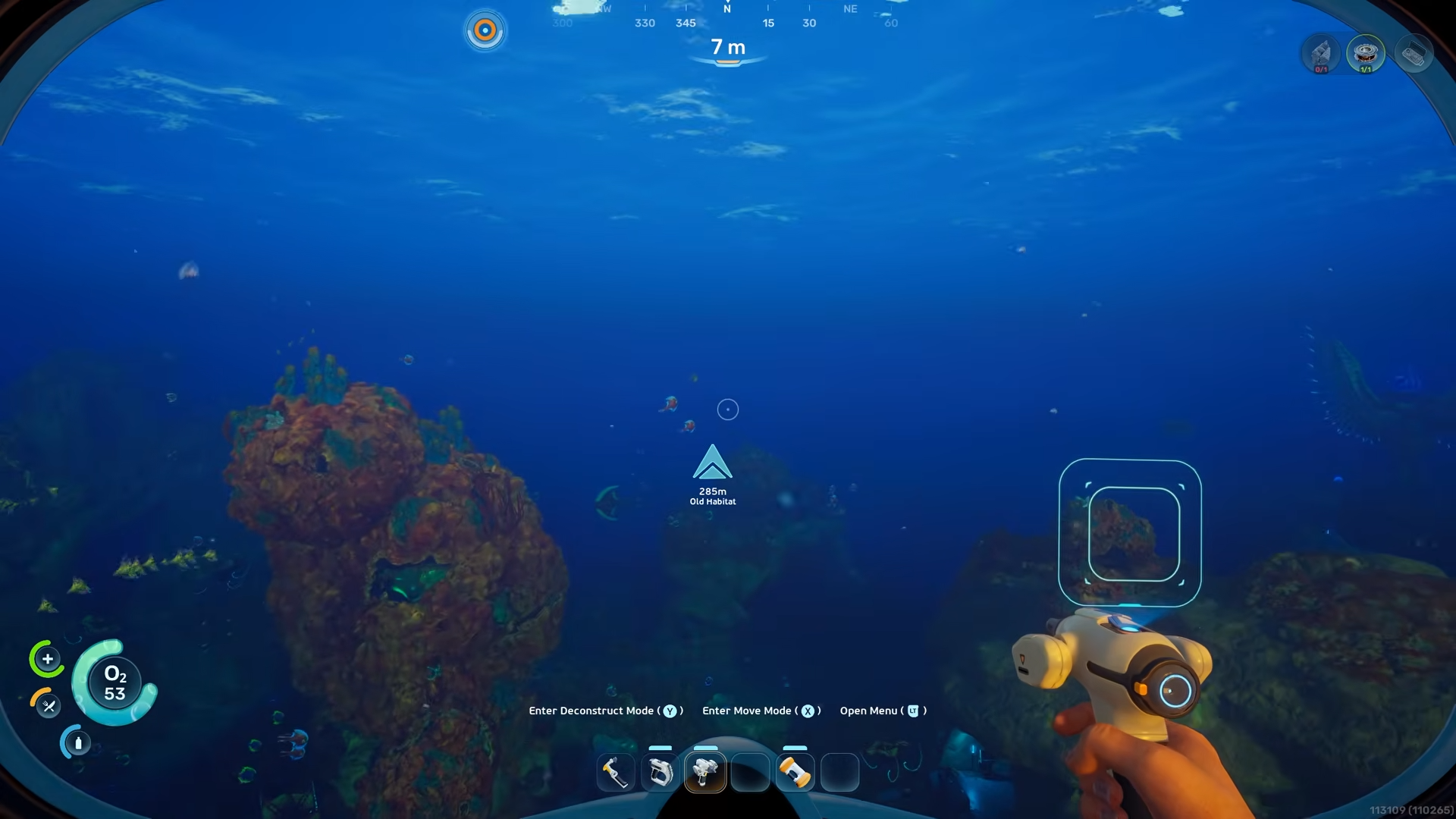
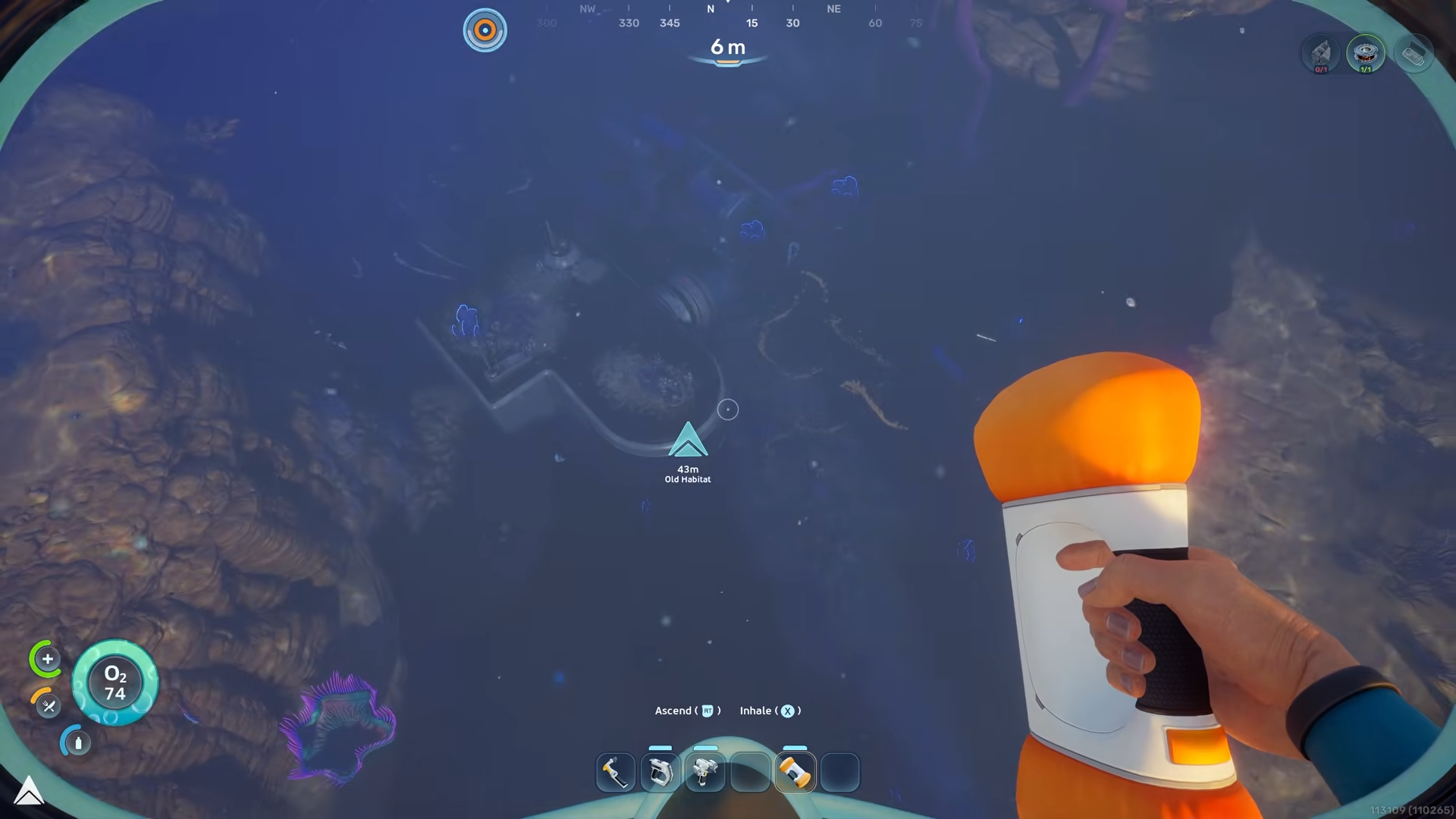
Until you spot the giant underwater base known as the old habitat.
Step 3
Swim towards the bottom right section of the habitat.

And go completely underneath the lowest room.
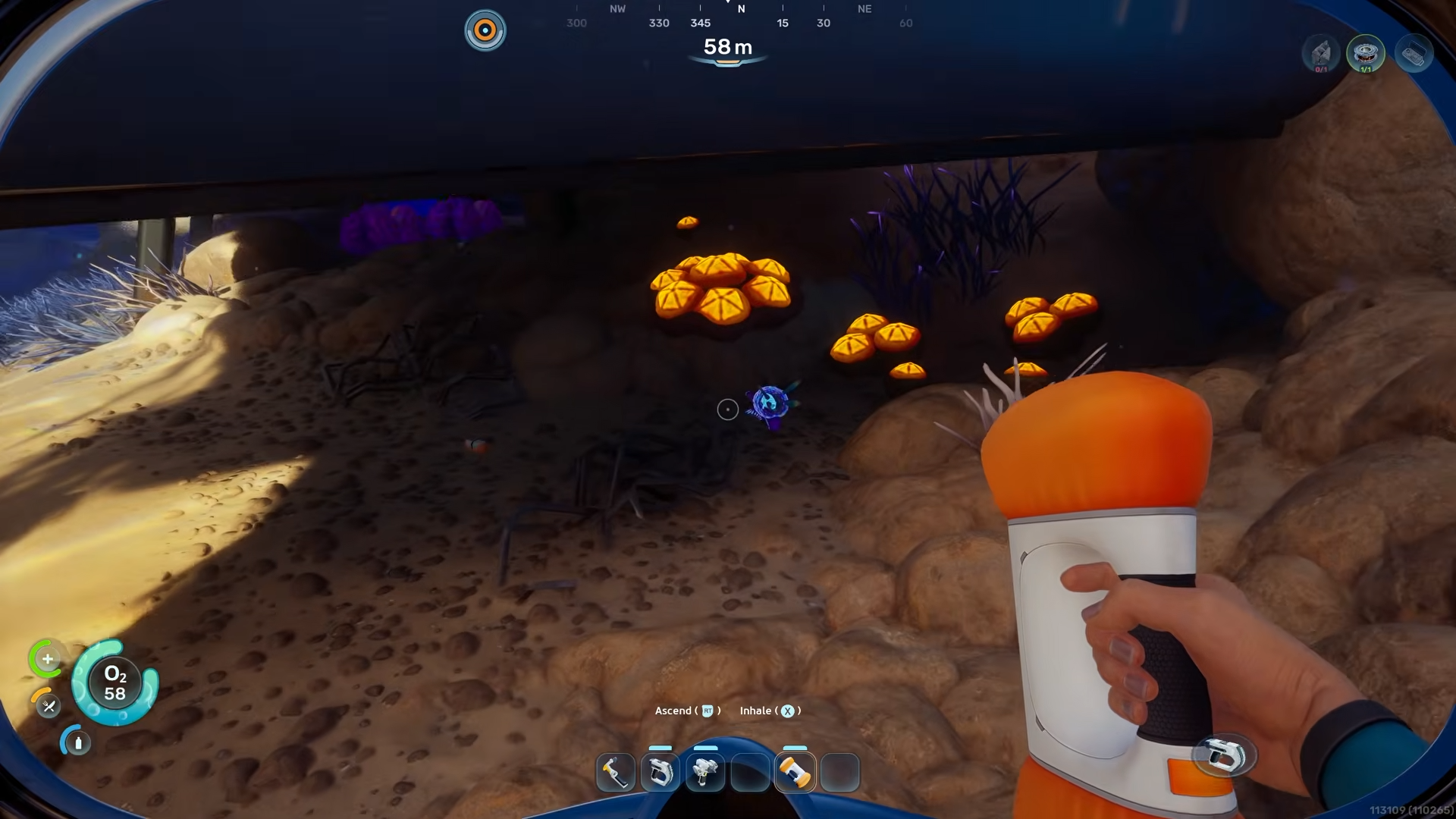
Step 4
Locate the hole in the floor of the structure.
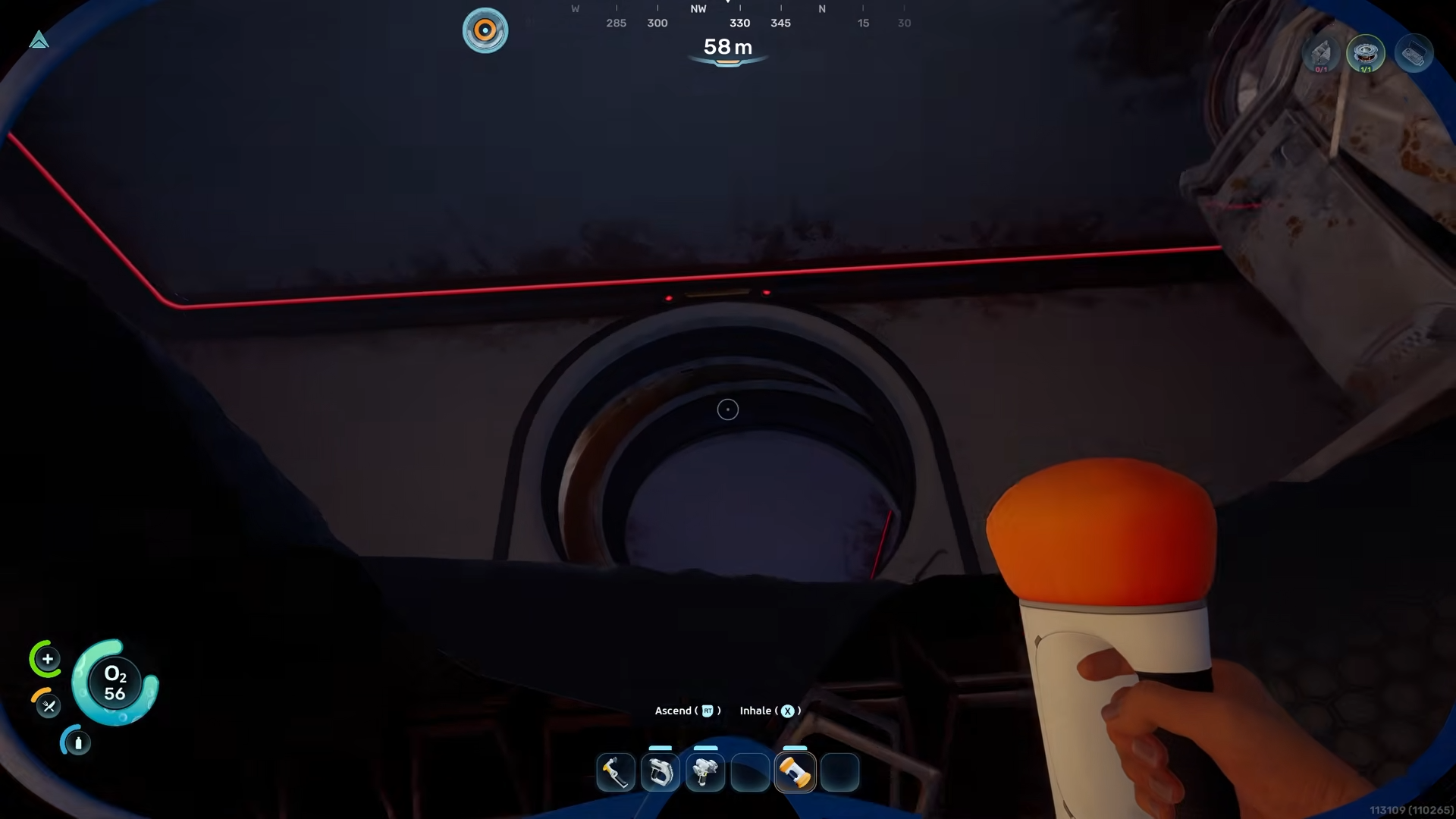
And jump through it to enter the flooded base.
Step 5
Move straight into the first room.
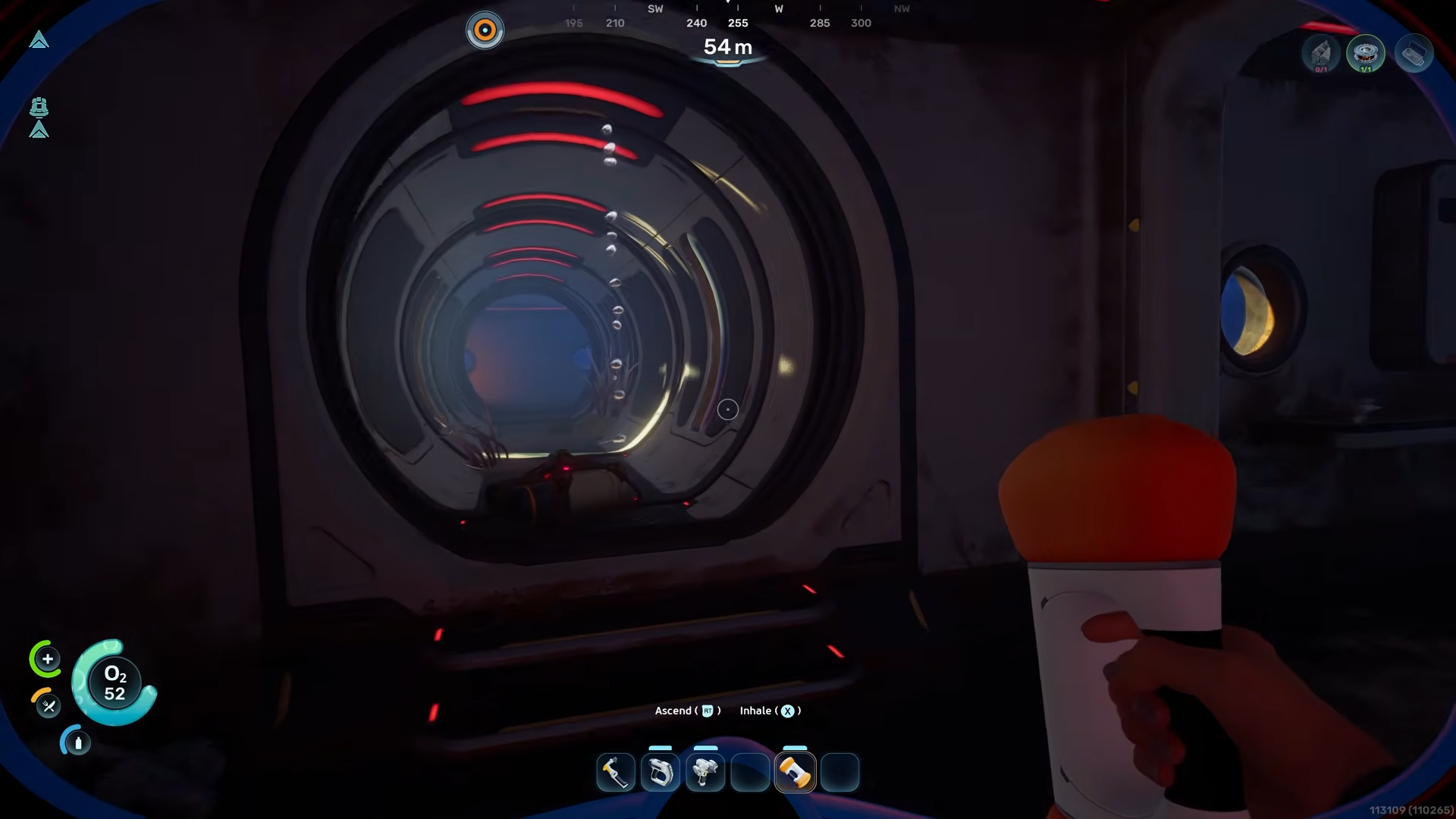
Then take an immediate left and follow the corridor all the way to the end where a ladder is located.
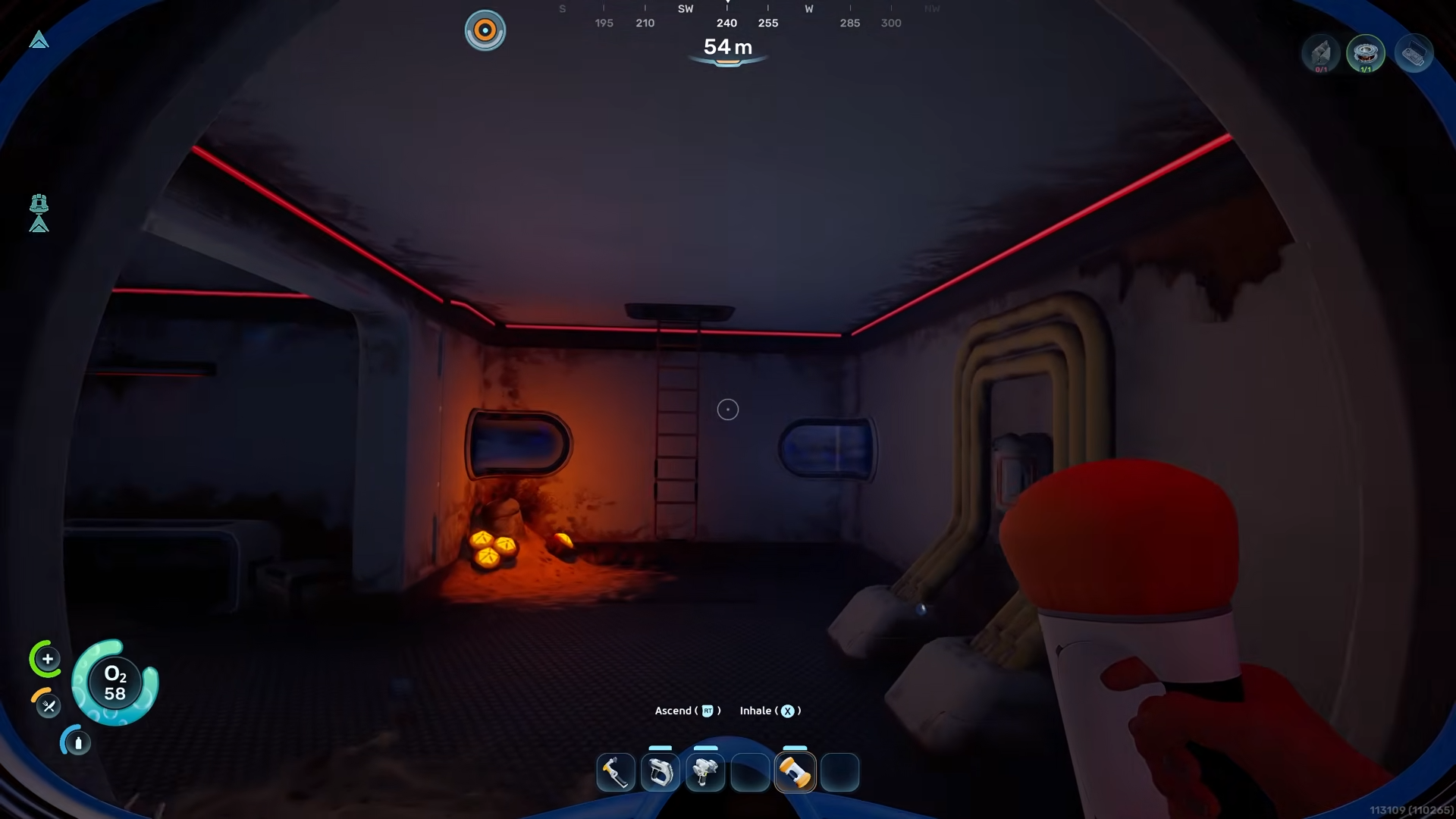
Step 6
Climb the ladder straight up through the first room and continue up into the second room above it.
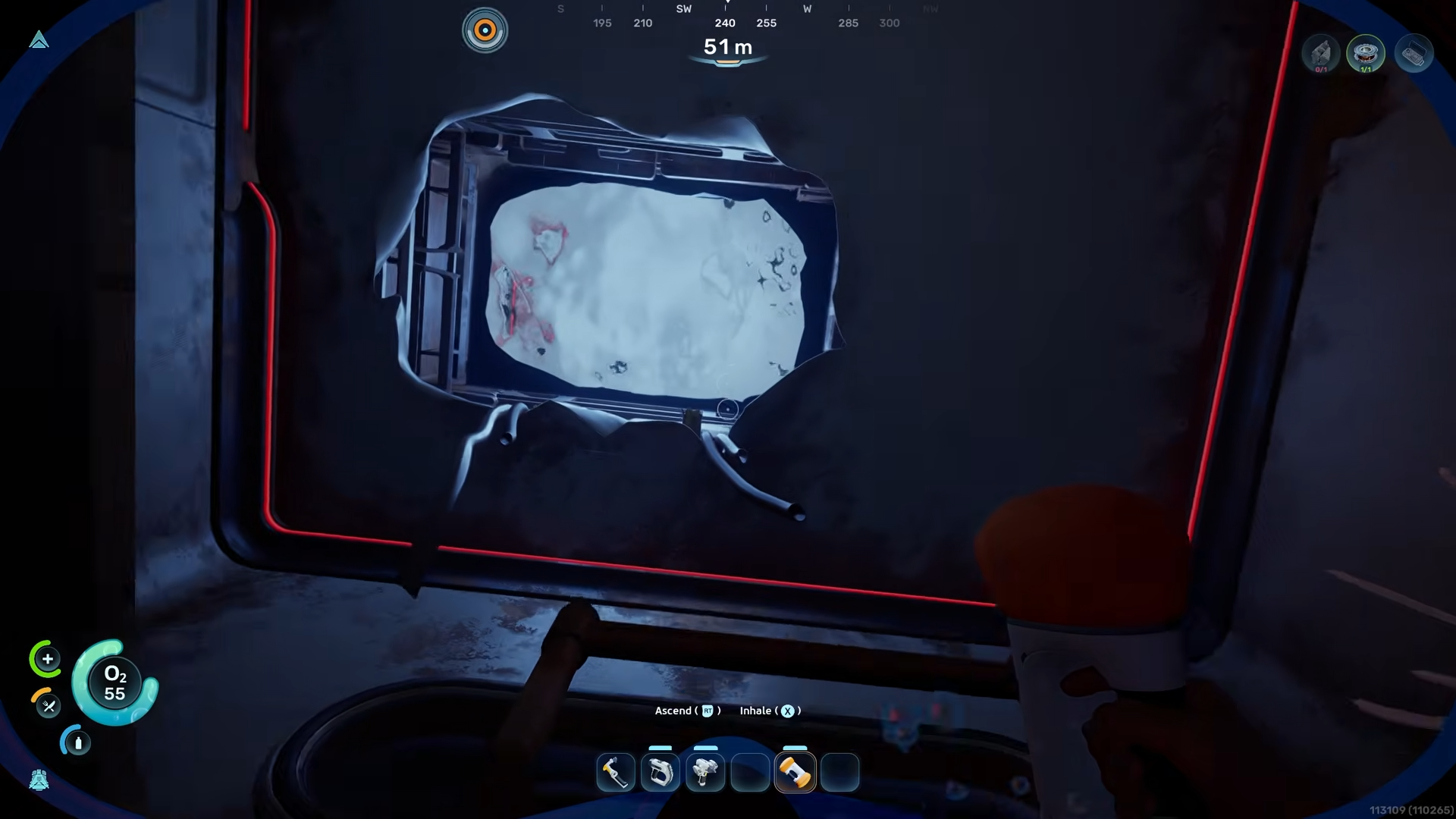
Step 7
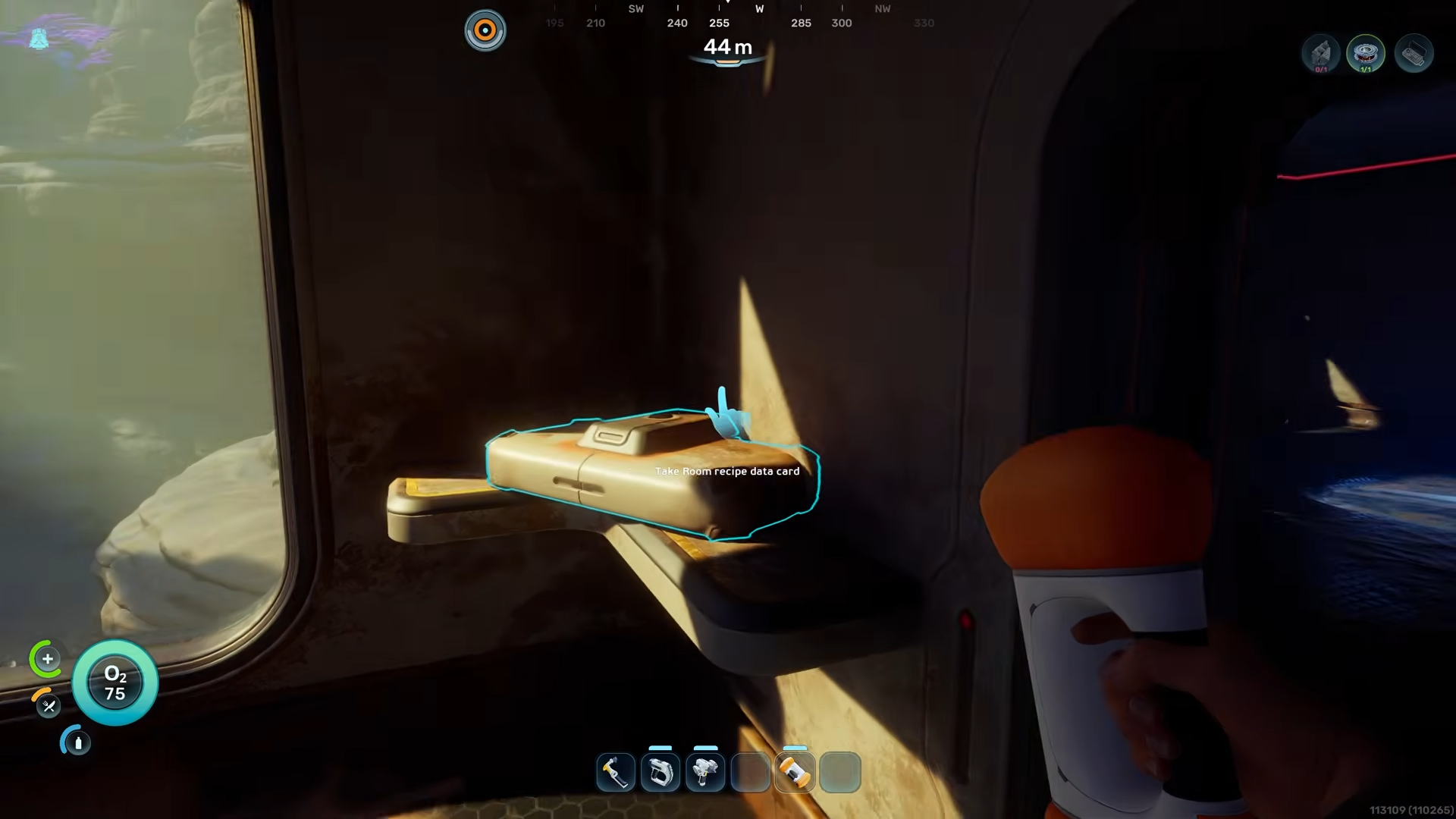
Head into the main cockpit area.
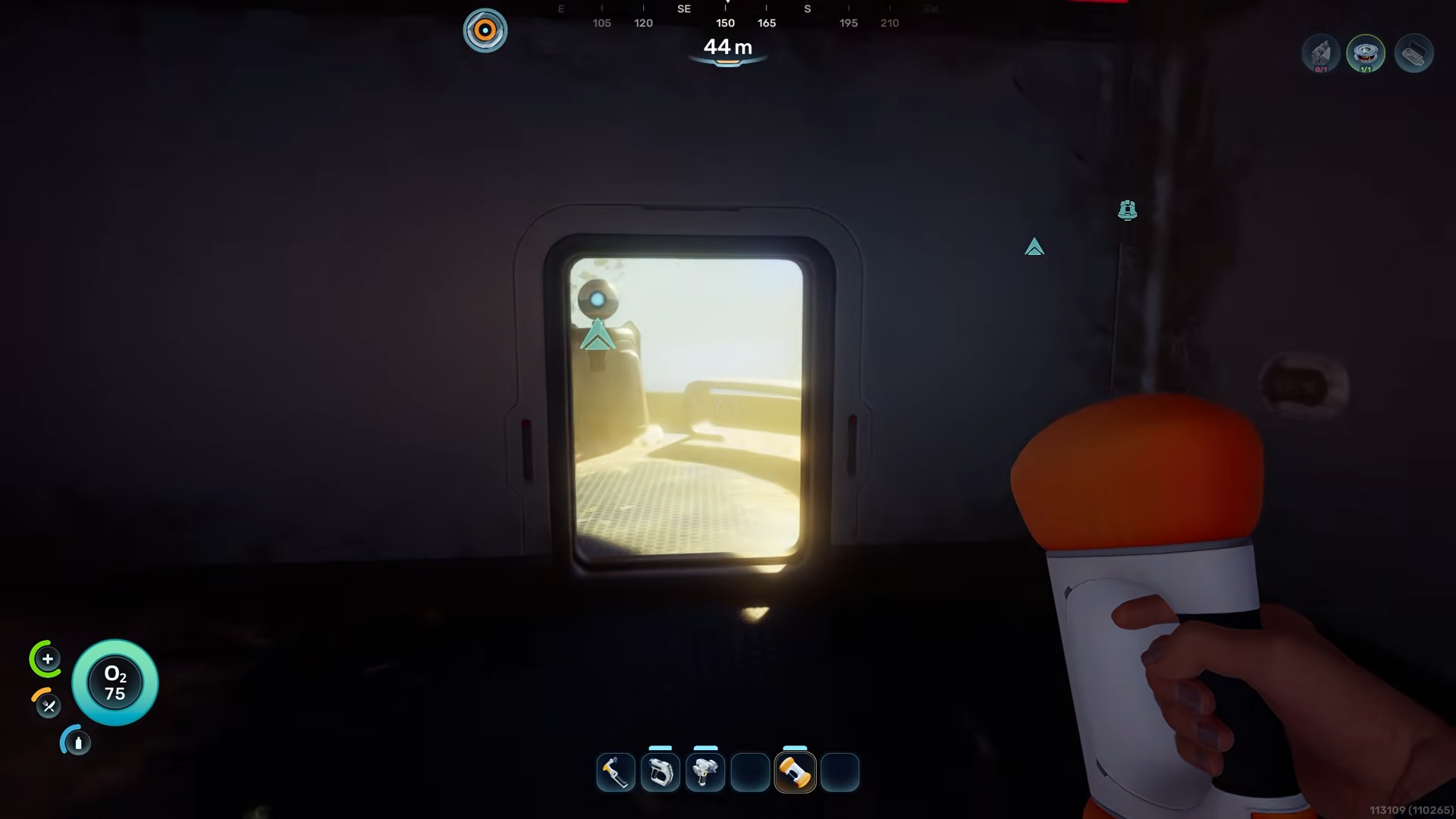
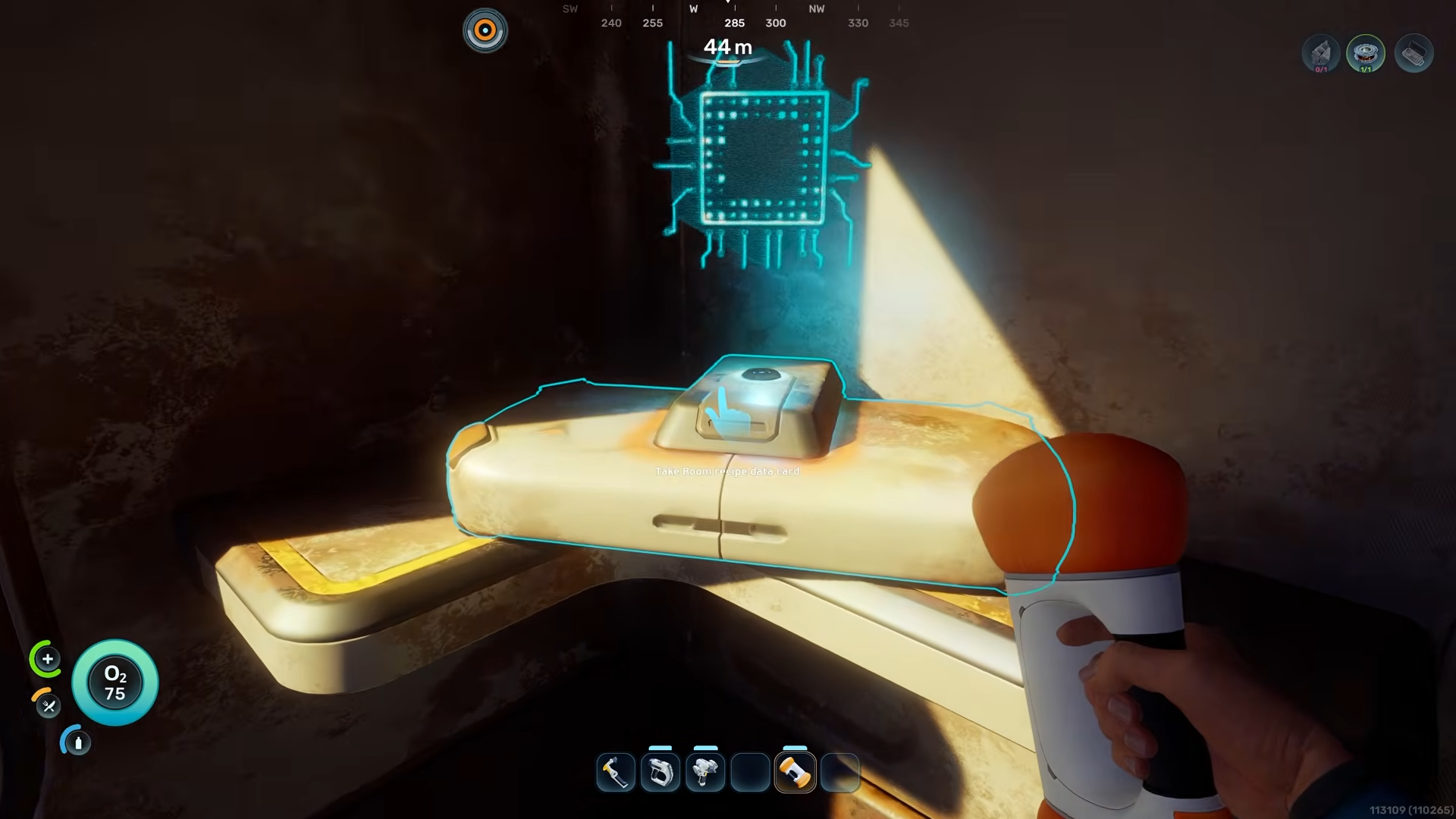
Look in the corner to find the interaction point for the blueprint.
Step 8
Press the interact button to unlock the room and add it to your building options.




Leave a Reply