

From the Holotable in The Den, head toward The Pit, find the Old Astromech beside its entrance, and interact with it to unlock the Build the Droid Repair Bay objective.
This optional objective takes place entirely inside The Den. The Holotable provides a clear starting landmark for finding the droid.
When Inspect the Old Astromech becomes available

The objective appears after Hawks has paid the starting debt and The Den reaches Level 2.
Its availability depends on those campaign milestones rather than a particular Cycle. If the objective has not appeared, continue progressing until both requirements are complete.
How to find and inspect the Old Astromech in Star Wars Zero Company
Start from the Holotable and follow the short route into The Pit.
STEP 1/4
Start at the Holotable
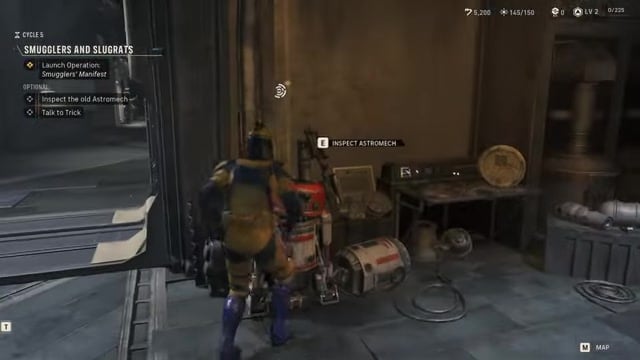
Stand beside the Holotable inside The Den.
STEP 2/4
Head toward The Pit
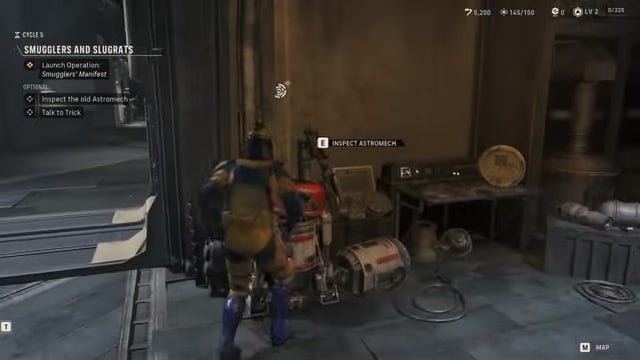
Move into the area behind the Holotable, then go directly left toward The Pit.
STEP 3/4
Find the Old Astromech
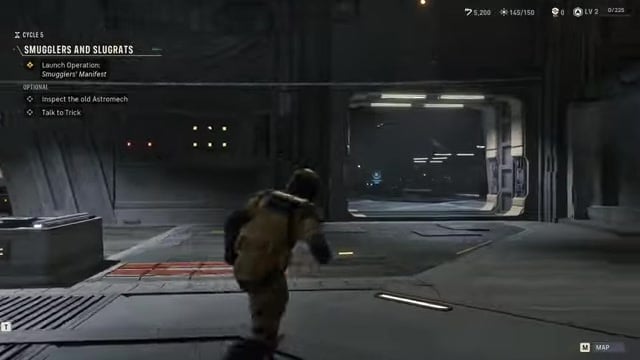
Look beside the entrance to The Pit for the Old Astromech near the door.
STEP 4/4
Inspect the Astromech
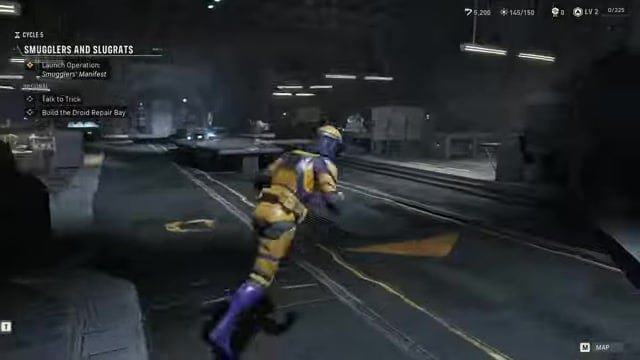
Approach the droid and press E when the INSPECT ASTROMECH prompt appears to begin the conversation.
Open The Den map if you lose your bearings: it labels both the Holotable and The Pit.
Video help
What inspecting the Old Astromech unlocks
During the conversation, Hawks comments that the company now has enough credits to open the Droid Repair Bay. The optional objective then updates to Build the Droid Repair Bay.
Key Inspecting the droid does not recruit an Astromech immediately. It only completes this objective and opens the next part of the wider recruitment path, which requires constructing the facility and continuing the associated tasks.






Leave a Reply