
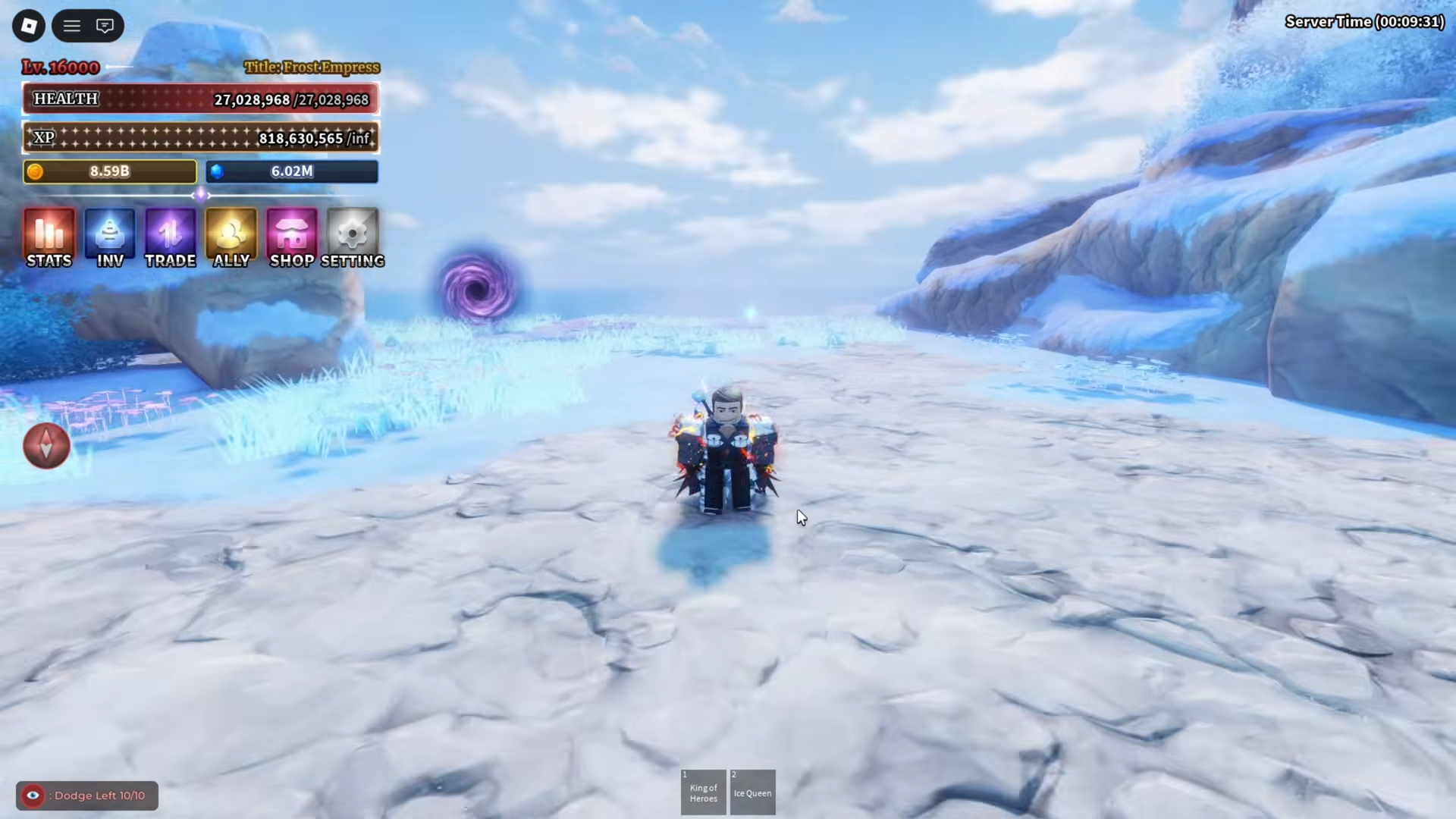
What to know
-
Head to World Island in Sea 2 as your starting point.
-
Locate and interact with the specific tree there.
-
Interaction triggers an instant teleport to Sea 1.
-
This method serves as the primary way to switch seas.
Returning to Sea 1 from Sea 2 in Sailor Piece requires a straightforward navigation step on World Island, making travel between seas seamless for players exploring both areas.
Key locations involved
World Island in Sea 2 stands as the central hub for inter-sea travel, featuring the teleporting tree prominently placed for easy access upon arrival via portal. This island connects directly to Sea 1 destinations, ensuring players can switch without additional quests or items.
How to return to Sea 1 from Sea 2
Follow this detailed step-by-step process to execute the return quickly and reliably.
Step 1
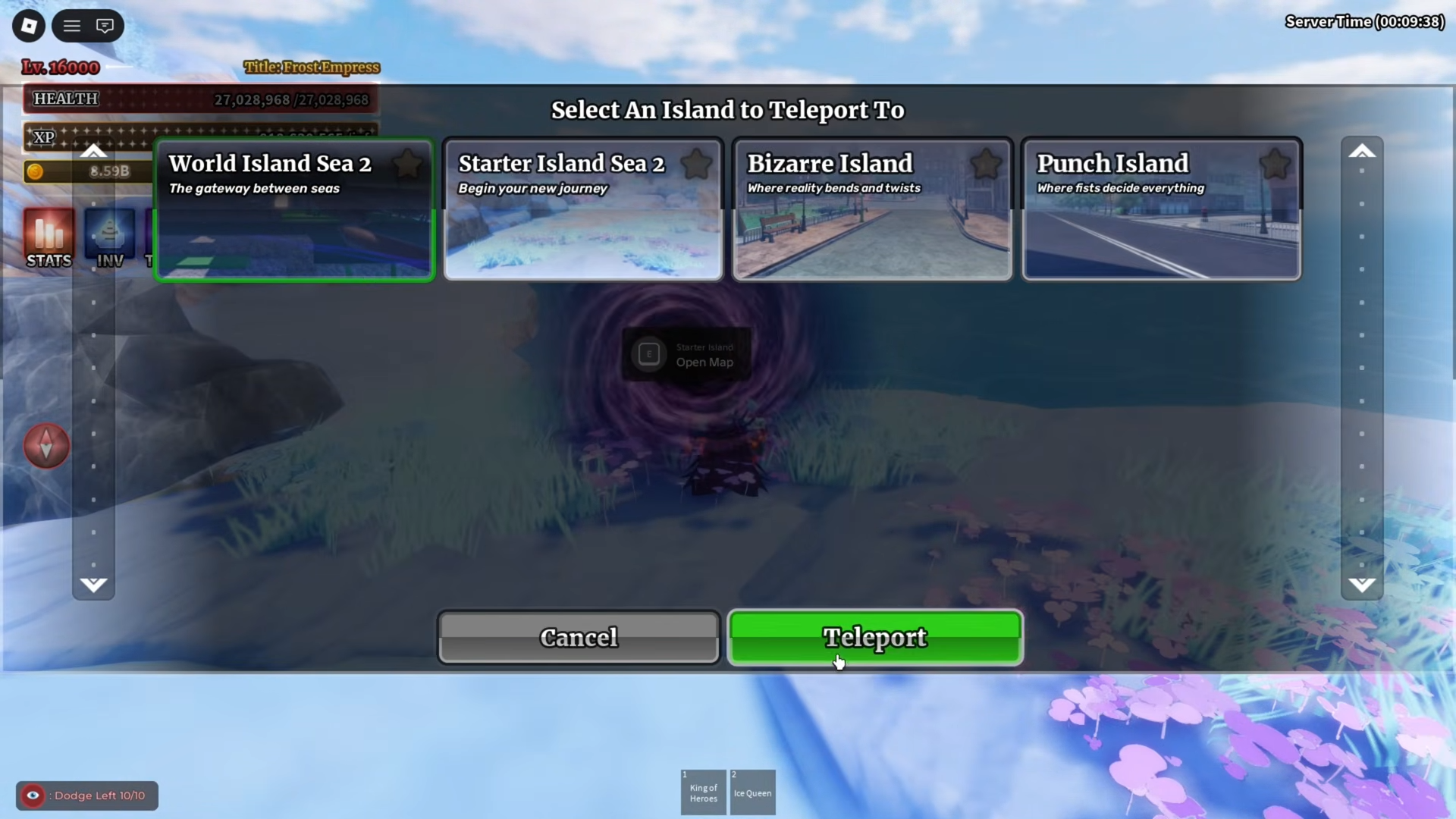
Go to the portal menu.
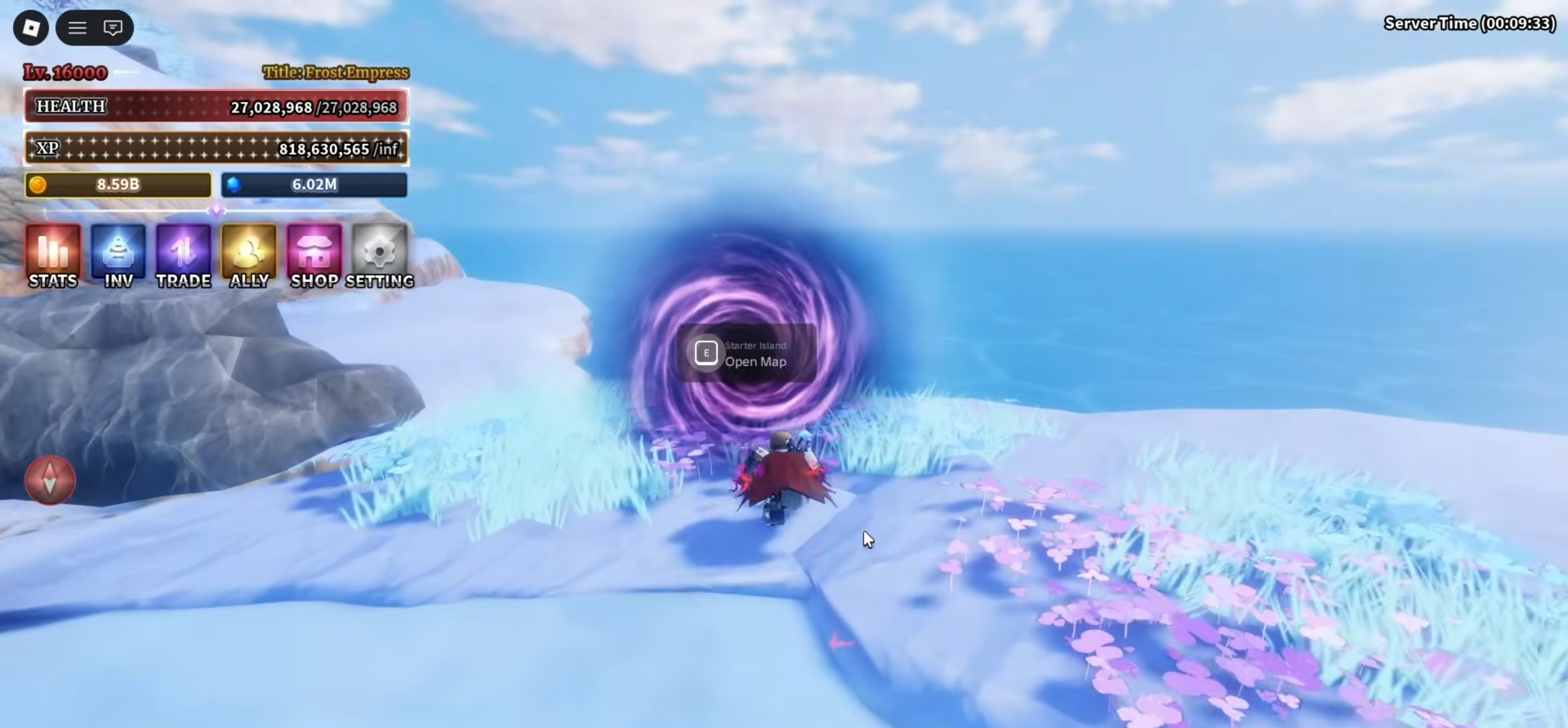
Select World Island under the Sea 2 section to teleport there immediately.
Step 2
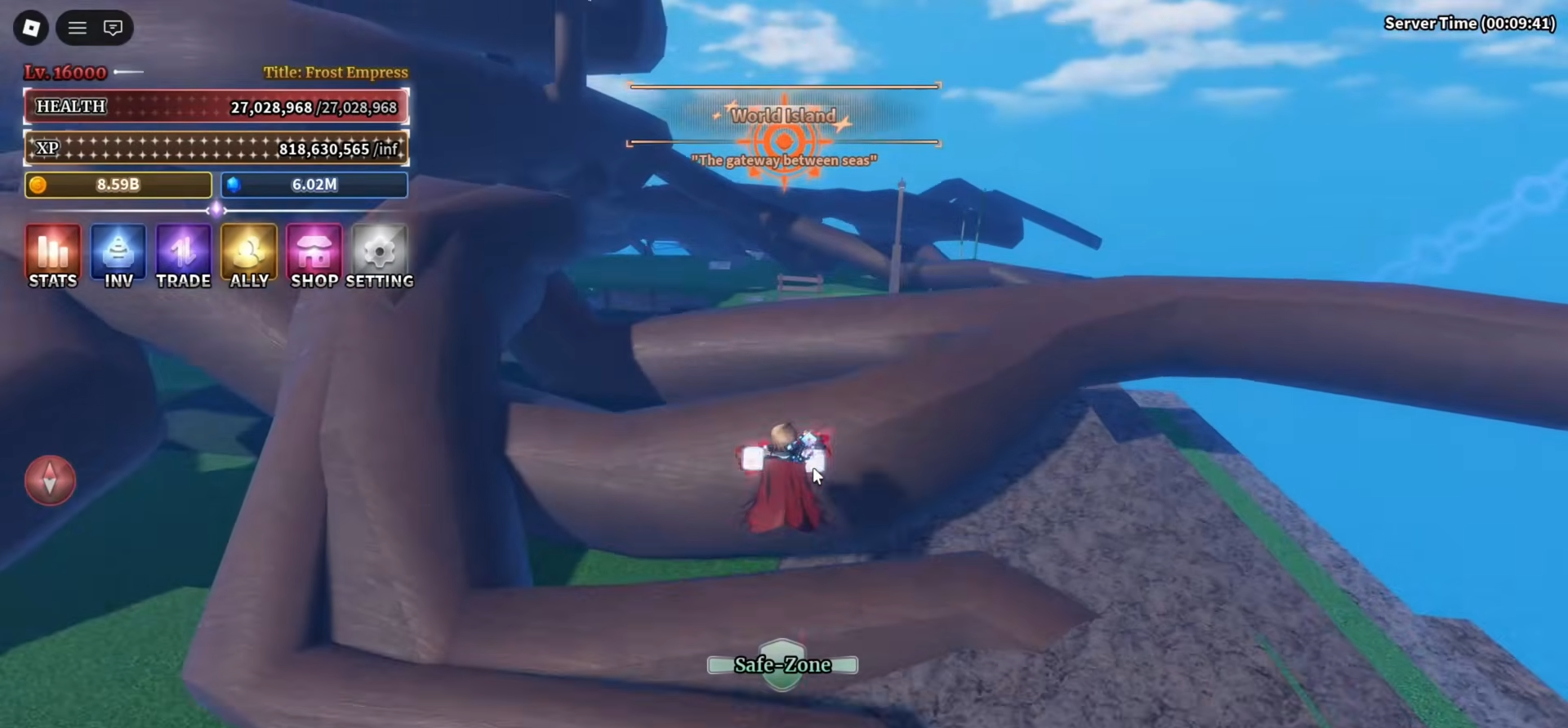
Upon spawning on World Island (Sea 2), scan the immediate area around the spawn point for the distinctive tree, often visible near central paths or landmarks.
Step 3
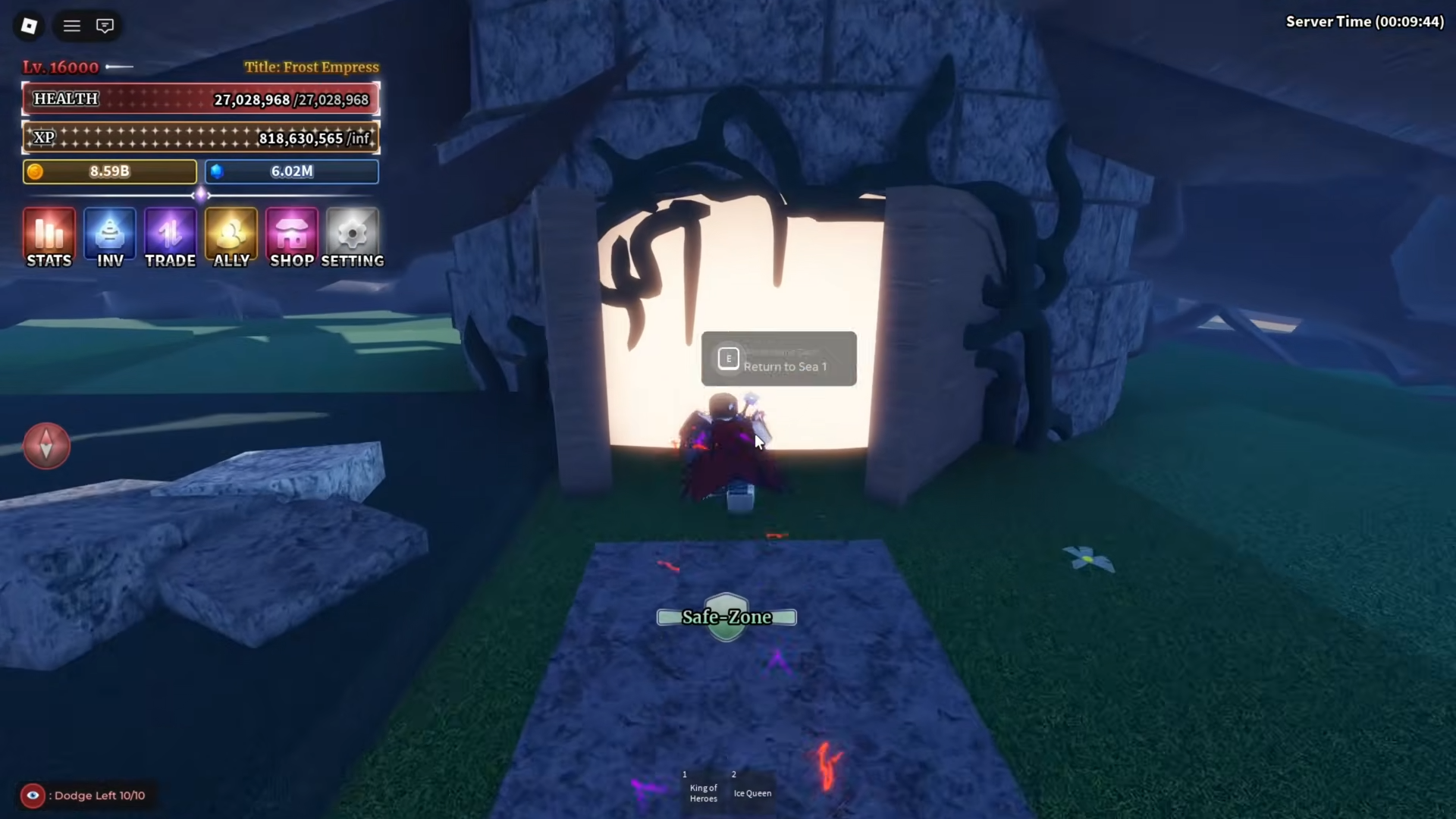
Approach the tree closely and interact with it using the prompt key (E on PC, or tap on mobile) to activate the teleport function.
Step 4
Confirm the interaction if prompted; the screen will flash and transition as you get teleported straight to your Sea 1 location.
Step 5
Verify your position in Sea 1 by checking the map or surroundings; repeat from Step 1 if needed for multiple trips.
This process works consistently across sessions and supports group travel if companions interact nearby.
Common troubleshooting tips
Players occasionally face minor issues during the switch.
-
If the tree does not respond, ensure no active quests block interactions; cancel any ongoing tasks via the quest log.
-
Lag on busy servers can delay teleport; switch to a less populated server through the Roblox menu.
-
Mobile users should zoom out to spot the tree easily amid island foliage.
-
Post-teleport disorientation resolves by using the portal again for familiar Sea 1 islands.
Rewards and benefits
This travel mechanic unlocks efficient farming loops.
Bidirectional travel keeps your adventure fluid—use this tree method daily to balance progression across seas, farm resources optimally, and tackle challenges without downtime. Experiment with timing during off-peak hours for smoother execution.






Leave a Reply