
What to know
-
Multiple players are reporting that interactive objects like wooden crates and chests in the barn area do not respond to button prompts.
-
The game has severe stuttering issues even on high-end GPUs like the RTX 4090, likely tied to shader compilation.
-
A pod-menu bug triggered after receiving the med-stim can soft-lock the entire UI, preventing players from exiting menus or adjusting settings.
-
Arabic text rendering breaks after certain characters like ز and ر, making localized text difficult to read.
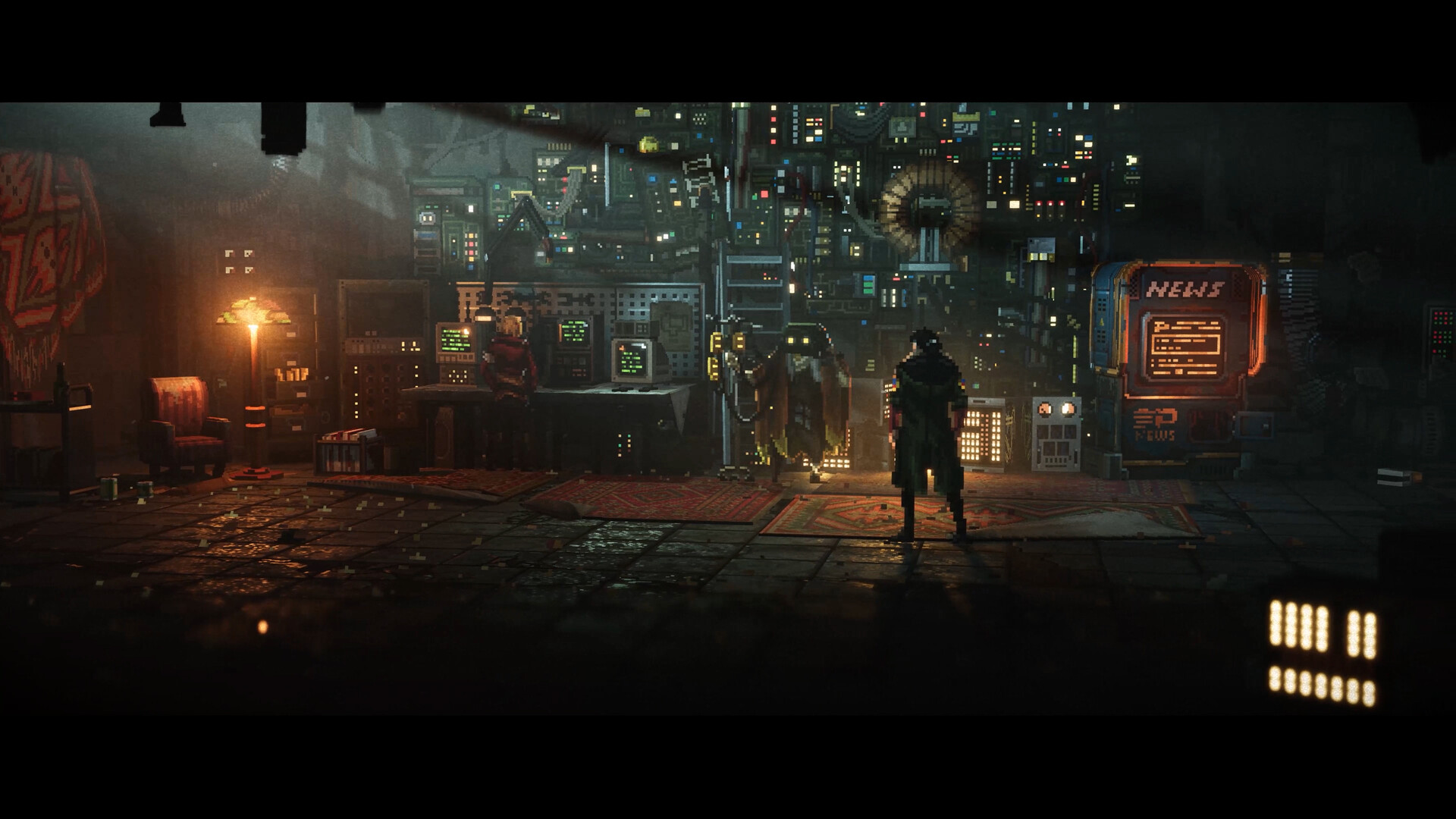
REPLACED launched with a lot of excitement, but players on Steam have quickly surfaced a handful of bugs that range from mildly annoying to outright game-stopping. Most of these have been reported within the first hours of play, and the developers are already aware of at least some of them. While official patches are on the way, here are the known issues and what you can do in the meantime.
Developers warned about Xbox Series S issues before launch
Before REPLACED even released, the developers proactively flagged that the Xbox Series S version of the game had known bugs and performance problems. This was an unusual step – publicly warning ahead of launch signals that the issues were significant enough that the team did not want players going in blind. If you are playing on Xbox Series S specifically, be aware that your experience may be rougher than on other platforms, and a fix is dependent on the developers shipping a dedicated patch for that version.
Can’t move objects in the barn
Several players have hit a wall early in the game where a chest or wooden box displays a button prompt but does not respond to any input. This happens in the barn area, typically after the first group fight. Here’s how to fix it for now:
Step 1
Do not keep mashing the button. It will not register no matter how many times you try once the bug triggers.
Step 2
Open the game menu and select the option to load from your last checkpoint.
Step 3
Once the checkpoint reloads, approach the object again and use the prompt as normal. Multiple players have confirmed this resolves the issue cleanly.
How to reduce stuttering on PC
The game stutters significantly during play, and even RTX 4090 owners are not immune. GPU usage appears inconsistent, which points to a shader compilation problem where the game compiles shaders in real time rather than upfront. Here’s how to fix it:
Step 1
Go into the in-game graphics settings.
Step 2
Turn off VSync if it is currently enabled.
Step 3
Remove any framerate cap you have set, either in-game or through your GPU software, and let the game run uncapped.
Step 4
Monitor your GPU usage after these changes. Players report that usage becomes more stable, which reduces the frequency of stutters. This is not a full fix, but it helps until a patch addresses the root cause.
This is the most disruptive bug currently reported. After receiving the med-stim and opening the pod-menu to inspect it, some players find themselves completely trapped. The game menu stops working, brightness settings become inaccessible, and the ERR value appears in the brightness field. Pressing the D key or right directional input while the brightness setting is highlighted consistently triggers this state. Here’s how to fix it for now:
Step 1
Do not press any directional input while the brightness setting is highlighted inside the pod-menu. This is the specific action that triggers the lock.
Step 2
If you are already stuck, attempt a full game reboot first. For some players, this resolves the issue temporarily.
Step 3
If the bug reoccurs after rebooting, avoid navigating to the brightness setting entirely during that session. Developers have acknowledged this bug and logged it for a fix.
Step 4
If rebooting does not help, try switching the display mode in the settings before entering the pod-menu again. Note that this does not work for everyone, so a developer patch is the real solution here.
Arabic text rendering issue
Players using Arabic localization have noticed that words containing the letters ز and ر cause the characters following them to render incorrectly or become scrambled. This appears to be a text shaping or font rendering problem specific to Arabic script. There is currently no workaround available for this bug. It has been flagged by the community, and players are waiting on the developers to address it in an upcoming update.
Keep an eye on REPLACED updates
Most of these bugs have immediate workarounds that involve reloading a checkpoint or restarting the game, which gets you back on track quickly. The pod-menu soft lock and the Arabic rendering issue are the two that genuinely require a developer-side fix. Develoeprs are active on the Steam discussions and have already acknowledged at least the pod-menu bug, so patches should follow soon. In the meantime, saving often and avoiding the brightness setting inside the pod-menu will keep your session from getting derailed.






Leave a Reply