

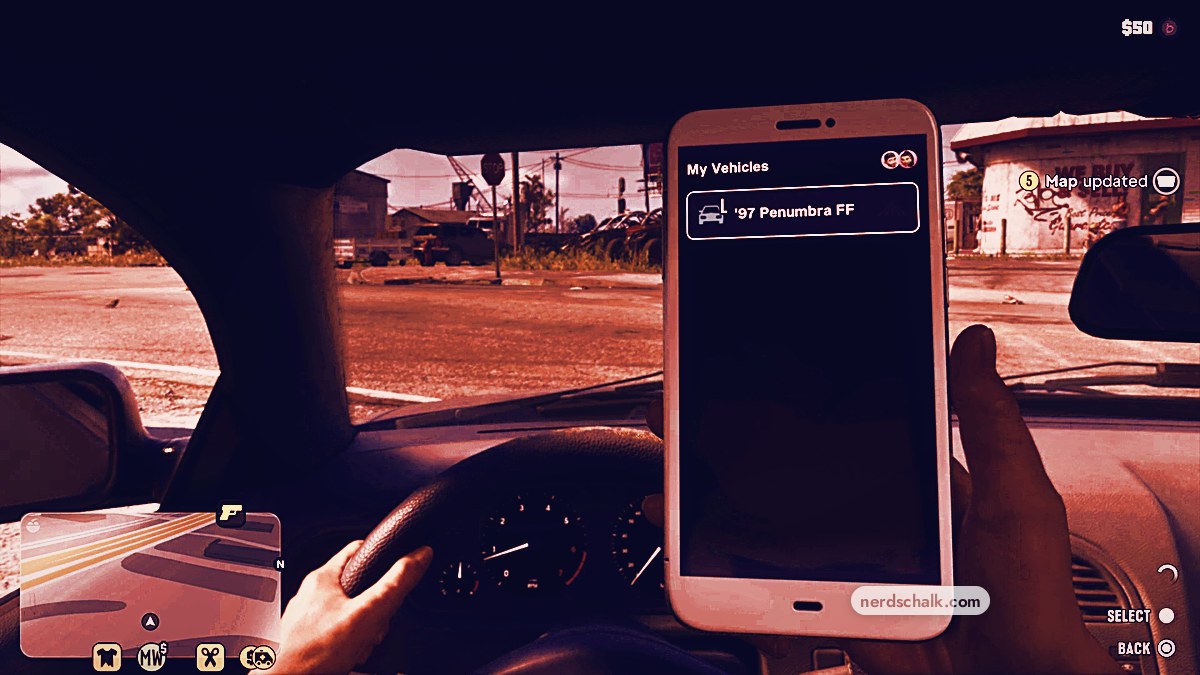
To register your vehicle, follow Moses into Watkins Auto Parts, keep your current car, respray it, then select Register.
Personal vehicle registration in Grand Theft Auto VI replaces your car’s plates and connects you with Scooter Bros for vehicle management on your phone. The game is listed for PlayStation 5 and Xbox Series X|S; the controls here use the PlayStation buttons. This guide covers registration with Moses and the vehicle services available afterward.
How to register a vehicle in Grand Theft Auto VI
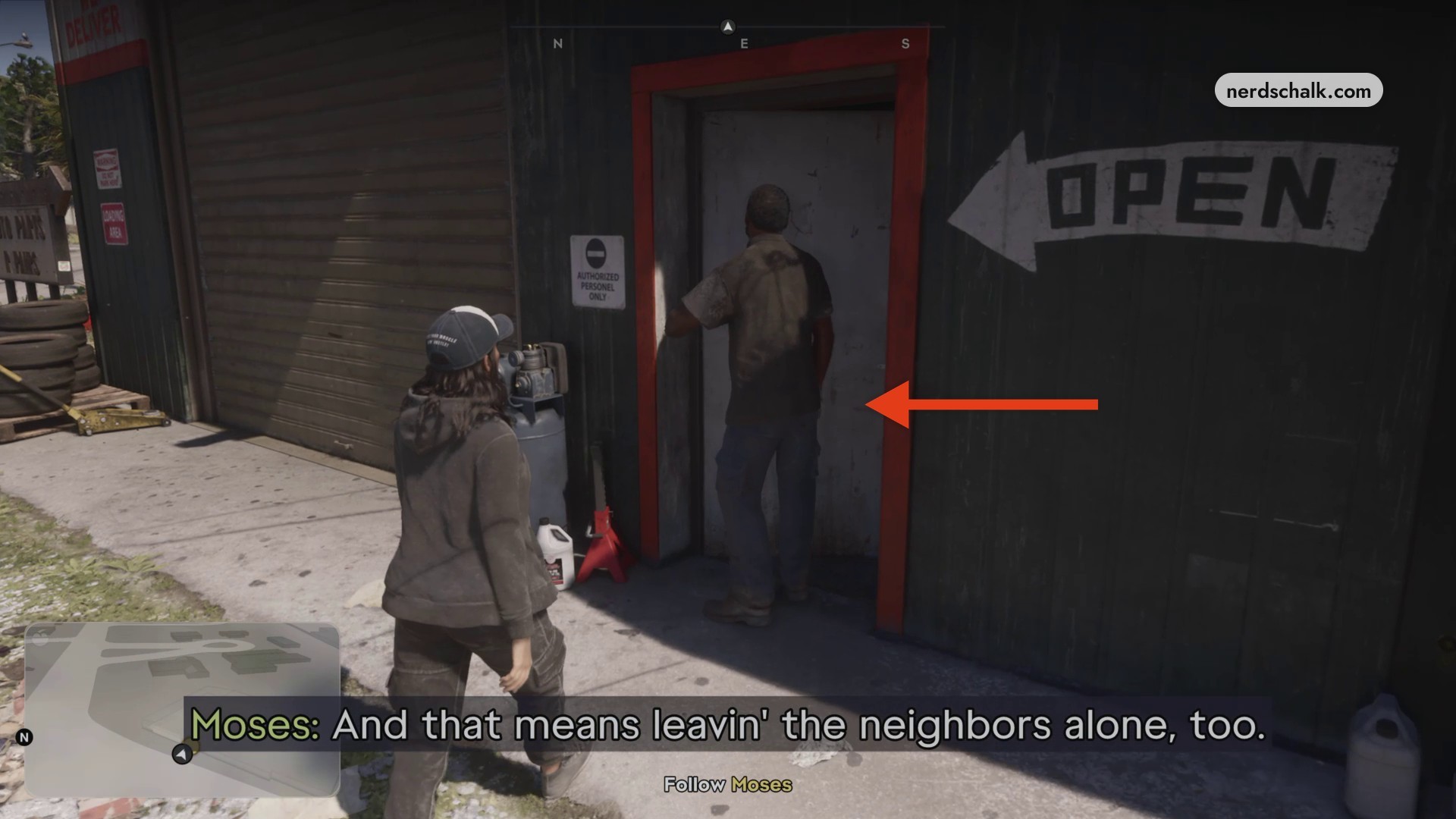
Follow Moses into the shop
Walk after Moses into Watkins Auto Parts to reach the vehicle registration interaction.
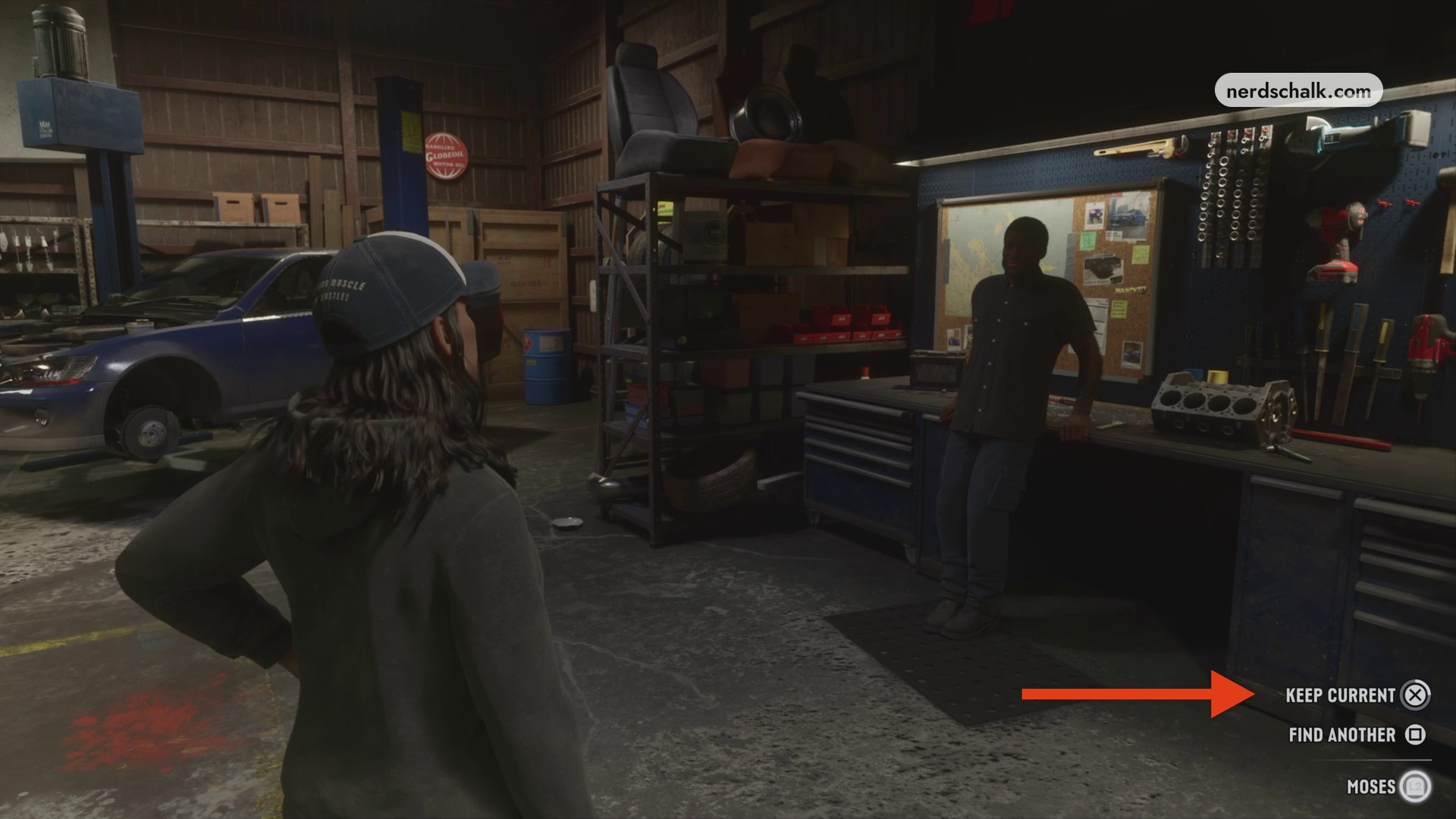
Keep your current car
Select KEEP CURRENT with Cross to retain your car. FIND ANOTHER is also displayed.
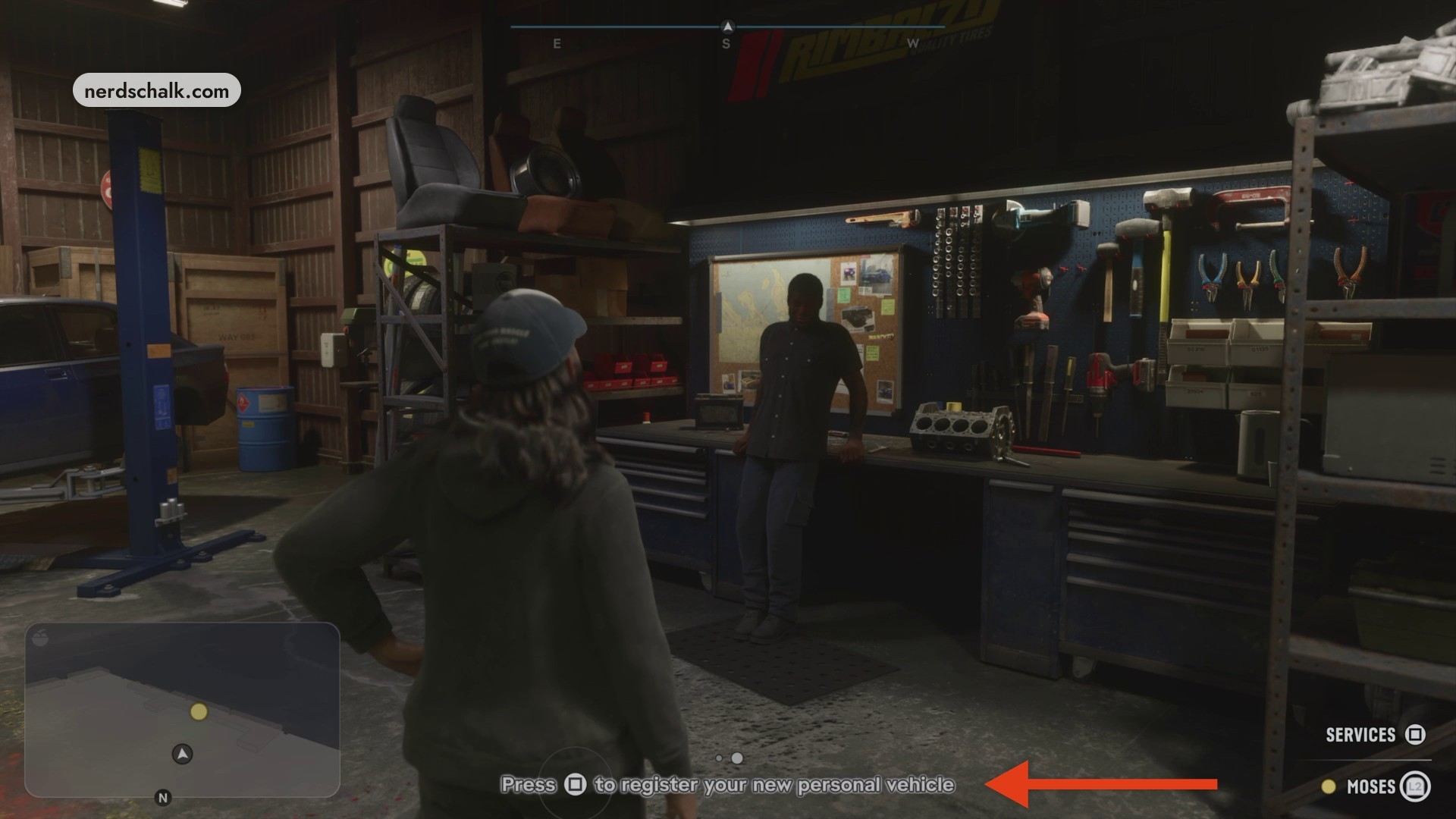
Open personal vehicle registration
Approach Moses at the desk and press Square at the personal vehicle registration prompt.
Move the highlight onto Respray in the Watkins Auto Parts menu.
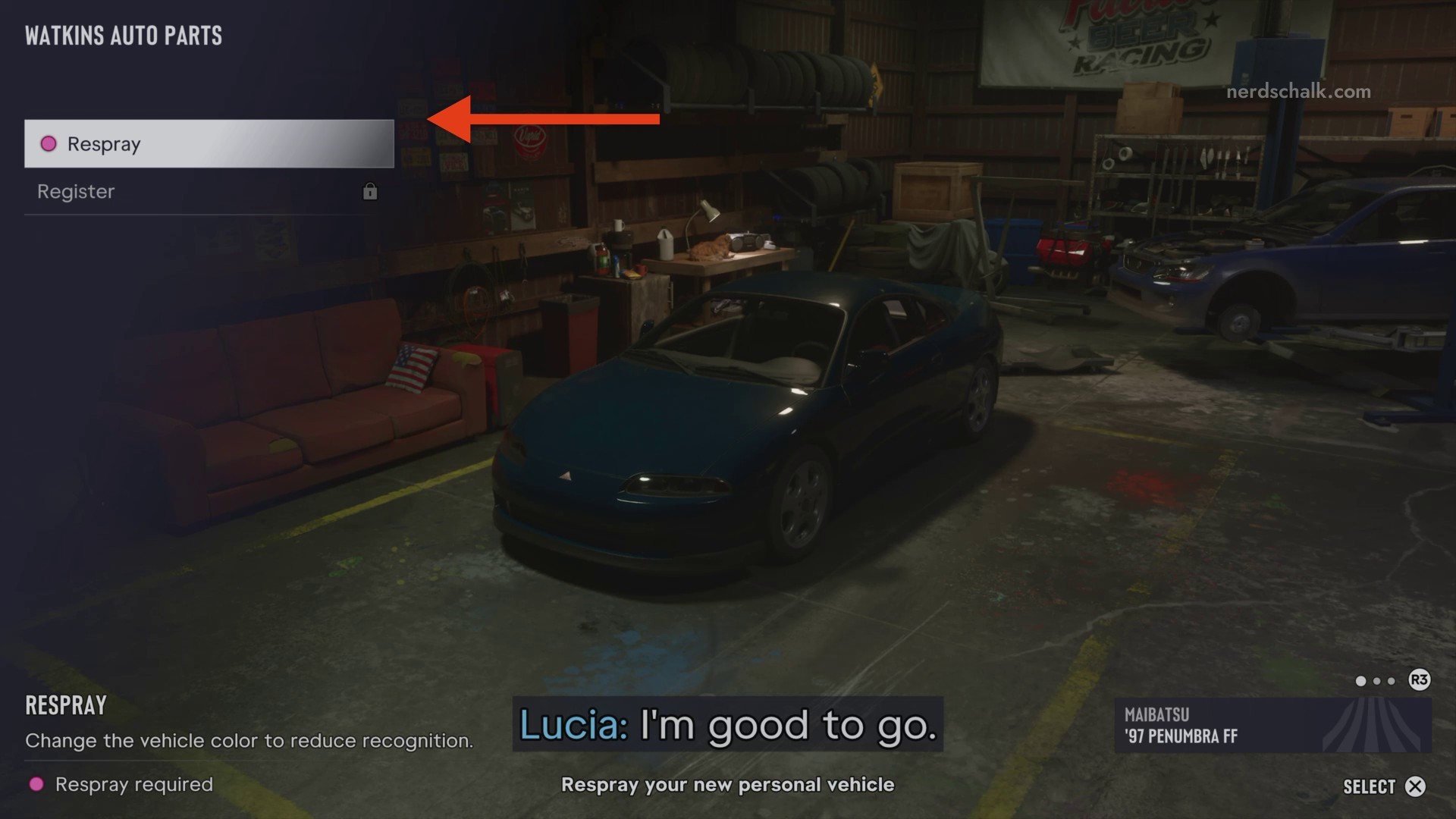
Choose a respray
Select Respray and choose a different paint color. Select BLACK; BUY appears among the menu controls, and the introductory respray is marked FREE.
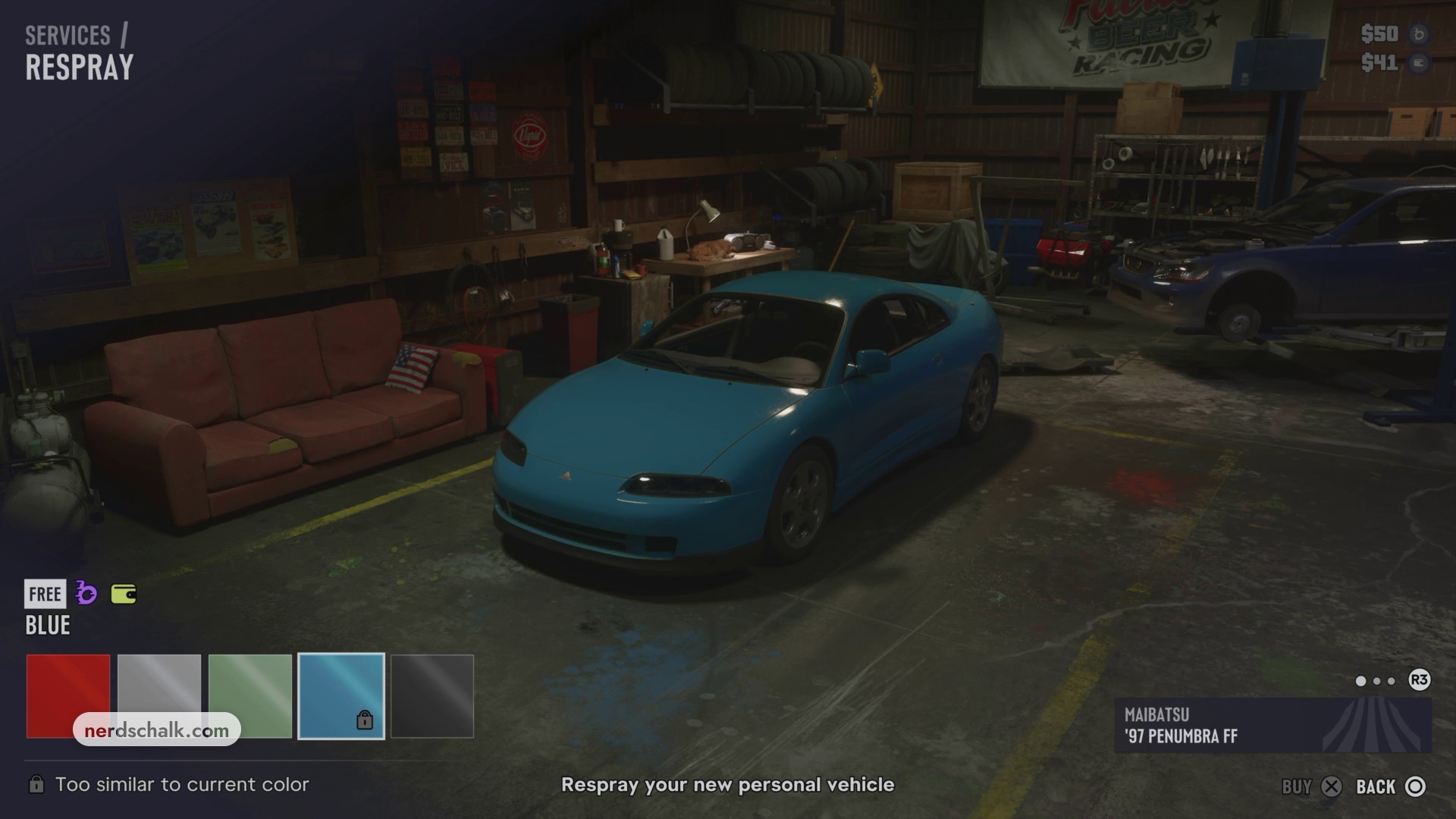
Register the car
Return to Register and press Cross to make the car your personal vehicle. The interface also displays 0/1 Stored vehicles.
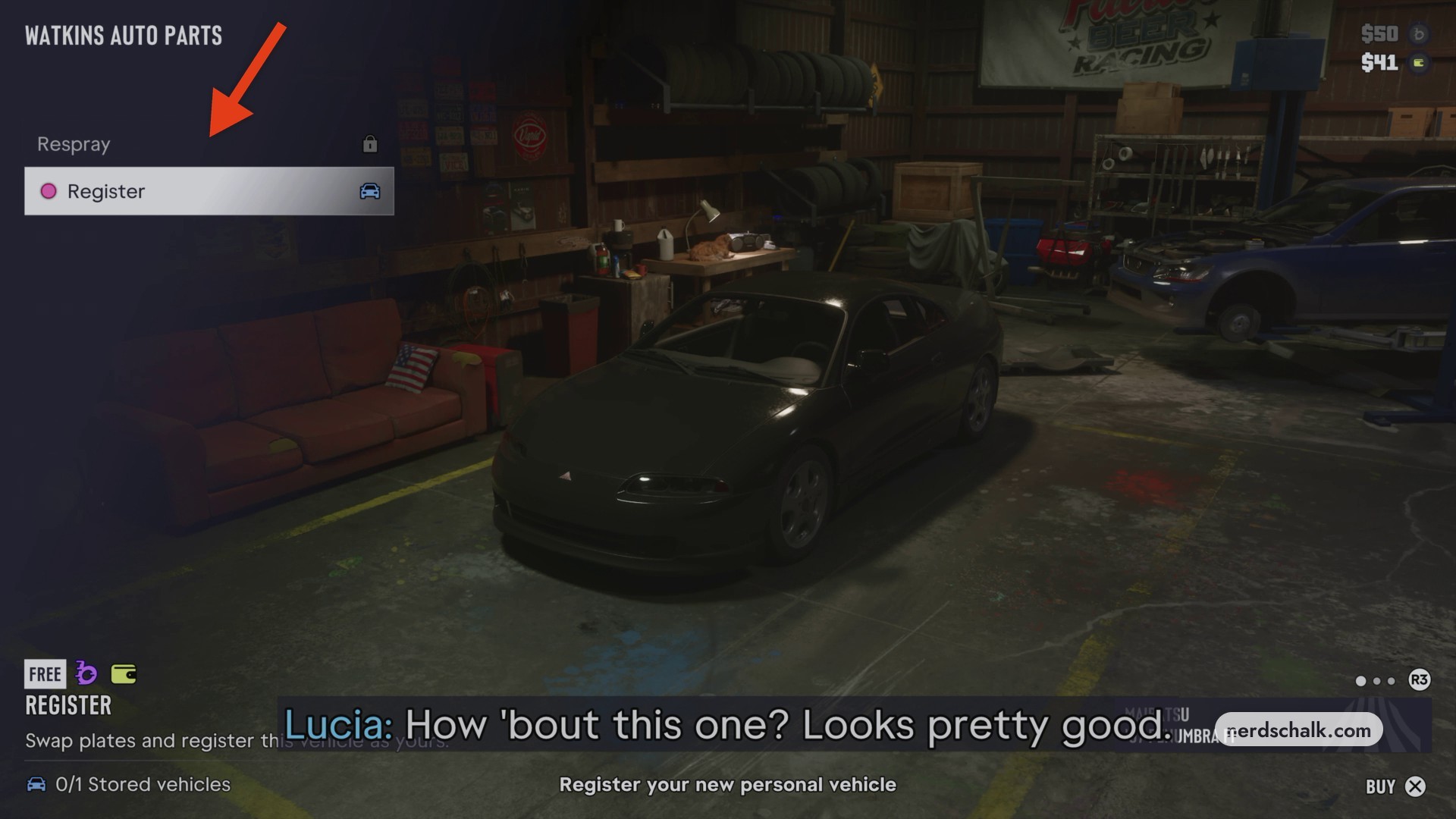
Wait for ownership confirmation and leave
Wait for Moses’s ownership confirmation and the arrival of Scooter Bros. The notification that your ’97 Penumbra FF is now an owned vehicle marks completion; drive the car out onto the street afterward.
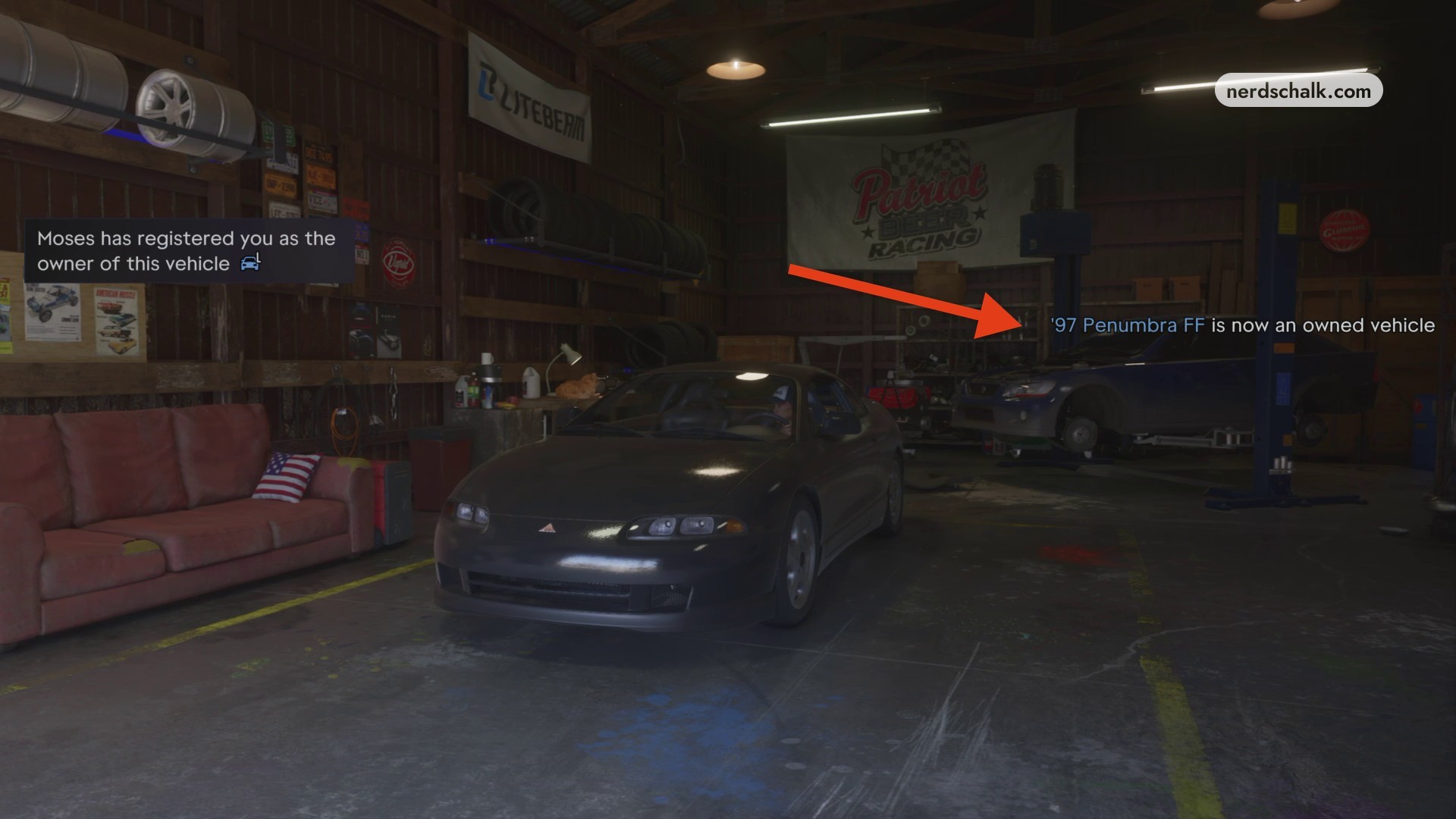
Drive your registered car out of the shop onto the street.
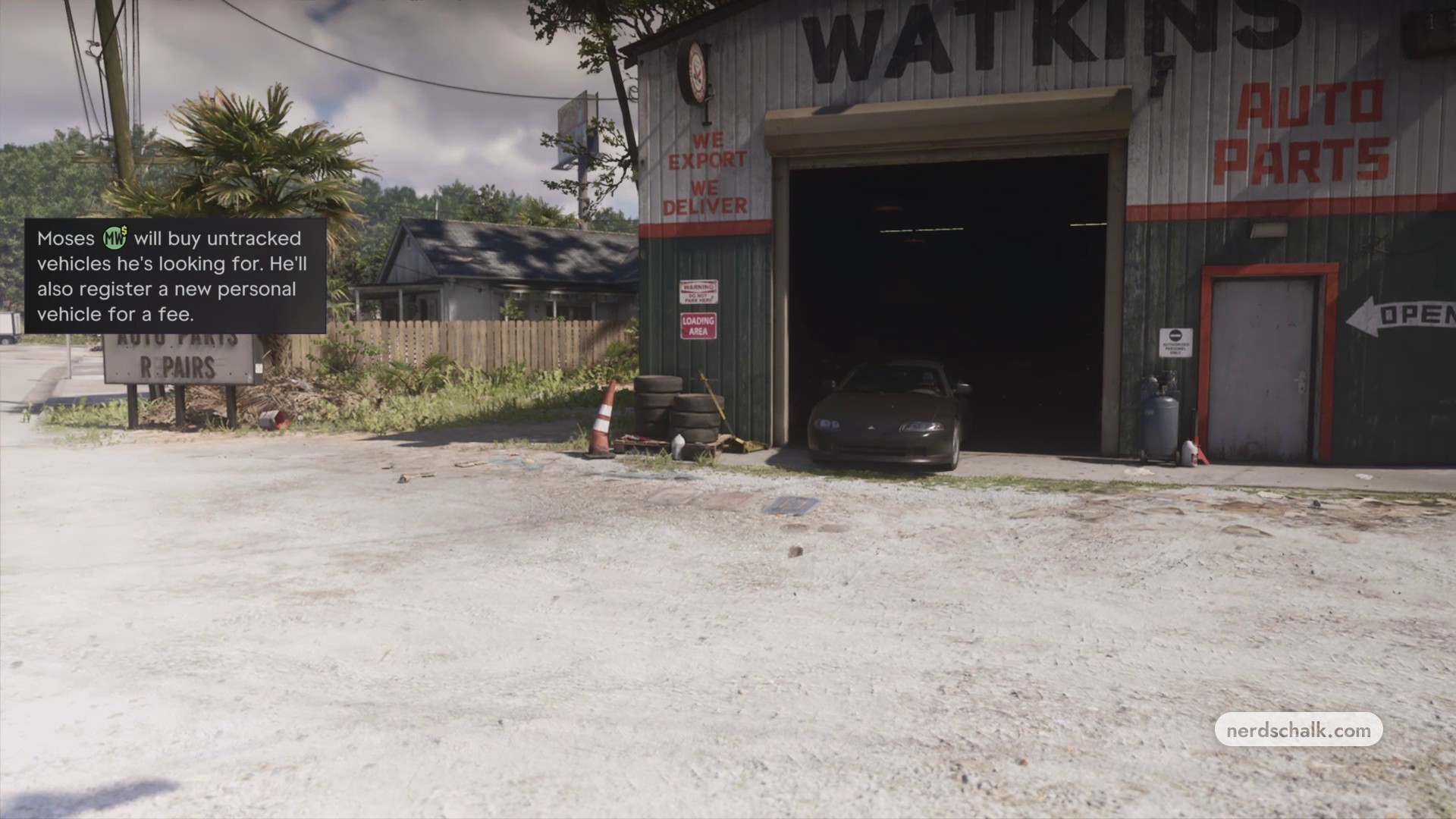
Use the new Scooter Bros app on your phone to manage your vehicles.
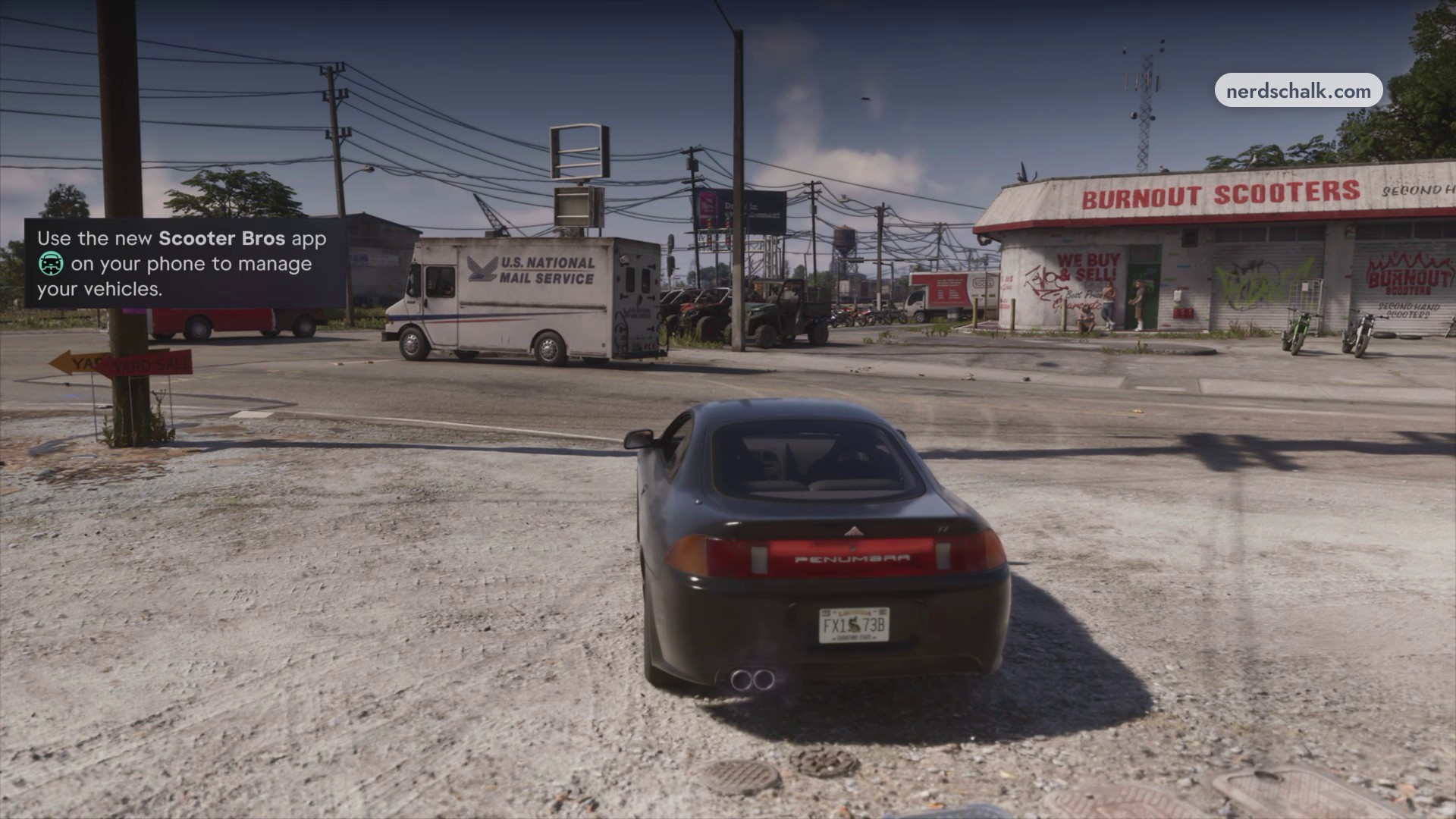
Find your car in Scooter Bros
Open your phone and select Scooter Bros. Under My Vehicles, check the ’97 Penumbra FF entry to find your newly registered car.
› story detailsSpoilers for the story. Open to read.
Moses waives Lucia’s registration charge, offering it on the house.
What vehicle services are available after registration?
| Service | Cost or allowance |
|---|---|
| Registering a new personal vehicle with Moses | A fee |
| Requesting car delivery through Scooter Bros | $100 |
| Scooter Bros premium delivery benefit | Three free deliveries a day |
Moses also buys untracked vehicles he’s looking for. Both conditions matter: the vehicle must be untracked and one he wants to buy. Registration and phone-based delivery have their own charges and allowances.
If you plan to request deliveries, use Scooter Bros on your phone.
With ownership settled, you can keep driving your car or arrange a delivery for your next outing.
Related Grand Theft Auto VI guides

Leave a Reply