

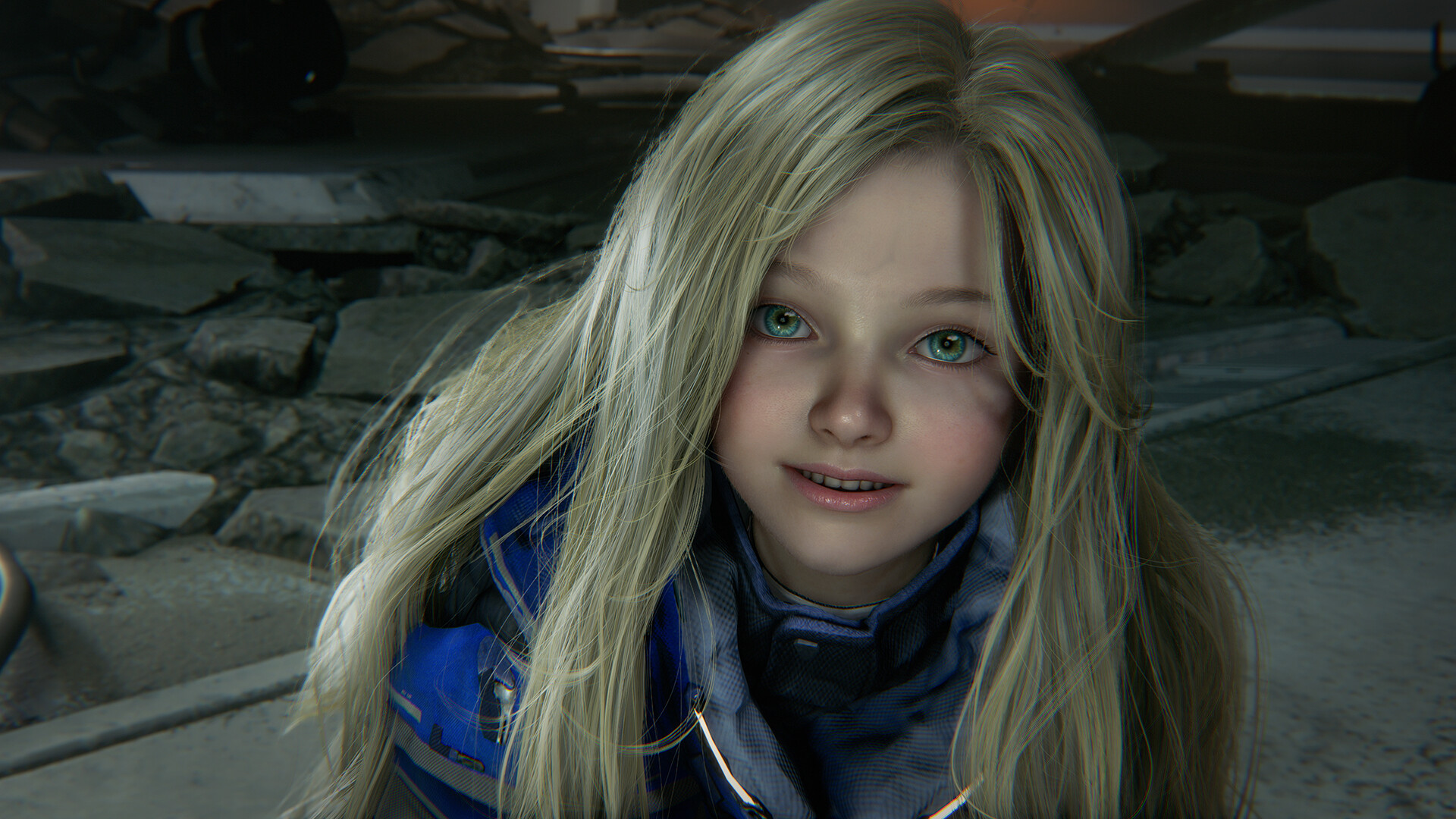
What to know
- You need the Deluxe Edition DLC (Shelter Variety Pack) to unlock emotes
- Emotes only trigger while inside shelter areas
- Music selection directly determines Diana’s emote
- Different genres like Lo-fi, EDM, and Jazz trigger unique animations
If you’ve been wondering how to make Diana dance in Pragmata, the system is simple once you understand the requirements. The feature is tied to a mix of DLC content, location restrictions, and jukebox interactions, which can easily be missed if you’re just progressing through the main story.
Below is a complete breakdown of how it works and how you can trigger every available emote.
| Feature | Details |
|---|---|
| Requirement | Deluxe Edition (Shelter Variety Pack DLC) |
| Location Needed | Shelter / Cabin areas only |
| Activation Method | Use Jukebox inside cabin |
| Emote Trigger | Based on selected music track |
| Default Availability | Not available in base game |
How the emote system works in Pragmata – requirements explained
The emote system in Pragmata is entirely tied to your shelter environment, specifically the cabin area where you can interact with various utilities. Unlike combat or exploration mechanics, emotes are not accessible in the open world or during missions.
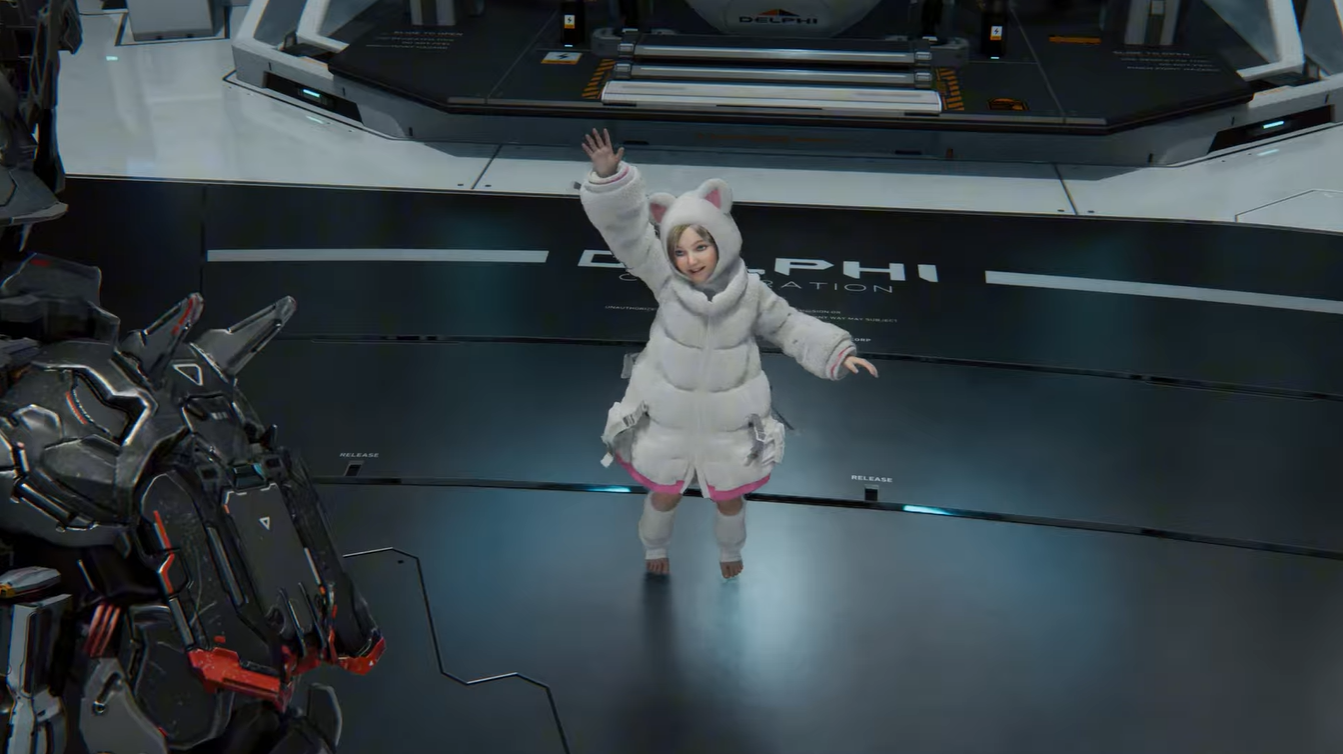
The Shelter Variety Pack DLC is the key requirement for unlocking emotes. Without it, the jukebox either won’t include the necessary tracks or won’t trigger any animations at all.
You must be inside a shelter for Diana to react to music at all. If you attempt to play music outside or expect passive reactions during gameplay, nothing will happen.
How to trigger Diana’s emotes and make her dance
Step 1
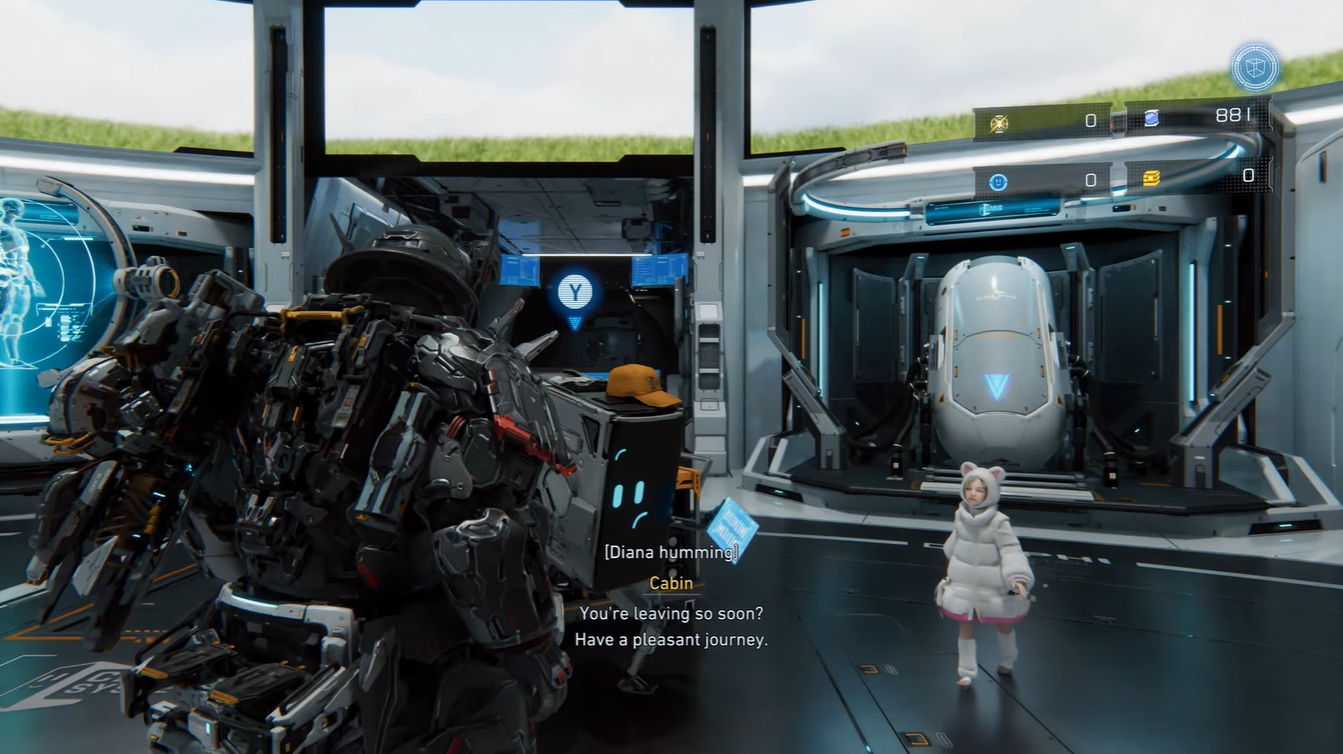
Enter any shelter or cabin area where you have access to interior systems. This is typically available between missions or after certain checkpoints.
Step 2
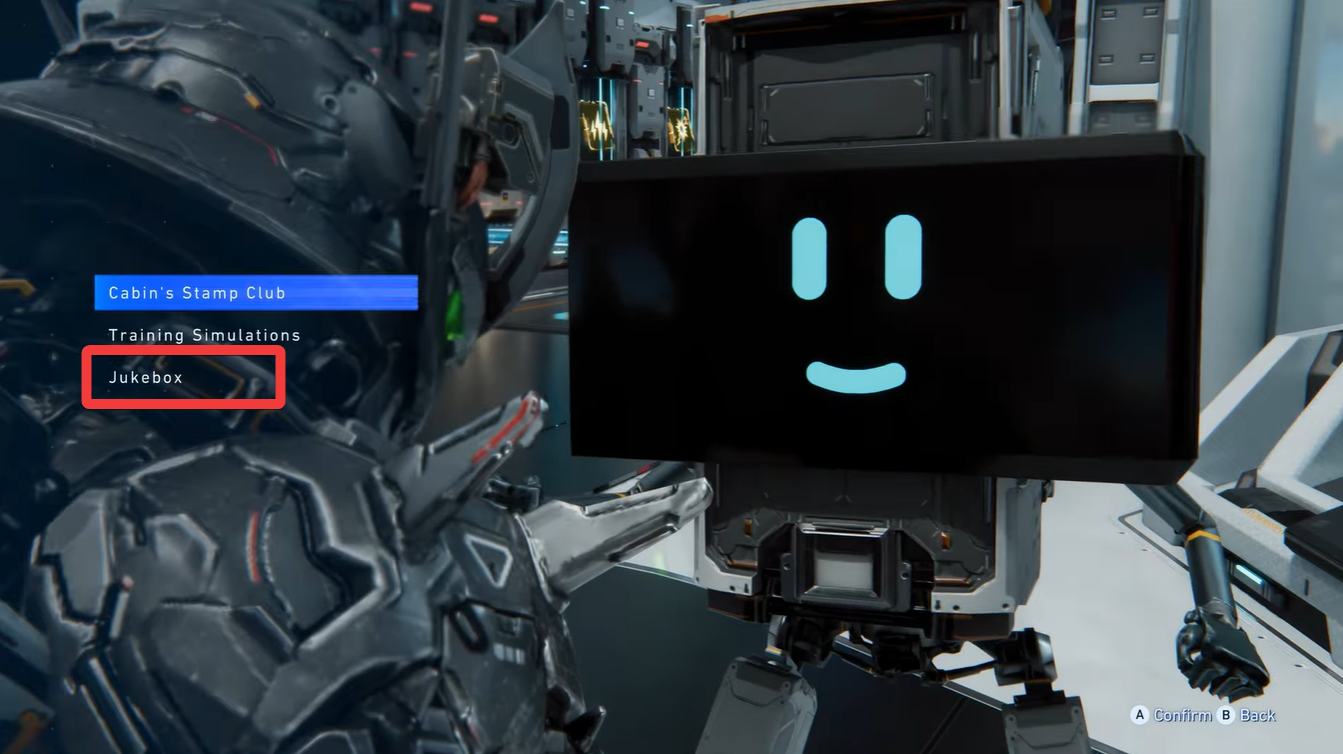
Locate the jukebox inside the cabin. It is usually part of the environment interaction panel labeled under cabin systems.
Step 3
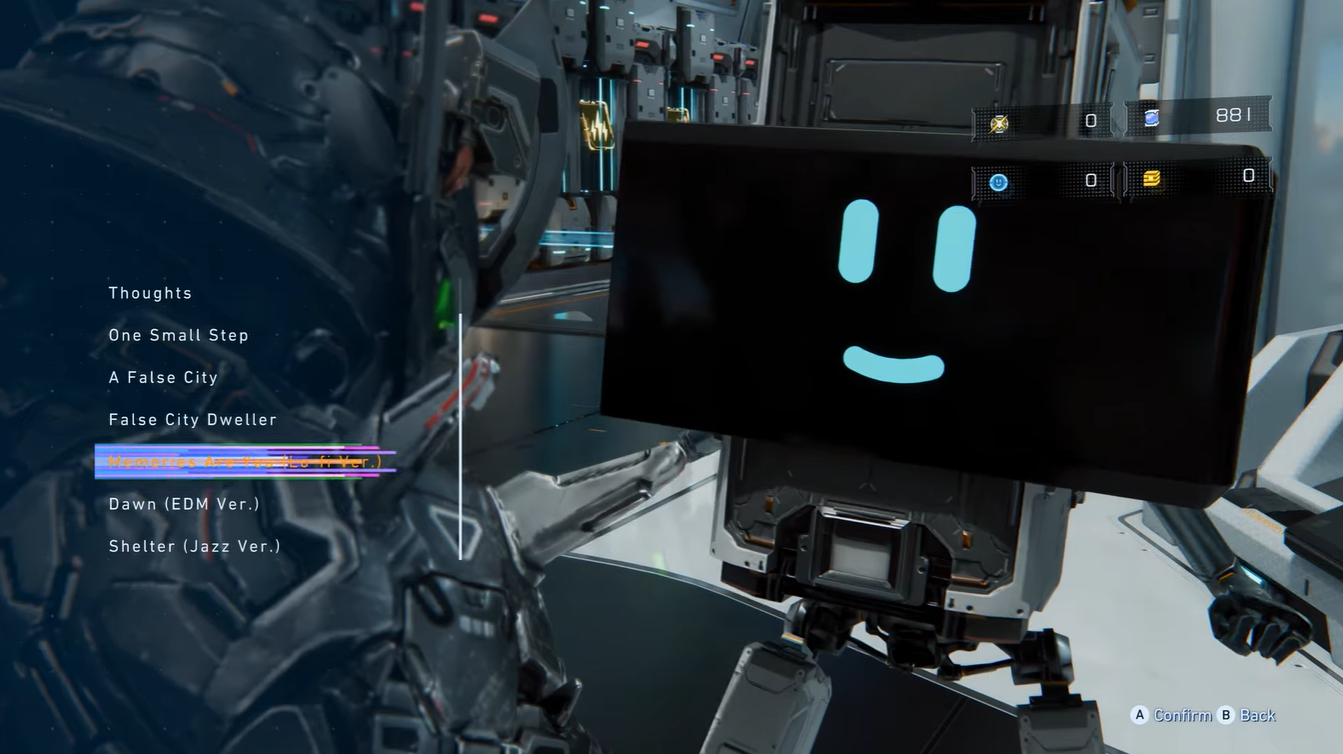
Open the jukebox menu and browse available tracks. If you have the DLC installed, you’ll see additional music options.
Step 4
Select a DLC-specific track such as Lo-fi, EDM, or Jazz. These are the tracks that trigger emotes. Observe Diana’s reaction. She will automatically perform an emote based on the selected music genre.
How different music types affect Diana’s animations
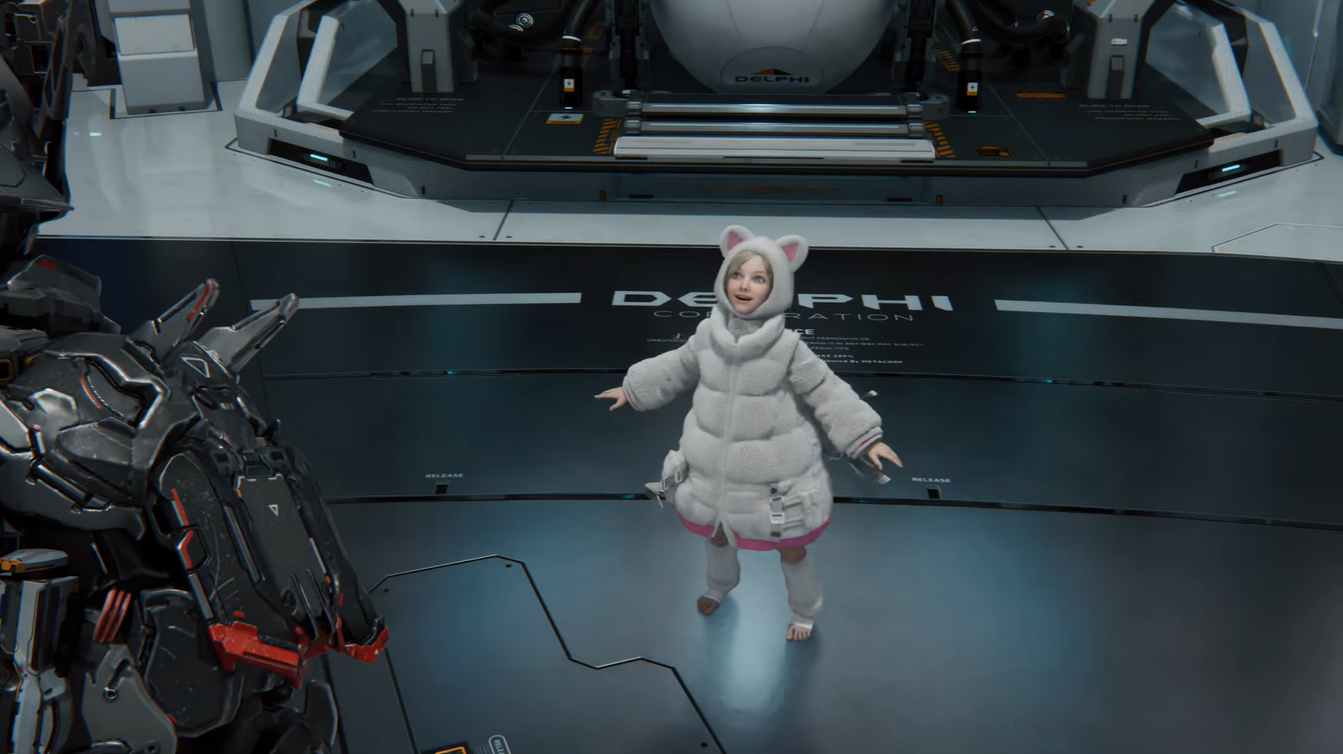
Each music genre is mapped to a specific emote animation, making the system predictable once you understand the pattern. This adds a fun layer of interaction inside shelters.
| Music Type | Diana’s Emote |
|---|---|
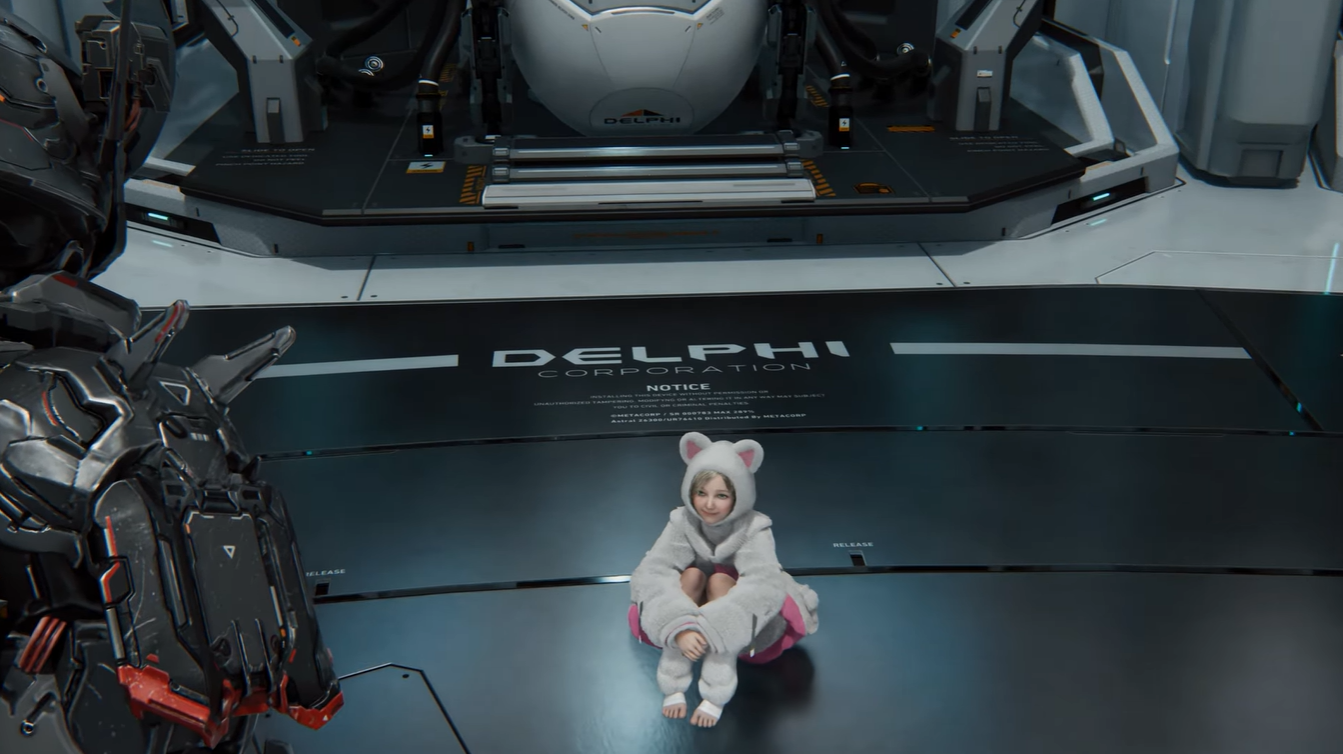
| Lo-fi | Sleepy / Drowsy animation |
| EDM | Dance animation |
| Jazz | Dance animation |
| Non-DLC Music | No reaction |
Lo-fi tracks tend to trigger more relaxed, sleepy behavior, which fits the tone of ambient music. On the other hand, EDM and Jazz push Diana into energetic dance animations, making them the go-to choices if you specifically want to see her dance.
Important limitations players should know
There are a few restrictions that can confuse players if not understood clearly. First, you cannot trigger emotes outside of shelters, no matter what actions you take. This is strictly an indoor feature.
Second, not all music tracks are valid triggers. Even if the jukebox allows playback, only DLC-specific tracks will cause a reaction.
Finally, this system is purely cosmetic. It does not affect gameplay, stats, or progression in any way. It exists purely for immersion and character interaction.
While the emote system may seem minor, it adds personality to Diana and makes shelter downtime more engaging. Instead of being a static companion, she reacts dynamically to the environment, giving players a small but meaningful connection.
These interactions also reinforce the futuristic, lived-in feel of the game’s world. The ability to play music and see Diana respond creates a more humanized experience, especially in contrast to the otherwise tense gameplay outside.






Leave a Reply