The Power Out quest in ARC Raiders sends players to investigate a mysterious blackout at the Spaceport. Celeste needs your help to locate a missing engineer and restore electricity to the damaged substations. What begins as a simple maintenance job quickly turns into a tense search mission through a hostile area — uncovering signs that something more sinister is at play.
Power Out: Objectives
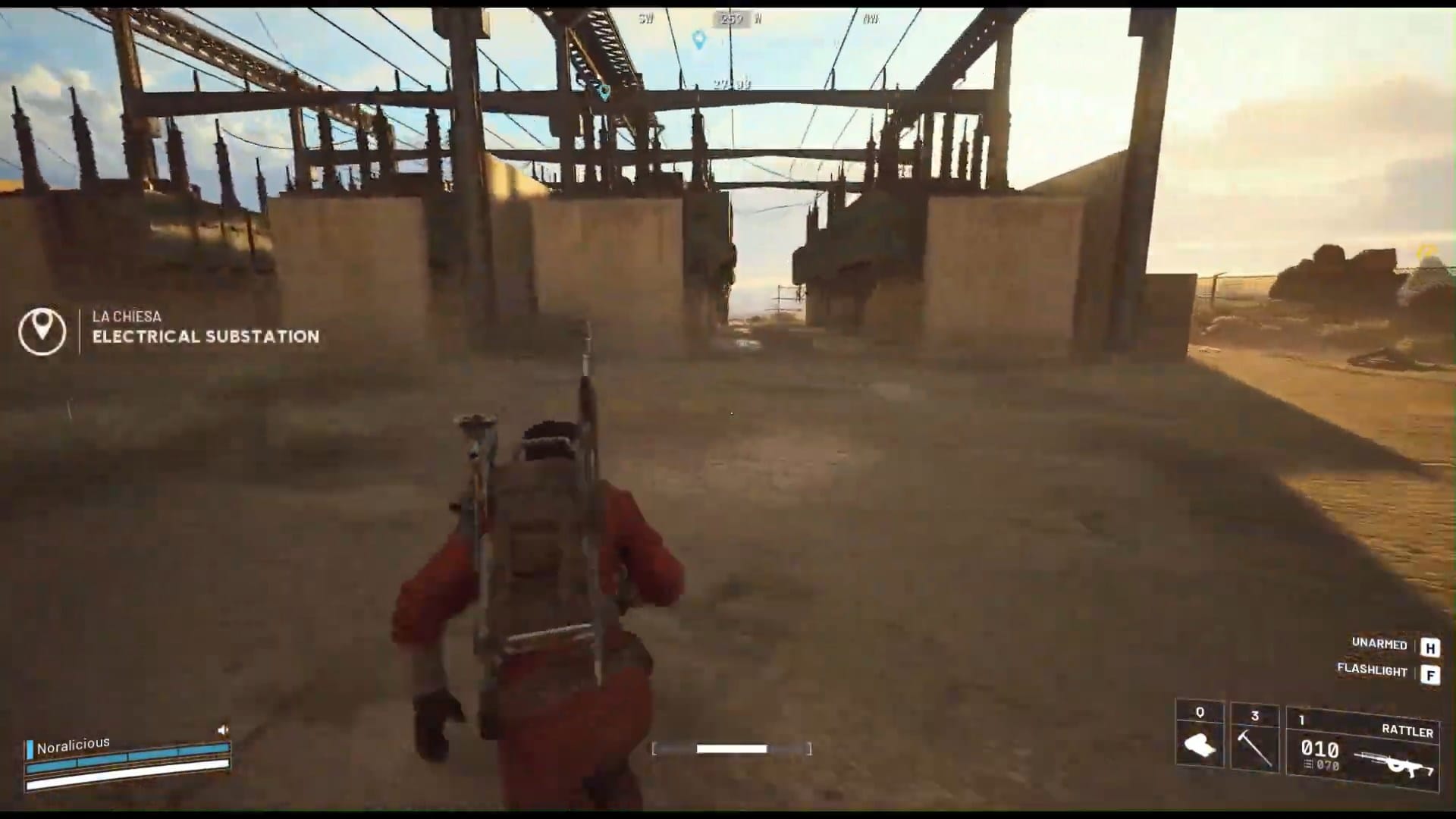
- Find the Electrical Substation south of the Spaceport
- Find any sign of the missing engineer

Scene
“This goes beyond bad luck. Something—or someone—has knocked out some of our electrical substations. The engineer I sent out to fix it hasn’t returned, so I need all available Raiders to look into it. That includes you.”
Power Out: Location
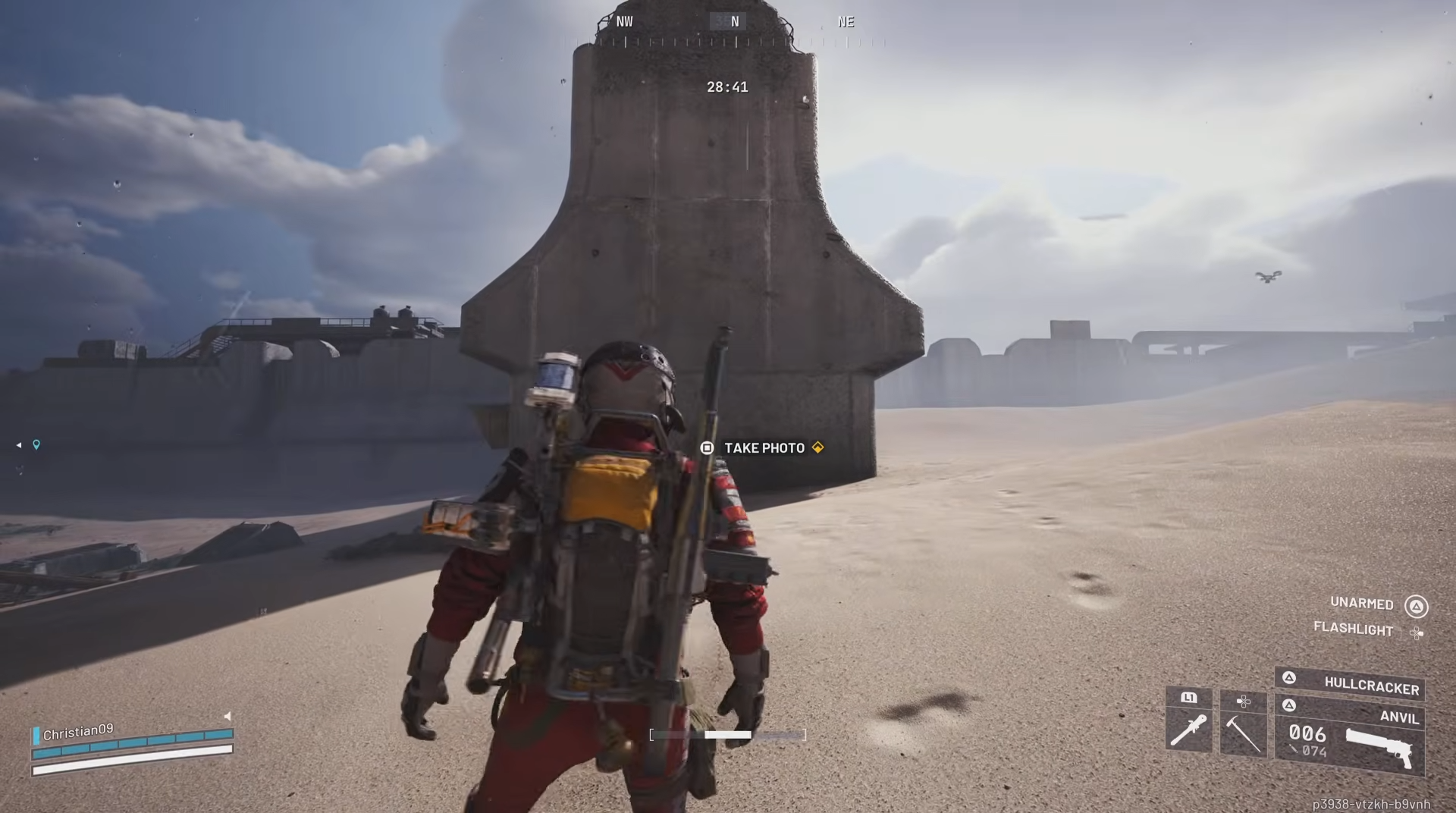
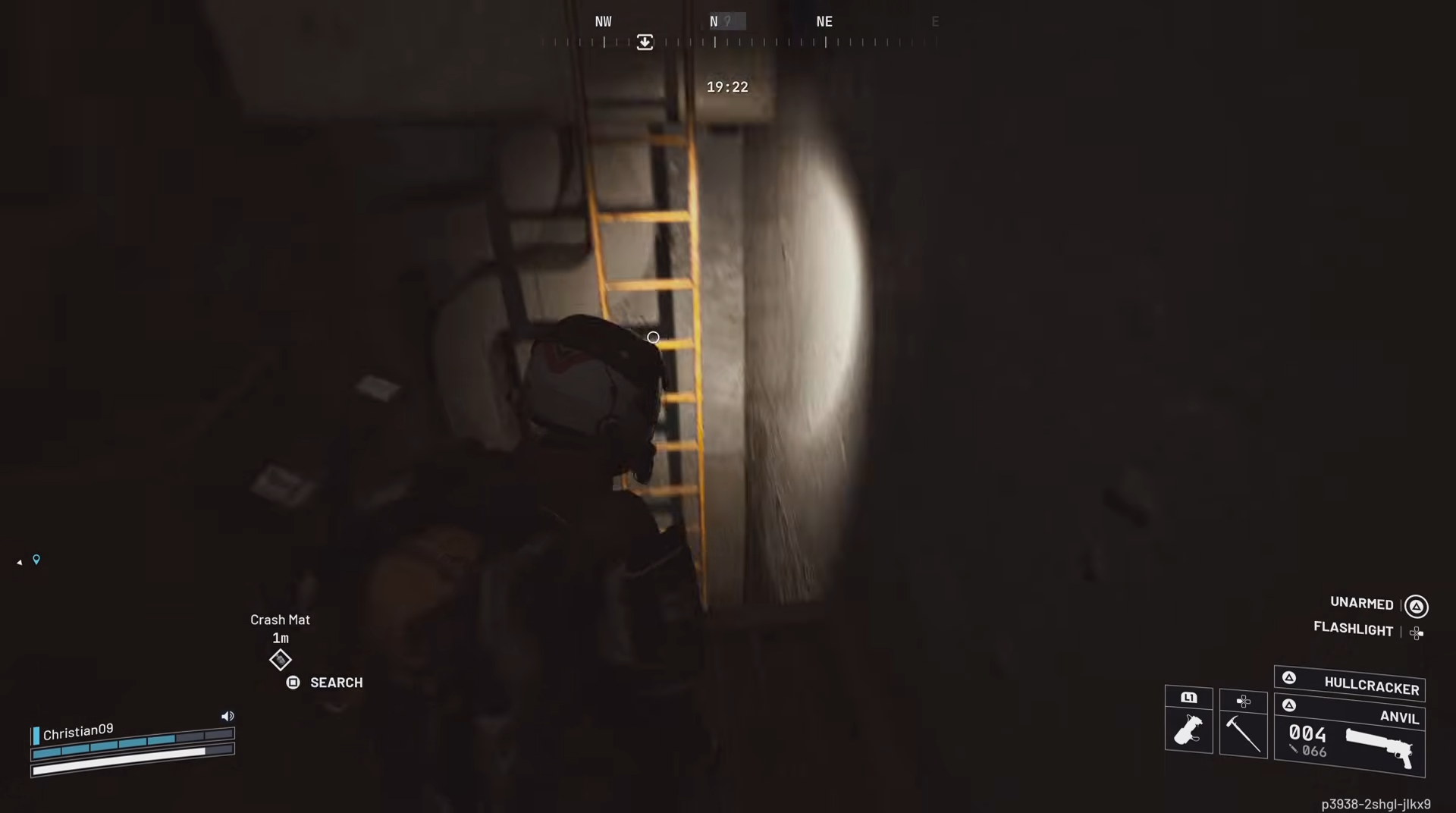
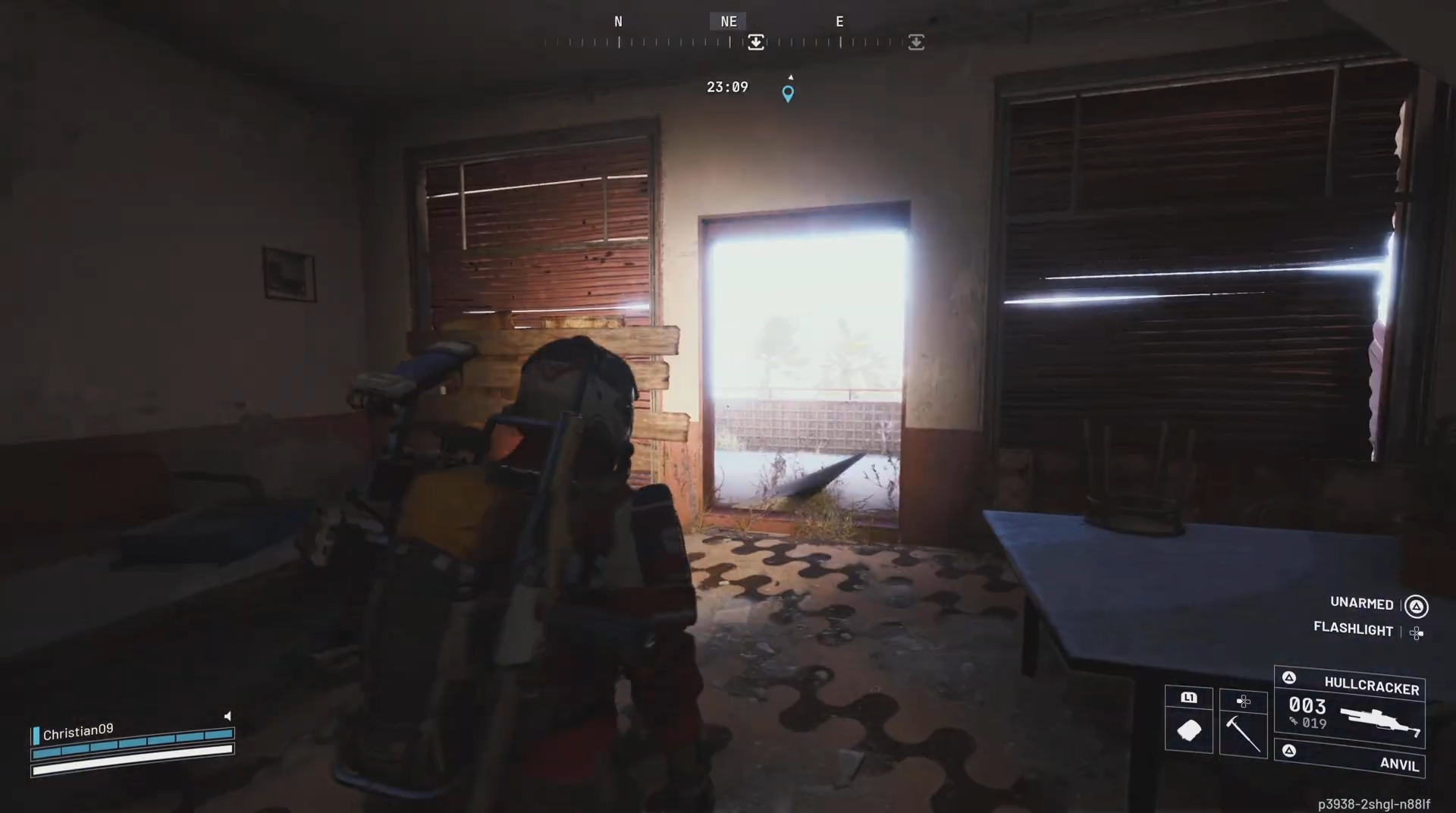
This mission takes place south of the Spaceport, where a series of electrical substations line the dusty industrial outskirts. Start from the Spaceport landing zone and move along the southern road toward the fenced-off power grid area. You’ll find several damaged transformers and signs of combat — including scattered tools and the engineer’s gear. The area is crawling with rogue drones, so maintain cover while investigating.

Power Out: Reward
| Reward | Details |
|---|---|
| Outfit | Raider Utility Suit ×1 |
| Material | Wire ×5 |
| Component | Scrap Metal ×5 |
| Resource | Fuel Canister ×5 |
Power Out: Step by Step
Accept the mission from Celeste at your base terminal. Head to the southern Spaceport sector and locate the fenced electrical substation area.

Enter the Electric Sub-station and then find a container of battery fuse.

Carry the battery tool to the grid main transformer.

Restore limited power by reactivating one of the smaller transformers nearby.

Interact with the plug to restore the power. Return to Celeste once the area is secured and your investigation is complete.

Power Out: Tips
- Expect combat: Enemy drones often respawn near substations.
- Use EMP grenades: They can disable enemies quickly without destroying critical equipment.
- Watch for traps: Damaged transformers can emit electric arcs that cause heavy damage.
- Search thoroughly: The engineer’s logbook is key to completing the investigation.
- Finish in one run: All objectives must be completed in a single round to receive rewards.