
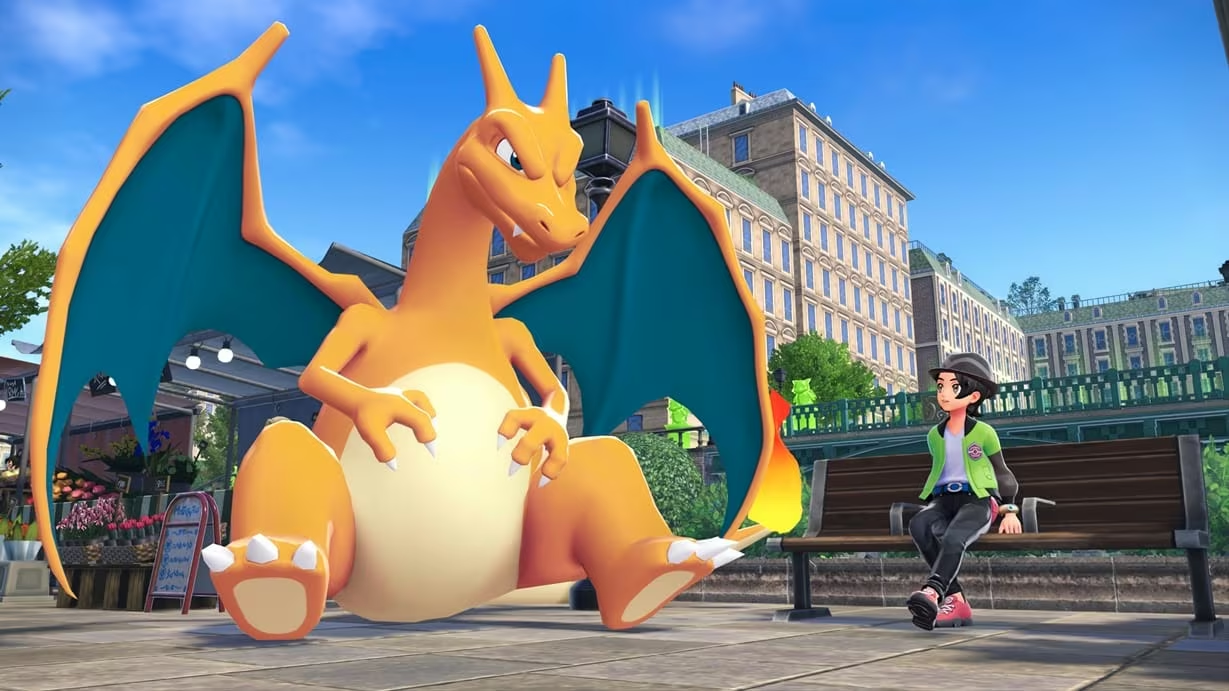
Pokémon Legends: Z-A lets you skip the guesswork of random trading by using numeric Link Trade codes. Instead of hoping a stranger has what you want, you and another trainer both enter the same code to lock in a specific exchange, usually a pre-evolution for its evolved form.
Working Pokémon Legends: Z-A trade codes
Enter any of these on the Link Trade screen to lock in the exchange listed next to it.
0066 0066
Trade Haunter to get Gengar
New
0063 0063
Trade Kadabra to get Alakazam
New
0126 0126
Trade Machoke to get Machamp
New
0197 0197
Trade Onix holding a Metal Coat to get Steelix
New
0182 0182
Trade Phantump to get Trevenant
New
0204 0204
Trade Pumpkaboo to get Gourgeist
New
0176 0176
Trade Scyther holding a Metal Coat to get Scizor
New
0137 0137
Trade Slowpoke holding a King’s Rock to get Slowking
New
0096 0096
Trade Spritzee holding a Sachet to get Aromatisse
New
0098 0098
Trade Swirlix holding a Whipped Dream to get Slurpuff
New
0011 0011
Trade Porygon holding an Up-Grade to get Porygon2
New
0012 0012
Trade Porygon2 holding a Dubious Disc to get Porygon-Z
New
0048 0048
Trade Feebas holding a Prism Scale to get Milotic
New
Every one of these covers a Pokémon that only evolves through trading, so the codes are a shortcut around finding a real trading partner willing to make that exact swap.
How to redeem codes in Pokémon Legends: Z-A
Note: A code only works if someone else is actively offering that exact trade at the same time. If nobody is matched to the code you enter, the connection just won’t complete, no error needed.
How to get more Pokémon Legends: Z-A trade codes
These codes work because trainers set up standing offers, so fresh ones show up whenever someone new starts trading away a Pokémon that requires a specific evolution item. There’s no fixed schedule for when new pairings appear, since it depends entirely on other players putting Pokémon up for that exact swap.
Check back on this exchange rate as more trainers reach the point in the game where trade evolutions become relevant, since that’s when new code pairings tend to surface.
Why didn’t my trade code work?
The most common reason is timing. Both trainers need to enter the same code within the same window, and if the other side already completed a trade with someone else, the code won’t have anyone left to match with. Double-check that you typed every digit correctly too, since a single missed zero will keep the connection from forming.
Do I need to hold a specific item for these trades?
Yes, for several of them. Steelix, Scizor, Slowking, Aromatisse, Slurpuff, Porygon2, Porygon-Z, and Milotic all require the Pokémon being traded away to hold the specific item listed next to that code. Without it, the trade will still go through, but the evolution won’t trigger.
Keep an eye on your held items before you queue up a trade code, since that’s the detail most likely to trip people up when a promised evolution doesn’t show up right away.






Leave a Reply