
What to know
- Pixel Launcher is developing personalized app groups based on your usage patterns.
- The categories use signals including launch frequency, session length, and time-of-day activity.
- The code appears in NexusLauncherRelease from the unreleased Android beta cp41.260831.007.
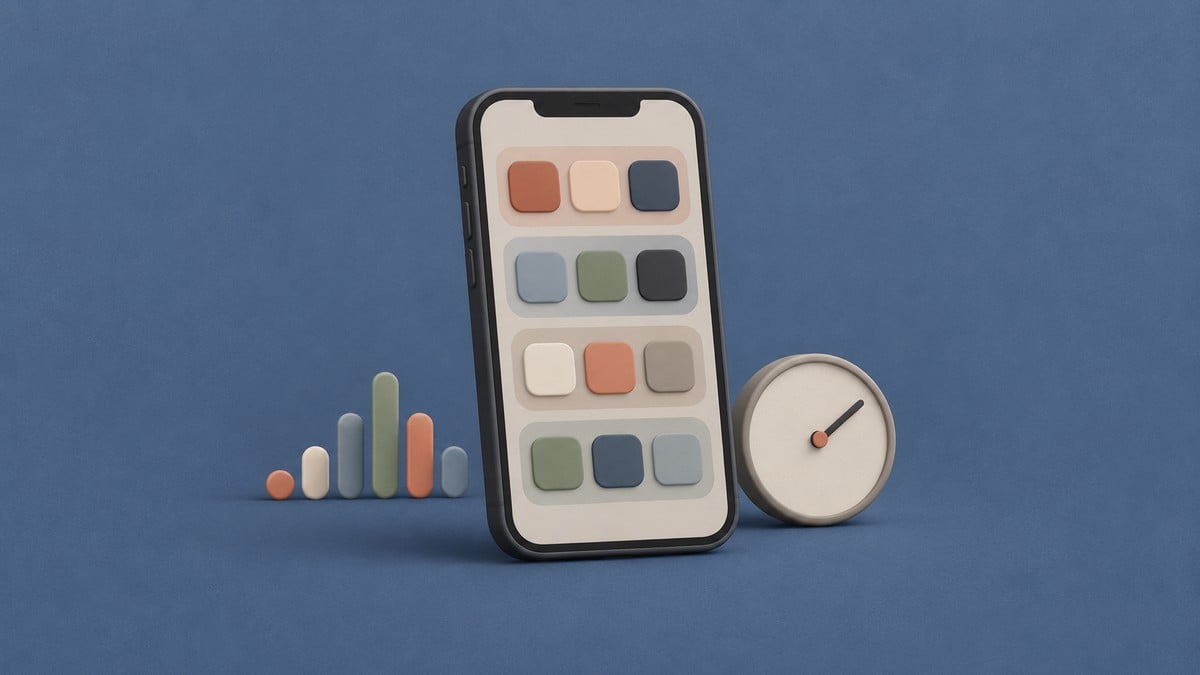
Pixel Launcher’s broader AI-powered homescreen organization capability is already public, including its ability to suggest apps and widgets and group apps into categories. The latest code points to a more personal layer that has not previously been detailed: behavioral categories generated from the way an individual uses their apps.
We found the new category-synthesis prompt while examining NexusLauncherRelease in Android beta cp41.260831.007. It describes unsupervised clustering of raw app-usage signals, allowing the launcher to identify distinct routines and invent new labels for them instead of relying on a fixed category list.
Pixel Launcher could turn app activity into personal categories
The newly added prompt tells the launcher to analyze launch counts, average session durations, and how app activity is distributed across a 24-hour period. It then asks for distinct behavioral clusters based on patterns found in those signals.
The examples in the code illustrate what those patterns might represent. Apps used mostly in the morning could be separated from those opened during evening relaxation. Frequently opened apps associated with brief interactions could form a “Quick Reads” or “Quick Check” group, while apps used for longer sessions could be placed into an immersive-use category.
Time of day can also shape the result. The prompt specifically identifies daytime productivity and late-night entertainment as patterns worth distinguishing. These are examples rather than fixed categories: the code explicitly instructs the system to invent descriptive names and identifiers dynamically.
The groups are designed to be unique to each user
The launcher passes both existing categories and user signals into the synthesis task. Its instructions prohibit overlapping with categories that already exist, suggesting these behavioral groups would supplement the launcher’s broader organization system rather than rename the same collections.
Each generated group receives a short identifier, a concise label, and a one-sentence description. More importantly, the prompt rejects a hardcoded category schema. That means two people with different app habits could receive differently named groups reflecting their respective routines.
These personalized behavioral categories are not available to users yet. We’ll watch future Android builds for signs of a rollout.


Leave a Reply