

Changing the Storyteller settings in Paralives gives you more control over how challenging or relaxed your gameplay feels. Whether you want a cozy life-simulation experience with fewer restrictions or a more demanding survival-style playthrough, the game lets you modify these settings without creating a brand-new save file.
This flexibility is especially useful if your current difficulty no longer matches the type of story you want to create for your Parafolks.
| Feature | Details |
|---|---|
| Game | Paralives |
| Setting Type | Storyteller / Difficulty |
| Can Be Changed Mid-Game? | Yes |
| Access Method | Pause Menu / Three Dots Menu |
| Keyboard Shortcut | Escape Key |
| Includes Starting Funds Option? | Yes |
| Difficulty Impact | Economy, challenge level, gameplay balance |
How the Storyteller system works in Paralives
The Storyteller system in Paralives functions as the game’s overall difficulty and gameplay customization menu. Instead of locking players into one permanent difficulty level, Paralives allows you to tweak multiple settings whenever you want during your save.
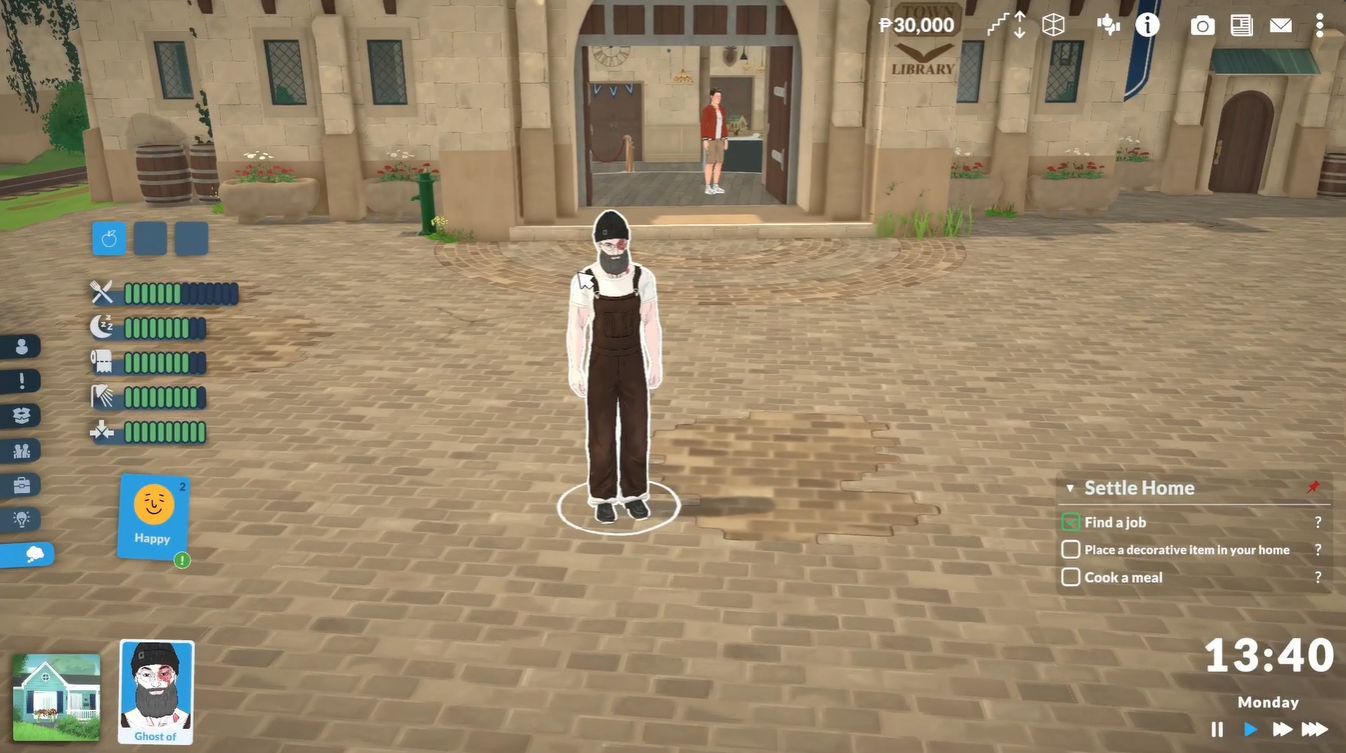
This system is designed to support different play styles. Some players may prefer a laid-back experience focused on building homes and relationships, while others may want tighter finances and slower progression for a more challenging simulation. The Storyteller menu helps balance the game around your preferred experience.
How to change Storyteller difficulty in Paralives
Step 1
Open your current gameplay session in Paralives and enter live mode with your active household.
Step 2
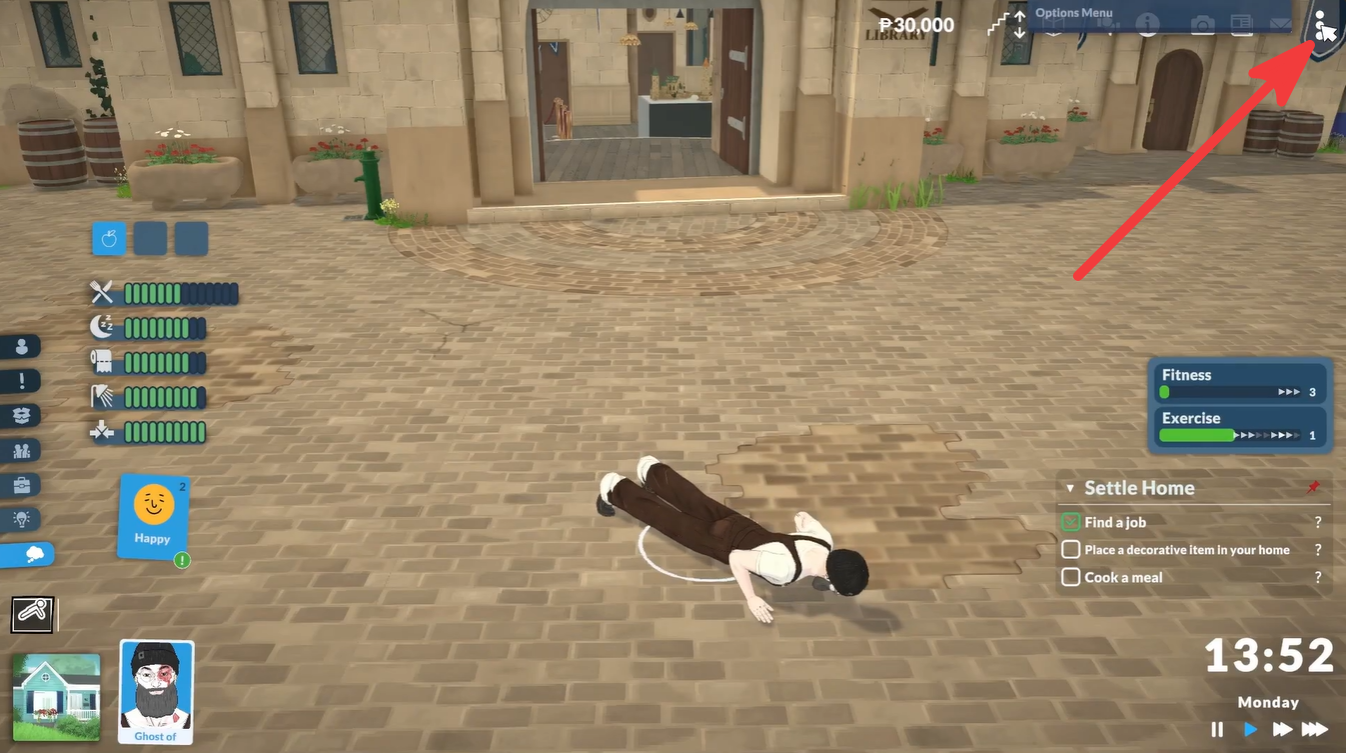
Look toward the top-right corner of the screen and click the three dots menu icon. If you prefer keyboard shortcuts, you can also press the Escape key to open the game menu instantly.
Step 3
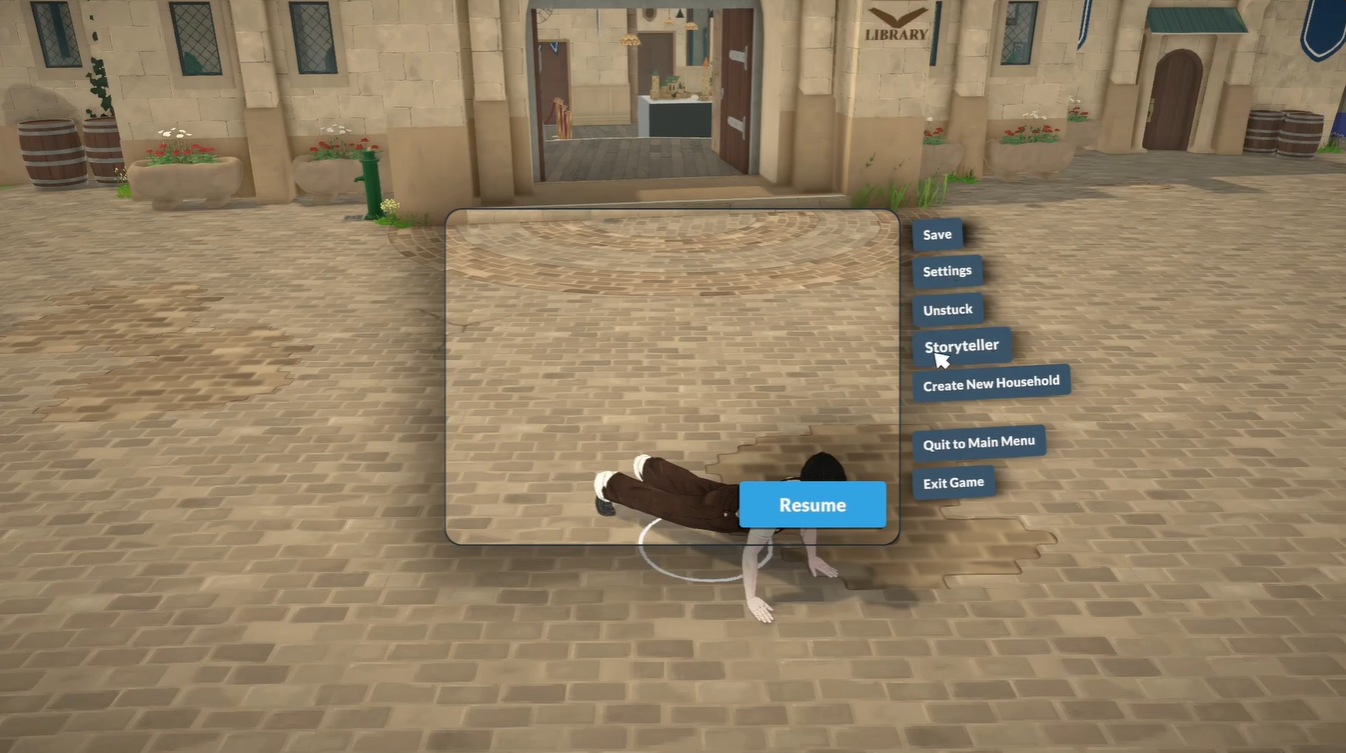
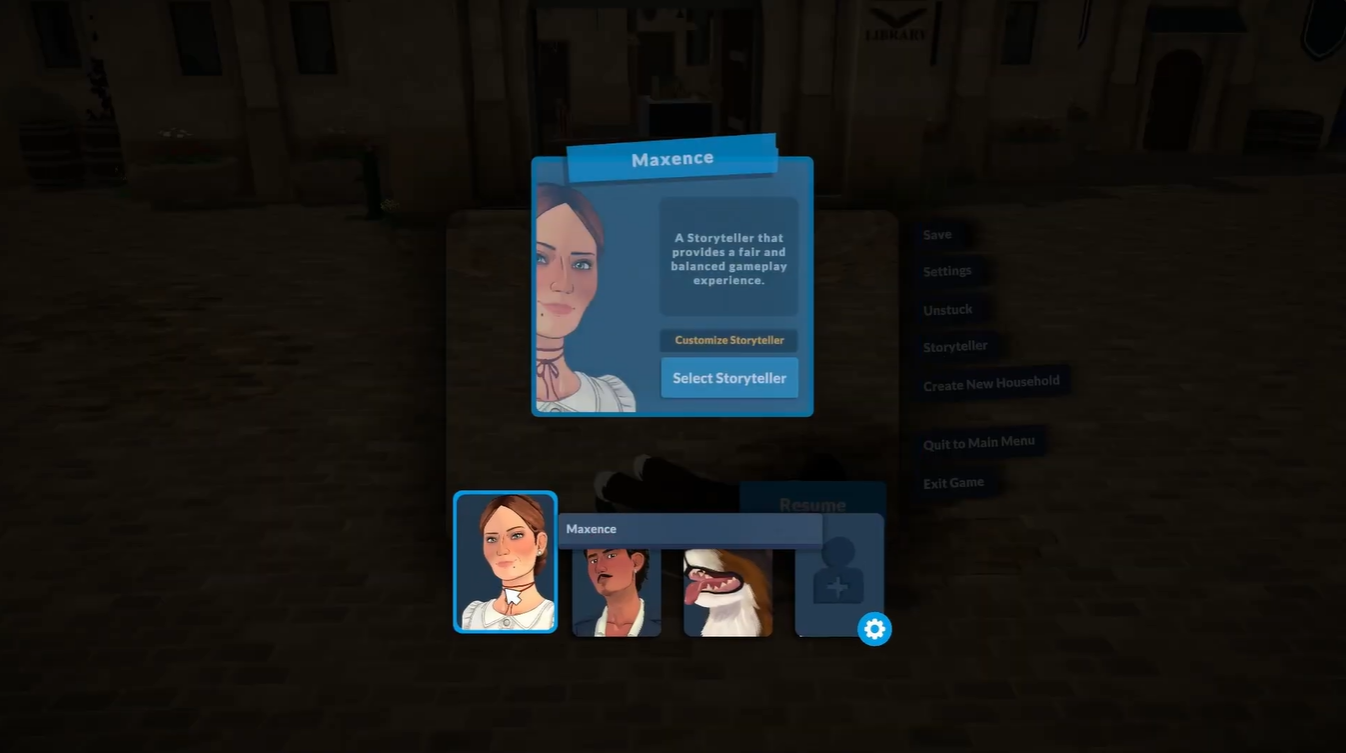
Inside the menu, select the Storyteller option. This opens the difficulty customization screen.
Step 4
Choose the gameplay style or difficulty level you want. You can switch to a more relaxed setup or increase the challenge depending on your preference.
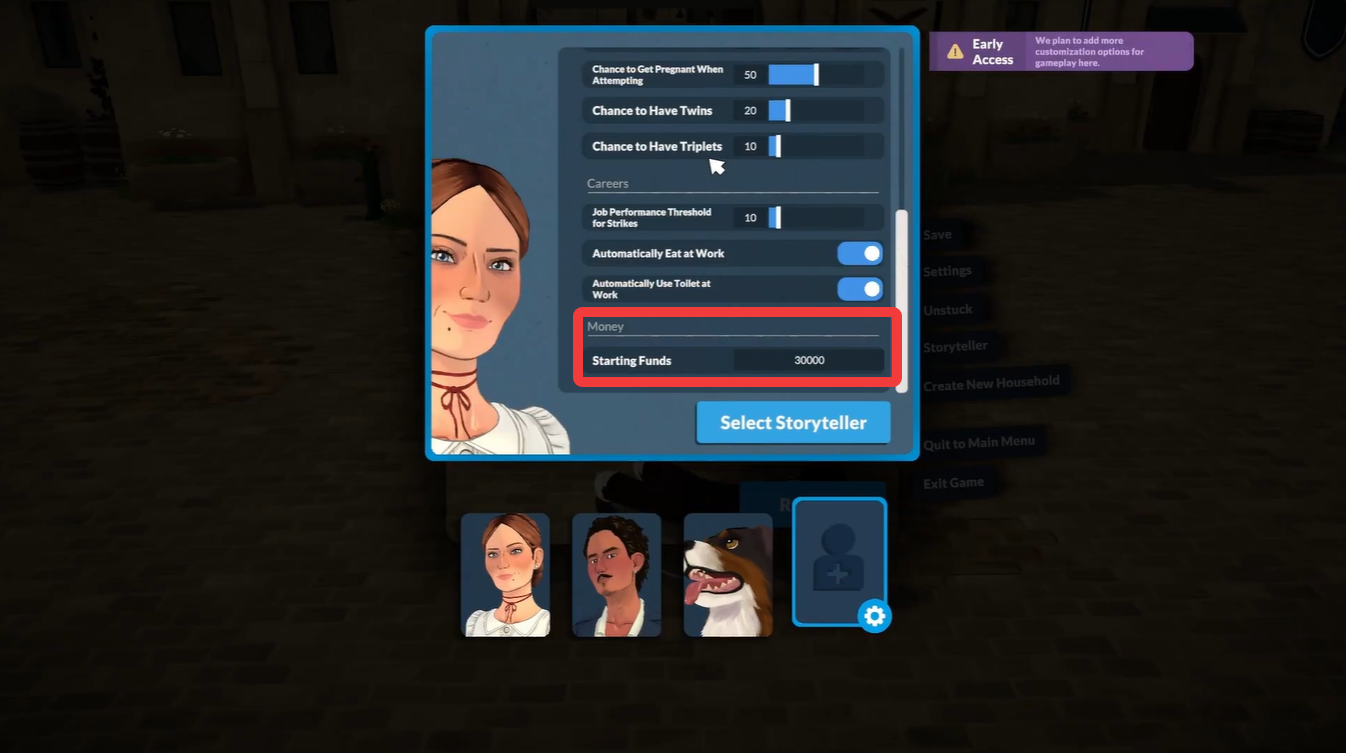
Adjust any additional gameplay settings available in the Storyteller menu. This includes options like:
| Adjustable Option | What It Changes |
|---|---|
| Difficulty Preset | Overall gameplay challenge |
| Starting Funds | Household money amount |
| Economy Balance | Income and expenses |
| Progression Pace | Speed of gameplay systems |
| General Customization | Personalized play style settings |
Confirm your changes and return to gameplay. The new settings apply immediately to your current save.
What changing the difficulty actually affects
The difficulty settings in Paralives are designed to influence how your day-to-day gameplay unfolds rather than simply making the game “harder” or “easier.” Depending on the preset you choose, you may notice changes in how quickly your household earns money, how expensive bills feel, and how much effort is required to progress through careers or personal goals.
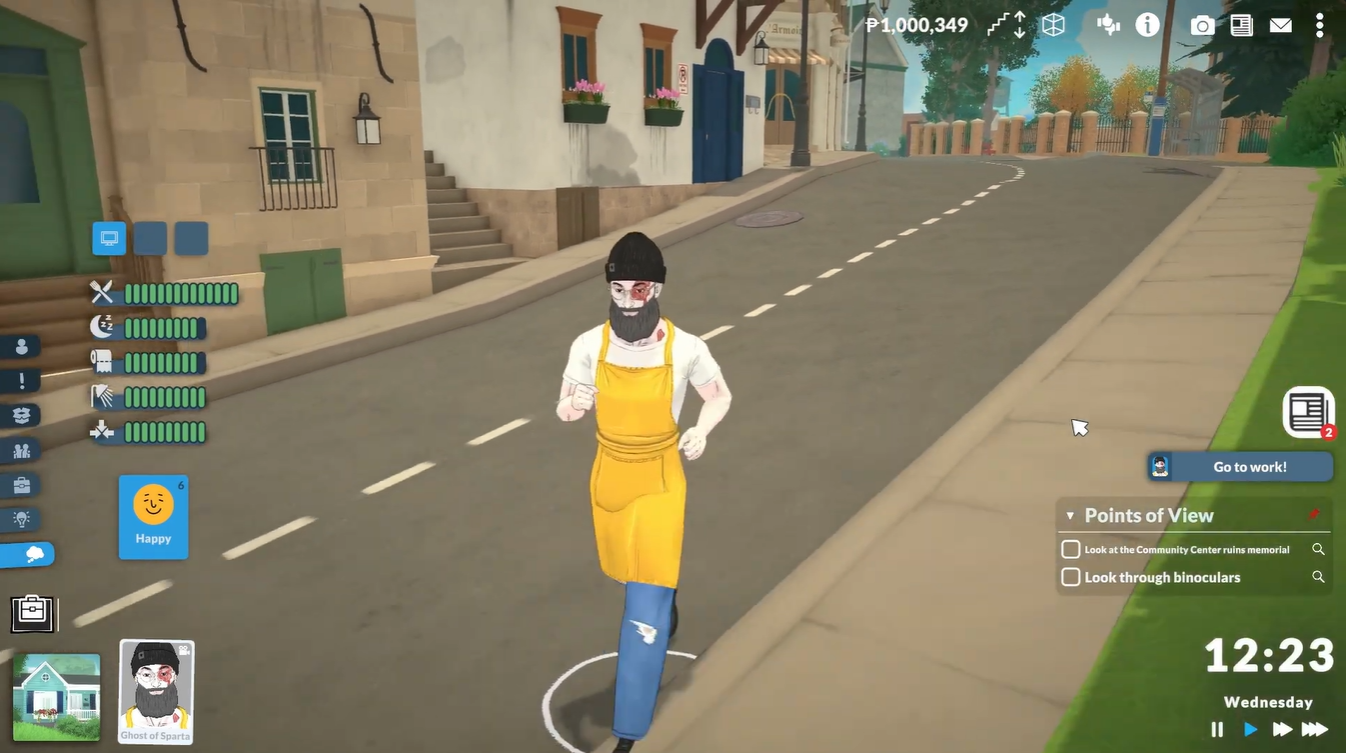
A relaxed Storyteller setup is ideal if you mainly enjoy building, decorating, socializing, or storytelling without financial pressure. On the other hand, higher challenge settings can create a more strategic experience where managing money and balancing needs becomes more important.
Because these settings are adjustable mid-save, you can freely experiment without worrying about ruining your current household.
Customizing starting funds for your Parafolk
One of the most useful Storyteller features is the ability to modify your household’s starting funds. This option lets you create different types of gameplay scenarios without relying entirely on cheat commands.
For example, you can start with very little money for a rags-to-riches challenge or increase funds to focus entirely on building large homes and creative storytelling. Since this option is available directly inside the Storyteller menu, it is much faster than repeatedly entering console commands.
Players who enjoy roleplaying or challenge runs will likely use this feature often to shape their save’s narrative direction.
The Storyteller system in Paralives gives players a simple but powerful way to tailor gameplay difficulty whenever needed. Since you can modify settings directly from the pause menu, switching between relaxed and challenging gameplay only takes a few seconds. The added ability to customize starting funds makes the system even more flexible for roleplay saves, challenge runs, or creative building-focused gameplay.






Leave a Reply