
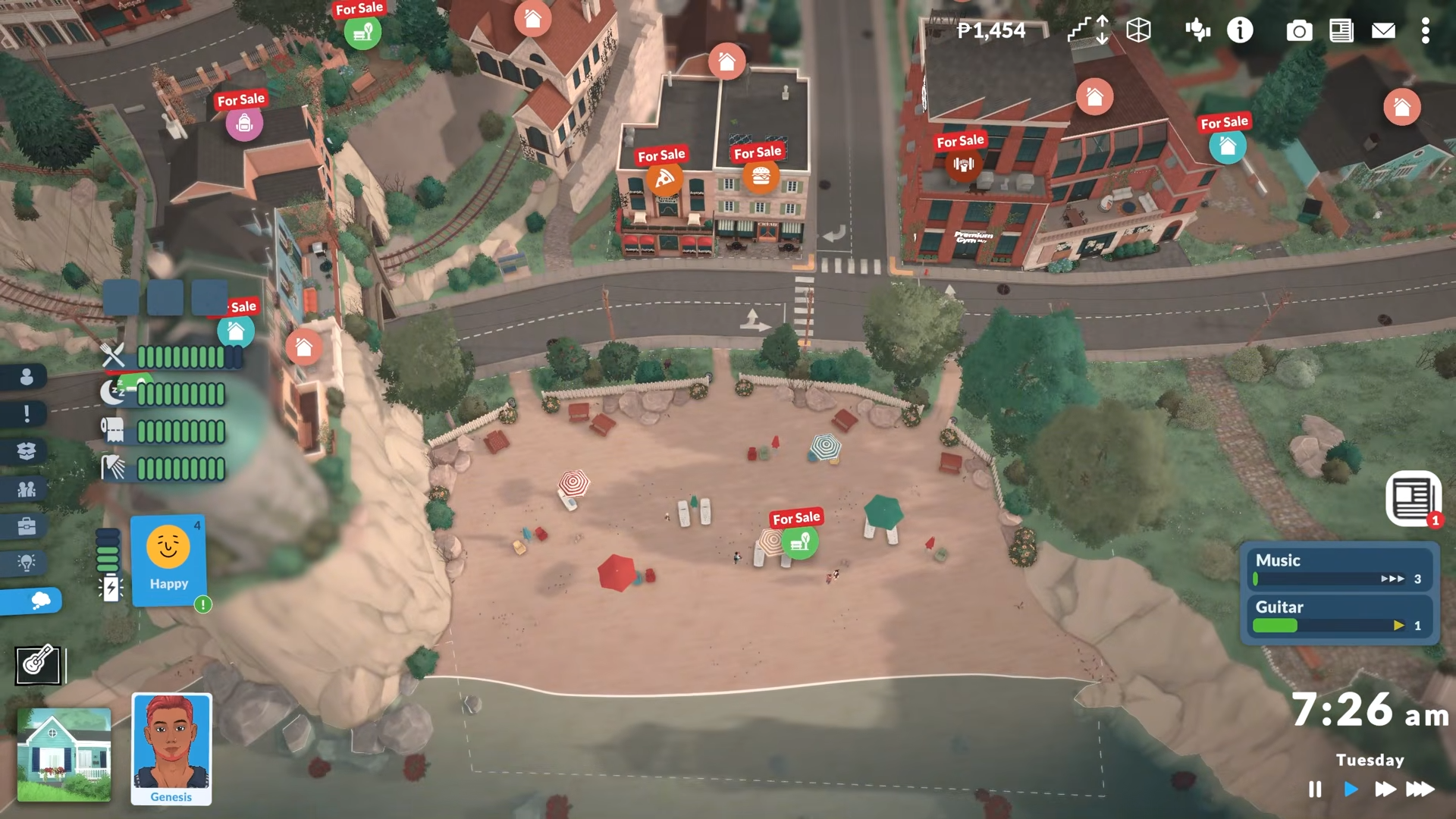
Paralives supports modding, and editing public lots is part of that mod-friendly direction. The cleanest current method is to use the game’s town-editing and build tools for venue/public-lot changes, then rely on the modding tools or Steam Workshop for custom content and shared creations.
How to edit public lots
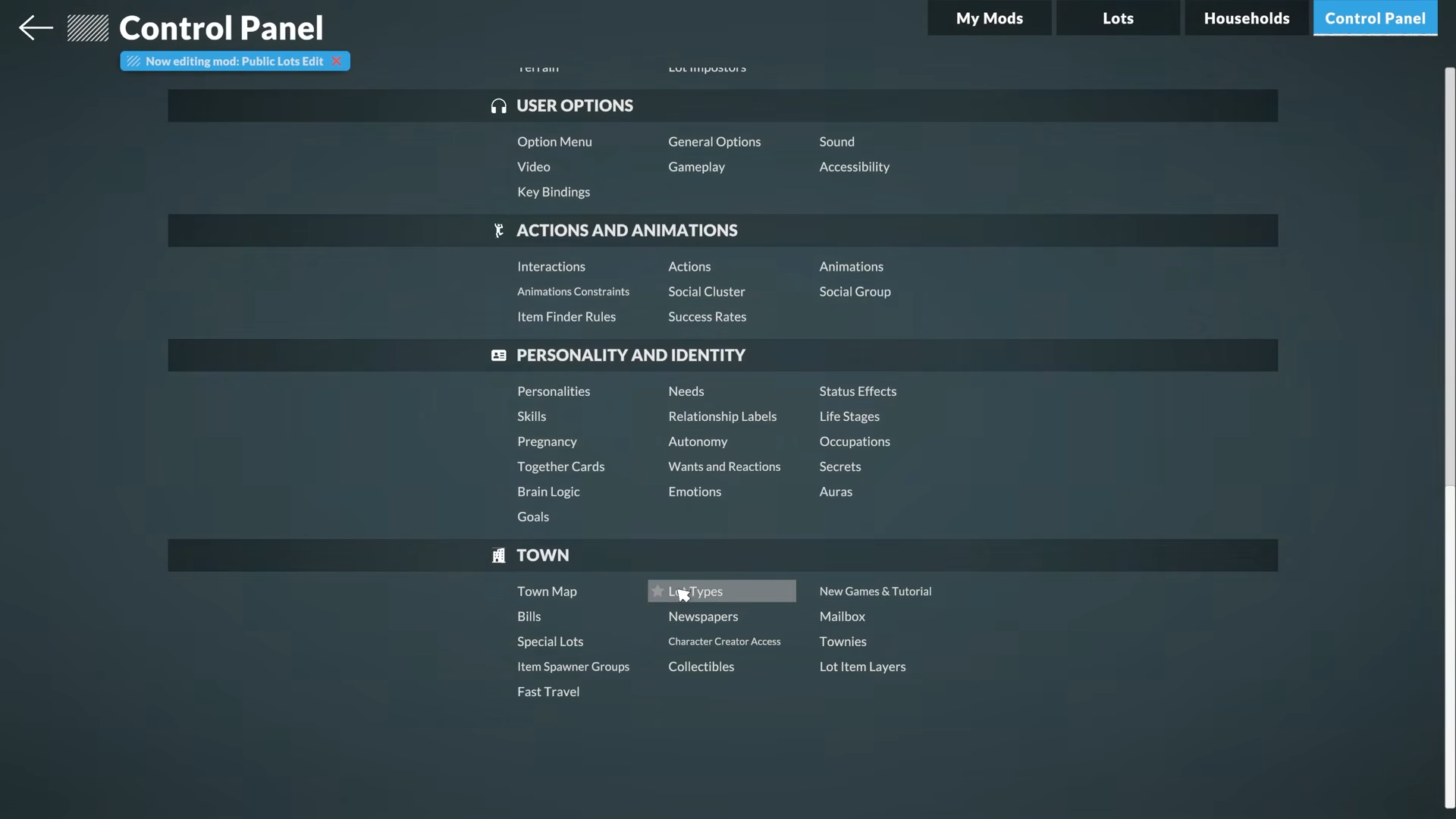
Step 1: Enter town or world editing
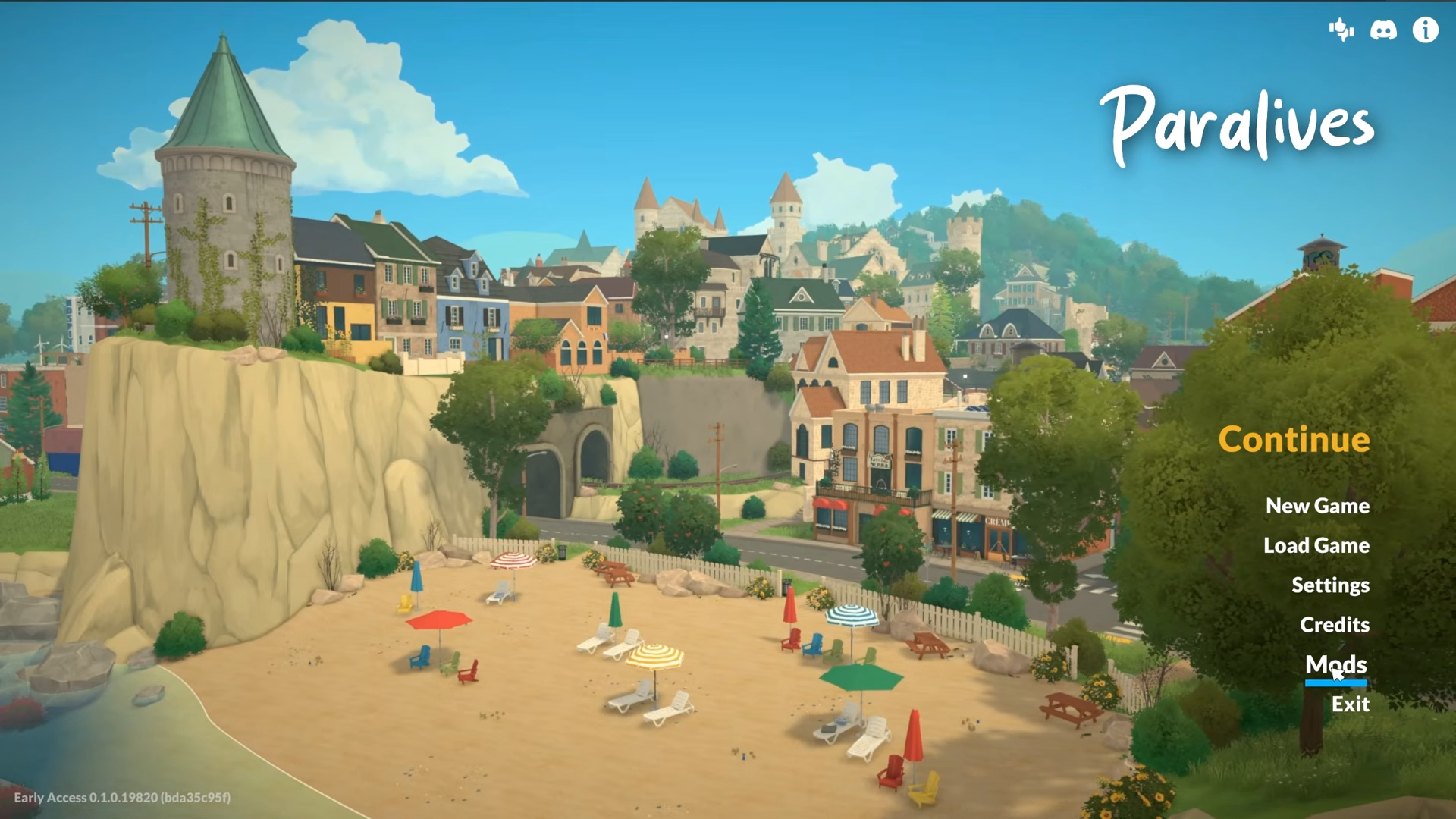
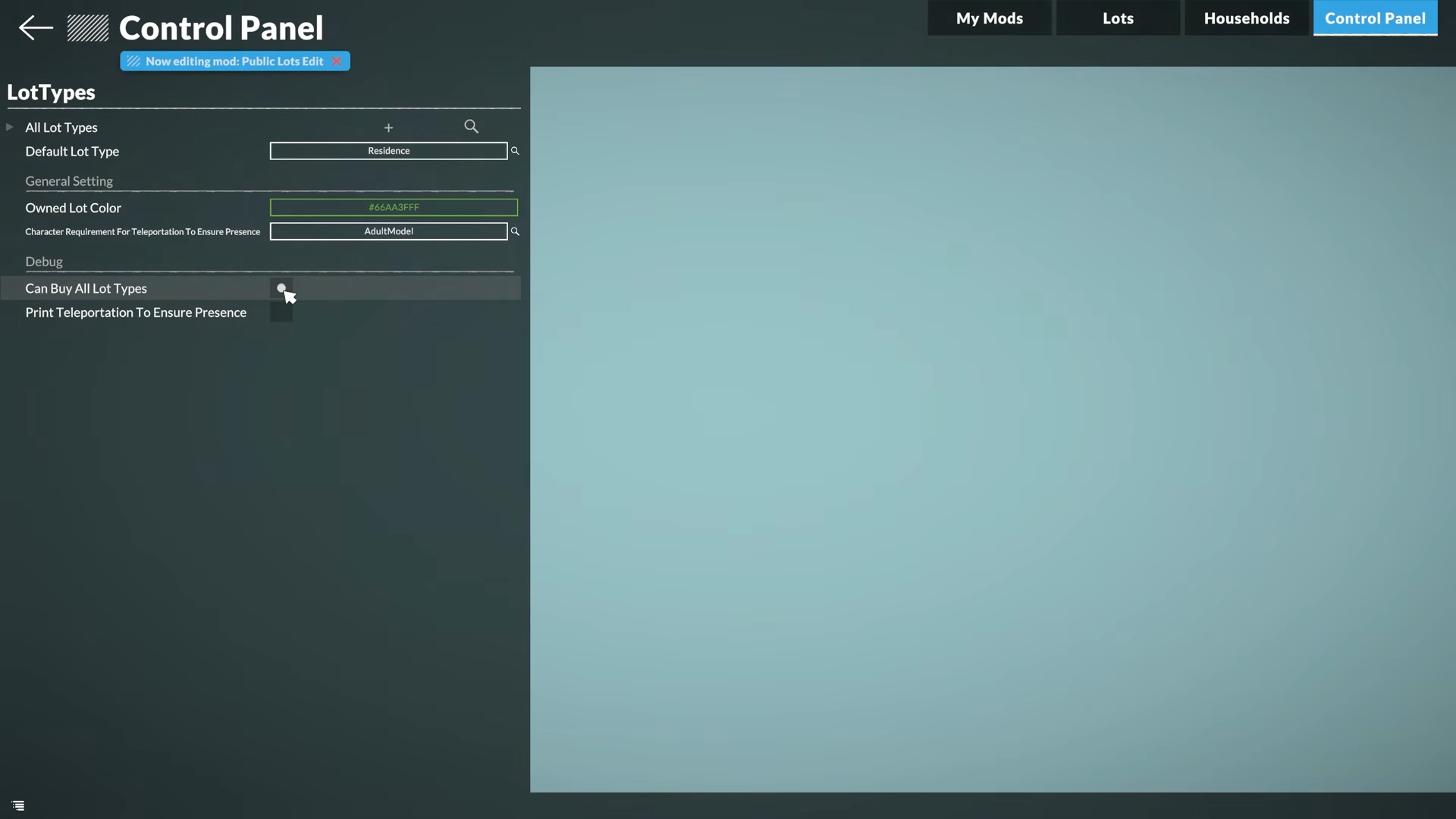
Open the town-editing flow from the game’s main menus or world tools, because public-lot changes are tied to the broader town customization pipeline rather than normal household play.
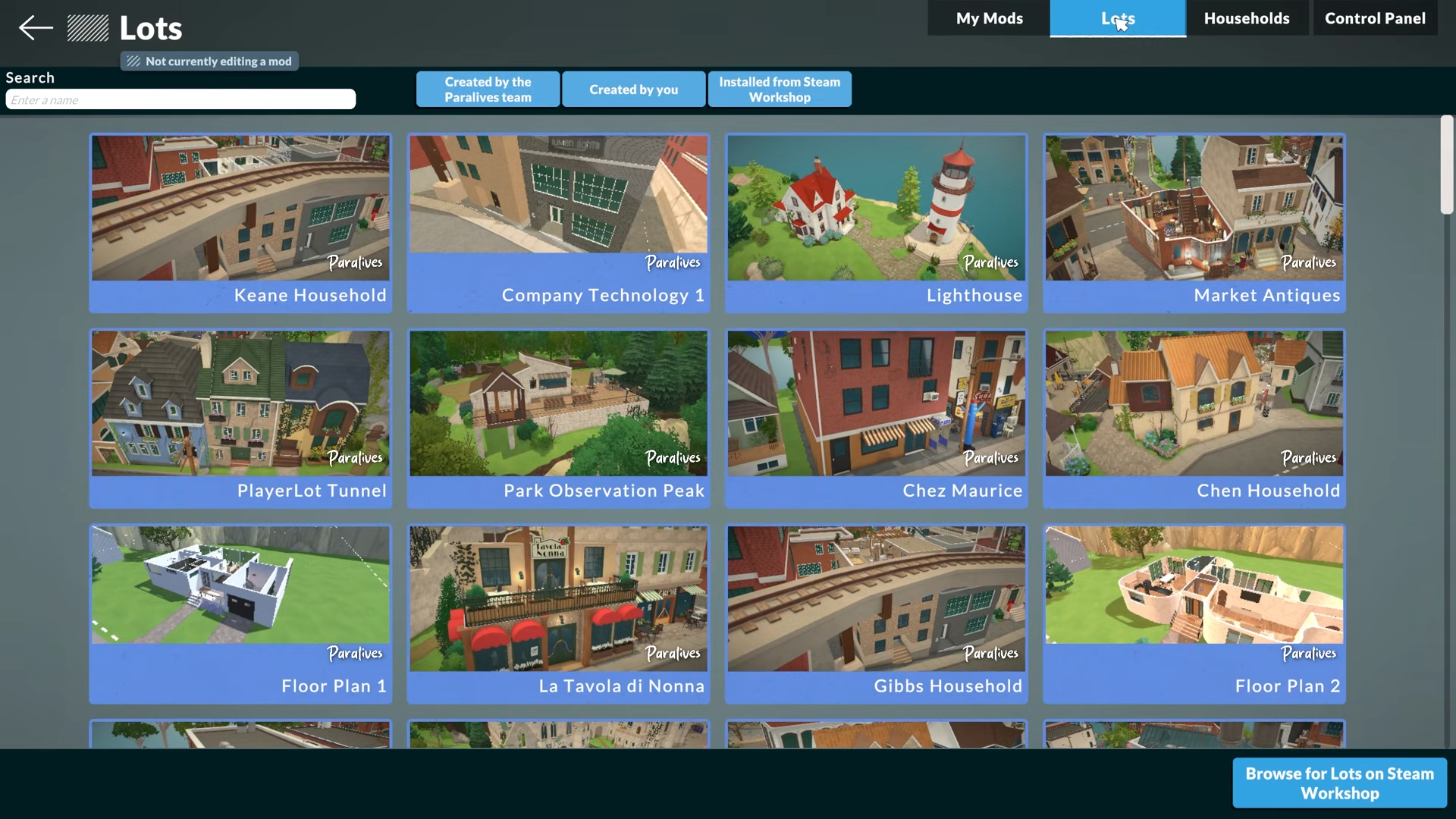
If the lot is locked by the current play context, switch to the town/edit view first instead of trying to force changes from live mode.
Step 2: Select the public lot
Pick the venue, shop, restaurant, beach area, or other public space you want to modify.
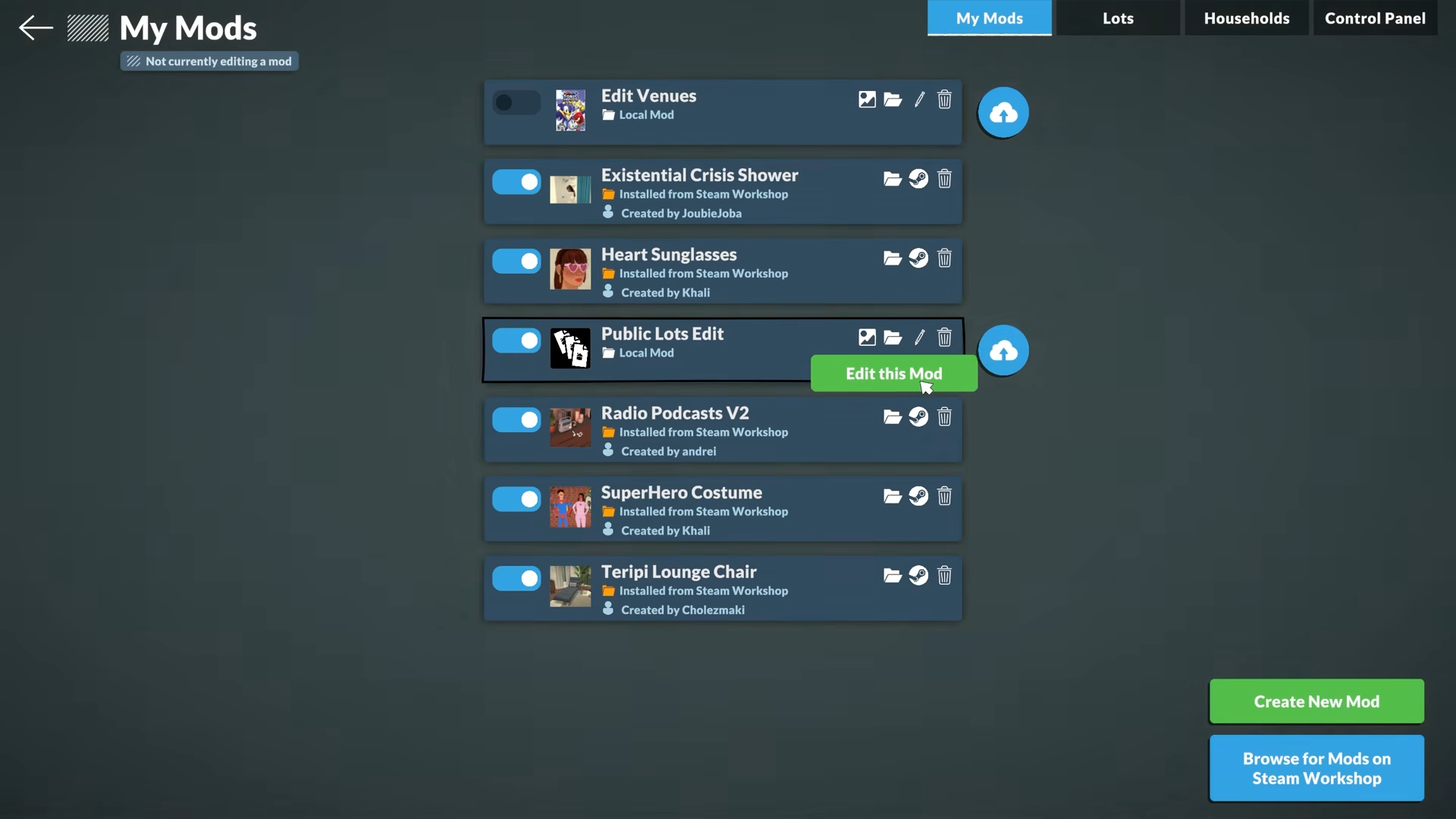
You can change buildings and public spaces directly from the town layer, which is the right place to replace or reshape a lot.
Step 3: Switch to build tools
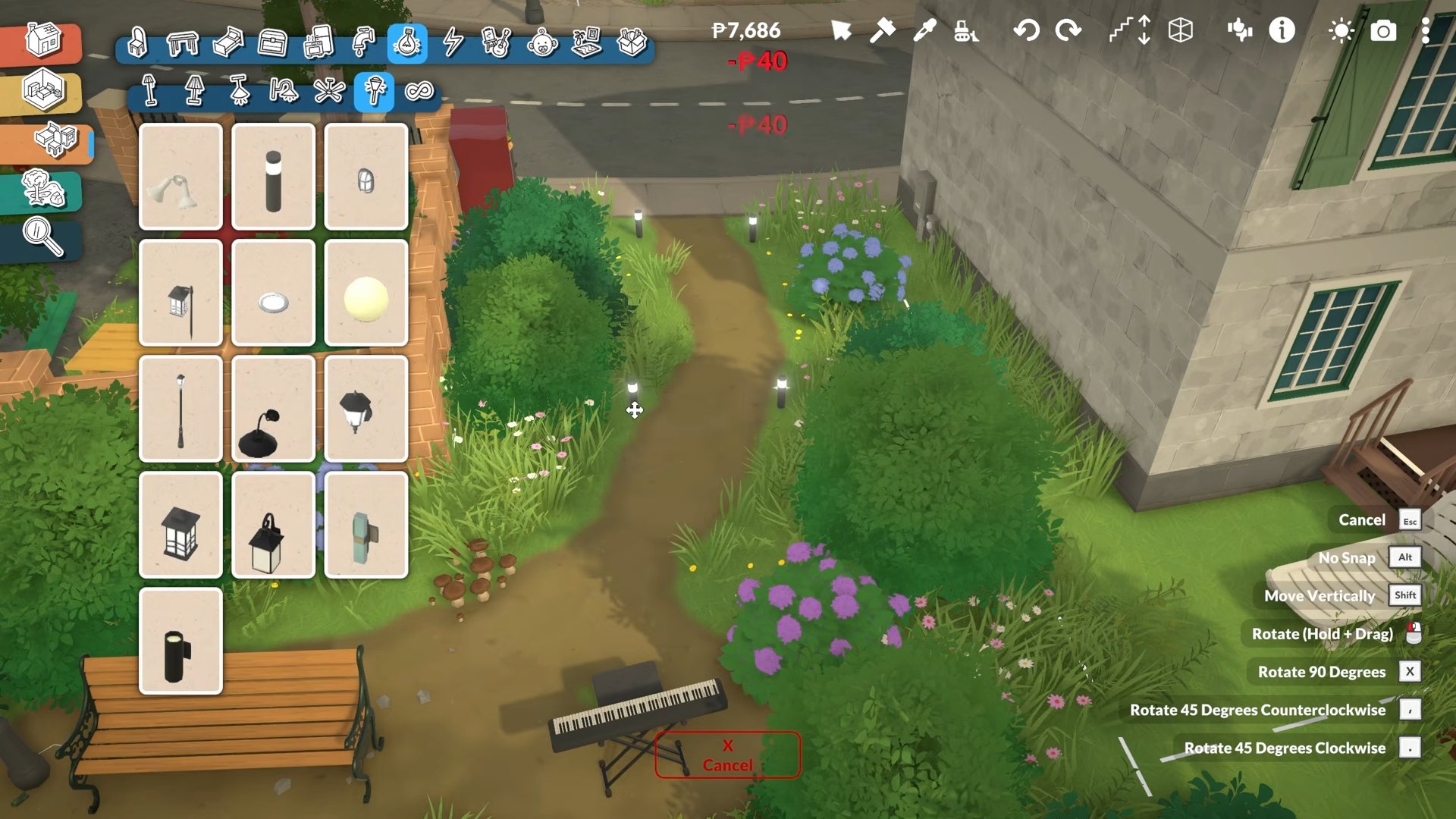
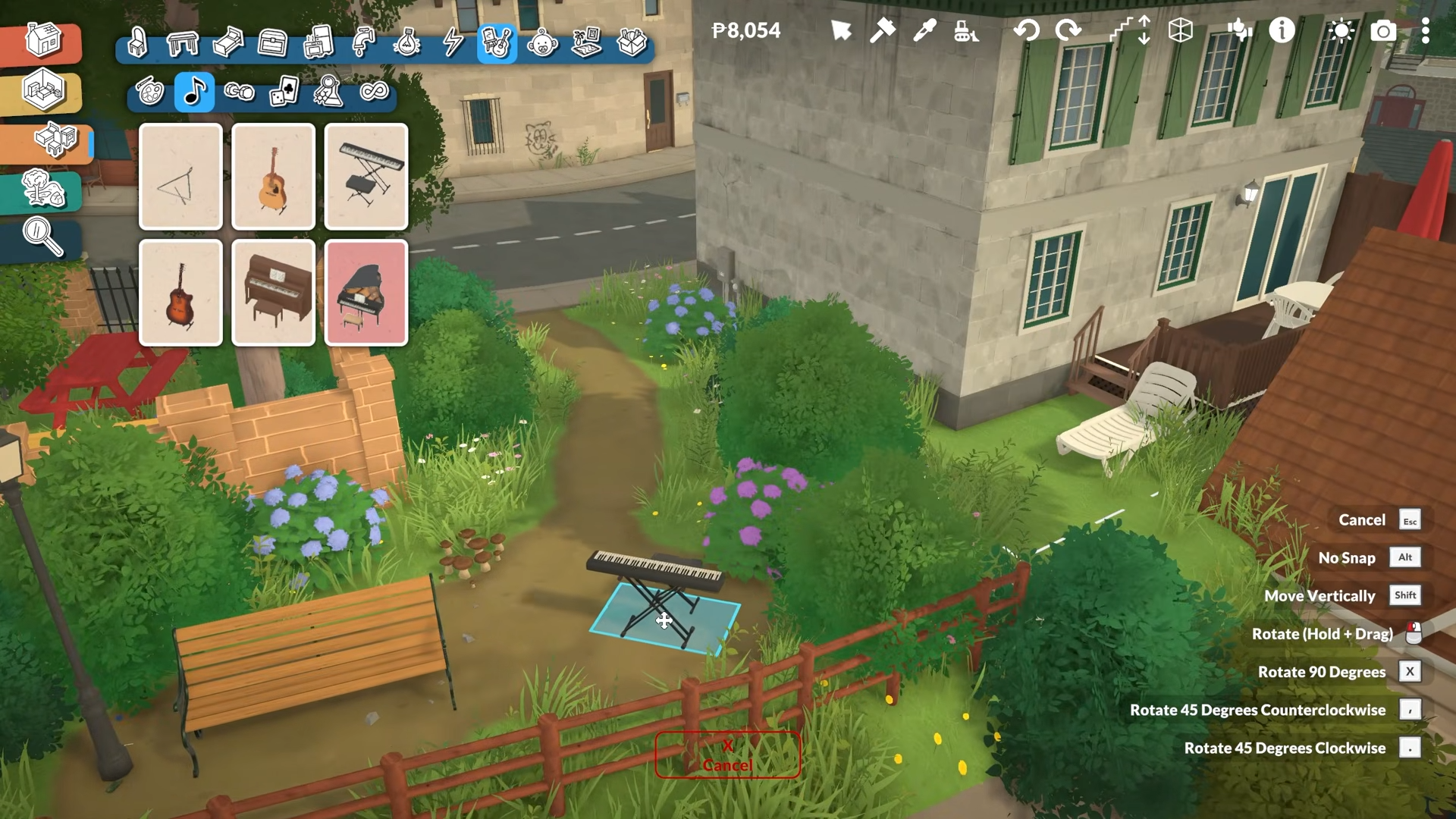
Use the build mode tools to change the structure, objects, layout, and decoration of the selected lot.
Paralives’ day-one build toolset already includes flexible wall placement, moving existing walls, object resizing, stairs, roofs, and fences, which are exactly the kinds of tools you’d use for a public-lot overhaul.
Step 4: Save and test
Save the edited lot, then load back into gameplay to verify routing, object placement, and whether the public venue still functions as intended.
If a venue behaves oddly after editing, the safest fix is usually to revisit the lot in build/town mode and simplify any problematic layout rather than stacking too many advanced edits at once.
What works right now
Paralives’ official roadmap confirms that modding tools to add and edit content are available on Early Access day one, while tools to edit and create towns are planned during Early Access. That means the mod ecosystem is built around both custom content and world-level changes, not just decorative downloads.
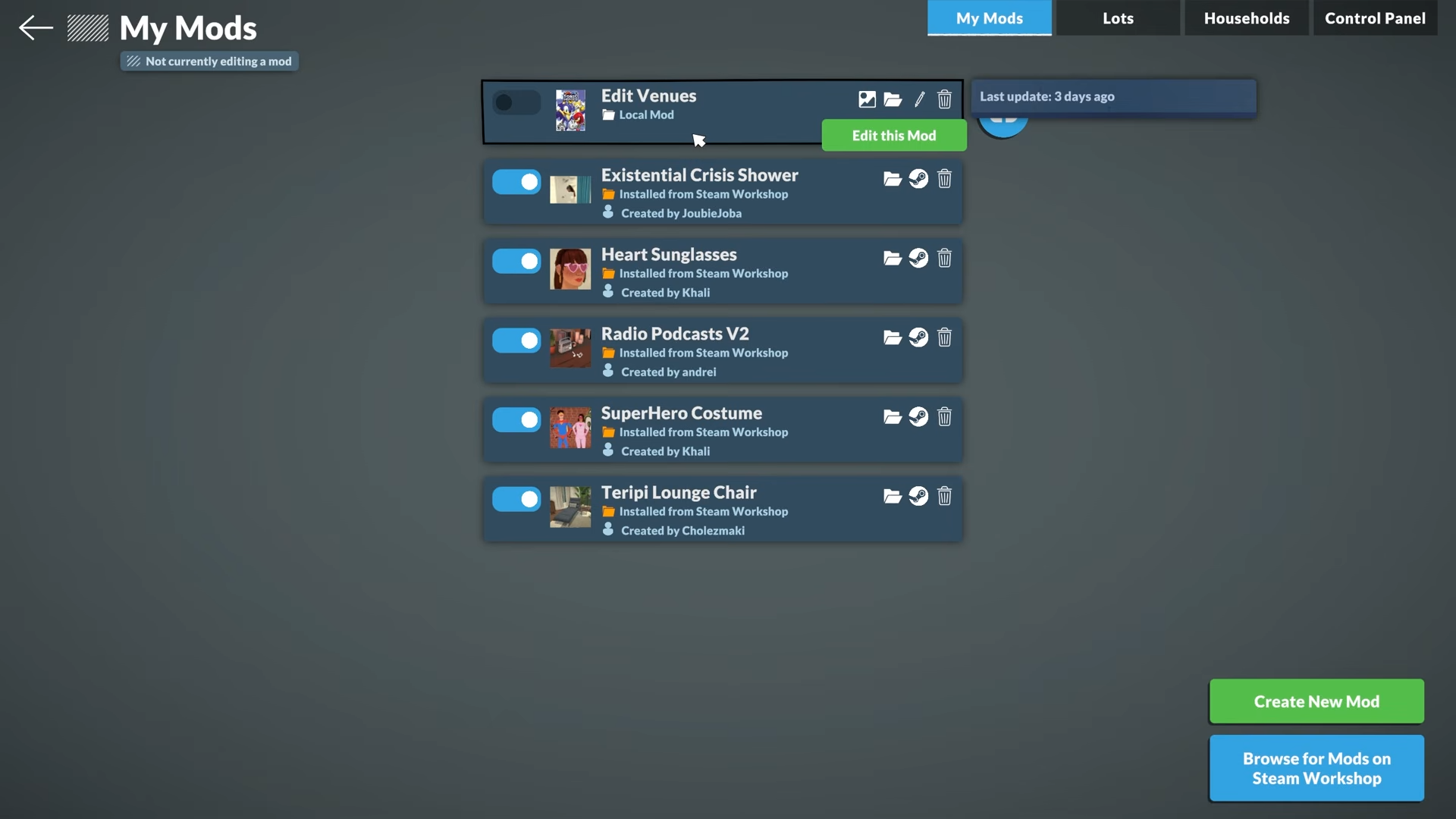
Steam Workshop integration is also already part of the plan for sharing mods, and you can upload lots directly from the lot library with a thumbnail and title. For players, that makes public-lot mods easier to distribute than manual file swapping.
Limits to know
Official statements indicate that script mod support is not planned for now, so very complex systems may not be possible until the team expands support later. The current modding focus is on custom content and tweakable gameplay parameters, which still covers a lot of practical lot editing and town customization.
Also, “public lot editing” in Paralives is part of a broader world-editing feature set, so the exact UI labels may still evolve as the game’s Early Access updates roll out. In other words, the feature is real, but some menu names and workflows may shift as development continues.
Critical mistakes to avoid
-
Don’t assume public lots are edited the same way as a normal household lot; town-editing tools are the more likely path.
-
Don’t expect script-heavy mods to be officially supported right now, because the dev team has said that is not the current plan.
-
Don’t skip testing after big layout changes, because routing and venue functionality can break if you overcomplicate the lot.
-
Don’t treat Steam Workshop as only a download hub; it also appears to be part of the sharing workflow for Paralives content and lots.
For builders, this is a big deal: Paralives is aiming at a mod system that supports both content creation and town editing, so the value is not just cosmetic—it can reshape the whole world layer. That makes public-lot editing one of the most important tools for anyone planning to turn Early Access saves into custom neighborhoods and themed towns.






Leave a Reply