

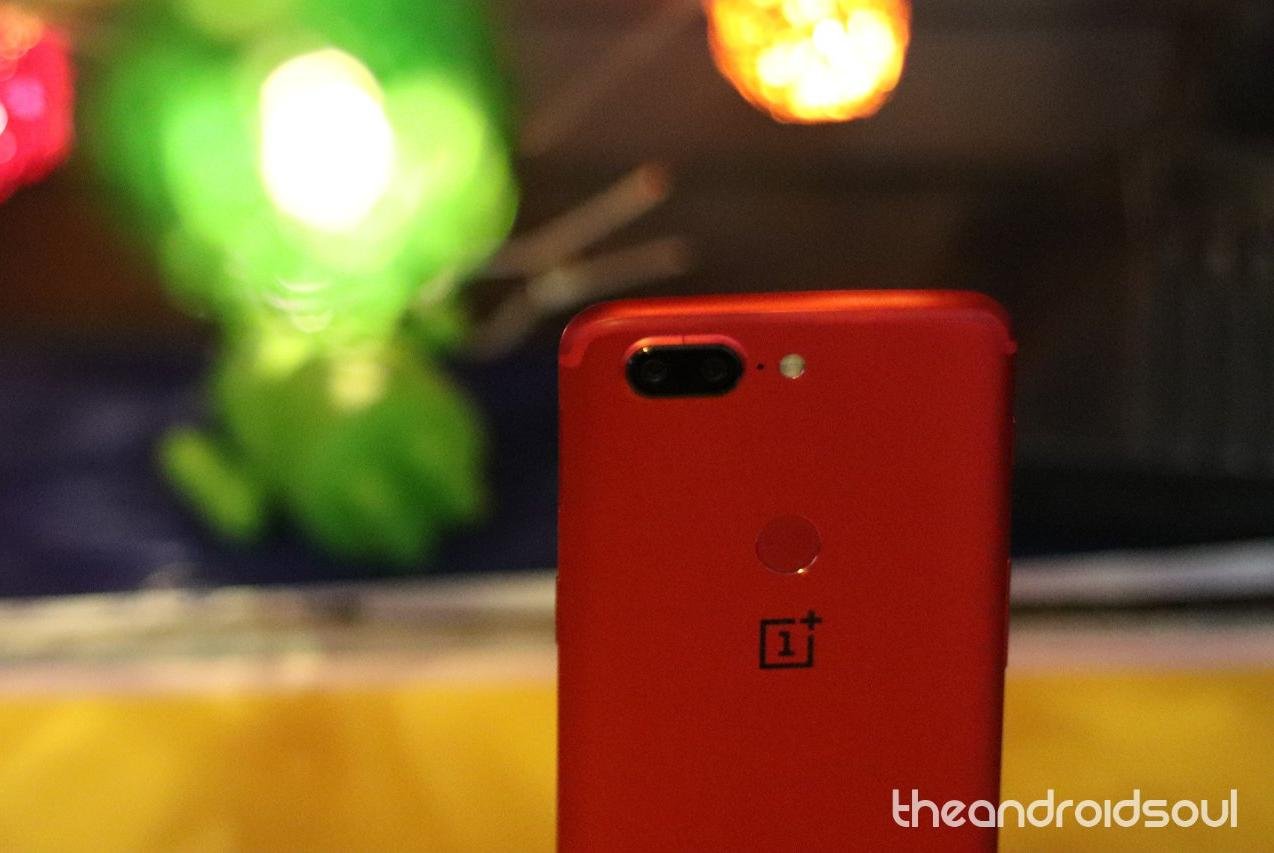
The OnePlus 5 and 5T are the 2017 flagship devices from OnePlus. The devices run pretty well and don’t generally lag or give system errors. However, if you have recently updated your device or rooted/installed a custom ROM on it, you may experience instability issues. In that case, installing a stock firmware is the best way to fix your device.
Stock firmware for your OnePlus 5 and 5T will give your device a fresh start with the software and settings as OnePlus provides out-of-the-box. Installing stock firmware manually requires a knowledgeable hand though, as it involves booting into recovery mode and flashing the firmware zip file. If you’re a tech enthusiast, you’d probably go through the installation process pretty fine, if not, we suggest you take help from a friend who knows this kind of stuff.
That said, installing stock firmware on OnePlus devices is easier than most other OEMs. Samsung, LG, Google and a few others require a PC to install/flash firmware on their Android devices. OnePlus, however, just gives you a full firmware zip file that can be flashed via the stock recovery on your OnePlus phone.
You can find the stock firmware for all updates OnePlus pushed to OnePlus 5 and 5T till date in the table below. You can use these firmware files to also rollback to a previous version of Android. For example, if you’re facing problems with OnePlus 5 Oreo update, you can use the stock firmware for Android 7.0 Nougat to revert back to Nougat from Oreo.
Android 9 Pie firmware

Update [December 26, 2018]: Stable version of the Android 9 Pie update is now available for the OnePlus 5 and OnePlus 5T.
The update is identified as software version OxygenOS 9.0.0. Firmware download link of OxygenOS 9.0.0 update is given below in the respective device section.
OnePlus 5 Firmware
| Release Date | Android version | Download link |
| 25 Dec 2018 | Android 9 Pie | OxygenOS 9.0.0 |
| 21 Dec 2018 | Android 9 Pie | OxygenOS Open Beta 23 (brings OxygenOS 9.0 as beta) |
| 16 Oct 2018 | Android 8.1 Oreo | OxygenOS Open Beta 20 |
| 25 Sep 2018 | Android 8.1 Oreo | OxygenOS Open Beta 19 |
| 11 Sep 2018 | Android 8.1 Oreo | OxygenOS Open Beta 18 |
| 29 Aug 2018 | Android 8.1 Oreo | OxygenOS Open Beta 17 |
| 21 Aug 2018 | Android 8.1 Oreo | OxygenOS 5.1.5 |
| 15 Aug 2018 | Android 8.1 Oreo | OxygenOS Open Beta 16 |
| 02 Aug 2018 | Android 8.1 Oreo | OxygenOS Open Beta 15 |
| 27 July 2018 | Android 8.1 Oreo | OxygenOS 5.1.4 |
| 16 July 2018 | Android 8.1 Oreo | OxygenOS Open Beta 14 |
| 04 July 2018 | Android 8.1 Oreo | OxygenOS Open Beta 13 |
| 19 June 2018 | Android 8.1 Oreo | OxygenOS 5.1.3 |
| 30 May 2018 | Android 8.1 Oreo | OxygenOS 5.1.2 |
| 28 Apr 2018 | Android 8.1 Oreo | OxygenOS 5.1.1 |
| 2 Mar 2018 | Android 8.0 Oreo | OxygenOS 5.0.4 |
| 2 Feb 2018 | Android 8.0 Oreo | OxygenOS 5.0.2 |
| 9 Jan 2018 | Android 8.0 Oreo | OxygenOS 5.0.1 |
| 07 Nov 2017 | Android 7.1.1 Nougat | OxygenOS 4.5.14 |
| 16 Oct 2017 | Android 7.1.1 Nougat | OxygenOS 4.5.13 |
| 01 Oct 2017 | Android 7.1.1 Nougat | OxygenOS 4.5.11 |
| 31 Aug 2017 | Android 7.1.1 Nougat | OxygenOS 4.5.10 |
| 08 Aug 2017 | Android 7.1.1 Nougat | OxygenOS 4.5.8 |
| 06 July 2017 | Android 7.1.1 Nougat | OxygenOS 4.5.5 |
| 27 June 2017 | Android 7.1.1 Nougat | OxygenOS 4.5.3 |
*Open Beta builds are beta software updates that may not be as good as the stable releases.
OnePlus will release Android Pie update for OnePlus 5 later this year, but we still don’t have a date yet.
OnePlus 5T firmware
| Release Date | Android version | Download link |
| 25 Dec 2018 | Android 9 Pie | OxygenOS 9.0.0 (download link coming soon) |
| 21 Dec 2018 | Android 9 Pie | OxygenOS Open Beta 21 (also installs OxygenOS 9.0 as beta) |
| 16 Oct 2018 | Android 8.1 Oreo | OxygenOS Open Beta 18 |
| 25 Sep 2018 | Android 8.1 Oreo | OxygenOS Open Beta 17 |
| 11 Sep 2018 | Android 8.1 Oreo | OxygenOS Open Beta 16 |
| 29 Aug 2018 | Android 8.1 Oreo | OxygenOS Open Beta 15 |
| 21 Aug 2018 | Android 8.1 Oreo | OxygenOS 5.1.5 |
| 15 Aug 2018 | Android 8.1 Oreo | OxygenOS Open Beta 14 |
| 02 Aug 2018 | Android 8.1 Oreo | OxygenOS Open Beta 13 |
| 27 July 2018 | Android 8.1 Oreo | OxygenOS 5.1.4 |
| 16 July 2018 | Android 8.1 Oreo | OxygenOS Open Beta 12 |
| 04 July 2018 | Android 8.1 Oreo | OxygenOS Open Beta 11 |
| 19 June 2018 | Android 8.1 Oreo | OxygenOS 5.1.3 |
| 30 May 2018 | Android 8.1 Oreo | OxygenOS 5.1.2 |
| 28 Apr 2018 | Android 8.1 Oreo | OxygenOS 5.1.1 |
| 2 Mar 2018 | Android 8.0 Oreo | OxygenOS 5.0.4 |
| 6 Feb 2018 | Android 8.0 Oreo | OxygenOS 5.0.3 |
| 8 Jan 2018 | Android 7.1.1 Nougat | OxygenOS 4.7.6 |
| 11 Dec 2017 | Android 7.1.1 Nougat | OxygenOS 4.7.4 |
*Open Beta builds are beta software updates that may not be as good as the stable releases.
OnePlus will release Android Pie update for OnePlus 5T later this year, but we still don’t have a date yet.
How to install stock firmware on OnePlus 5 and 5T
There are two ways to install stock firmware on your OnePlus 5 and 5T. Both methods involve the use of stock recovery, but the former is much convenient if you’re on mobile and don’t have access to a PC.
Method 1: Install directly from the phone’s internal storage
- Power off your OnePlus 5. Wait for 6-7 seconds after screen goes off.
- Press and hold Power + Volume up together until you see anything on the screen.
- Use volume buttons to bring up Recovery mode option at the top of the screen.
- And then press the Power button to select recovery mode option. That’s it you’ll boot into recovery mode.
- In 3e recovery, use volume buttons to navigate to ‘install update ..’ option and then press the power button to select it.
- Now, select the update file that you transferred to OnePlus 5 in step 2 above. Confirm this and Oxygen OS 2.0.1 update will be installed on your device.
→ If OTA update doesn’t install using the above method, just use the full ROM file, it should install without problem.
That’s it.
Method 2: Install from PC via ADB Sideload
- Go to your phone’s settings » About phone » and tap “Build number” Seven times. This will enable Developer options on your phone.
- Now go to Settings » Developer options » and tick the USB debugging checkbox.
adb reboot recovery
└ Check your phone’s screen, if it’s asking for “Allow USB debugging”, accept it by selecting OK/Yes.
adb sideload op5-update.zip
└ This will begin the installation of the firmware/update.
That’s it. You successfully installed the update.
Do you need any ehlp regaridng installing firmware on OnePlus 5 and OnePlus 5T? Feel free to ask in the comments section below.



2 responses to “OnePlus 5 and OnePlus 5T firmware download: Android 9 Pie update now available as OxygenOS 9.0.0”
5.1.3 is out also, its mentioned on the page directing to this page but not showing on this page. XDA does have a forum with a link.
Will update with 5.1.3 link in next 24 hours.