
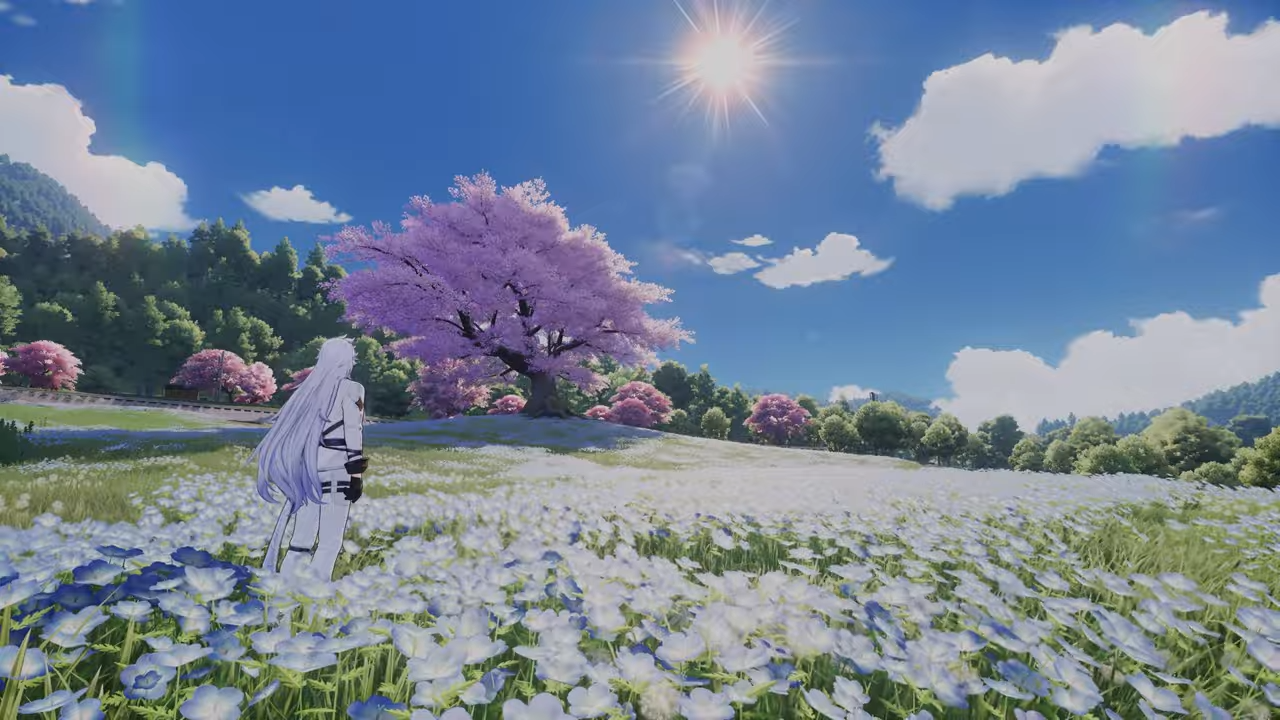
What to know
-
Snowy weather is not available by default and requires active progression to unlock.
-
The process centers on finishing the A Retrograde Poem for You side quest.
-
Completion grants the ability to toggle snowy weather via the in-game phone system.
-
Earning the It’s Snowing! trophy is the primary reward for concluding this questline.
In Neverness to Everness, the city environment features a dynamic weather system, but players can manually adjust these conditions using the clock interface on their in-game phone. While standard weather types are accessible once the system is unlocked, snow requires players to assist with specific supernatural mysteries. Mastering this mechanic allows you to curate the perfect aesthetic for your urban explorations at any moment.
The journey to bring winter to Hethereau begins by interacting with specific characters tied to the A Retrograde Poem for You questline.
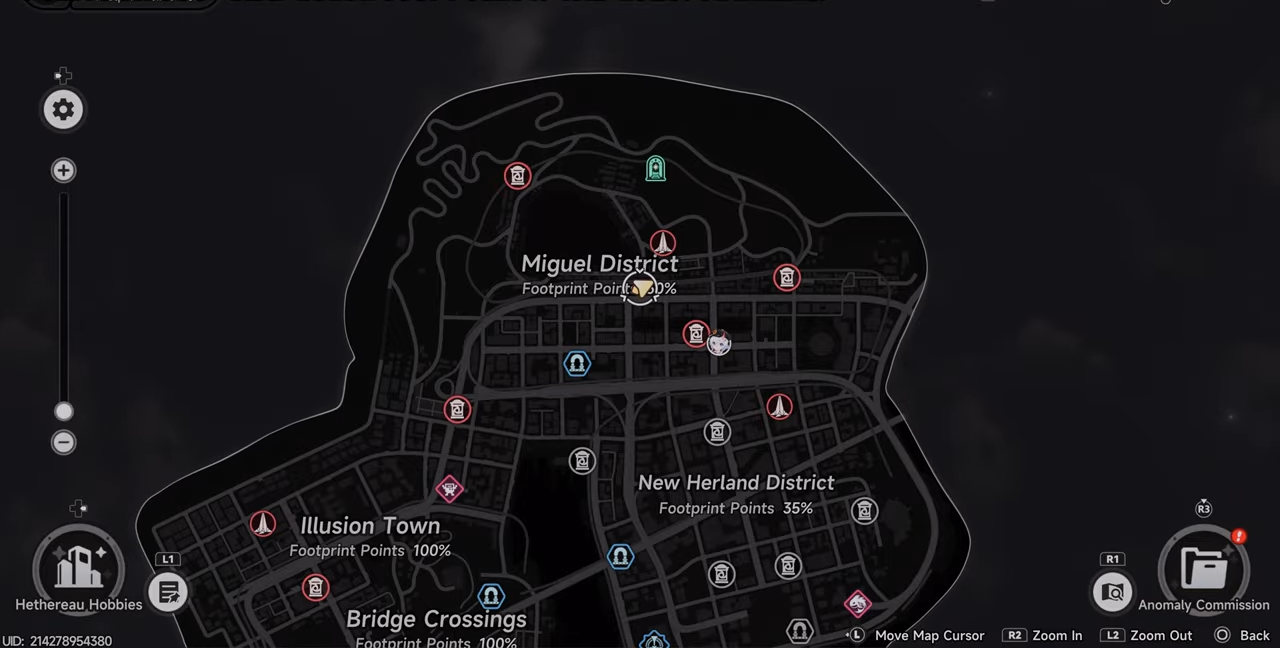
You will need to visit various iconic spots across the city, including stops at Nekomaru Ramen and 7-Oceans Seafood, which eventually leads you to the Gold Apple Collection Hall where you must navigate to the specific area via an elevator.
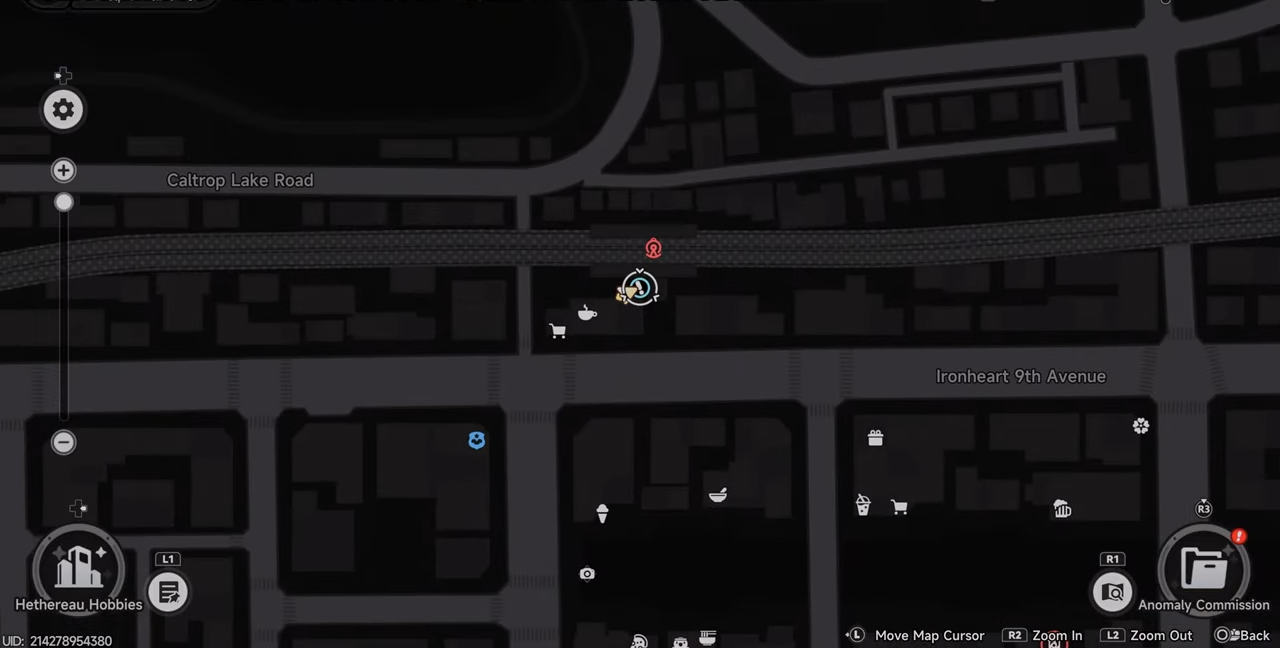
How to activate the quest
Step 1
Open your in-game phone to view your mission log, locate A Retrograde Poem for You, and set it as your active objective.
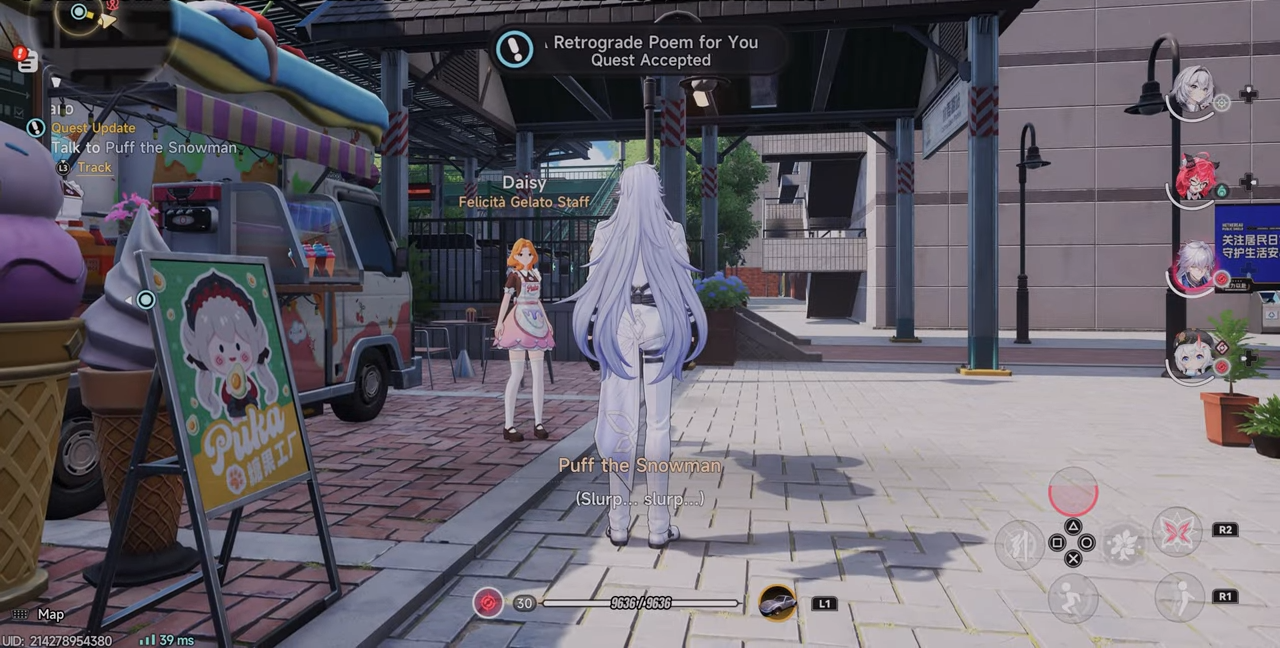
Step 2
Travel to the mission starting point and interact with the primary quest NPC, often known as Puff the Snowman, to trigger the conversation.

Step 3
Follow the objective markers to navigate through the required city landmarks, completing all requested dialogues and environmental interactions.
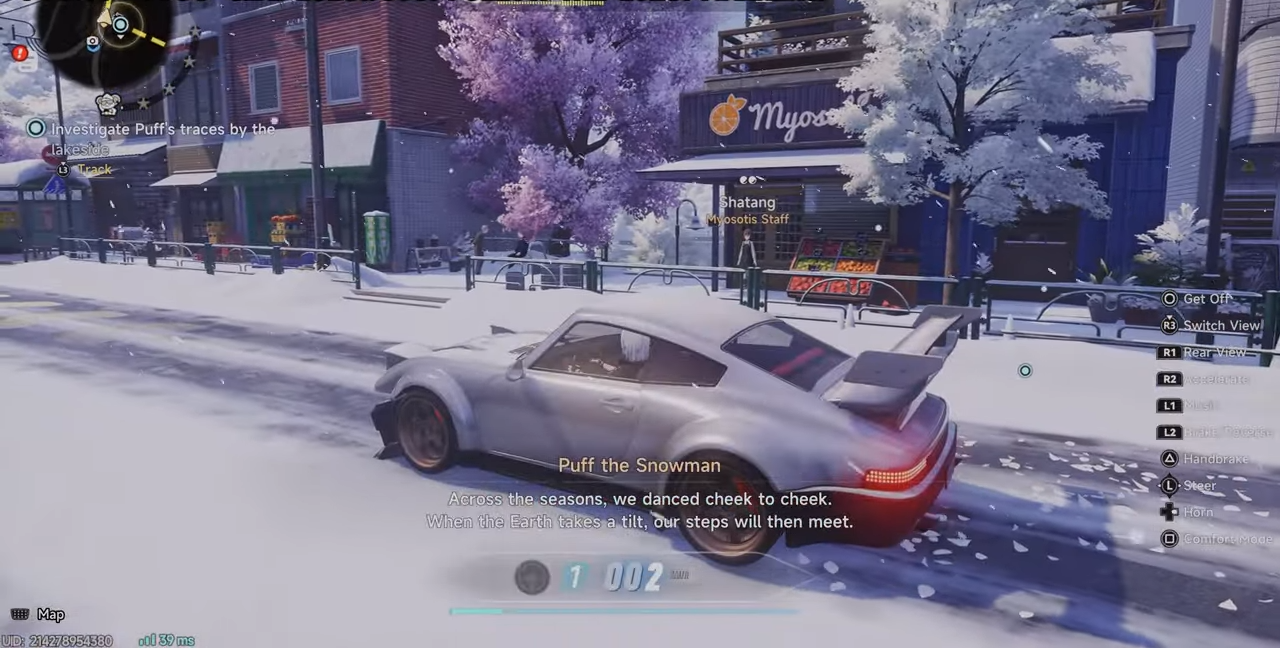
Step 4
Finish the concluding sequence inside the Gold Apple Collection Hall to officially unlock the snowy weather option.
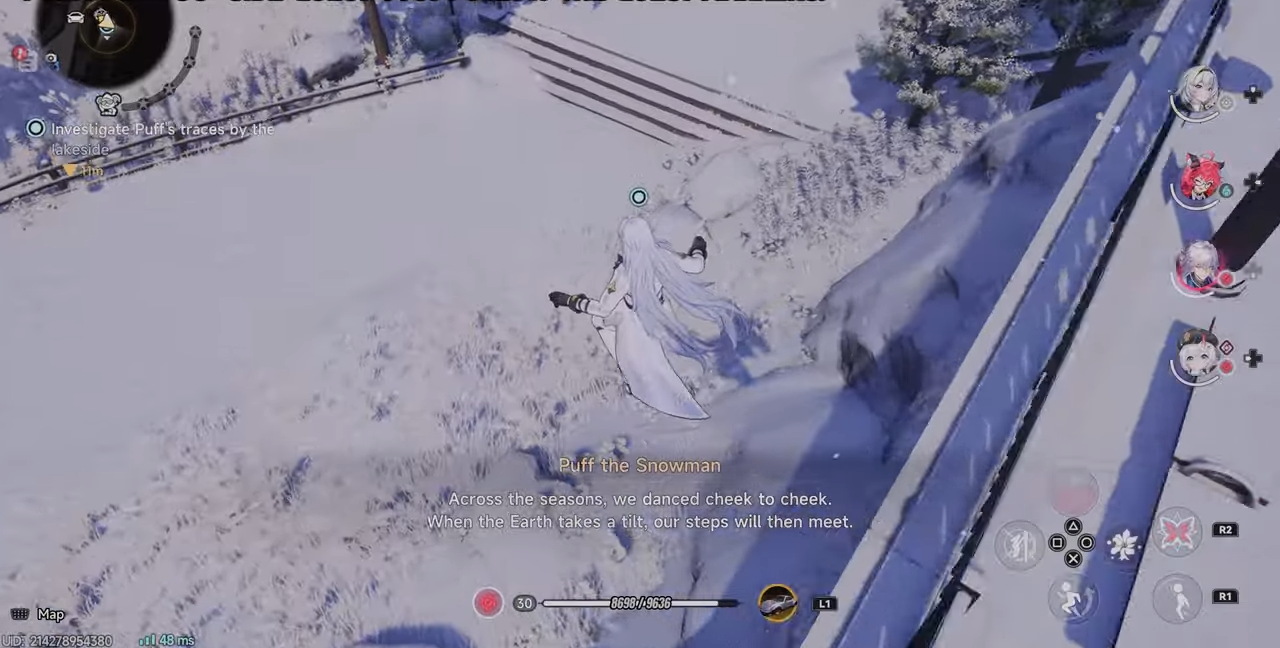
Rewards for completing the quest
Upon finishing the quest, the game automatically awards you the It’s Snowing! trophy.
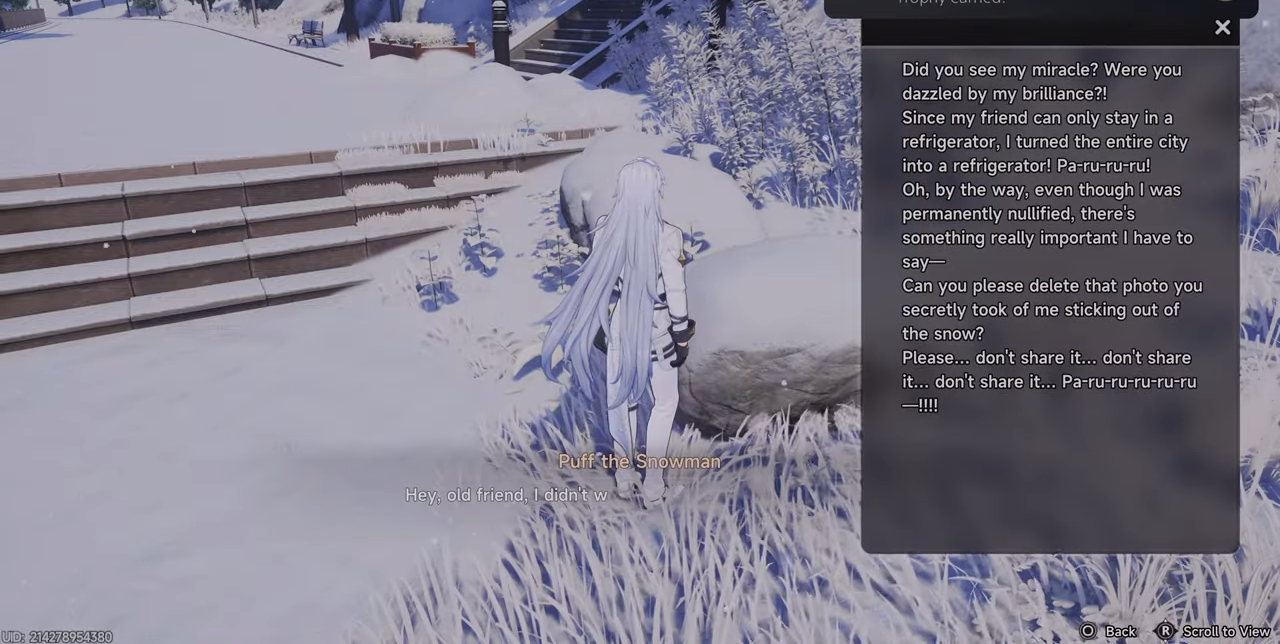
You will find that the snow icon is now accessible within your phone’s weather selection menu.
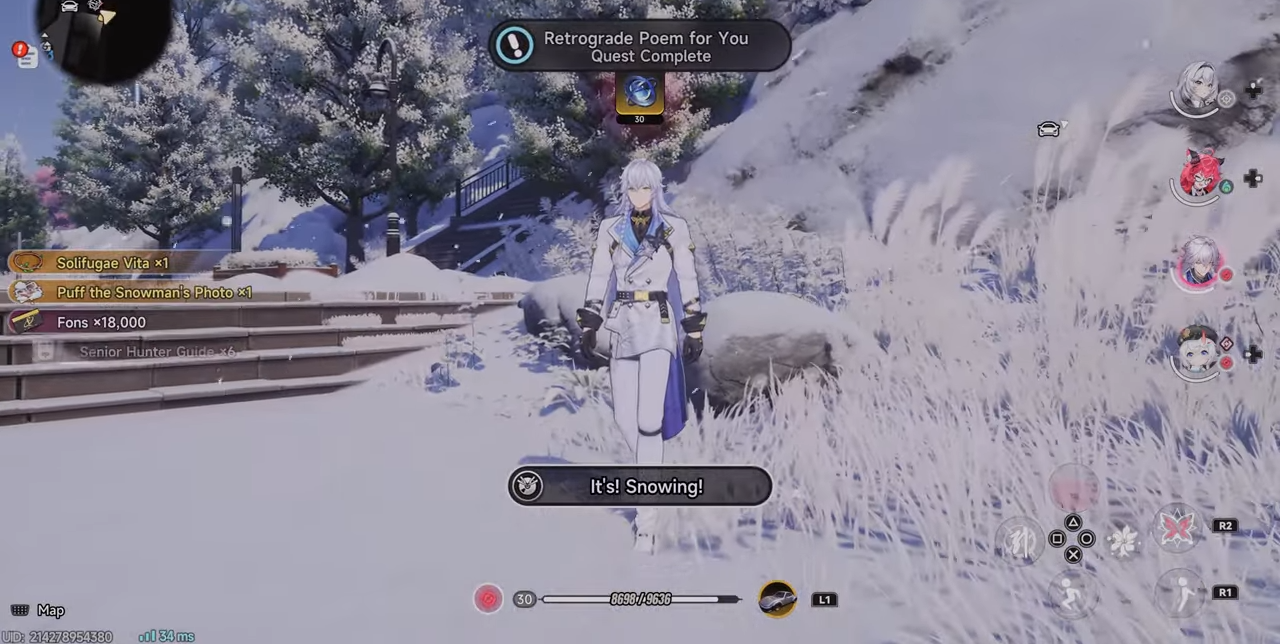
This gives you with the power to trigger a snowfall instantly whenever you wish to change the city’s mood.
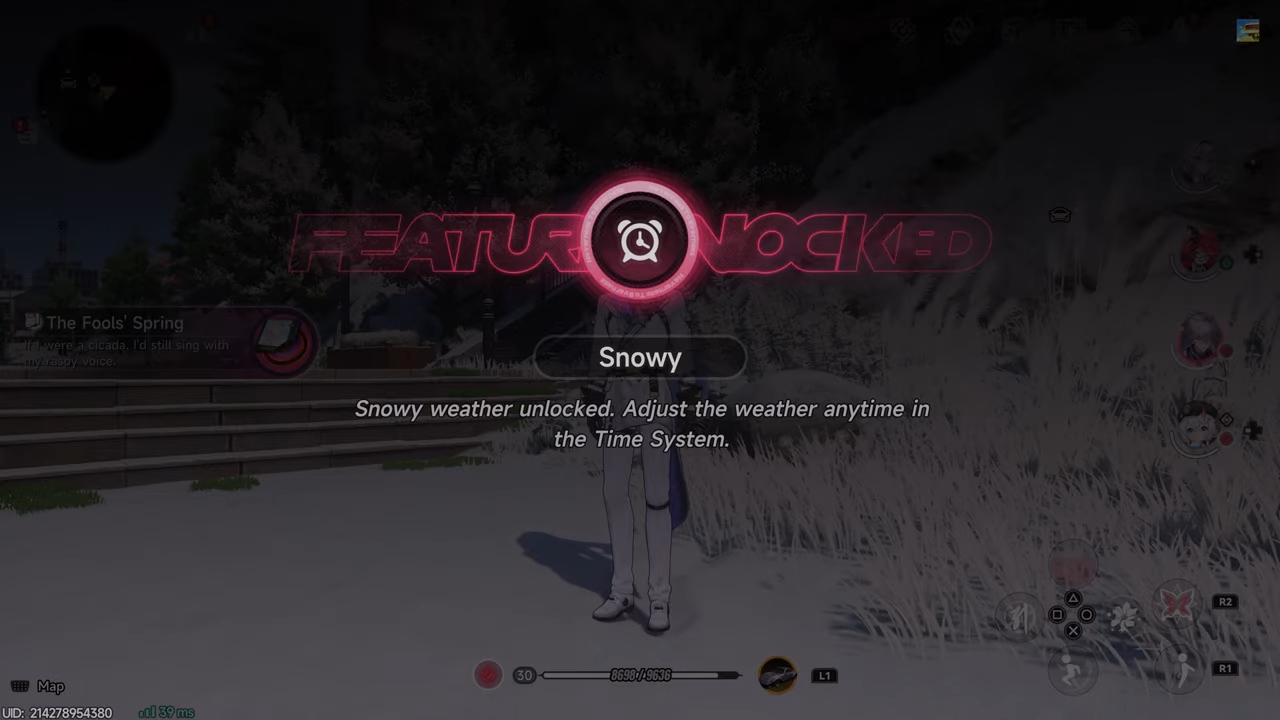
This transformation changes the atmosphere of your game world, providing a fresh perspective on familiar city streets whenever you decide to toggle the weather.



Leave a Reply