
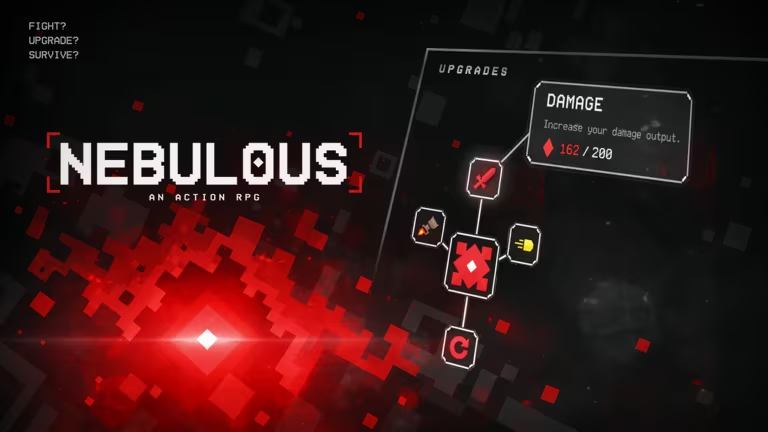
Nebulous is a Roblox experience where Scrap and crates drive most of your progress, and the developers hand out codes now and then to speed that up. Redeeming one takes less than a minute and puts extra Scrap or crates straight into your account.
Working Nebulous Codes
Here’s the code that’s live right now, along with what it pays out when you redeem it.
CODESAREHERE
50x Scrap and 1x Epic Crate
Note: Type the code exactly as it appears above, with no added spaces, since Nebulous codes are case-sensitive and a typo will cause a failed redemption.
How to redeem codes in Nebulous
You redeem codes from inside the game itself rather than through any outside website, so you’ll need to have Nebulous open and loaded before you start.
You’ll know it worked when your Scrap total ticks up and the Epic Crate shows up in your inventory right away. If neither changes, double-check the spelling of the code and try again.
How to get more Nebulous codes
New Nebulous codes typically show up around content updates or milestones, and the developers share them through their own official channels rather than in-game announcements alone. Joining the official Nebulous Discord server is the most direct way to catch a fresh code as soon as it’s posted.
It’s also worth following the game’s Roblox community page, since group announcements sometimes carry code drops too. If you haven’t added the game to your library yet, you can find it directly on the Nebulous experience page on Roblox.
Are Nebulous codes free?
Yes, every code is free to redeem and only requires that you have the game open and a Roblox account signed in.
Why didn’t my code work?
A failed redemption is almost always down to how the code was typed. Copy it directly instead of typing it from memory, and make sure there’s no leading or trailing space in the text box before you press Redeem.
Check back on this page whenever you’re low on Scrap or want another shot at an Epic Crate, since fresh codes get added here as soon as they go live.




Leave a Reply