Downloads
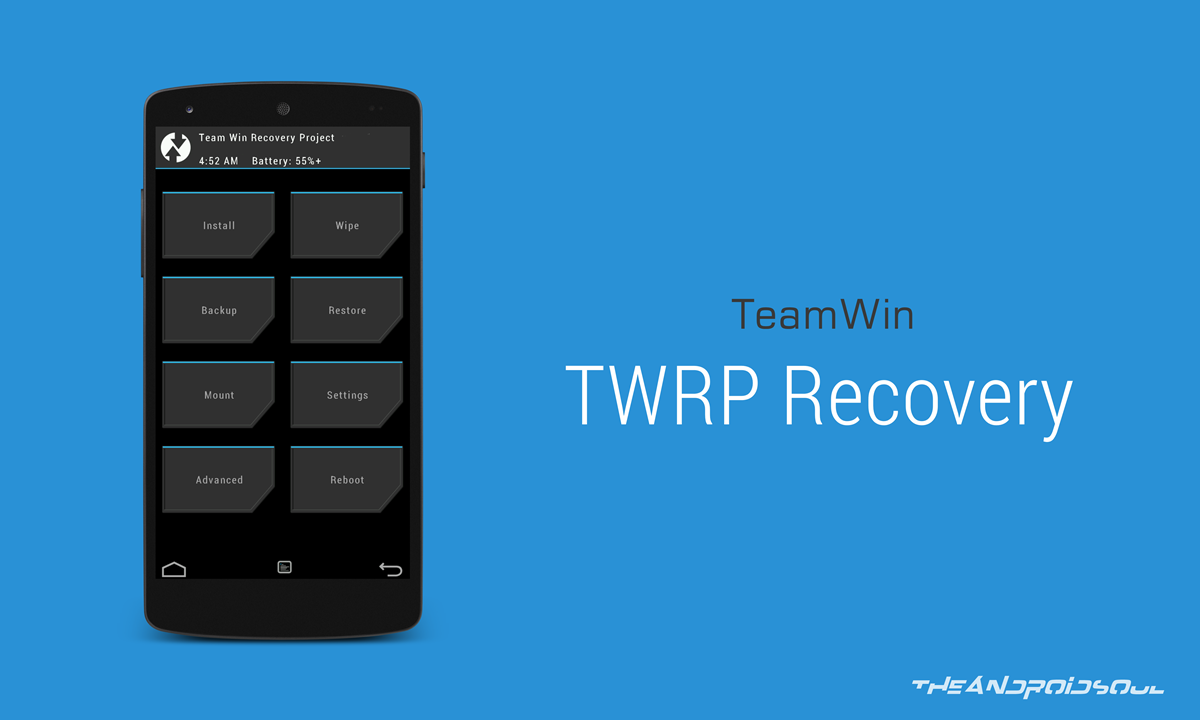
- Moto G TWRP Recovery — Link | File: TWRP-2.8.6.0-titan.img (8.5 MB)
- SuperSU Root package — Link | File: UPDATE-SuperSU-v2.46.zip
Find the latest version of twrp available here.
Supported devices
- Motorola Moto G, model no. XT1063, XT1064 (titan)
- Don’t try this one any other device!
Important: Check your device’s model no. on free Android app called Droid Info. If you see the model no. and codename mentioned above in the app, then use this recovery, otherwise not. BTW, you can check model no. device’s packaging box too.
Warning
Warranty may be void of your device if you follow the procedures given on this page. You only are responsible for your device. We won’t be liable if any damage occurs to your device and/or its components.
Backup!
Backup important files stored on your device before proceeding with the steps below, so that in case something goes wrong you’ll have backup of all your important files.
Step-by-step Guide
In case your device is not accepted at the Motorola’s page above, then it’s possible that unlocking bootloader is possible without any help from Motorola. it’s actually easier. For this, do the step 4 below right away (then do step 2 and 3 below), and then select the “Allow OEM unlock” checkbox in Settings > Developer options. This will unlock the bootloader of your device.
- Go to Settings > About phone, and then tap ‘Build number’ 7 times or until you see the ‘you’re not a developer’ message pop up.
- Go back to Settings, then choose ‘Developer options’. Find the ‘USB debugging’ option and use its toggle button to enable it. Accept warning by tapping on OK button.
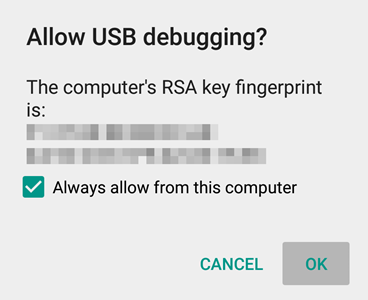
- Open that folder and then left click on empty white space in the folder.
- Now, while holding shift key, right click on empty white space to get a pop-up as shown below.
- Now choose Open command window here option from that.
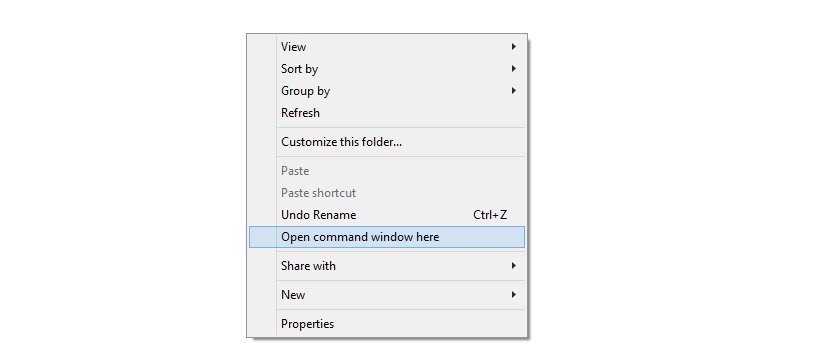
You will see a command window open up, with location directed to folder where you have the twrp recovery file.
- Power off your device and wait for 3-4 seconds after screen goes off.
- Press and hold Power and Volume down together for 3 seconds and then let go. You’ll enter bootloader mode. And should see FASTBOOT written at top. It’s already in Fastboot mode by default.
→ Upon running command below, you should get a serial no. with fastboot written after it. If you don’t get fastboot written on cmd window, then it means you need to reinstall adb and fastboot drivers, or change restart PC, or use original USB cable.
fastboot devices
fastboot flash recovery motog2-twrp.img
Happy flashing!
Need help?
And let us know if you need any help regarding installation of TWRP recovery on your Moto G. Use the comments section below.