
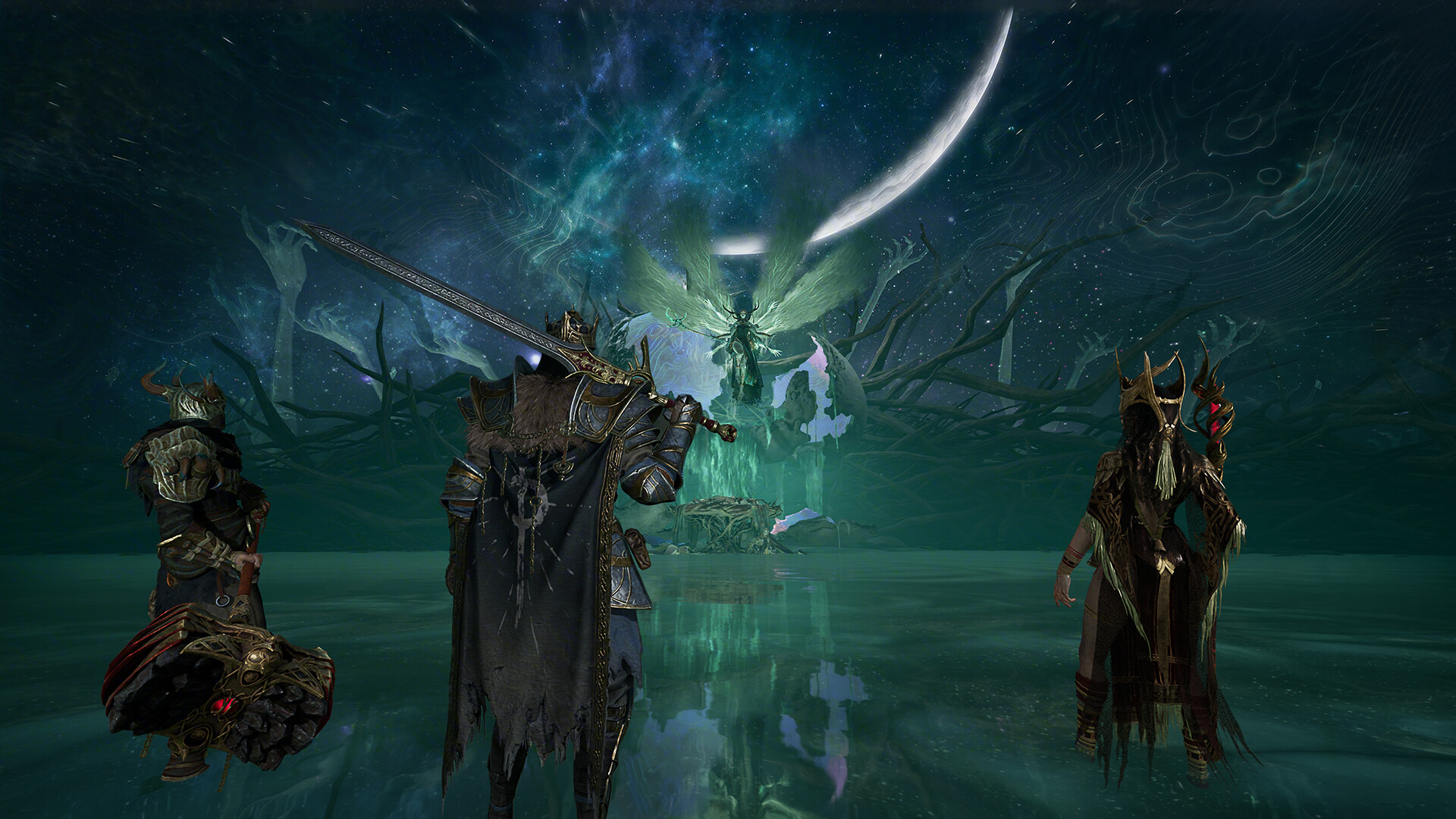
To complete “Tracing the Trail” in Mistfall Hunter, you must launch into the Hallowgrove map, navigate to Pip’s waypoint marker, speak with the NPC, and then successfully extract from the match.
“Tracing the Trail” is one of the first quests you will encounter after finishing the tutorial in Mistfall Hunter, and it can be a bit confusing if you are still learning the game’s extraction loop. The objective simply tells you to head to Hallowgrove and meet with Pip, but it does not explain how actually to get there or what you must do after finding them. Because Hallowgrove is a live PvP instance rather than a safe social hub, you have to queue into a match, survive long enough to reach the NPC, and escape with your life to lock in the progression.
Quest overview and where to find Pip
| Quest Name | Objective | Location | Requirement to Complete |
|---|---|---|---|
| Tracing the Trail | Head to Hallowgrove and meet with Pip | Hallowgrove (Instanced PvP Map) | Speak with Pip and successfully extract |
The main hurdle for new players is realizing that Hallowgrove is not a peaceful town you can stroll into. It is an instanced map where you drop in at a random spawn point, just like in other extraction shooters. You are looking for a blue exclamation point waypoint on your map that marks Pip’s location.
In one early playthrough, Pip was found at an area called Verdant Grounds, but spawn locations and exact markers may vary. Because the game is currently in beta and slated for a full release in 2026, mechanics, map layouts, and NPC placements are subject to change. Regardless of the exact spot, the blue exclamation marker is the visual cue you need to track down.
How to launch into Hallowgrove, find Pip, and extract
STEP 1/6
Go to the home base dock
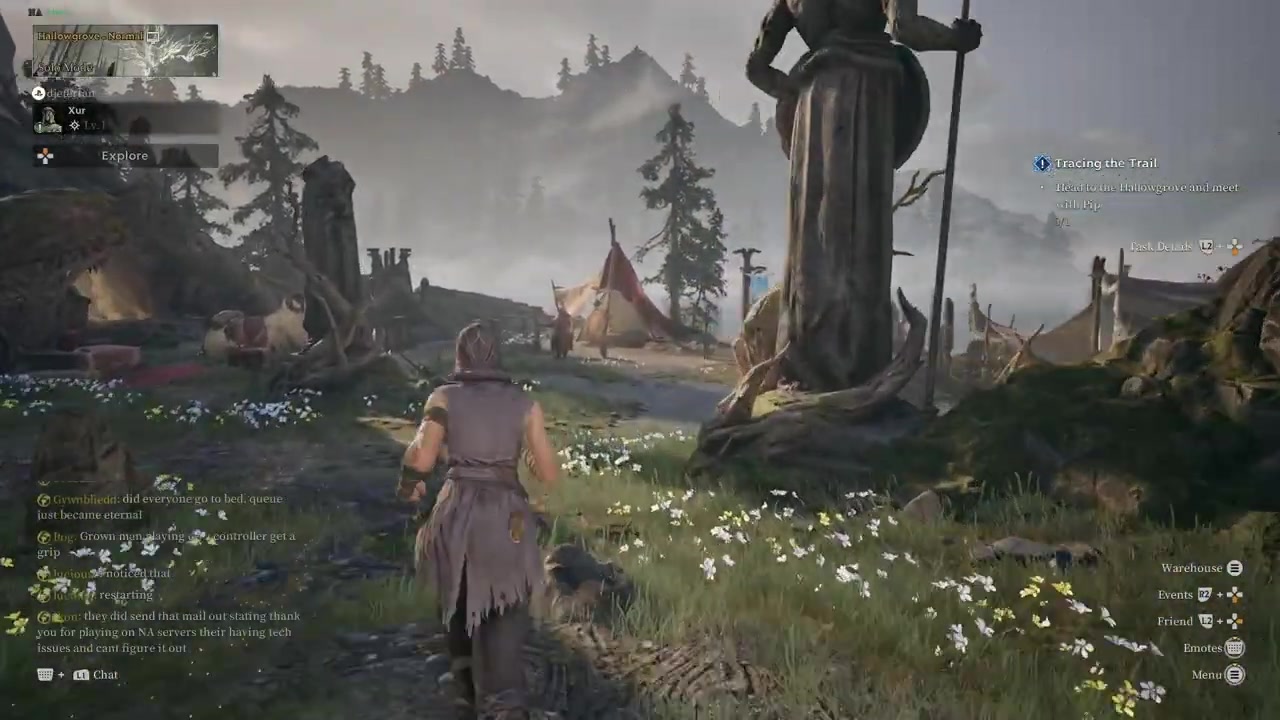
Walk over to the dock at your home base, which is the launch point for entering the game itself.
STEP 2/6
Hit Explore and select Hallowgrove
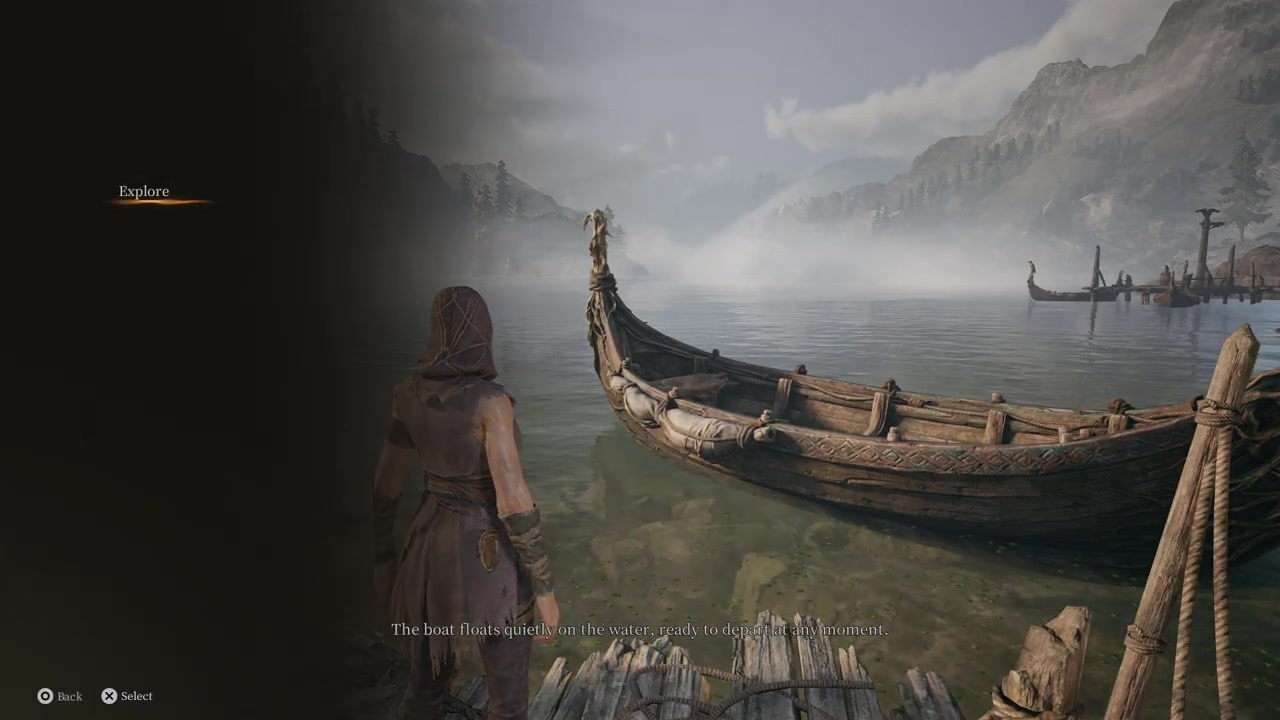
Interact with the dock and hit Explore, then select the Hallowgrove map to begin matchmaking.
STEP 3/6
Clear the inventory full warning
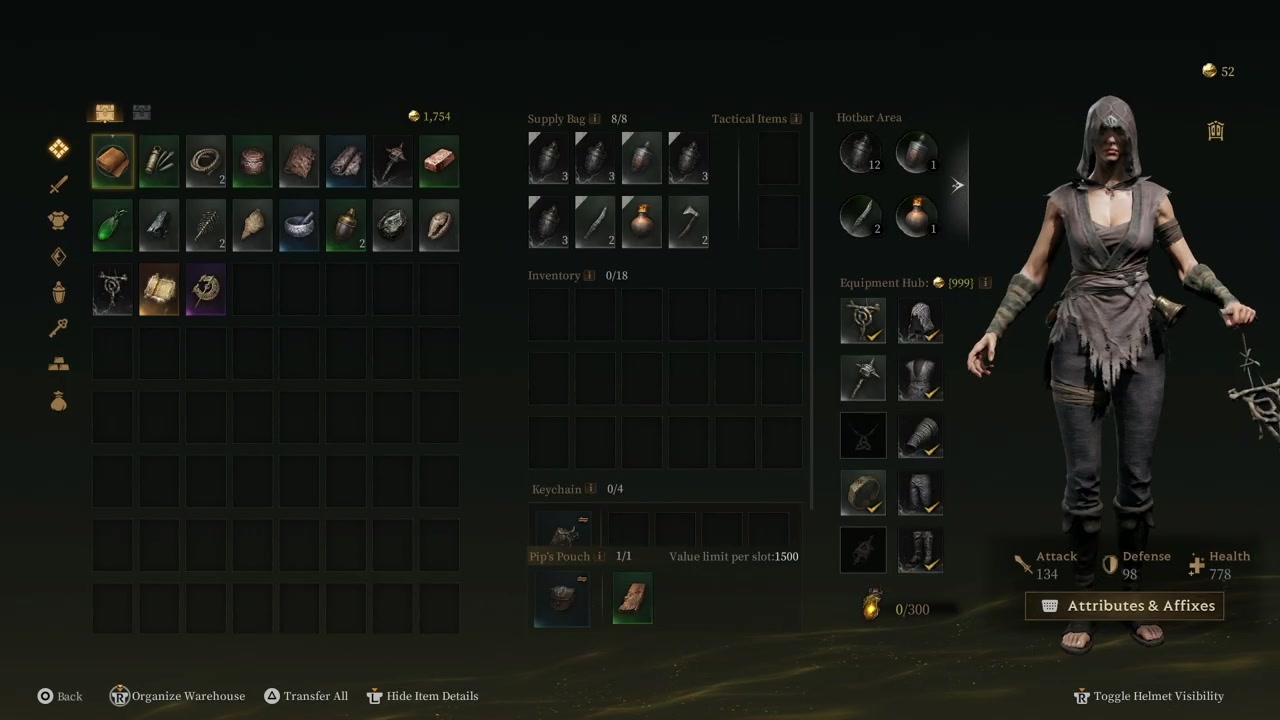
If warned your inventory is full from tutorial gear, open your inventory and remove the flagged tutorial items so you can queue.
STEP 4/6
Launch into the match
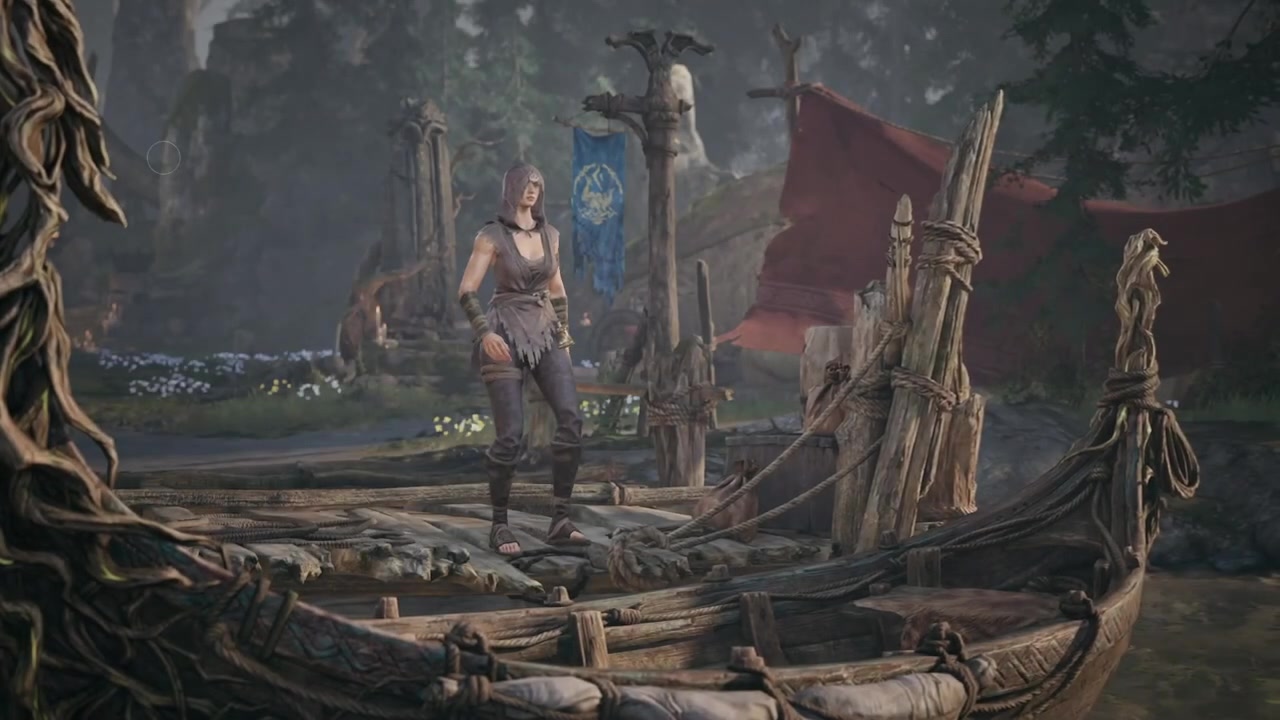
Confirm the matchmaking prompt to load into the Hallowgrove map.
STEP 5/6
Open your map and find Pip’s waypoint
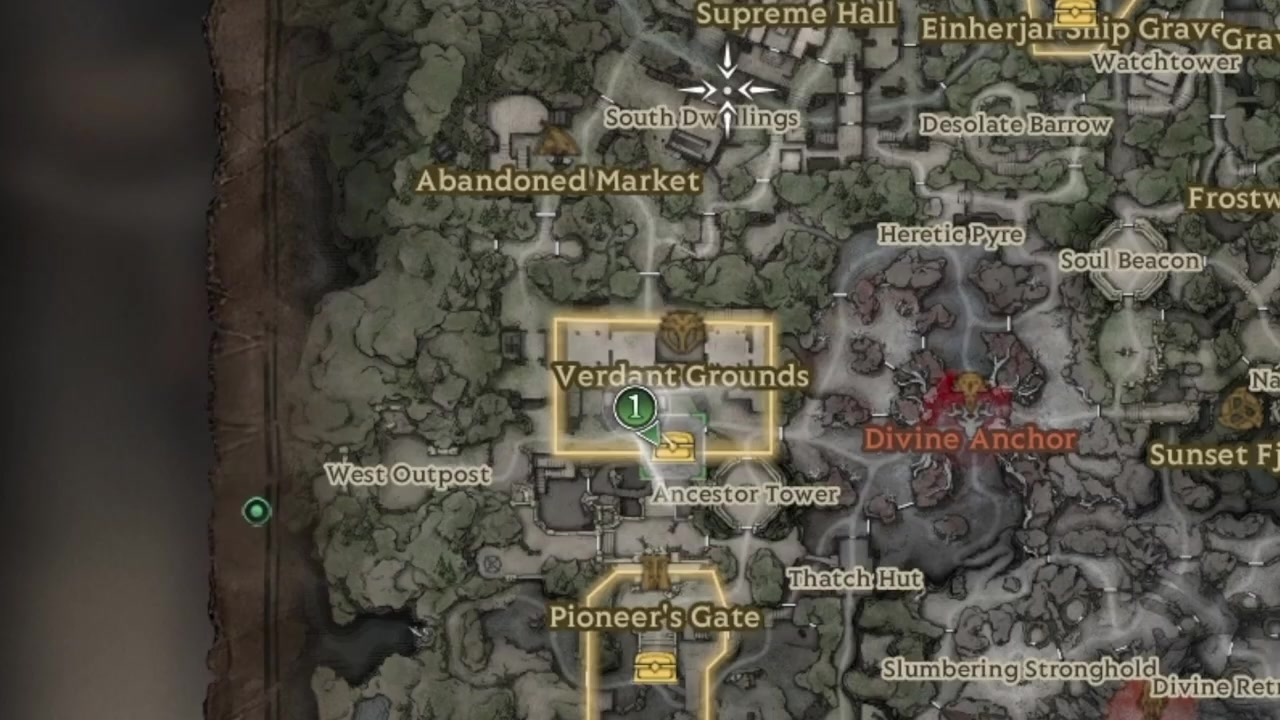
Look for the blue exclamation point waypoint on your map that indicates Pip’s location.
STEP 6/6
Speak with Pip
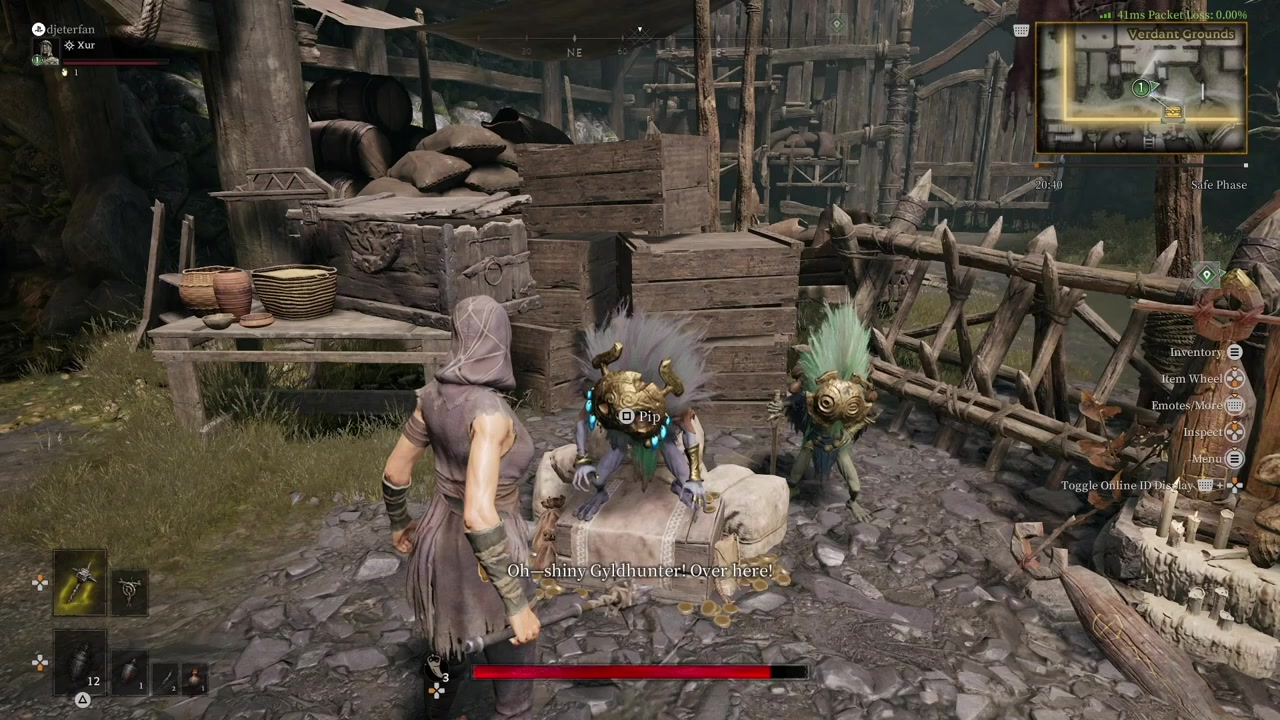
Fight past any enemies and open doors to reach the waypoint, then speak with the NPC Pip to trigger the next phase.
Video help
How extraction works after meeting Pip
Speaking to Pip does not instantly finish the quest or pull you out of the match. You still have to extract the same way you would in any standard Mistfall Hunter run or the tutorial. Open your map and look for a Returning Chime waypoint, which appears as a chime or tree icon. There is reportedly a timer that prevents early extraction—roughly 5 minutes or so after the match starts—so you may need to survive and explore until the extraction mechanics unlock.
Once you reach the chime tree, you will hear it ringing as you get closer. Activating the tree starts a 20-second wait, after which a prompt appears telling you to summon. Clicking summon spawns a boss enemy called the Smuggler Woodling, which functions as a secondary extraction point. You have a very limited time to track down this bell-type enemy on your mini-map and take it down. After defeating the Smuggler Woodling, activate the bell, hit Escape once the tree is fully activated, and you will expel from the game.
Common bugs and mistakes to avoid
If the quest objective does not update after you talk to Pip, do not panic—just finish the match and extract, and the quest will complete when you return to base.
What comes next after Tracing the Trail
Frequently Asked Questions
Why didn’t my quest update after talking to Pip?
This is a known bug in the current beta build. The in-game objective tracker often fails to check off the step when you speak with Pip. You must continue playing, survive the match, and successfully extract; the quest will register as complete once you are back in your home base lobby.
What if my inventory is full when trying to launch into Hallowgrove?
You will get an inventory full warning if leftover tutorial gear is still taking up space. Open your inventory from the matchmaking screen and remove the specific items the game flags. Once the flagged tutorial items are cleared, the game will let you start matchmaking into Hallowgrove.
Where exactly is Pip located in Hallowgrove?
Pip’s exact location is marked by a blue exclamation point waypoint on your map. In early playthroughs, Pip was found at an area called Verdant Grounds, but because the game is in beta, spawn locations may vary. Always rely on the blue waypoint marker to track down the NPC.
How do I extract from Hallowgrove after meeting Pip?
Open your map and mark the Returning Chime as your waypoint. Walk to the chime tree, activate it, and wait about 20 seconds for the summon prompt. Click summon to spawn the Smuggler Woodling boss, defeat it within the time limit, activate the downed bell, and hit Escape to extract from the match.






Leave a Reply