

Supported devices
- LG V10, model no. LG-H901
- Don’t try this on any other device whose model no. is different than the one mentioned above!
Important: Check your device’s model no. on free Android app called Droid Info. If you see the model no. mentioned above in the app, then use this recovery, otherwise not. BTW, you can check device’s model no. on its packaging box too.
Downloads
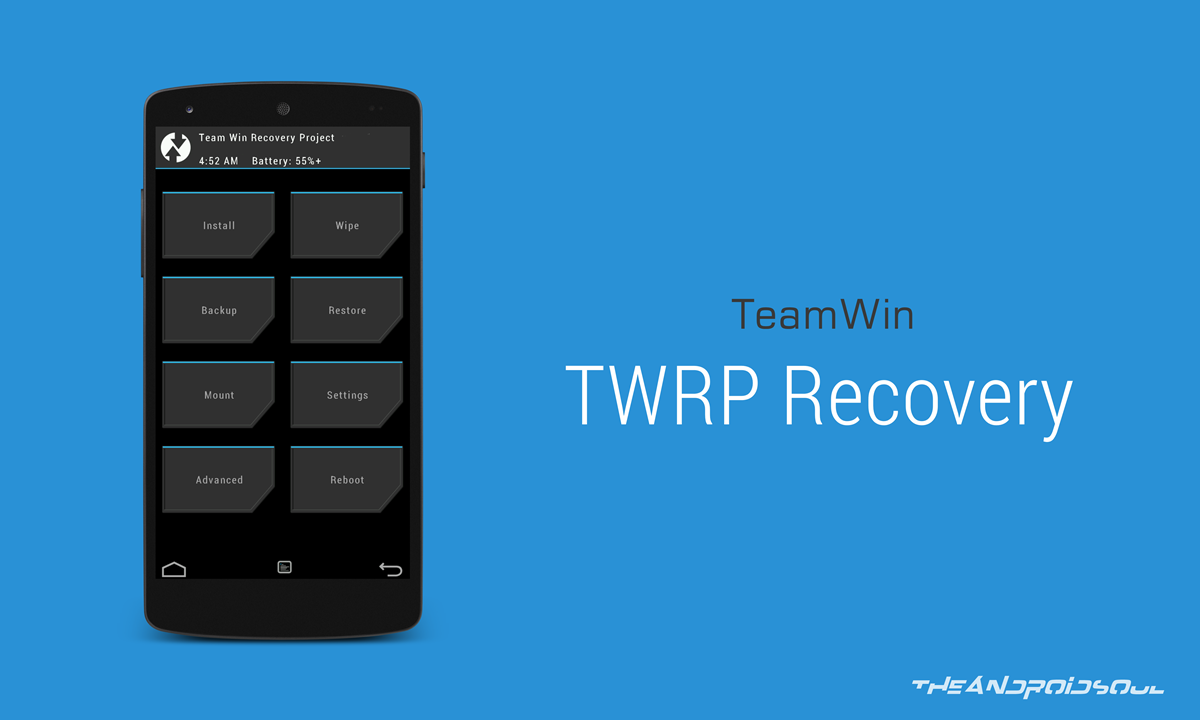
- TWRP recovery — Link | File: twrp-2.8.7.0-h901.img (31.7 MB)
Warning!
Warranty may be void of your device if you follow the procedures given on this page. You only are responsible for your device. We won’t be liable if any damage occurs to your device and/or its components.
Backup!
Backup important files stored on your device before proceeding with the steps below, so that in case something goes wrong you’ll have backup of all your important files.
How to Install TWRP
So, you now have twrp.img in the folder called lgv10twrp, right? Cool.
- Open that lgv10twrp folder and then left click on empty white space in the folder.
- Now, while holding shift key, right click on empty white space to get a pop-up as shown below.
- Now choose Open command window here option from that.

You will see a command window open up, with location directed to lgv10twrp folder.
adb reboot bootloader
Once you run the above command, it will enter bootloader mode, also called fastboot mode.
fastboot devices
→ Upon this, you should get a serial no. with fastboot written after it. If you don’t get fastboot written on cmd window, then it means you need to reinstall adb and fastboot drivers, or change restart PC, or use original USB cable.
fastboot flash recovery twrp.img
Don’t restart your device just yet.
The above command installed TWRP, but to prevent Android from removing it in favor of default 3e recovery, you need to boot directly into TWRP. Do one simple next step.
(BTW, you have to use the recovery image’s filename in the above command, which in our case is twrp.img, from step 2.)
fastboot boot twrp.img
→ Once you are in TWRP, allow it to mount system as read/write.
Your LG V10 should load TWRP recovery again.
Root LG V10
Well, check out page for LG V10 root.
As you already have TWRP, simply flash the SuperSU file (version 2.56) to gain root access.
Need help?
Let us know via comments section below if you need any help rooting LG V10, or are stuck somewhere.


2 responses to “LG V10 TWRP Recovery: Downloads and How to Install Guide”
Im stuck at the 8th step. The twrp.img doesnt flash 🙁
My devise lg f600s pleese i need a twrp recovery img file ?