
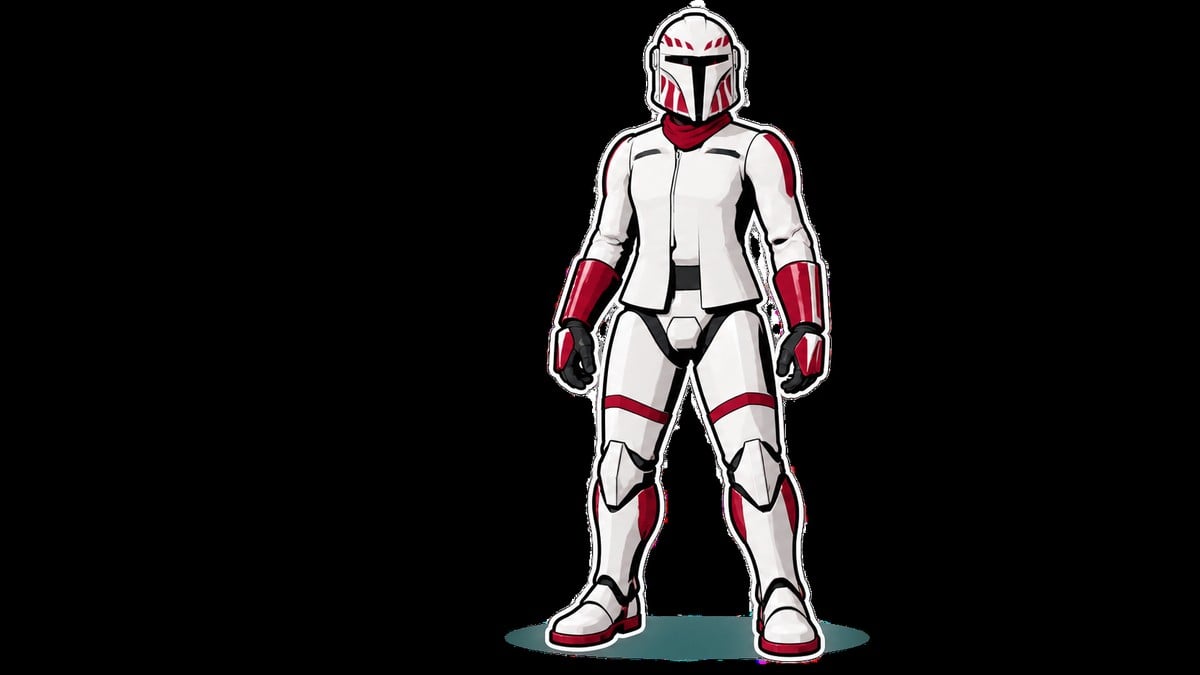
To equip Mandalorian armor on a custom human operator, PC players must install UE4SS and Full Customization Mod-Mandalorian Padawan and more, launch the game through Vortex, and select the unlocked pieces in Customization; this method is unavailable on consoles.
This modded route uses the game’s existing armor pieces rather than adding a campaign reward. It makes the helmets, chest pieces, armwear, and lower-body armor available through the regular character editor, where they can be mixed and recolored.
His Mandalorian armor route should you use?
| Route | What it unlocks | Requirement |
|---|---|---|
| Vanilla Cly customization | Mandalorian armor for Cly Kullervo only; custom human operators remain restricted | No mods; use Cly Kullervo |
| Full Customization Mod-Mandalorian Padawan and more | Mandalorian wardrobe pieces for human characters, plus broader outfit and character options | PC, Vortex, current UE4SS package, and no conflicting armor unlocker |
| Zero Company Mandalorian Wardrobe | Shipped Mandalorian armor sets as colorable wardrobe options for human characters | Supported Windows Steam build and UE4SS; do not combine with Full Customization |
The community routes use unofficial mod injection, so compatibility can change after Star Wars Zero Company or UE4SS updates. Check the current package requirements before installing either route.
How to install and equip Mandalorian armor in Star Wars Zero Company
How to install and equip Mandalorian armor in Star Wars Zero Company
This setup imports the customization package and its dependency through Vortex before exposing the armor in the in-game wardrobe.
STEP 1/9
Install Vortex
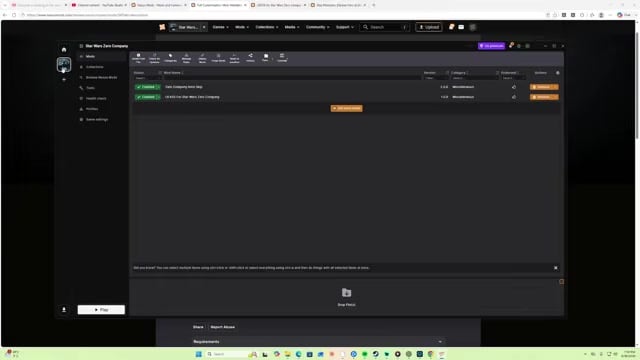
Download and install Vortex Mod Manager, then open the manager.
STEP 2/9
Add Star Wars Zero Company
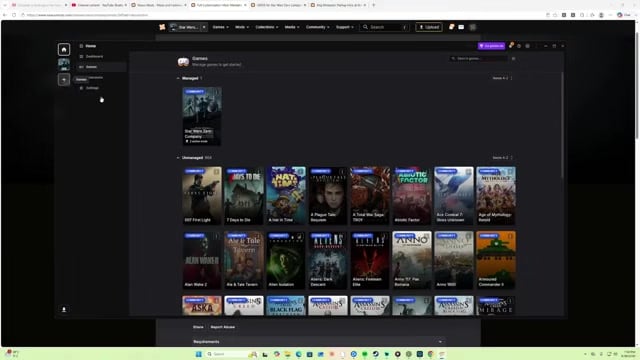
Add Star Wars Zero Company to the managed games list and install the extension Vortex offers for it.
STEP 3/9
Find the Full Customization package
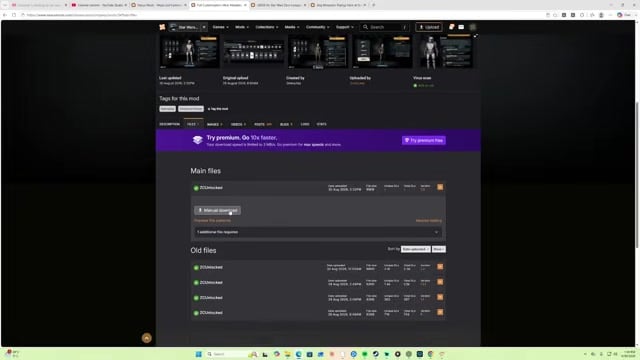
Open Full Customization Mod-Mandalorian Padawan and more and switch to its Files tab.
STEP 4/9
Download the mod and UE4SS
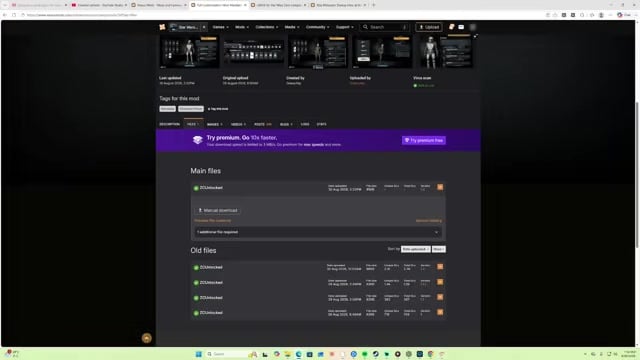
Start the manual download, then obtain the required UE4SS package named in the current Requirements and Files listings rather than relying on an older filename.
STEP 5/9
Import the downloaded archives
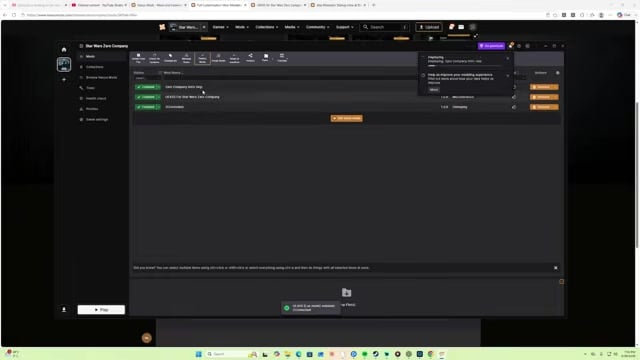
In Vortex, choose Install from File and select each downloaded archive.
STEP 6/9
Start the game through Vortex
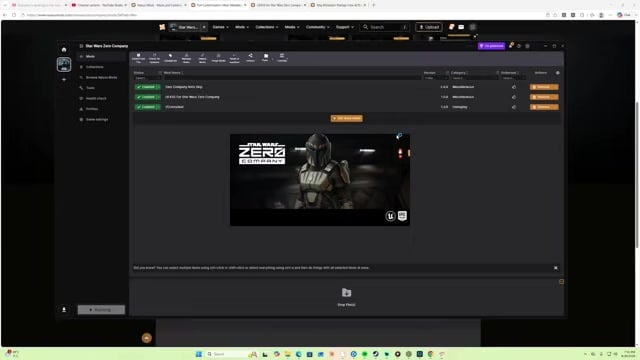
Launch Star Wars Zero Company from Vortex so the imported files load with the game.
STEP 7/9
Load the campaign
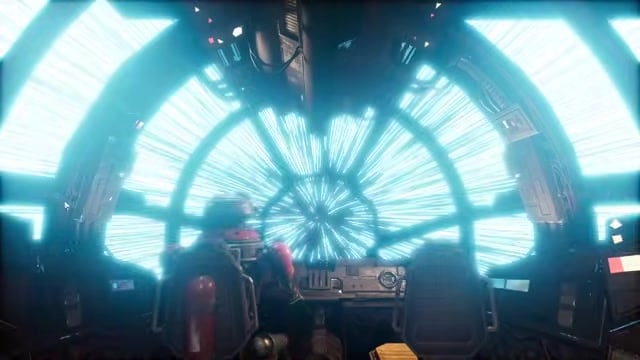
Select Continue and wait for the campaign save to open in the Den.
STEP 8/9
Open character customization
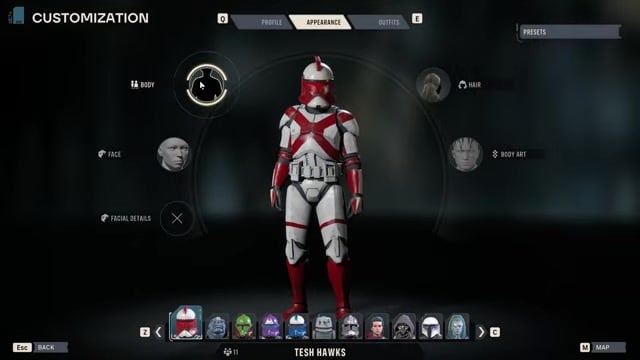
Open the Den map and select Customization for the human operator you want to change.
STEP 9/9
Equip the Mandalorian pieces
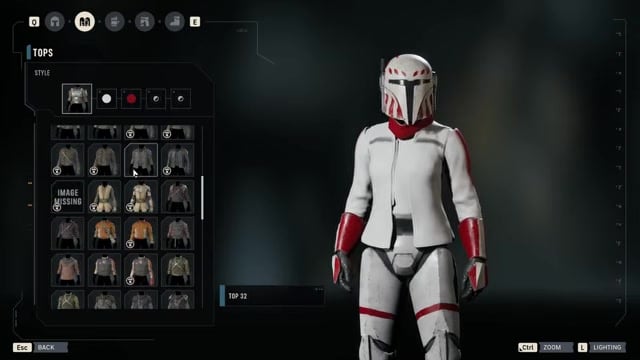
Under Outfits, choose the unlocked Mandalorian options across Headwear, Tops, Armwear, and Lower Body, then apply your preferred colors.
Enter the tutorial with a blaster equipped. The customization package requires a blaster during the tutorial, so do not bring a lightsaber.
Video help
Fix missing Mandalorian armor after installation
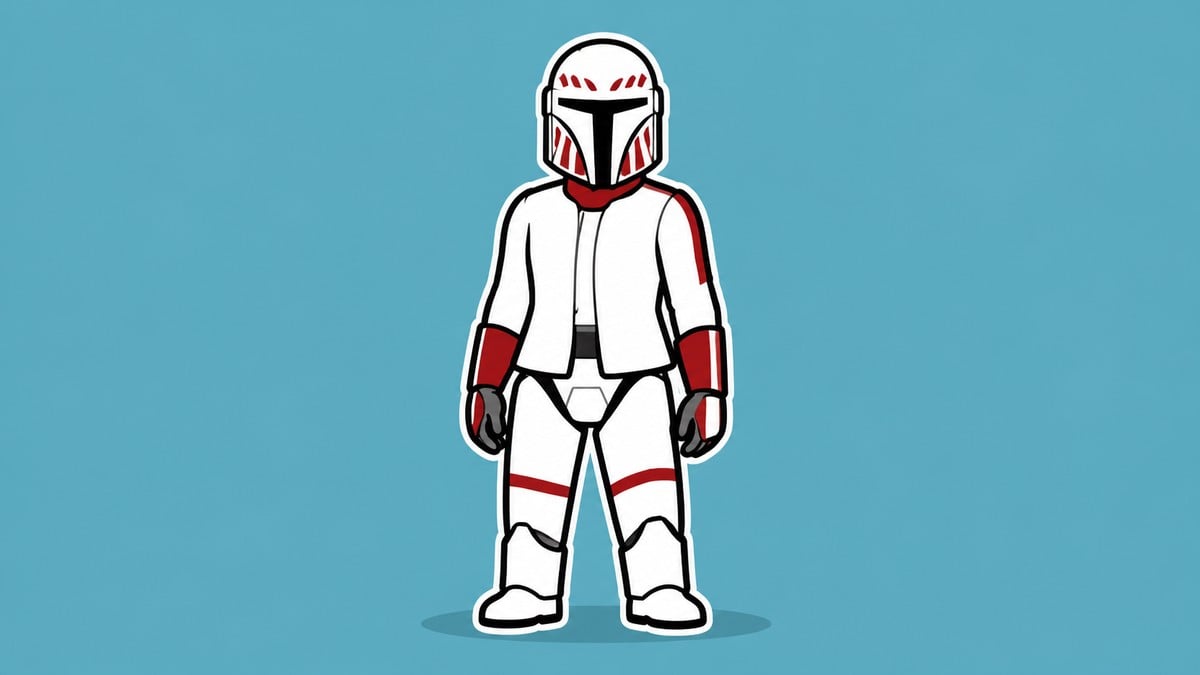
Close Star Wars Zero Company completely before installing the files or retrying a failed setup. Full Customization is incompatible with existing Padawan and Mando armor mods, so uninstall those packages before installing this one.
If the wardrobe remains unchanged, confirm in Vortex that the main customization archive and every required dependency are enabled. Repeat the Vortex launch and let any shader compilation finish before loading the campaign and checking Customization again.
What Full Customization changes beyond Mandalorian armor
Full Customization also exposes Jedi outfits and additional character controls, including the ability to change Hawk’s Talent. The individual helmet, chest, arm, and leg pieces remain cosmetic when equipped as an outfit.
Key Cly Kullervo’s Mandalorian Armor Training is a class feature that provides Defense 3 and jetpack use. A custom operator does not receive those effects merely by wearing Cly’s armor; they come from the Mandalorian class options exposed by the broader customization package.
Leave a Reply