
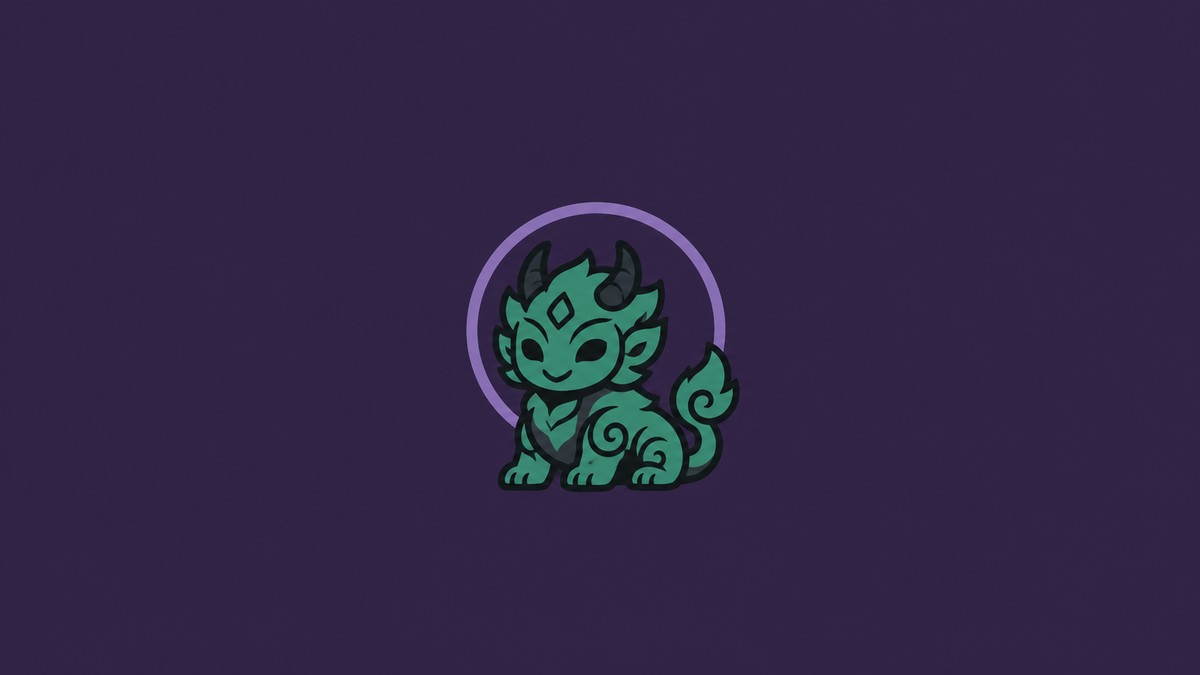
To change Koo’s skin in Beast of Reincarnation, progress past the flashback sequence, use the bed, then equip the Koo skin you redeemed or own.
Koo skins are handled as cosmetics, so the important part is not combat progress or stats — it is reaching the point where the bed interaction opens the appearance option. Once you are past the flashback sequence, the bed is the place to check for Koo’s skin change.
Koo’s skin option unlocks at the bed
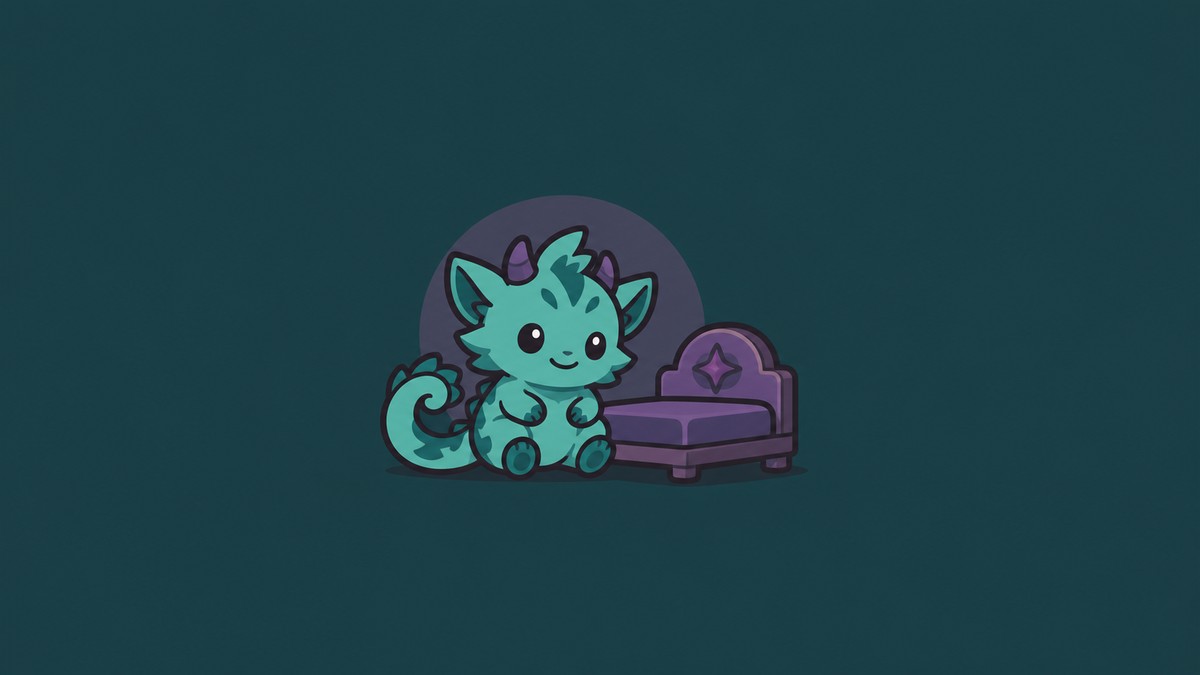
The shortest working answer is: finish the flashback sequence, use the bed, then change Koo’s skin from the available cosmetic option. The exact menu wording may differ, so look for the Koo appearance, customization, or skin slot rather than a specific label.
This only works for skins your account already owns. If you have not redeemed the relevant bonus or installed the matching add-on content, the bed can still be available while the skin itself is missing.
Check the bed after the flashback before searching other menus; that is the player-facing interaction tied to changing Koo’s skin.
How to change Koo’s skin in Beast of Reincarnation
Progress past the flashback
Keep playing until the flashback sequence has ended.
Use the bed
Return to the bed or interact with it when you regain control.
Open Koo’s skin option
Look for the customization, appearance, or skin option tied to Koo.
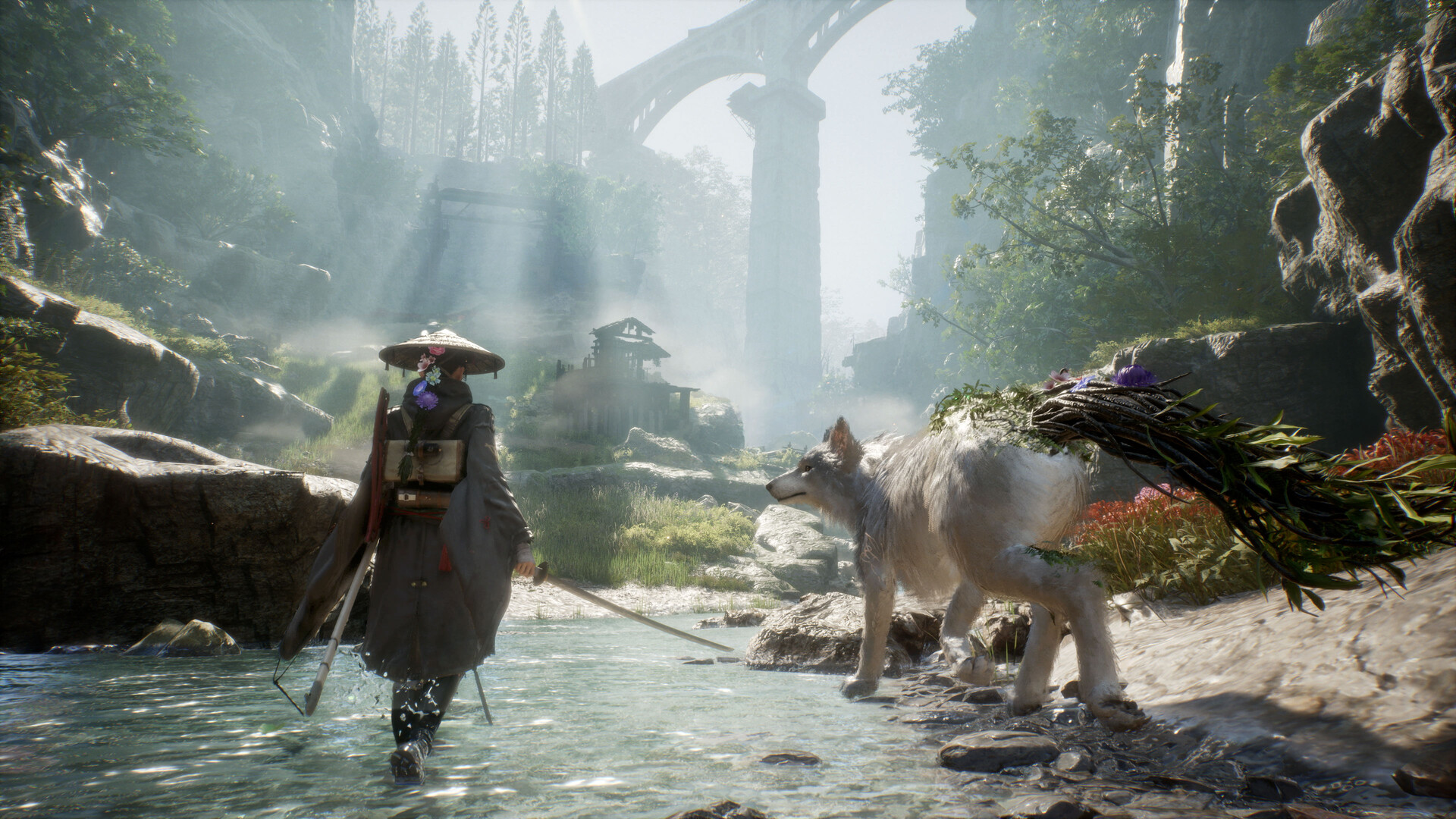
Choose an owned skin
Select the Koo skin you have redeemed or received with your edition.
Confirm and exit
Apply the selection, leave the menu, and Koo should use the chosen look in-game.
Koo skins available at launch
| Skin | How to get it |
|---|---|
| Brown Shiba | Pre-order bonus for Beast of Reincarnation, bundled with 30,000 Amber. |
| Black Shiba | Included through Deluxe-related bundles, alongside other Deluxe extras. |
KEY!Koo’s launch skins are cosmetic only. They change Koo’s look, not his combat stats, abilities, or role beside Emma.
The Digital Deluxe Edition includes both Black and Brown Shiba Skins for Koo, Oni’s Hat for Emma, Emma’s sword Big Dipper, 100,000 Amber, and vegetable seedlings. Physical PS5 owners should use the included product code where the skins are delivered through a redemption code.
Missing Koo skin option fixes
If you cannot see the skin option, first make sure you are past the flashback sequence. Looking before that point can make it seem like the feature is missing when the bed interaction has not opened the relevant option yet.
If the menu is available but a skin is absent, check ownership next. The Brown Shiba Skin is tied to the pre-order bonus, so a post-launch purchase may not include it. The Black Shiba Skin requires the appropriate Deluxe-related content.
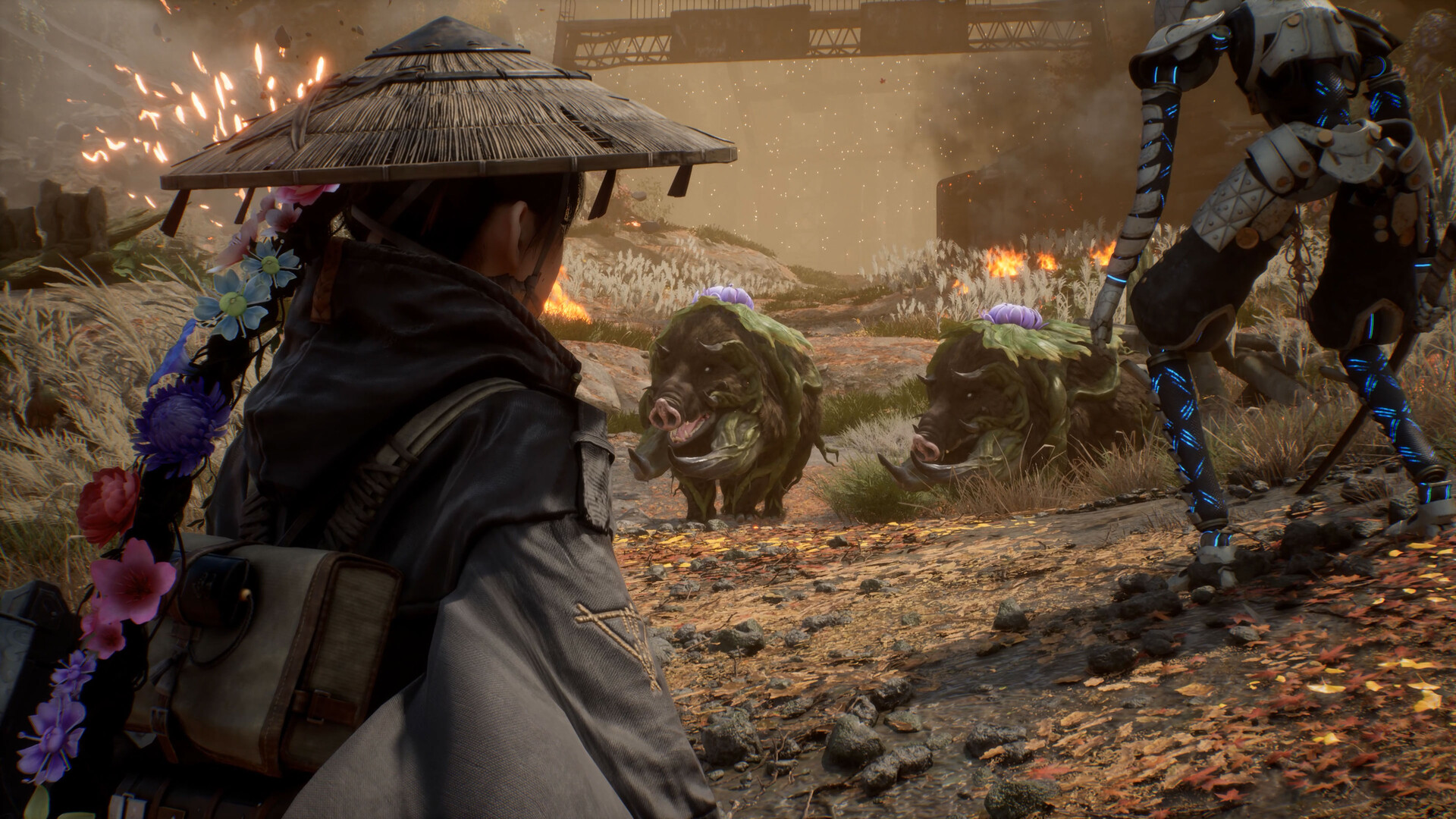
On console or PC storefronts, also check that the bonus content is installed on the same platform account you are using to play. For physical PS5 copies, redeem the product code before expecting the skins to appear in-game.
Frequently Asked Questions
Can you change Koo’s skin before the flashback sequence?
No. The skin change becomes available through the bed interaction after the flashback sequence.
Do Koo skins change stats or combat abilities?
No. Koo skins are visual cosmetics and do not alter combat performance.
How do you get the Brown Shiba Skin?
The Brown Shiba Skin comes from the pre-order bonus for Beast of Reincarnation.
How do you get the Black Shiba Skin?
The Black Shiba Skin comes through Deluxe-related bundles.
What should physical PS5 owners do if the skins are missing?
Redeem the product code included with the physical PS5 copy, then check that the add-on content is installed for the account playing the game.


Leave a Reply