
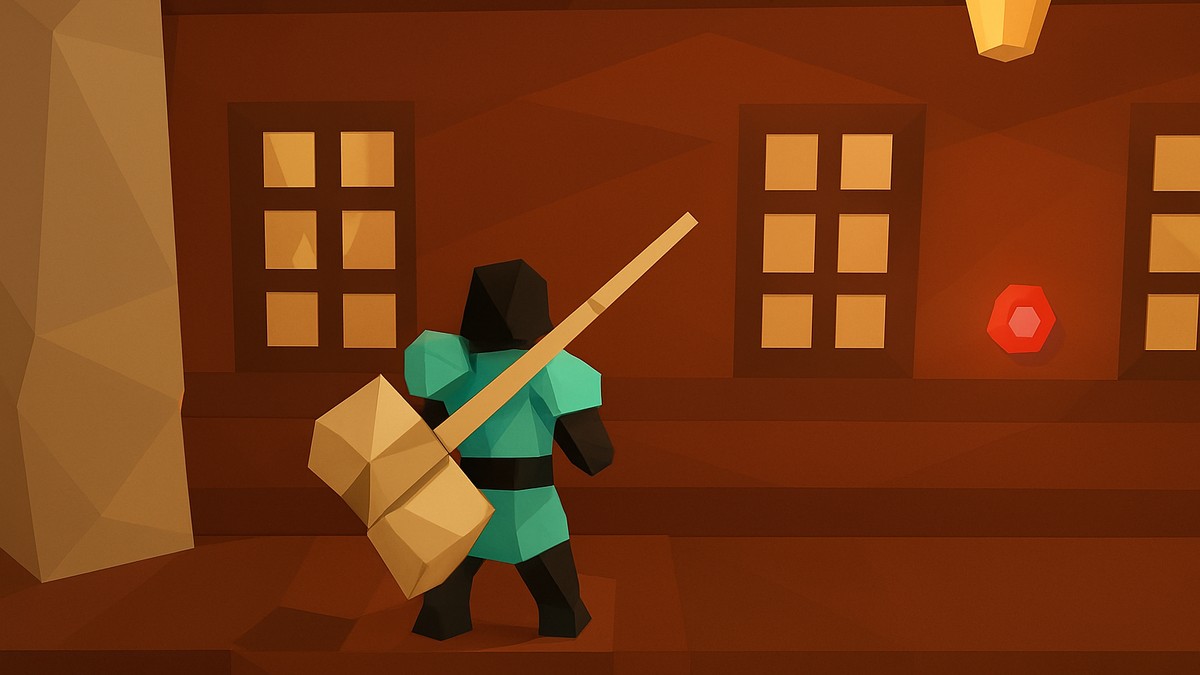
To reset your data in Haze Seas, go to Starter Island, enter the Haze building, find the red button, and interact with it only if you are sure you want to wipe your progress.
The red button in the Haze building is for a full data reset, not a quick build adjustment. Use it only when you are ready to start over, because this is treated as a progress wipe rather than a Stat Refund.
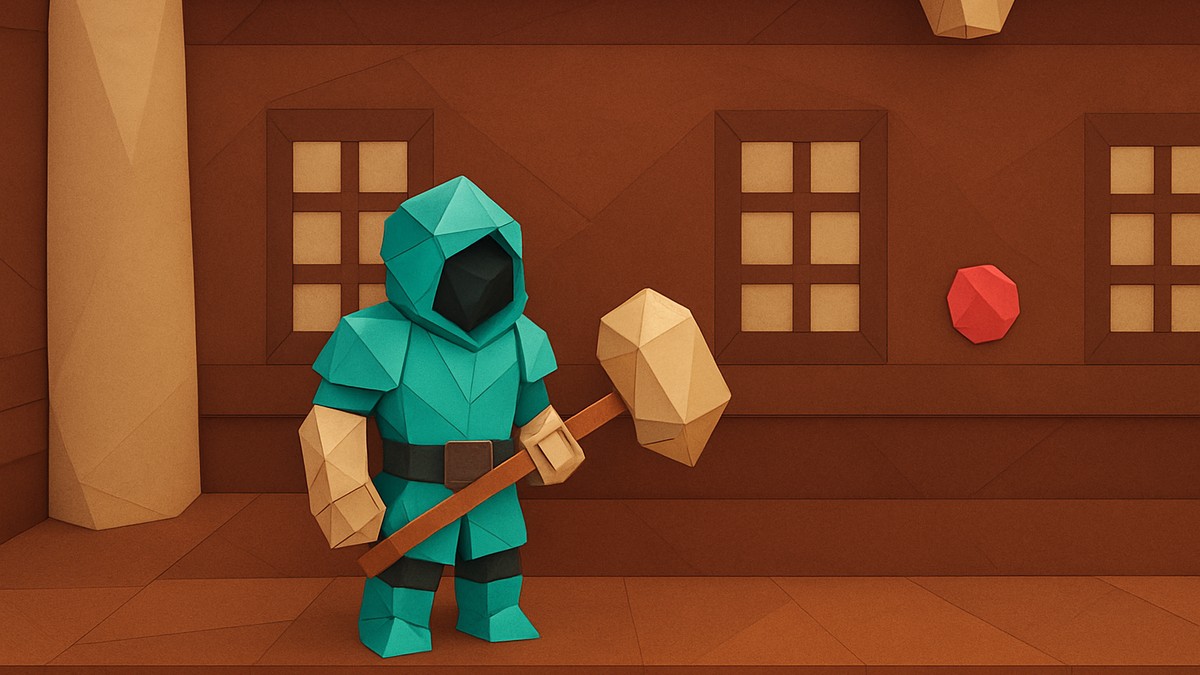
Stat from Starter Island, then head into the Haze building and look for the red button. Interact with that button is the reset route for Haze Seas player data.
If you only want to fix your stats, do not press the red button; look for a Stat Refund or stat reset option instead.
How to reset your data in Haze Seas
STEP 1/5
Return to Starter Island
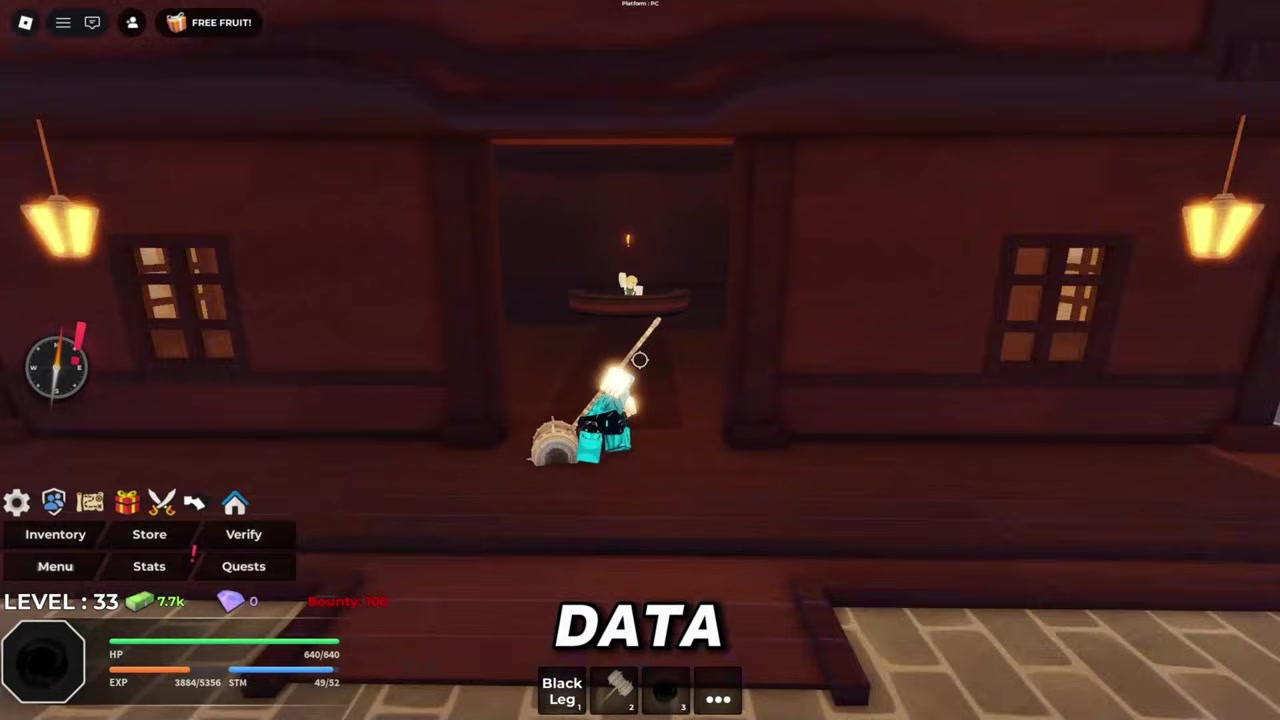
Go back to Starter Island, since the reset route starts there.
STEP 2/5
Enter the Haze building
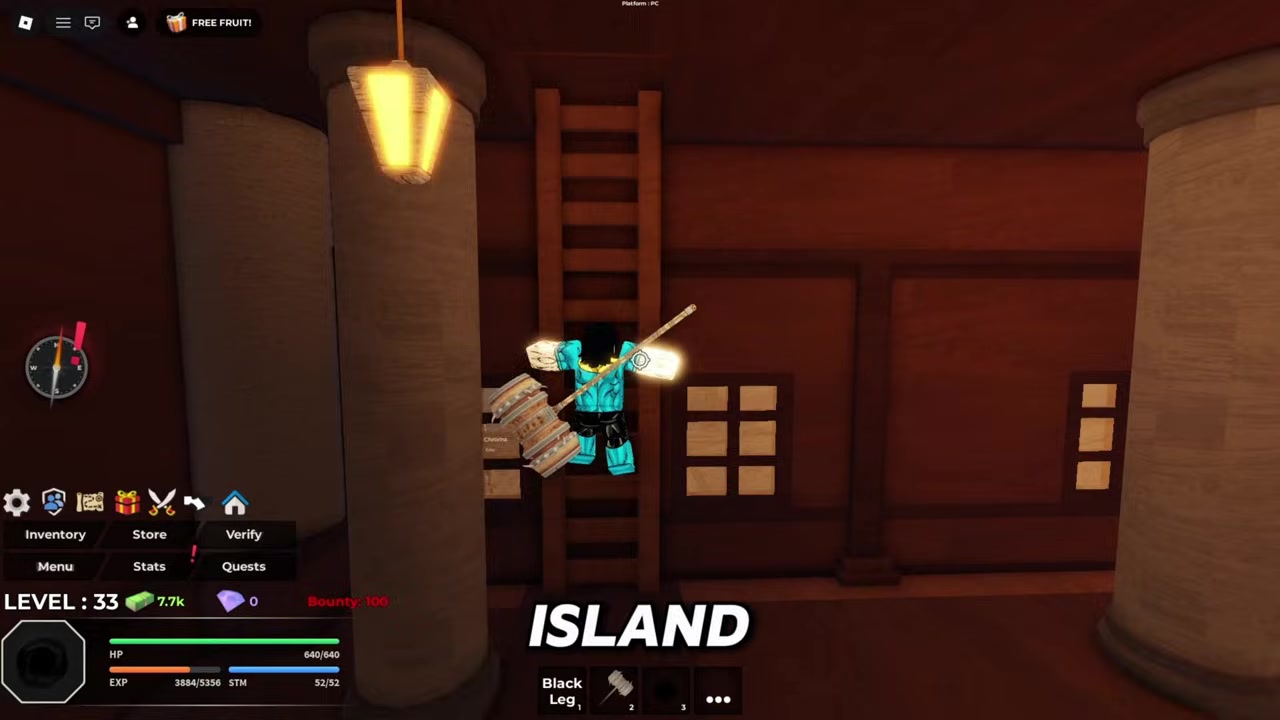
Once you are on Starter Island, head inside the Haze building.
STEP 3/5
Find the red button
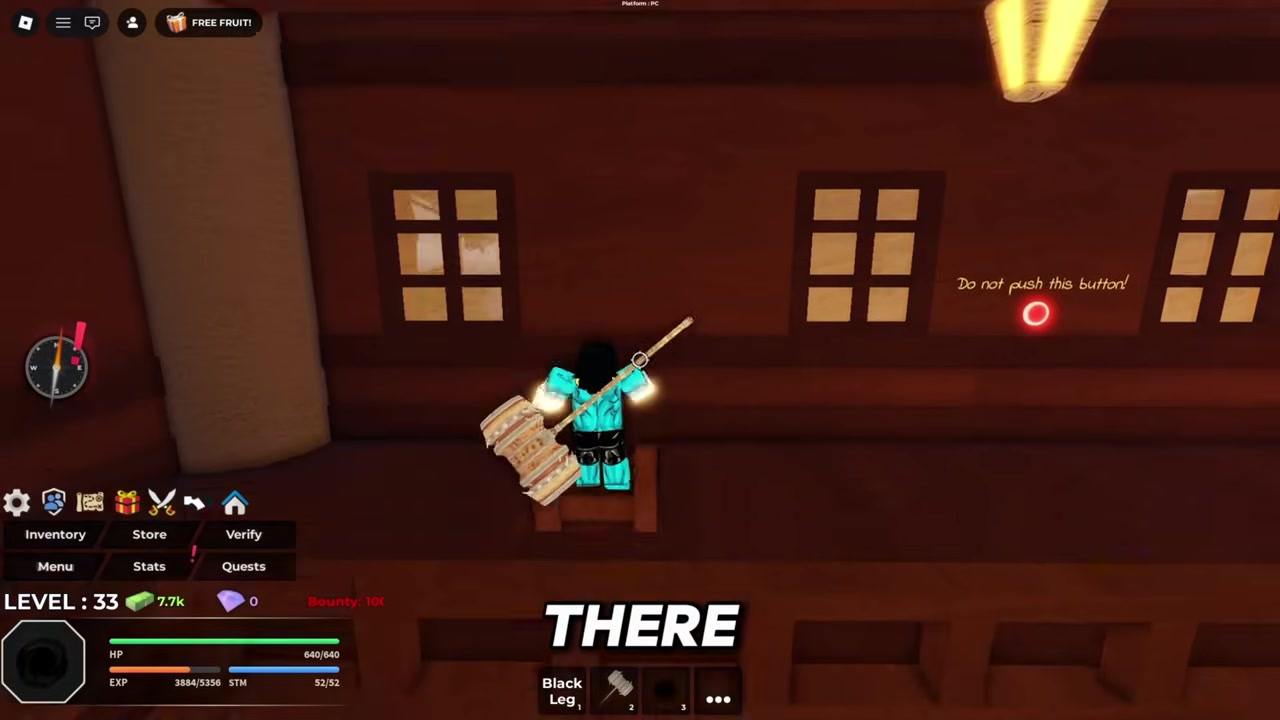
Look around inside the building for the red button used for data reset.
STEP 4/5
Interact with the button
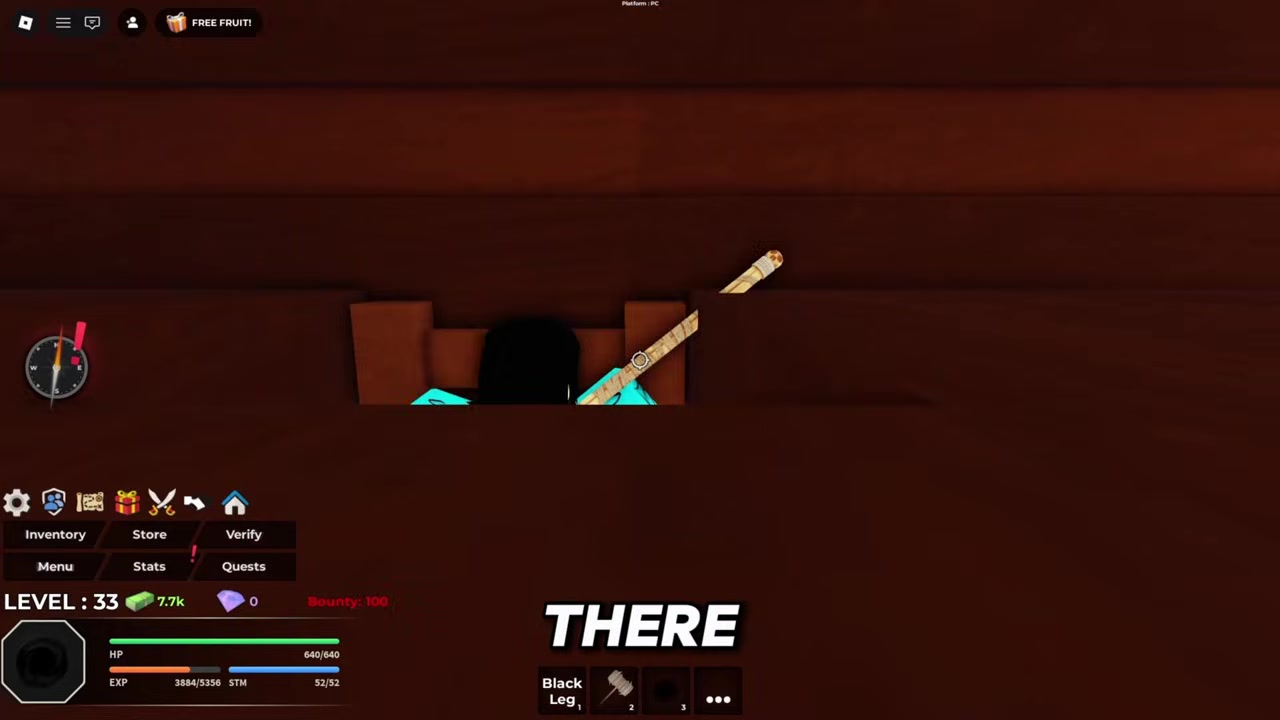
Click the red button to bring up the data reset action.
STEP 5/5
Stop if you are unsure
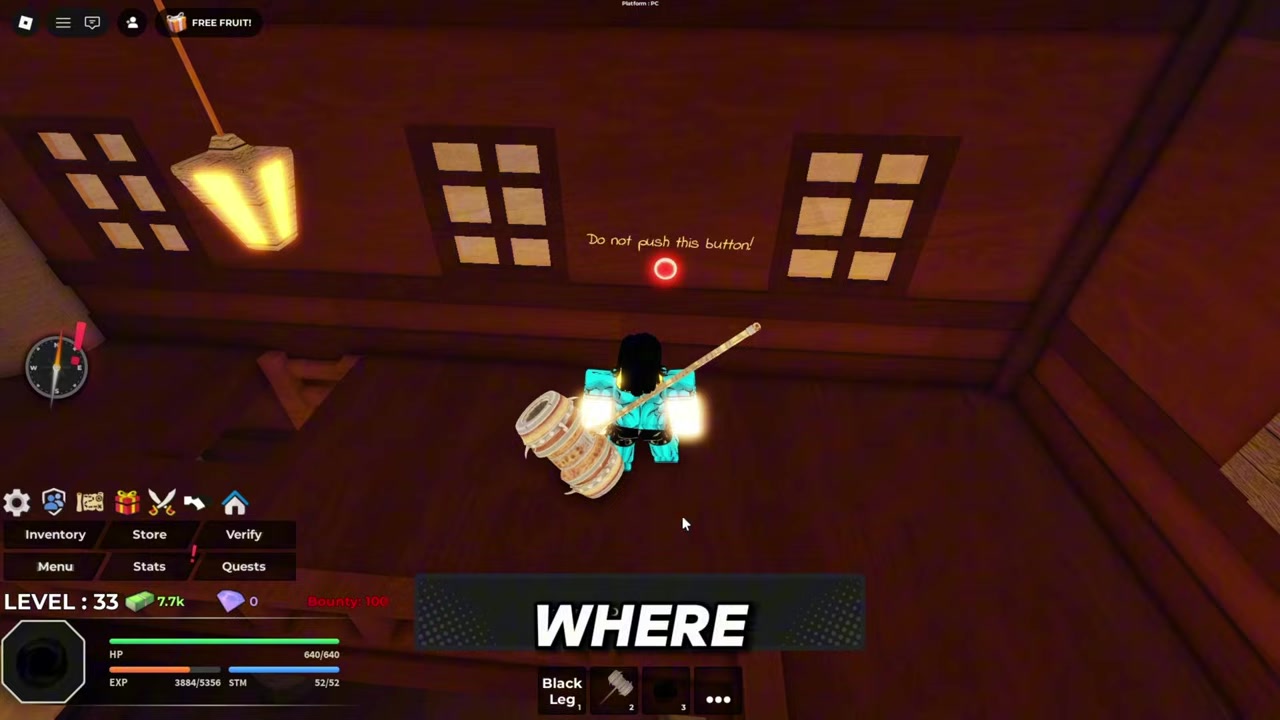
Only continue if you really want to reset, because this is a data wipe rather than a stat tweak.
Video help
What the data reset affects
The exact list of wiped data is not verified. Levels, fruits, items, titles, currency, unlocks, and other saved progress may be involved, but the current in-game reset information does not provide a confirmed item-by-item breakdown.
No confirmed cost, cooldown, level requirement, or required currency has been shown for the red-button reset. The real risk is your saved progress, so do not test it casually on an account you care about.
Data reset and stat reset are different
| Reset type | Where to use it | What it is for | What to watch out for |
|---|---|---|---|
| Data reset | Starter Island, inside the Haze building, at the red button | Resetting or deleting player data | Treat it as permanent and only use it when you want a wipe |
| Stat Refund / stat reset | Stat reset options such as Plokster or Spirit Medium style NPCs | Reallocating stat points | Do not confuse this with wiping your full save |
A data reset is for wiping saved progress. A stat reset or Stat Refund is for reallocating stat points while keeping your save intact.
This matters because the broader Haze Piece and Haze Seas ecosystem has separate stat-reset references, including Plokster, a Stat Refund NPC in the Second or Third Sea who is reported to sell Stat Refunds for 2,500 currency, and the Spirit Medium style stat reset context near starter areas. Those are related stat tools, not the red-button full-data wipe method.
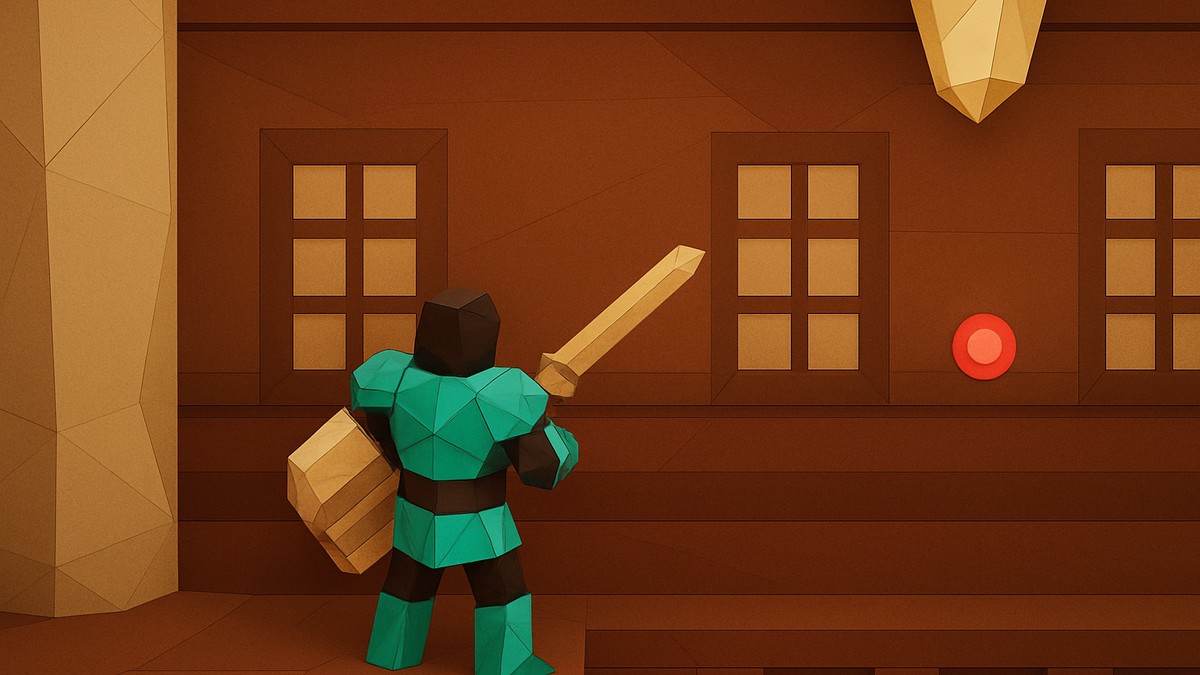
If you cannot find the reset button, check Starter Island first, then make sure you are inside the Haze building. The object you are looking for is the red button, not a normal stat NPC.
Some current player material refers to a Shorelines hub with a Data Reset prompt and a deletion confirmation. Since live Roblox games can shift locations and UI after updates, verify the current in-game layout if Starter Island or the Haze building changes.
After resetting your data
After a wipe, your next priorities are simple: level again, rebuild your stats carefully, and farm the currency or Gems you need for early progression. Codes, bosses, daily quests, timed gifts, and AFK farming are all relevant follow-up topics once you are back at the start.
Frequently Asked Questions
Is resetting Haze Seas data reversible?
Treat the Haze Seas data reset as not reversible. No restore method is documented in-game, and the reset is framed as deleting or wiping player data.
Does the Haze Seas data reset cost anything?
No confirmed cost is listed for the red-button data reset. There is also no confirmed cooldown, level requirement, or currency requirement, so the main cost to consider is the progress you may lose.
Is data reset the same as a Stat Refund?
No. A data reset wipes player data, while a Stat Refund is for reallocating stat points. If you only want to change your build, do not use the red button.
What exactly gets deleted when you reset data?
The exact wipe list is not confirmed. Because the reset is described as deleting player data, treat levels, fruits, items, currency, titles, unlocks, and other saved progress as potentially at risk unless the game clearly says otherwise before you confirm.
Where is the reset button if I cannot find it?
Check Starter Island, then enter the Haze building and look for the red button. If the game has moved the reset UI after an update, also watch for a Data Reset prompt in current hub areas such as Shorelines.
Leave a Reply