

What to know
- Nicknames are edited from a Mii’s personal profile menu
- The “Terms” section controls how Miis refer to each other
- You can freely assign, change, or remove nicknames anytime
- This system also manages pronouns, expressions, and relationships
When you start building relationships in Tomodachi Life: Living The Dream, one of the most charming features you’ll notice is how Miis refer to each other. Nicknames add personality, humor, and emotional context to interactions, making your island feel more alive. If you want to tweak how characters address one another, the process is simple but slightly tucked away in menus. Here’s a complete and updated guide to help you do it efficiently.
Here is a quick overview of nickname customization in Tomodachi Living the Dream:
| Feature | Details |
|---|---|
| Where to change | Mii Profile Menu |
| Key button | Y Button |
| Menu section | Terms |
| Editable options | Nicknames, pronouns, expressions |
| Availability | Anytime after creating a Mii |
How to change a nickname in Tomodachi Living The Dream
Step 1
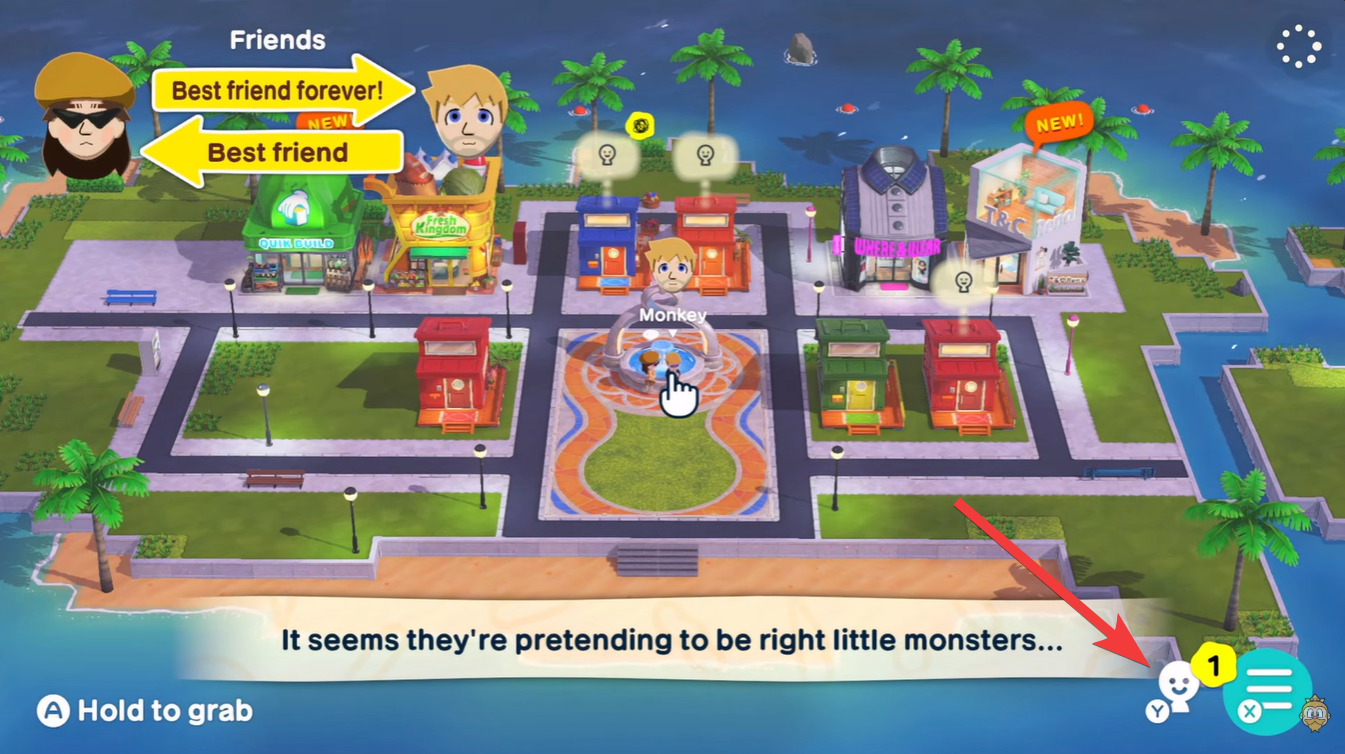
Open your Mii list or island resident menu, where all your created characters are displayed. This is your starting point for any character-specific changes.
Step 2
Select the Mii whose nickname settings you want to modify. This will open their personal profile screen, showing stats, relationships, and customization options.
Step 3
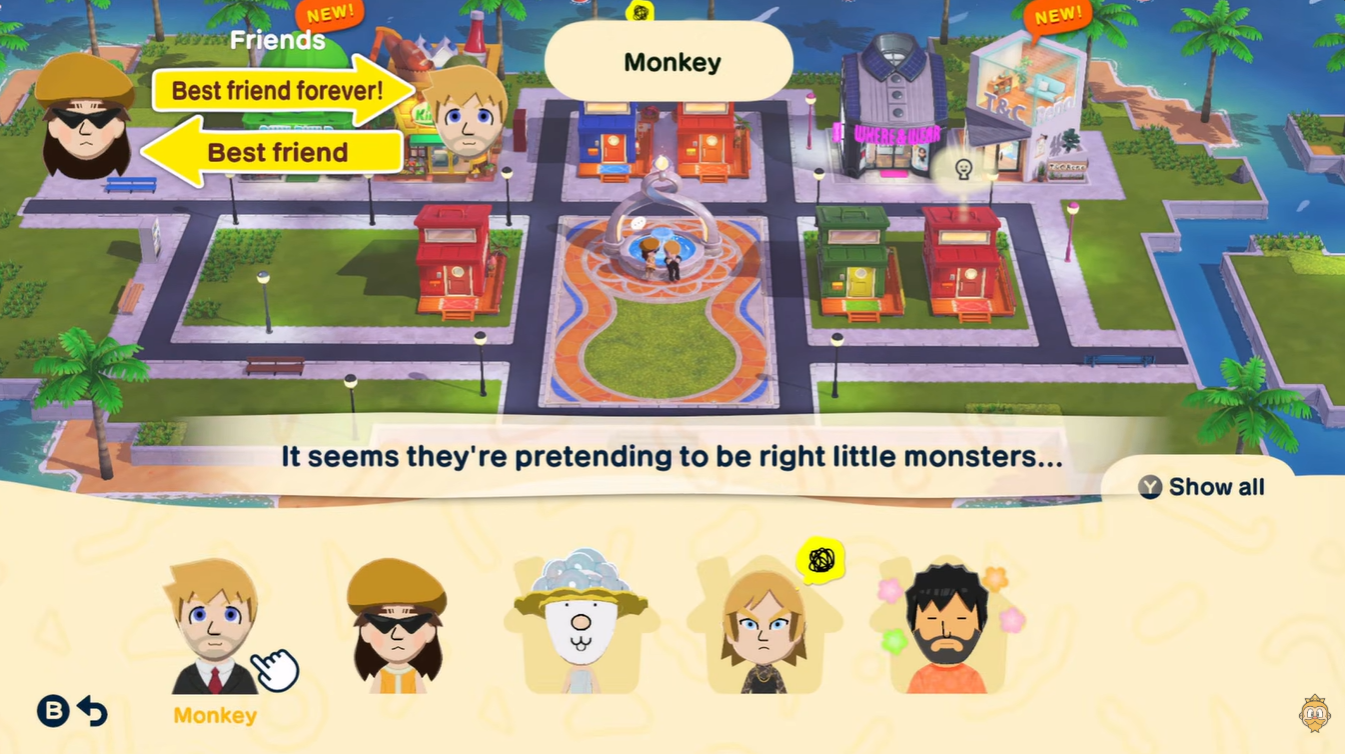
Press the Y button to bring up additional options. This shortcut opens a deeper customization menu that isn’t immediately visible from the main profile screen.
Step 4
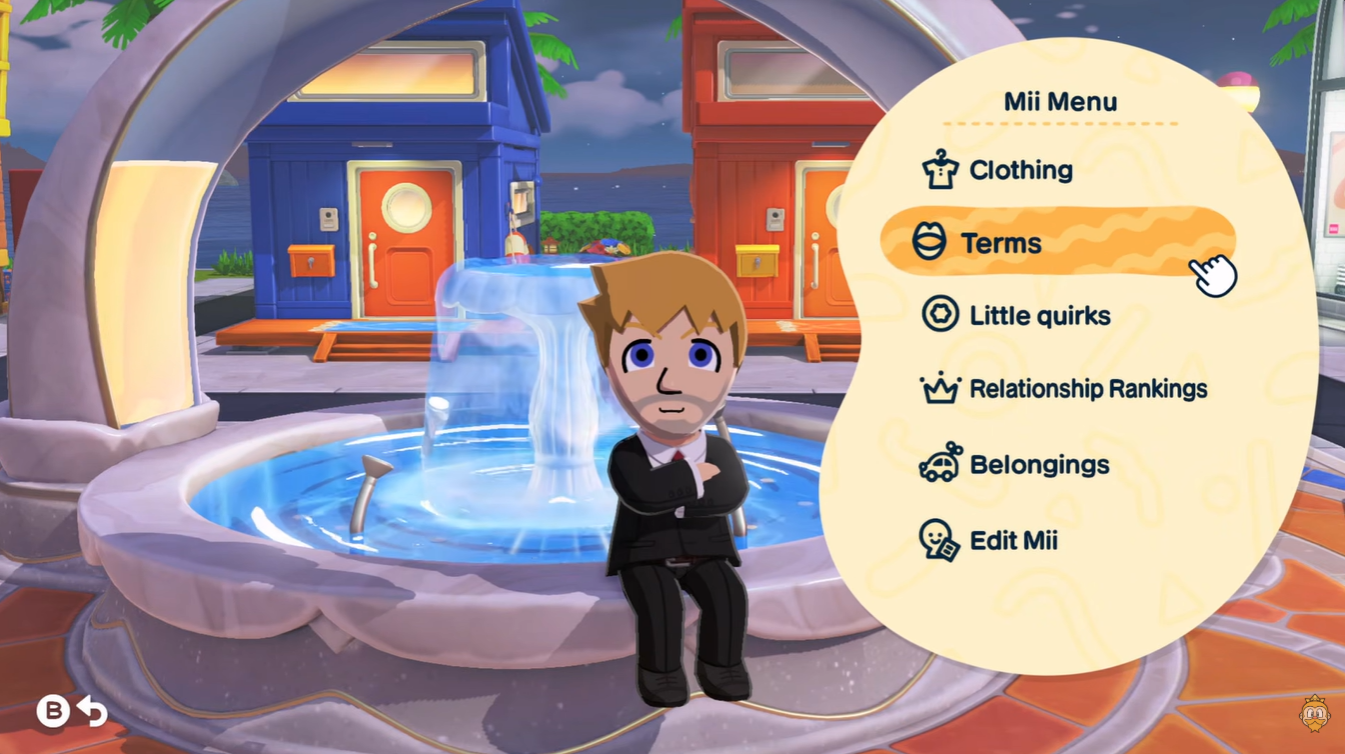
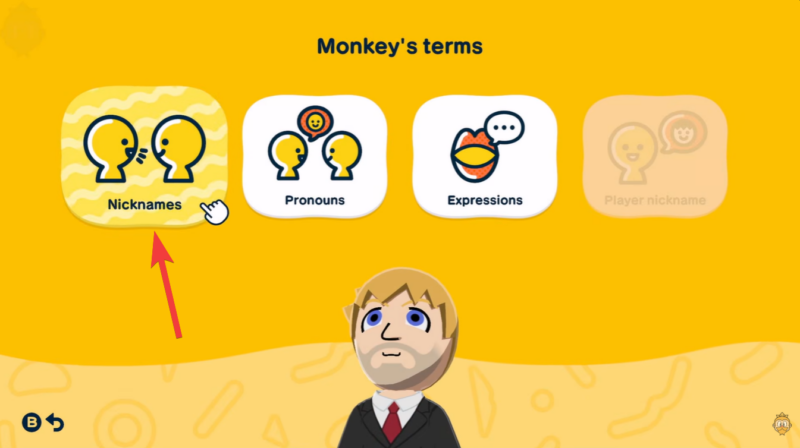
Navigate to the “Terms” section. This section controls how your Mii communicates with others and how others refer to them.
Step 5
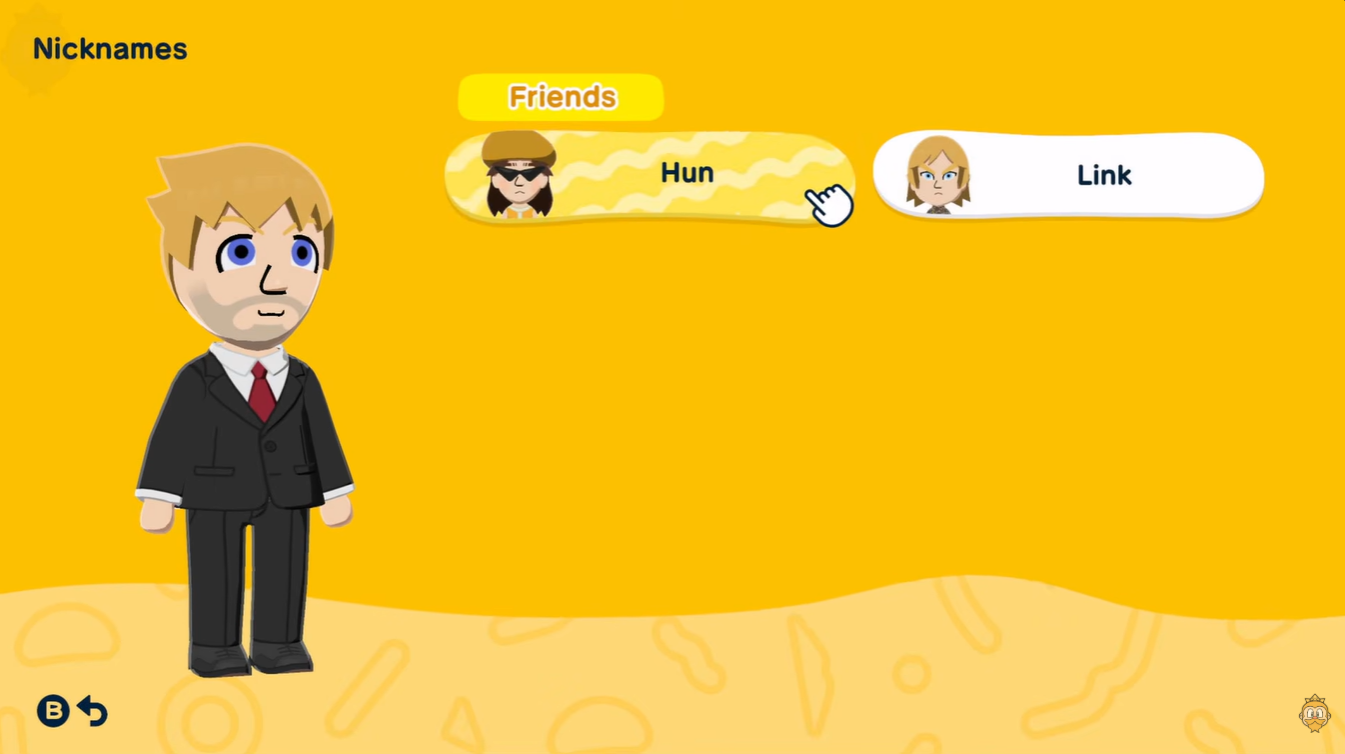
Select Nicknames from the available options. Here, you can edit existing nicknames or assign entirely new ones.
Step 6
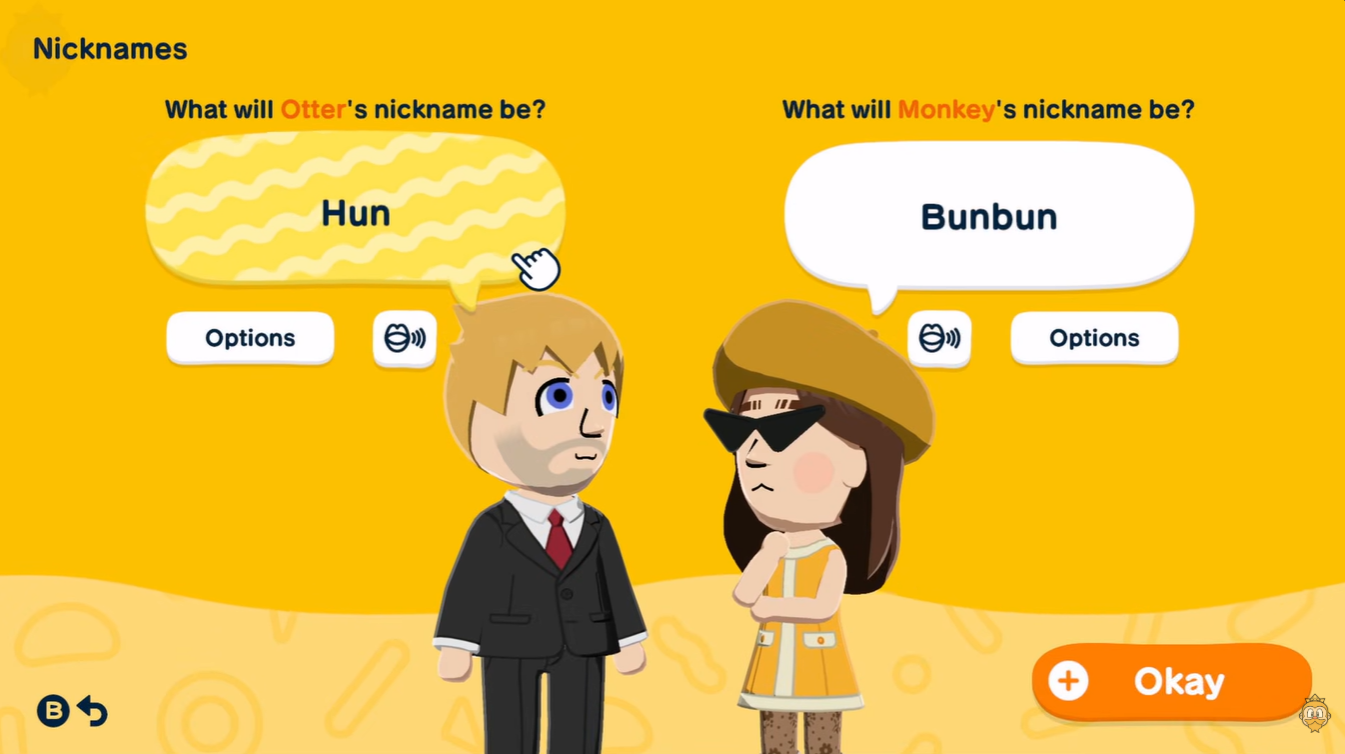
Enter your desired nickname and confirm your choice. Changes take effect immediately, so you can see the updated interactions right away.
How nicknames affect gameplay and relationships
Nicknames are more than cosmetic—they subtly influence how interactions feel and play out. When Miis talk to each other, the chosen nickname appears in dialogue, making conversations feel more personal and dynamic.
If you’re building friendships, romances, or even rivalries, custom nicknames can reflect those bonds in a meaningful way. For example, a close friend might use a playful nickname, while a formal acquaintance sticks to a standard name.
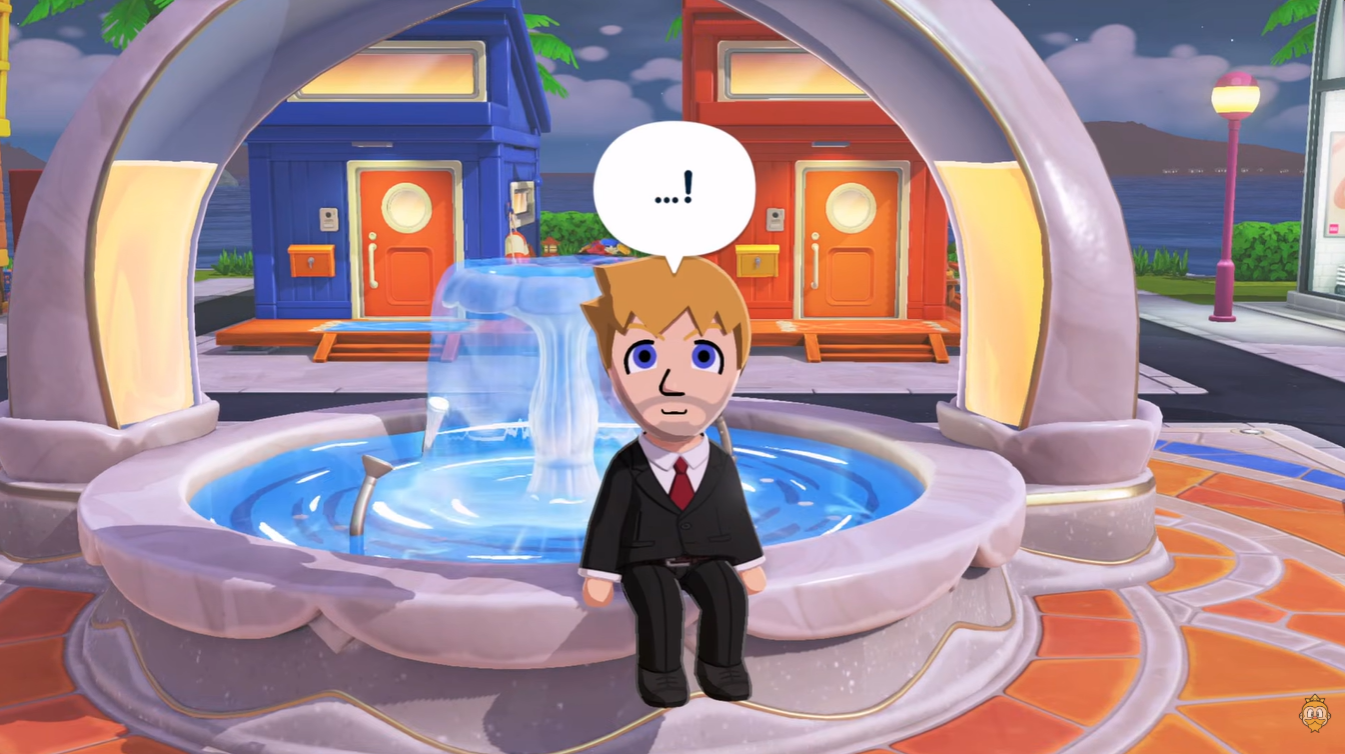
Additionally, Miis may react differently depending on how they are addressed, especially in emotional or relationship-driven events. While it doesn’t drastically alter gameplay mechanics, it significantly enhances immersion.
The “Terms” section isn’t limited to nicknames. You can also manage pronouns, expressions, and other communication traits from the same place. This makes it a central hub for shaping your island’s social dynamics.
| Option | Function |
|---|---|
| Pronouns | Adjust how Miis refer to themselves |
| Expressions | Modify speech tone and style |
| Nicknames | Customize how Miis address others |
| Relationship terms | Influence social interactions |
Exploring these settings together allows you to create more believable and entertaining character interactions, especially as your island grows.
Common issues and tips when editing nicknames
Sometimes players think nickname changes didn’t apply, but this is usually due to selecting the wrong Mii or editing the wrong relationship context. Always double-check that you’re modifying the correct character.
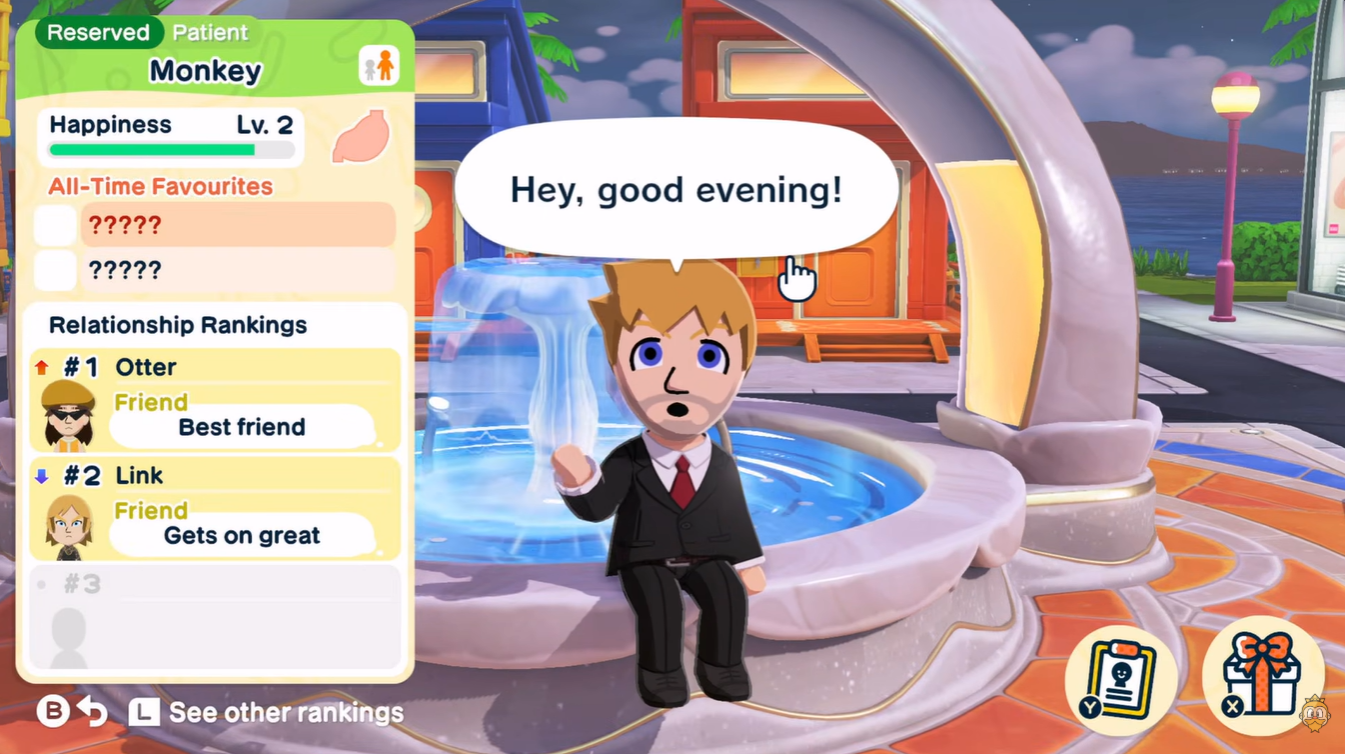
Another important tip is that nicknames are not automatically shared across all Miis. Each relationship can have its own unique nickname, so if you want consistency, you’ll need to set it manually for multiple characters.
Also, keep in mind that overusing nicknames can make dialogue feel repetitive, so it’s worth balancing creativity with variety.
One of the biggest strengths of Tomodachi Life: Living The Dream is its emergent storytelling, and nicknames play a surprisingly large role in that. By tailoring how characters address each other, you’re effectively shaping their personalities and relationships.
Whether you want a comedic island full of ridiculous nicknames or a more realistic social simulation, this feature gives you the flexibility to control tone and immersion.






Leave a Reply