
ATMs in GTA Online are found around banks, convenience stores, gas stations, and other commercial spots, but the fastest way to find one is to use Quick GPS or deposit cash through the Maze Bank website on your in-game phone instead.
ATMs are static banking machines in Grand Theft Auto Online that let you move money between wallet cash and your bank balance. They are useful when you are already near one, but they are not the only way to secure cash after jobs, robberies, or freemode payouts.
Where ATMs are usually found
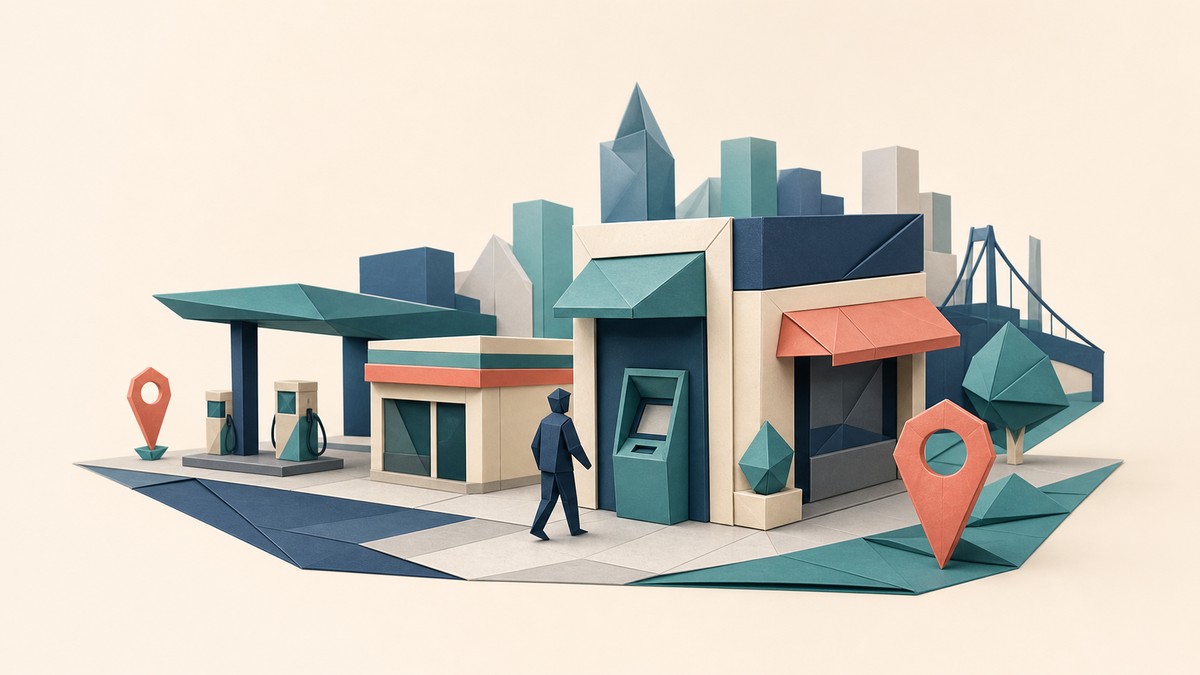
You will usually find ATMs near banking and shopping areas across Los Santos and Blaine County. The most reliable places to check are around Fleeca Bank fronts, convenience stores, gas stations, liquor stores, strip malls, and busy commercial streets.
The machines can be wall-mounted or stand-based, and they serve the same banking function either way: deposit and withdraw. Exact map counts vary between location lists, so use the route tools below instead of trying to memorize a full atlas.
KEY!Physical ATMs are optional for normal banking. If you only want to bank cash quickly, Maze Bank on your in-game phone does the same job without making you drive to a machine.
Route to the nearest ATM with Quick GPS
Press M on PC, hold the touchpad on PlayStation, or hold the View button on Xbox.
Choose Quick GPS
Scroll to Quick GPS in the Interaction Menu.
Select ATM
Pick ATM from the Quick GPS list so your minimap gets a route.
Drive to the marker
Follow the GPS line until you reach the ATM location.
Use the ATM prompt
Walk up to the machine and open banking.
Deposit or withdraw
Choose Deposit or Withdraw, enter the amount, and confirm.
Reliable ATM spots to check
| Place to check | What to look for |
|---|---|
| Bank branches | Fleeca Bank fronts and other bank-facing walls near main entrances. |
| Convenience stores and gas stations | Machines inside LTD Gasoline stores. |
| Liquor stores and shop interiors | Wall or stand ATMs near the entrance after you walk inside. |
| Downtown and commercial buildings | Sidewalk-facing walls around busy corporate and retail blocks. |
| Strip malls and clothing-store areas | Parking-lot storefronts near Suburban, Binco, and nearby shops. |
If Quick GPS is unavailable or you are already moving through the city, scan commercial areas first. ATMs tend to sit near doors, exterior walls, sidewalk storefronts, and shop interiors where the game places normal public services.
Not every storefront should be treated as a guaranteed ATM stop, but store-heavy streets give you the best odds when you are checking manually.
Use Store icons as ATM candidates
Open the pause map
Bring up the main map from the pause menu.
Open the icon list
Use the map legend or category list in the top-right area.
Find Stores
Scroll to Stores and select that category.
Pick a nearby store
Set a route to a convenient store icon.
Check the storefront
Look near the entrance, side wall, or inside the shop for an ATM prompt.
Deposit cash with Maze Bank on your phone
Open the smartphone
Bring up your in-game phone from anywhere.
Select Internet
Open the phone browser.
Go to Money and Services
Choose Money and Services from the browser menu.
Open Maze Bank
Select Maze Bank.
Deposit or withdraw
Choose Deposit or Withdraw, enter the amount, and confirm.
Use Maze Bank on your phone after cash-heavy activities so you can bank money immediately without driving to an ATM in a public session.
What ATMs can do
ATMs handle personal banking only. Use them to deposit wallet cash into your bank balance or withdraw cash back into your wallet.
They are not mission terminals, shop menus, business computers, or purchase screens. Robbing ATMs is not part of standard GTA Online banking, so treat them as utility machines rather than a money-making activity.
Why depositing cash quickly helps

Wallet cash is more exposed than banked money. If you are killed or hit by a mugger, some on-hand cash can be taken, which is why depositing after cash-heavy activities is smart.
Frequently Asked Questions
Do you need an ATM to deposit money in GTA Online?
No. ATMs work, but Maze Bank on the in-game phone lets you deposit money from anywhere.
How do you make GPS show the nearest ATM?
Open the Interaction Menu, go to Quick GPS, and select ATM. The minimap will draw a route to the nearest one.
Are ATMs marked everywhere on the map?
No. ATMs are easier to spot when you are close to likely banking or store locations; the main map is better for finding nearby Store candidates than for showing every ATM at once.
Can other players steal your cash before you deposit it?
Yes. If you are carrying wallet cash, another player killing you or sending a mugger can cost you some of it before you bank it.
Can you rob ATMs in GTA Online?
No. Standard GTA Online ATMs are for deposits and withdrawals, not direct robbery.
Video help




Leave a Reply