

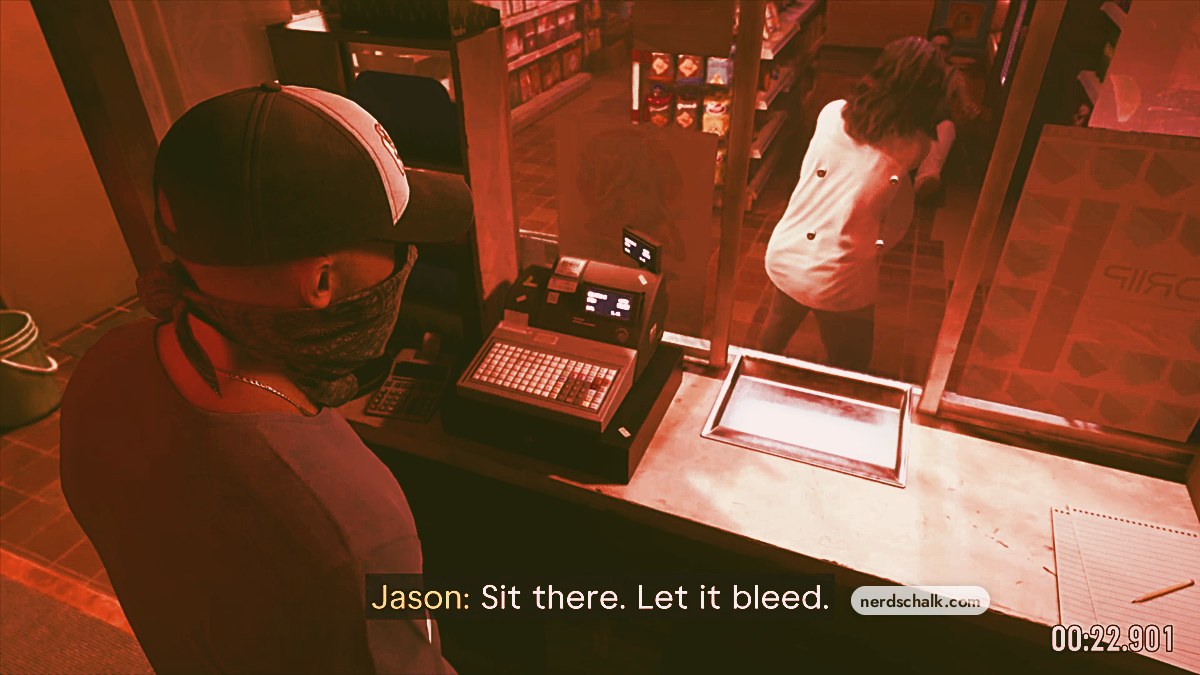
During the robbery, approach the clerk’s booth door and press Square at the KICK prompt to force it open.
The convenience-store clerk shelters inside a glass-walled booth, with a locked door blocking access. This guide covers forcing entry and collecting the cash immediately afterward.
Grand Theft Auto VI is listed for PS5, with Rockstar Games as its publisher.
How to kick open the clerk’s booth door in Grand Theft Auto VI
Approach the booth door
Walk up to the locked door of the glass booth containing the clerk.
Kick the door open
Stand directly in front of the door and press Square when KICK appears. Jason forces the door open and breaches the booth.
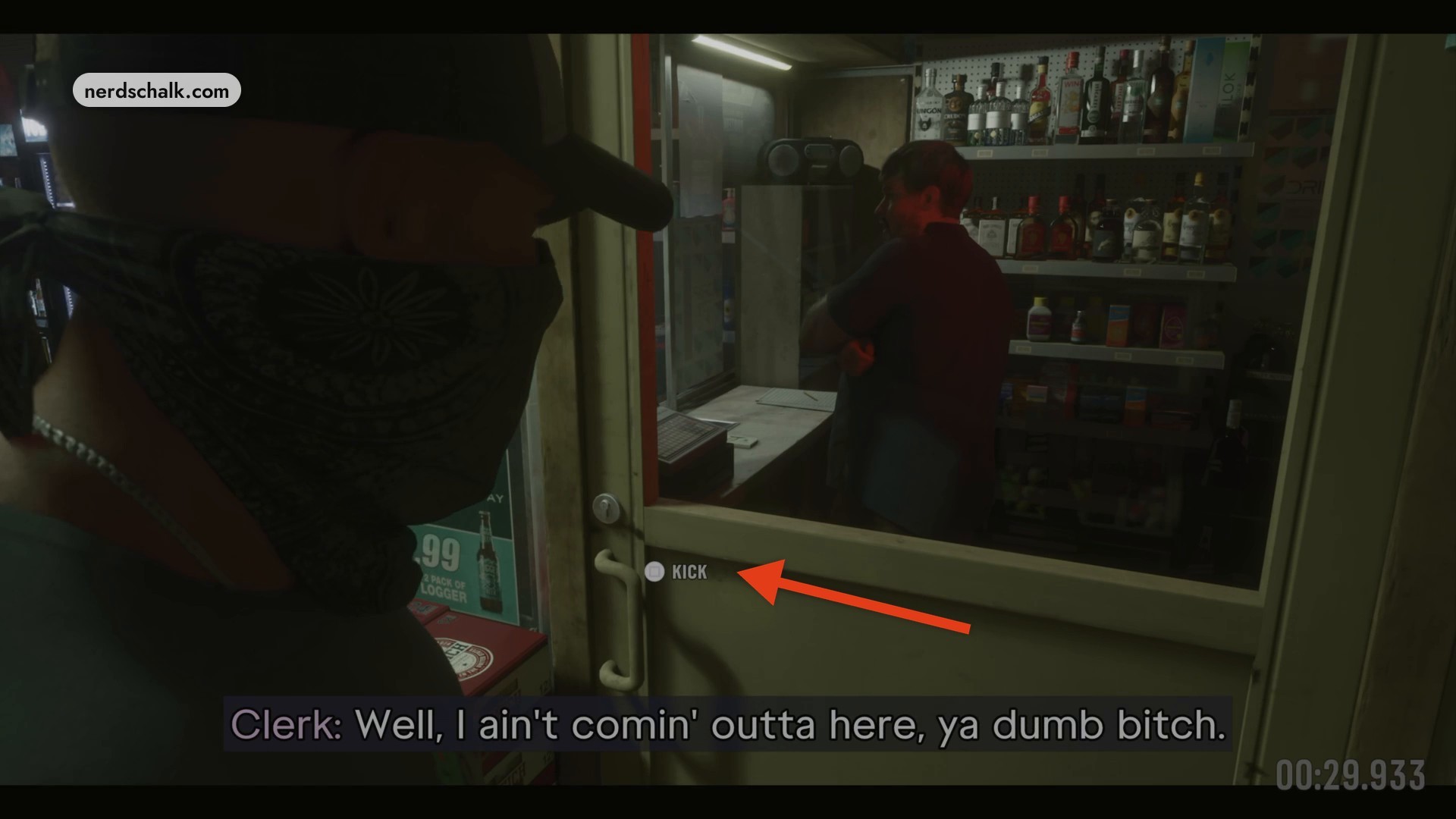
At the counter, the mission countdown reads 00:29.462.
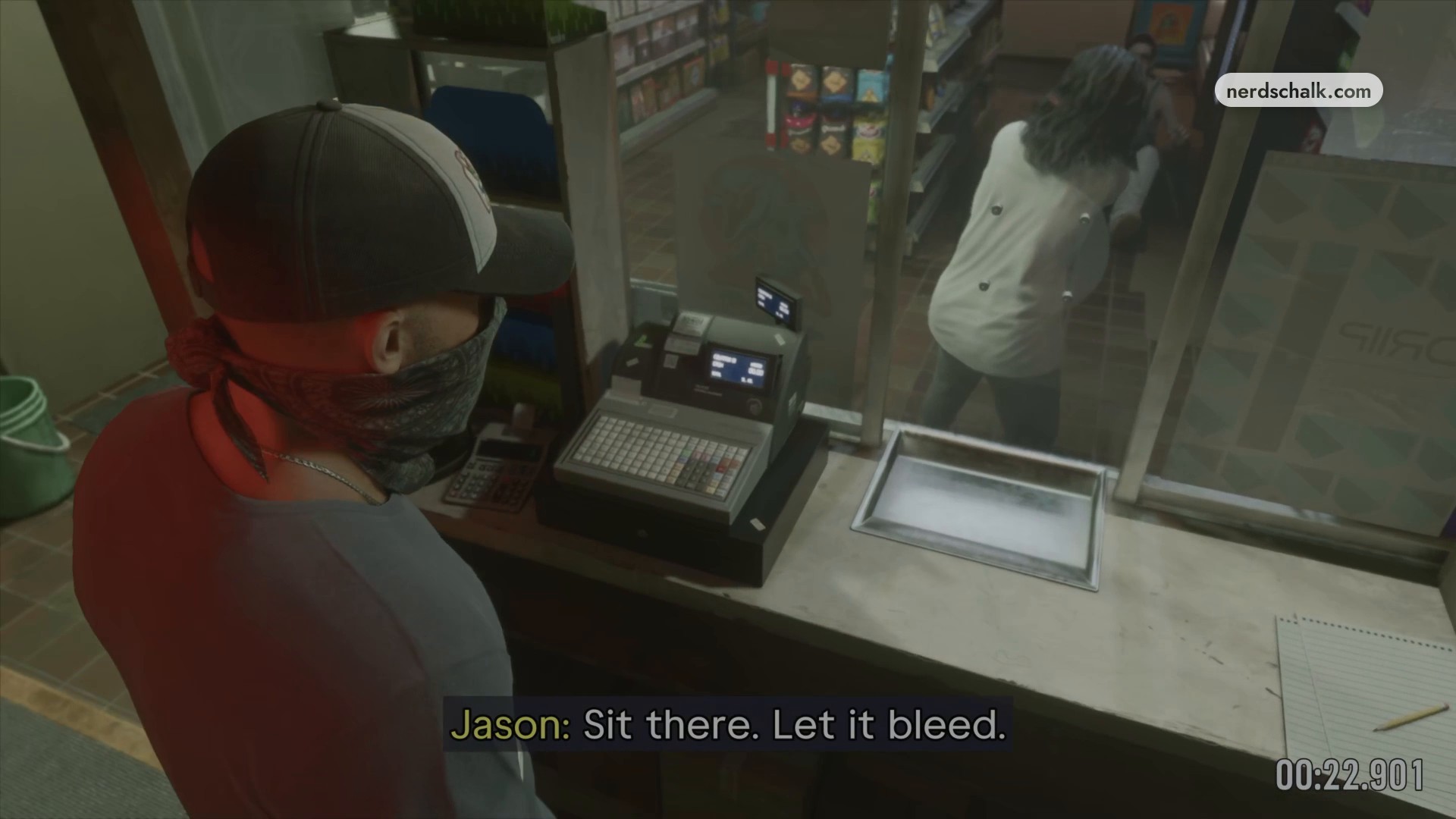
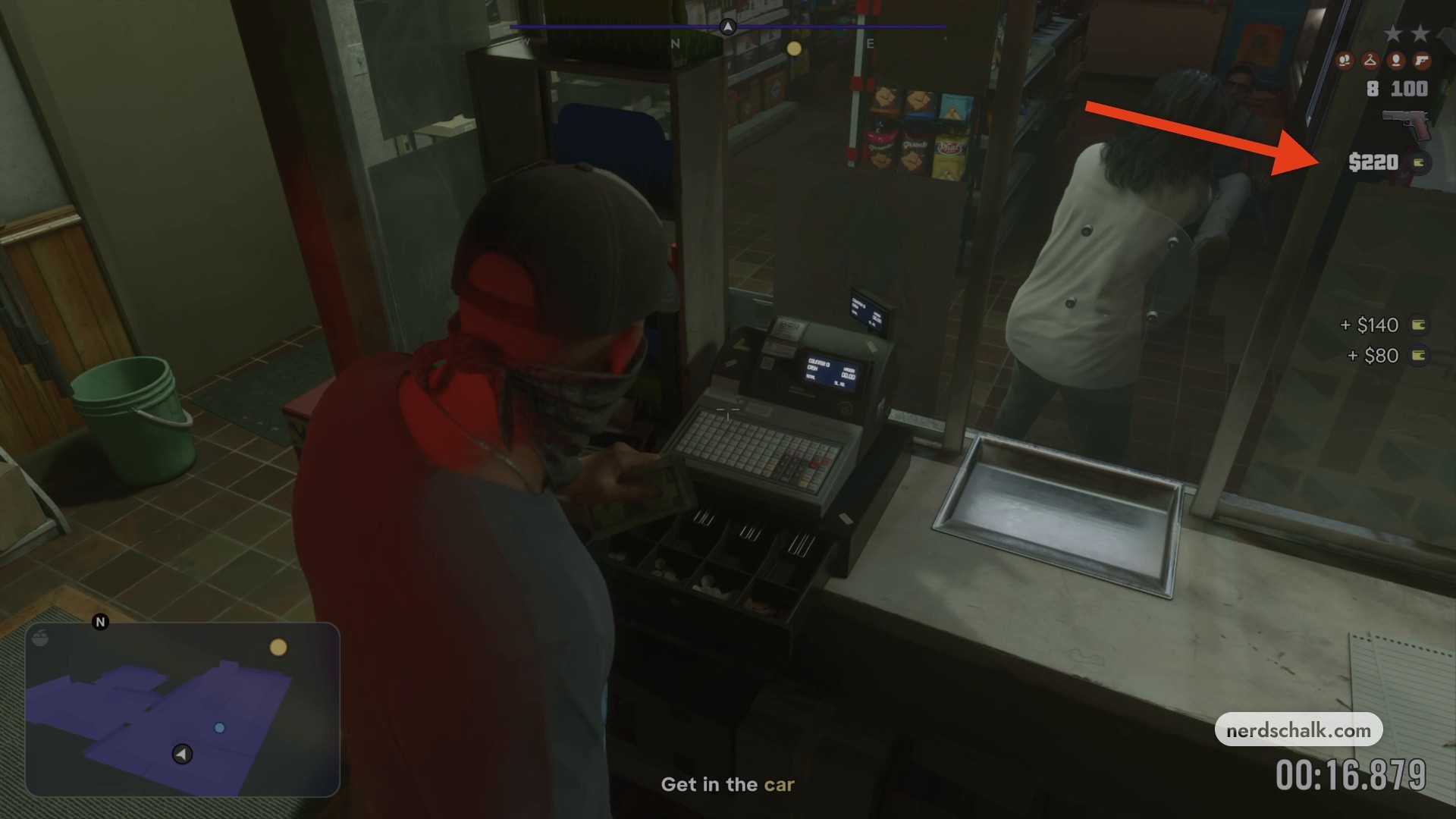
Inside, approach the cash register on the booth’s desk and press Triangle at the OPEN prompt to collect the money while Lucia keeps watch. Once you’ve grabbed the cash, follow the Get in the car objective to continue.
The cash display shows a pickup of $80 and a total of $220. An additional drawer pickup gives $140.
› story detailsSpoilers for the story. Open to read.
Robbery story details
The clerk shelters inside his booth.
Related Grand Theft Auto VI guides
Leave a Reply