

What to know
- Google Autofill’s Gemini Connected Apps attribution is getting a “View sources” link to help you check where your information comes from.
- Email messages and saved photos get distinct source labels, including numbered versions for multiple sources.
A broad “From your Gemini Connected Apps” label tells you little about which connected app supplied an Autofill suggestion. Our teardown of Google Play services 26.47.30 (190700-1027802088) reveals more detailed source attribution for this integration, which has been in the app’s code since November 4, 2026.
About APK teardowns — An APK is the file used to install an Android app. We read its code and text, often in beta builds, to spot hidden features before companies announce them. These features are unfinished: they can change, remain disabled by a switch on company servers, or never ship.
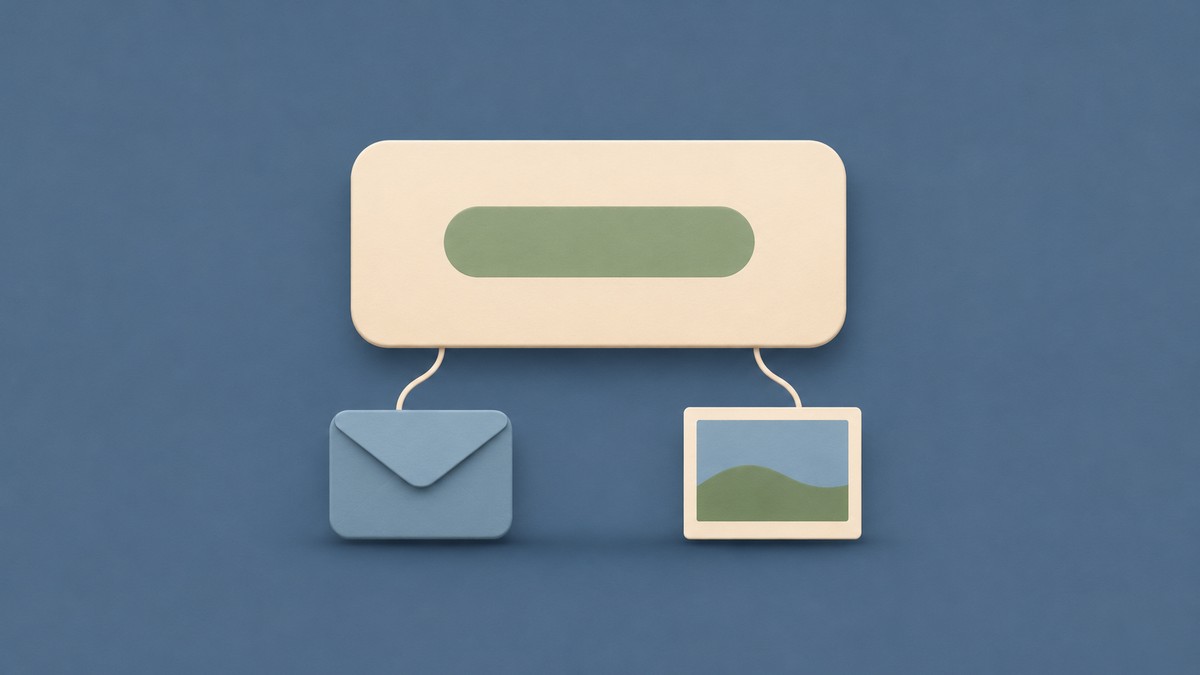
The existing attribution gains a “View sources” link, accompanied by a “Sources” heading. Individual entries use “Email message” and “Saved photo”, with numbered alternatives to distinguish multiple items. Accessibility descriptions also identify the source icons as Gmail and Google Photos.
autofill_more_info_source_attribution_personal_context_with_view_sources = "From your Gemini Connected Apps. View sources"
autofill_more_info_sources_title = "Sources"
autofill_more_info_source_fallback_gmail_single = "Email message"
autofill_more_info_source_fallback_gmail_numbered = "Email message %1$s"
autofill_more_info_source_fallback_photos_single = "Saved photo"
autofill_more_info_source_fallback_photos_numbered = "Saved photo %1$s"
autofill_more_info_source_icon_gmail_content_description = "Gmail"
autofill_more_info_source_icon_google_photos_content_description = "Google Photos"

Leave a Reply