
What to know
- Gemini is developing a fitness notebook for setting goals and tracking activities.
- The dashboard could show weekly progress, upcoming activities, and options to update your plan.
- We could not surface it in the app; the evidence comes from unreleased code in Google app v17.47.17.sa.arm64.
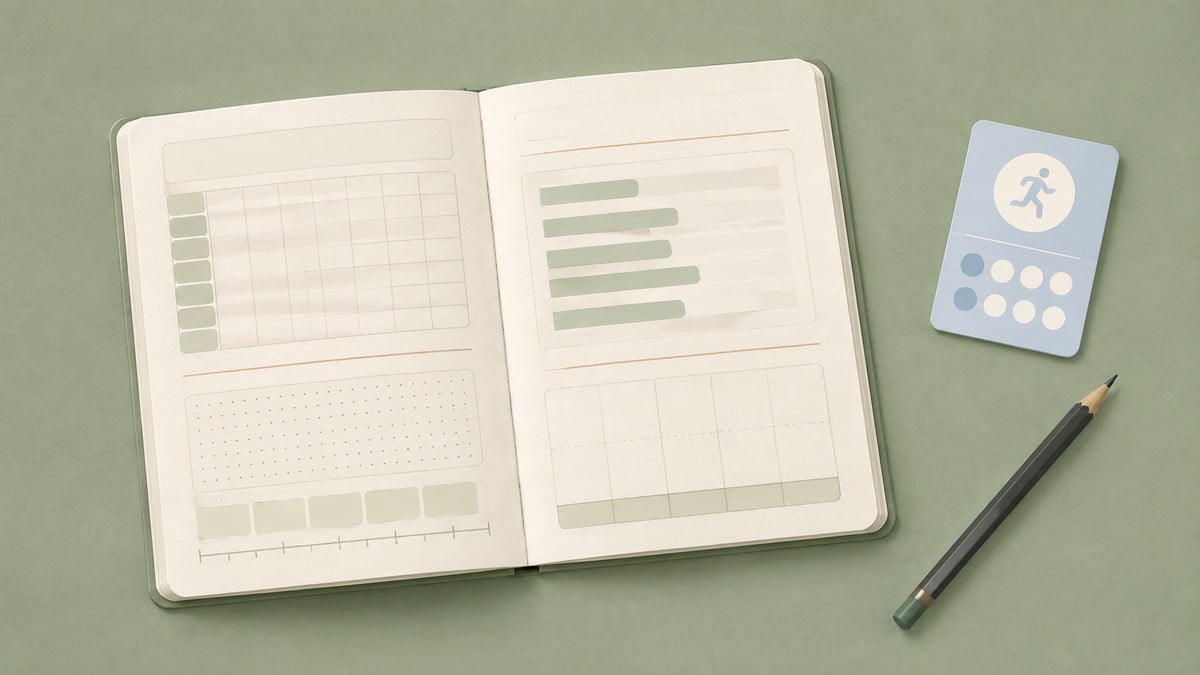
Gemini may soon offer a more structured way to pursue a fitness goal instead of leaving your plans scattered across individual chats. New Google app strings describe a fitness notebook that can help you establish a goal, follow your weekly progress, add completed or upcoming activities, and discuss the plan with Gemini.
Now, a teardown of Google app v17.47.17.sa.arm64 has revealed the setup flow and several controls intended for the notebook’s main dashboard. We found the feature in the code but could not surface it in the app.
Gemini will help you set up a fitness notebook
The experience appears to begin by asking what you want to achieve. A setup screen directs you to chat with Gemini and includes a clear “Set a goal” button. The code also contains a default prompt asking Gemini to create a fitness notebook, alongside another prompt that can insert a specific title.
Key Together, these strings point to a conversational setup process: you provide the fitness objective, and Gemini helps turn it into a notebook rather than simply returning a one-off response.
The dashboard tracks progress and activities by week
Once a goal is established, the fitness dashboard is designed to organize the plan around weeks and activities. One accessibility description uses the format “Week %1$d of %2$d,” showing that Gemini can place your current progress within a defined multi-week goal.
The available actions cover both sides of activity tracking. You can ask to see the next activity, record a recent one, or add another activity. A separate “Chat about this” control points to Gemini remaining available inside the notebook, potentially letting you discuss the goal or its activities without starting over in a separate conversation.
Gemini’s fitness notebook is not available to users yet, and we’ll watch future Google app builds for signs of a rollout.
Leave a Reply