Google dropped support for Android updates to the Nexus 4 (mako) long ago, but that isn’t stopping the developer community from bringing the latest and greatest of Android versions to the 4-year old phone.
Gogle has released Android 7.1.1 developer preview release to Nexus 5X, 6P and Pixel C only, but the third-party developers have managed to migrate features from Android 7.1 to AOSP ROMs like CM14.1, and it’s now available for the Nexus 4 as well.
CM14.1 is an Android 7.1 Nougat based AOSP ROM developed and maintained by CyanogenMod — the most popular custom ROM for Android devices.
This is an unofficial and alpha release of CM14.1 for Nexus 4 and hence is not suitable for everyday usage. Check all details about the ROM below, along with downloads and installation instructions.
Nexus 4 CM14.1 Build Details
- Developer: stephanmc
- Build status: Unofficial
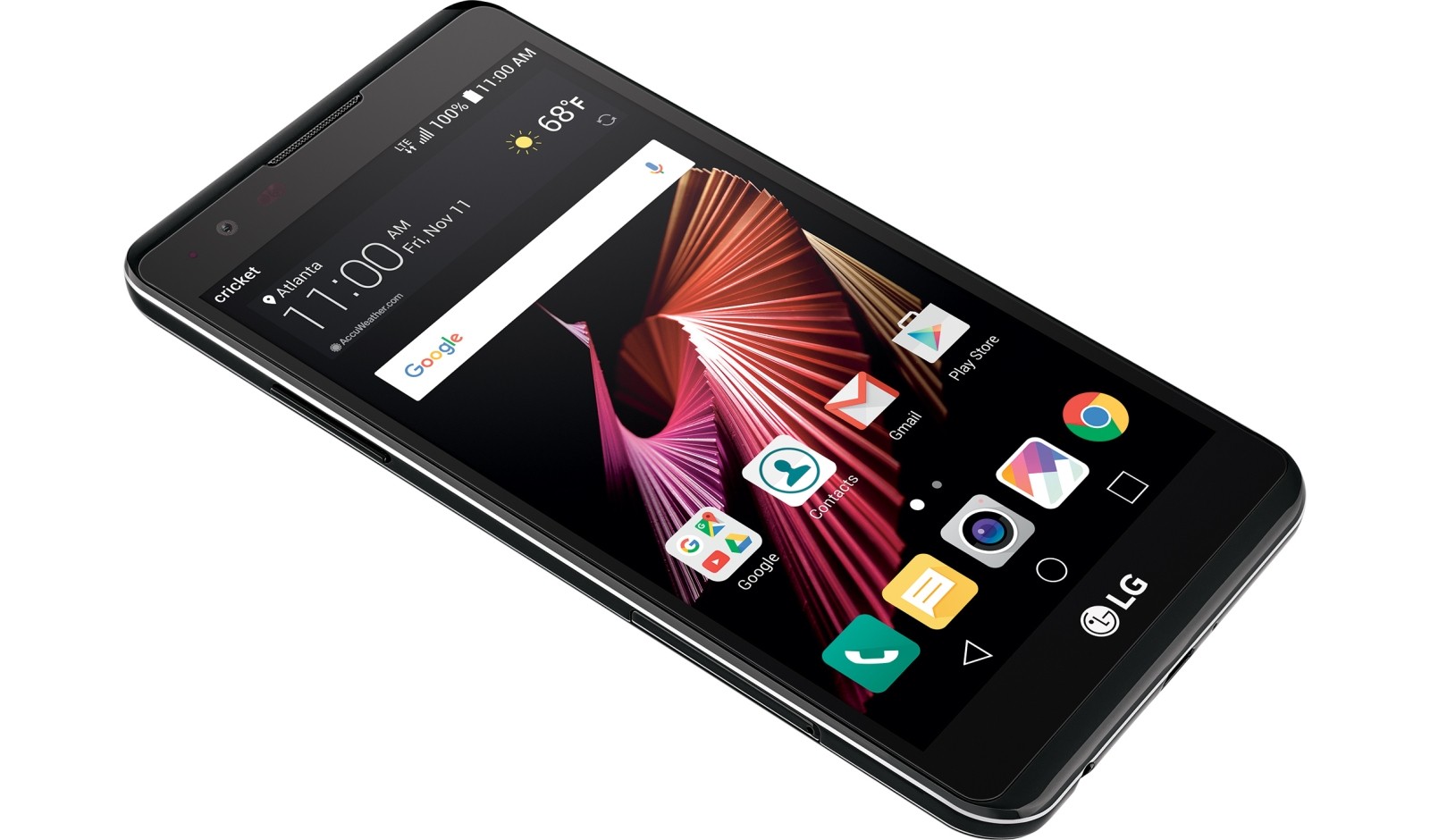
- Supported models: LG Nexus 4 (mako)
- Original development page: XDA link
[rts] What’s working (as of 3rd Nov, 2016):
- Root
- Wifi
- Audio
- USB
- Gps
- Bluetooth
- Sensors
- Cellular network
What’s not working (as of 3rd Nov, 2016):
- Camera [/rts]
Nexus 4 CM14.1 Downloads
[ecko_button target=”blank” size=”6″ radius=”3″ style=”ghost” background=”#a161bf” color=”#333333″ url=”https://www.androidfilehost.com/?fid=457095661767111066″][icon name=”download” class=”” unprefixed_class=””] Download Nexus 4 CM14.1 ROM[/ecko_button]
For help installing the ROM on your device, follow our detailed step-by-step guide on installing CM14 using a custom recovery like TWRP:
[ecko_button target=”blank” size=”6″ radius=”3″ style=”ghost” background=”#a161bf” color=”#333333″ url=”https://nerdschalk.com/install-cm14-using-twrp-cyanogen-recovery/”][icon name=”hand-o-right” class=”” unprefixed_class=””] How to Install CM14 Using TWRP and Cyanogen Recovery[/ecko_button]
Download Android 7.1 Nougat Gapps
Since this is an AOSP based ROM, you’re require to flash/install a Nougat supported Gapps package separately via recovery to get Google services like Play store and others back on your device.
[ecko_button target=”blank” size=”6″ radius=”3″ style=”ghost” background=”#a161bf” color=”#333333″ url=”https://nerdschalk.com/download-nougat-gapps-7-0/”][icon name=”download” class=”” unprefixed_class=””] Download Android 7.1 Nougat Gapps[/ecko_button]
Happy Androiding!