


What to know
- Weapon Throw is unlocked via the Shield Bash Dual Wield upgrade
- You must use dual wield mode with a one-handed sword
- Two-handed weapons cannot use this ability
- The weapon can be thrown and recalled dynamically
The Weapon Throw mechanic in Crimson Desert adds a flexible ranged option to your combat toolkit, allowing you to attack enemies from a distance and instantly recall your weapon. While it may look simple at first glance, unlocking and using it properly requires the right setup and understanding of how the system works. Once you get familiar with it, you can smoothly blend ranged and melee attacks in your gameplay.
Requirements to unlock the Weapon Throw skill
Weapon throw skill was added in the Update 1.04.00 for Kliff with the following patch notes:
Added the skill Weapon Throw, usable while dual wielding.
This ability can be used with the same controls as Shield Bash.
Weapons can be retrieved by pressing the same controls or by approaching it.
Before you can unlock or use the Weapon Throw skill, you need to meet a few essential conditions that enable the mechanic. These requirements ensure the skill functions correctly and prevents common issues players run into.
| Aspect | Details |
|---|---|
| Unlock Method | Shield Bash (Dual Wield upgrade) |
| Required Mode | Dual Wield |
| Weapon Type | One-handed sword only |
| Controller Input | LB + RB |
| Keyboard Input | Left Ctrl + Right Mouse Button |
| Recall Behavior | Automatic or manual |
| Limitation | Not usable with two-handed weapons |
You must first activate dual wield mode, as the Weapon Throw ability is directly tied to this combat stance. Without dual wielding enabled, the skill will not trigger at all.
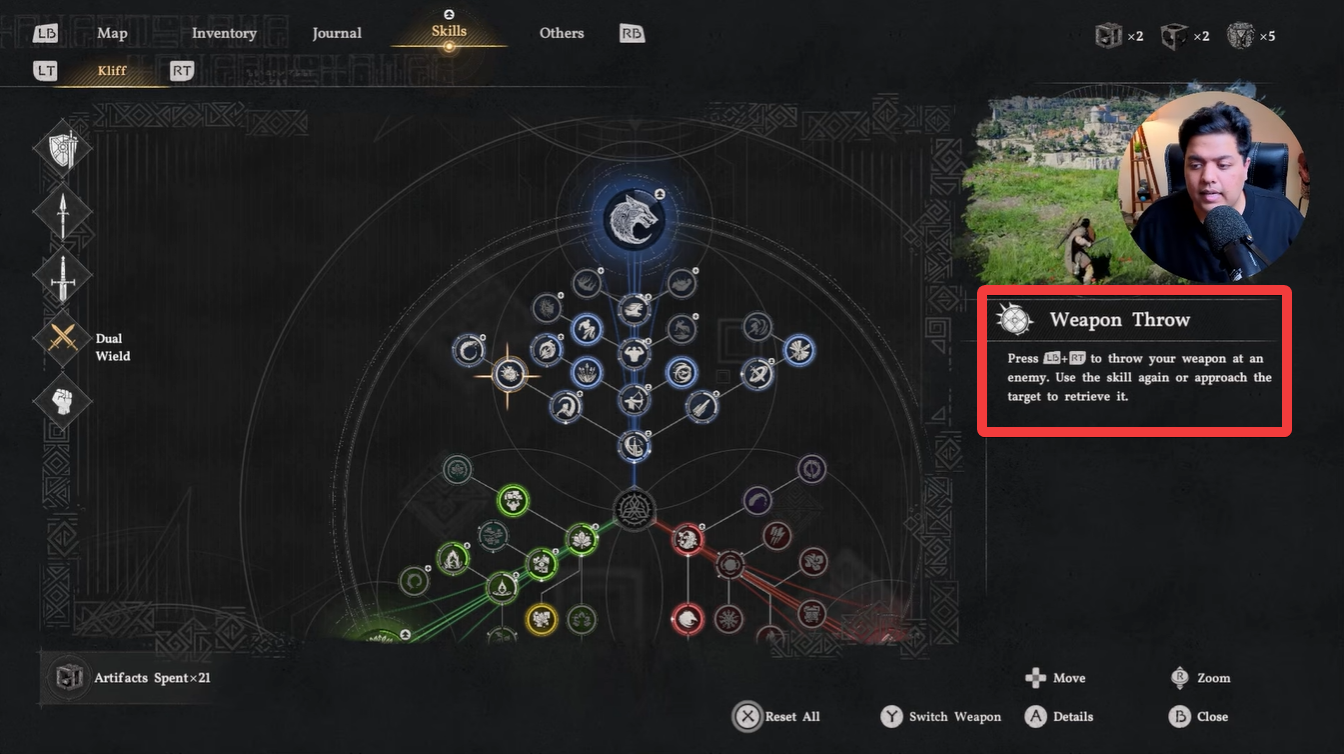
Equipping a one-handed sword is mandatory, since the system is specifically designed for lighter weapons. If you attempt to use a heavy or two-handed weapon like the Darkbringer, the option to throw your weapon will not be available.
Once these conditions are fulfilled, you’re ready to unlock and start using the Weapon Throw ability.
How to unlock and use Weapon Throw
Here is how you can unlock and use the Weapon Throw in Crimson Desert:
Step 1
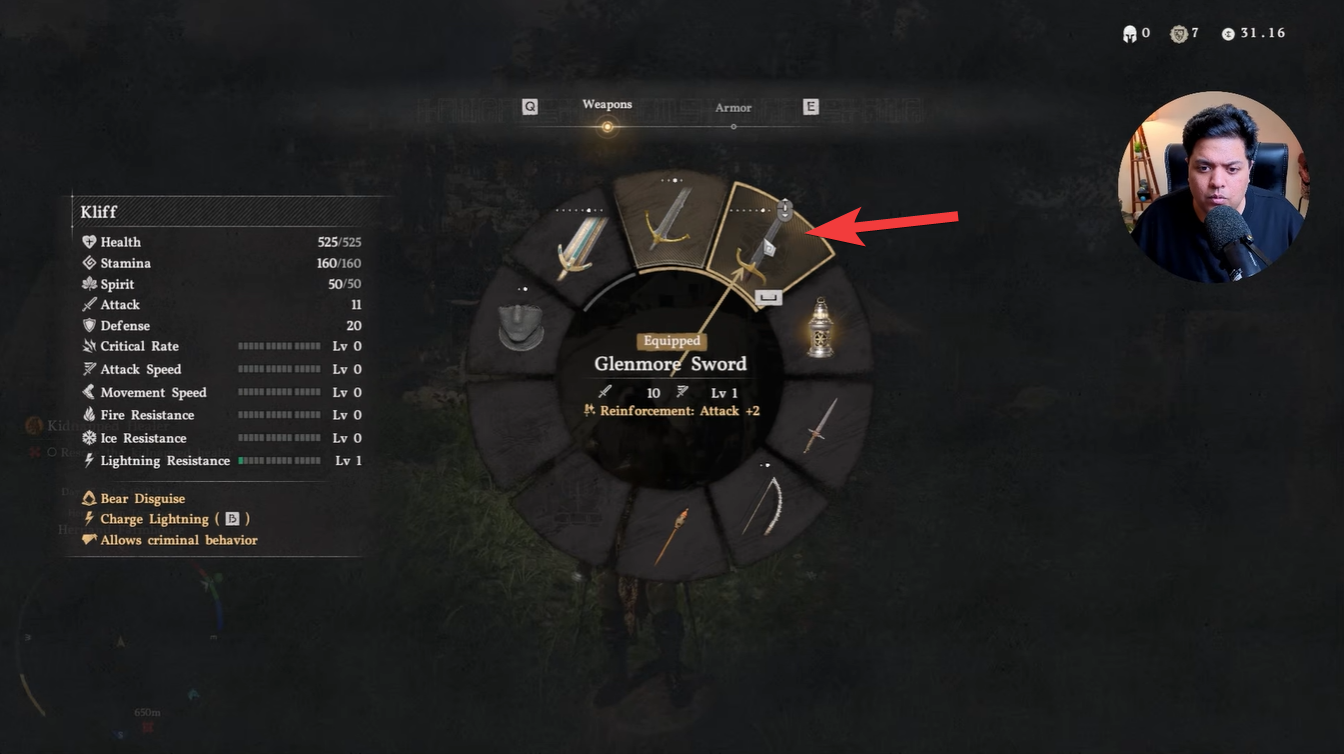
Enable dual-wield mode by opening your weapon wheel. On the controller, press the left D-pad, and on the keyboard, press F2 to switch modes. Equip a one-handed sword in the second weapon slot. Make sure you are not using any two-handed weapon, as it will disable the mechanic.
Step 2
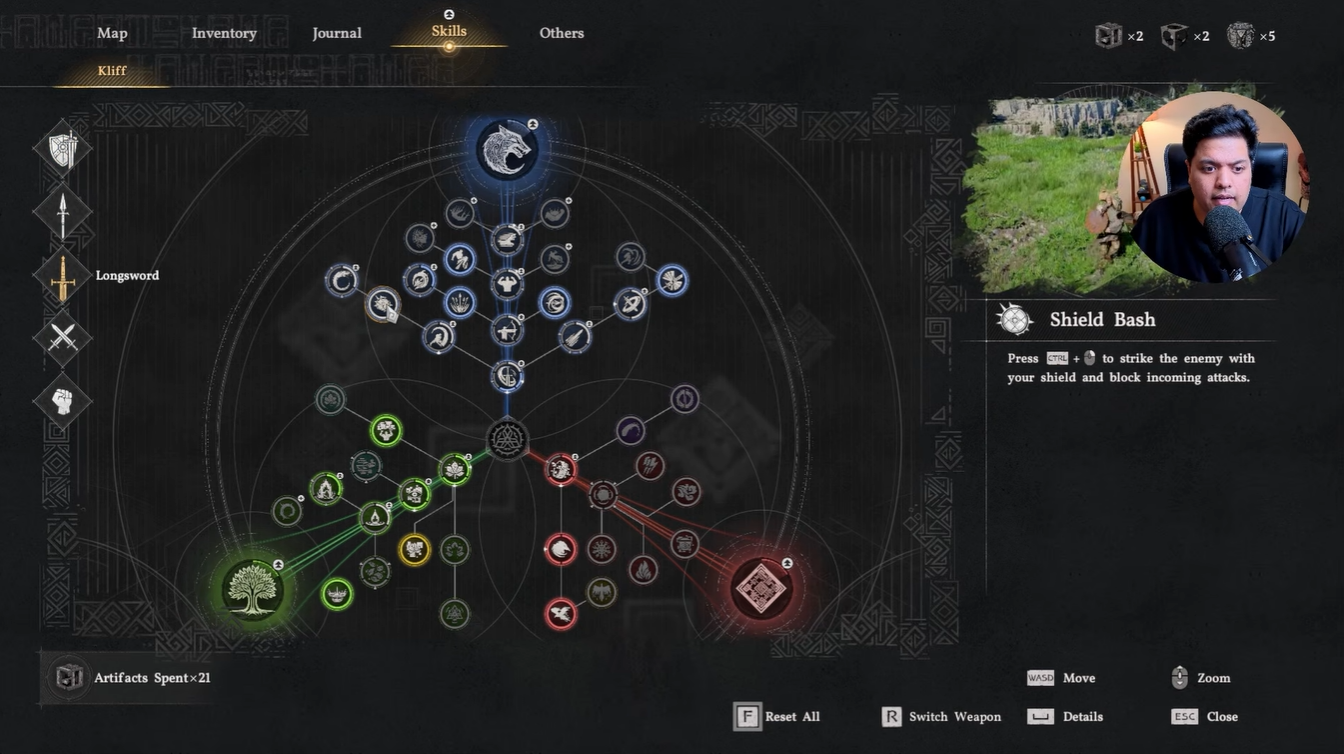
Open the Skills menu and locate the Shield Bash skill in the first skill tree. This is where the Weapon Throw upgrade originates. Select Shield Bash and choose the Dual Wield upgrade option. This action unlocks the Weapon Throw ability automatically.
Step 3
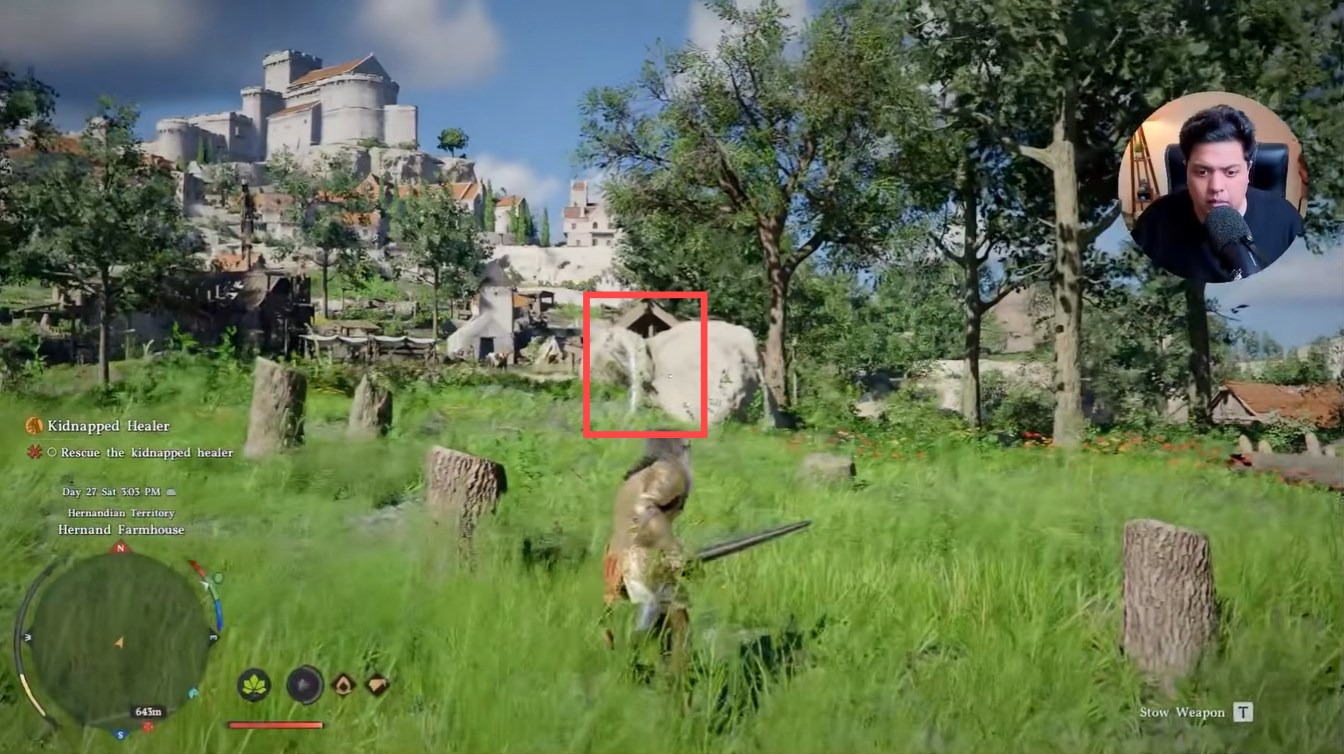
Use the throw input during combat to launch your weapon. Press LB + RB on controller, or hold Left Ctrl and press the Right Mouse Button on keyboard.
Step 4
If the weapon sticks into a surface or enemy, recall it manually by pressing the same input again or walking up to retrieve it.
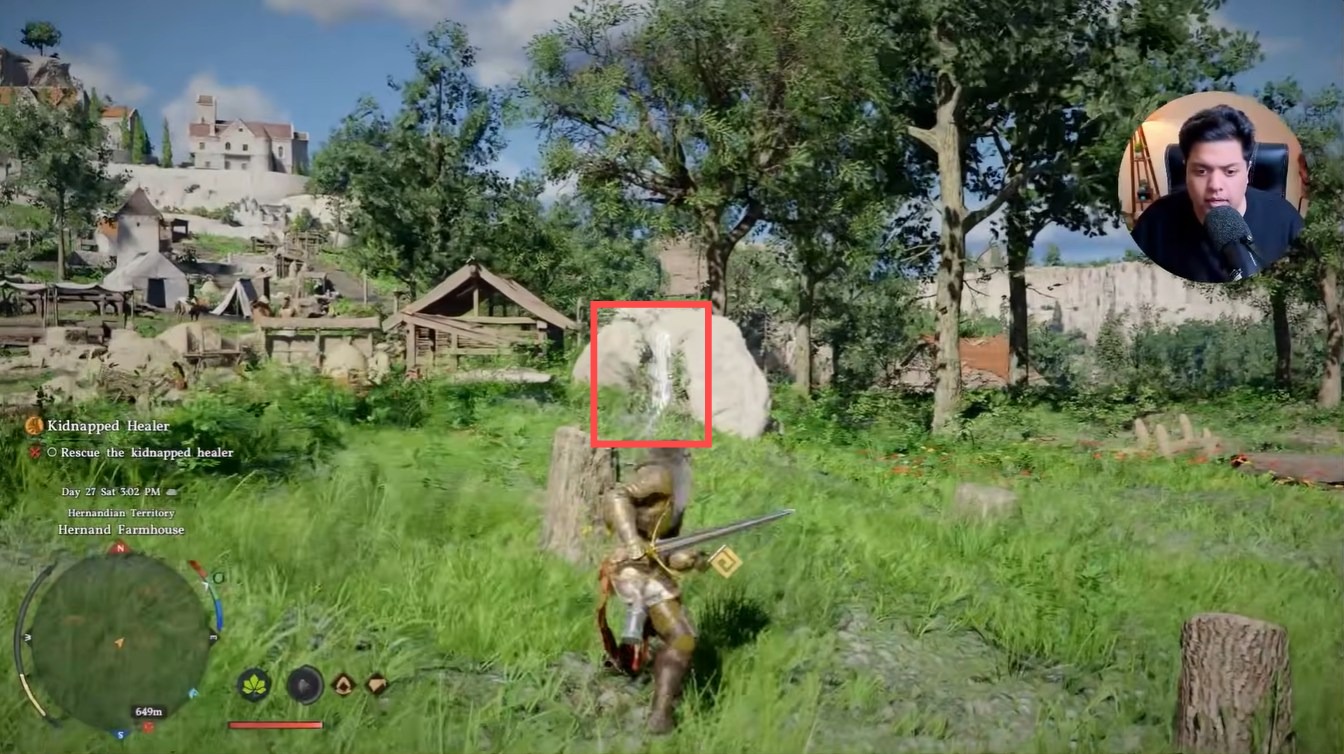
Once you practice this flow, the Weapon Throw becomes a seamless part of your combat style, allowing you to engage enemies at range without losing momentum.
Integrating Weapon Throw into your playstyle
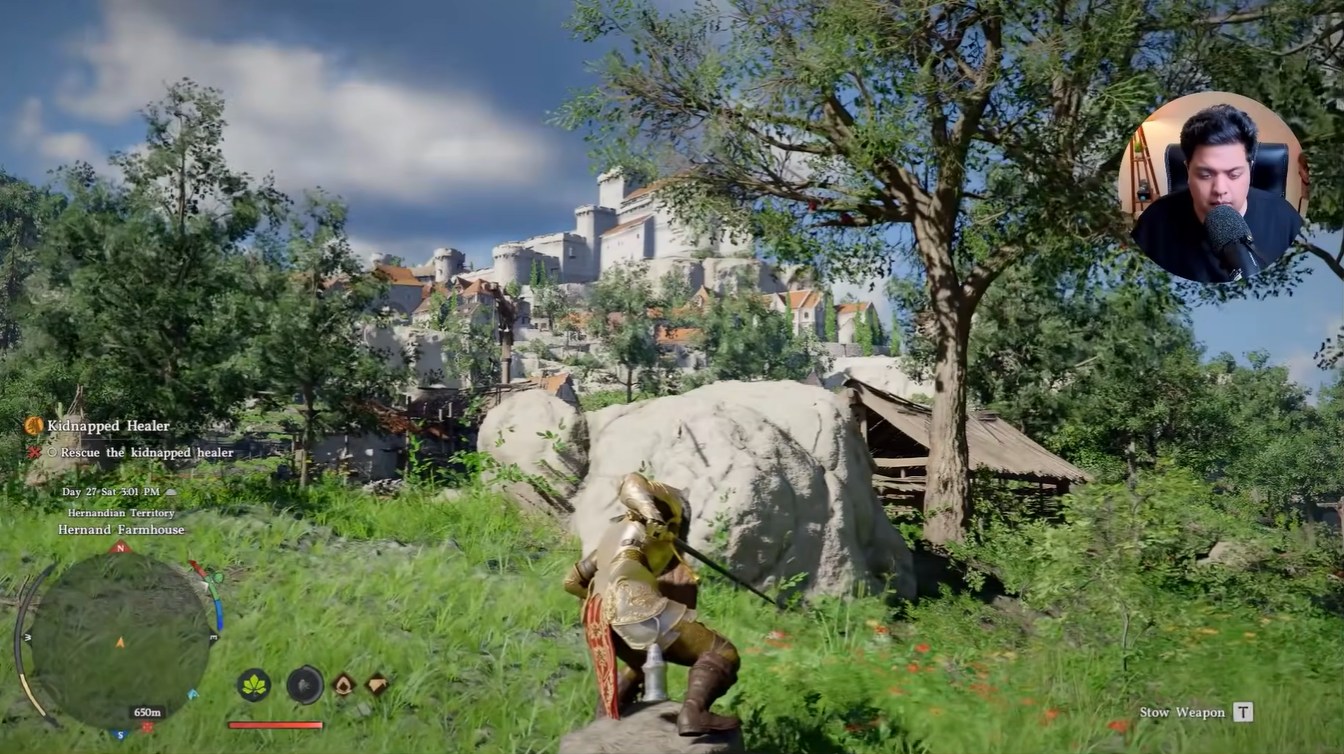
Weapon Throw in Crimson Desert is a practical combat tool that rewards timing and positioning. When used correctly, it allows you to control distance, pressure enemies, and maintain fluid combat transitions.
As you continue playing, you’ll find that mastering the recall timing and combining throws with melee attacks can significantly improve your combat efficiency. It’s a skill that feels simple at first but becomes increasingly valuable as you refine your playstyle.





Leave a Reply