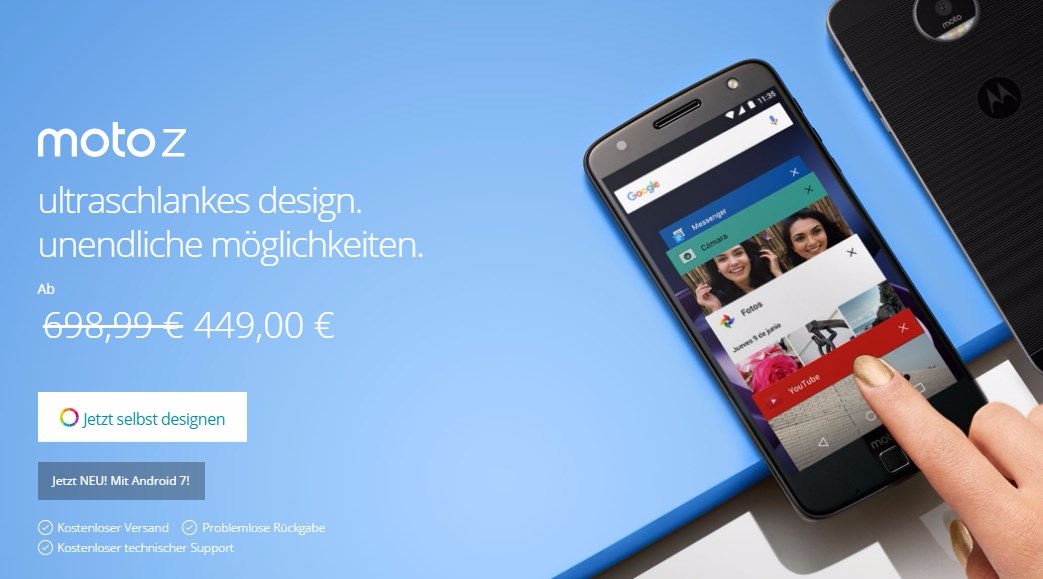
Motorola yesterday announced their newest Flagship devices, the Moto Z and Moto Z Force. Both the devices come with an incredibly slim form factor, reminding us of the good old Moto Razr phone from the manufacturer.
However, the slim form factor of the Moto Z comes at the cost of losing the universally accepted audio standard — a 3.5mm headphone jack. The Moto Z doesn’t have the standard headphone jack on any of its sides.
But that doesn’t mean you’re forced to use a bluetooth headphone. Moto Z will come packed with a 3.5 mm to USB-C headphone port adapter to let you plugin your wired headphones to the device’ USB type C port.
The USB-C to 3.5 mm adapter connection will go like this:
- Put your headphone pin into the the 3.5 mm to USB-C headphone port adapter.
- Connect the adaptor to your Moto Z USB Type C port.
That’s it. Enjoy your music!
Image credits: Engadget