Gaming

GTA 6 Pelican Valley Cleaver: Location, Map, and Pickup Steps

Find the GTA 6 Pelican Valley Cleaver in a tree-mounted effigy near a waterside clearing, then follow the approach, map checks, inspection controls, and pickup prompt to collect the weapon.

Find the GTA 6 Pelican Valley Cleaver in a tree-mounted effigy near a waterside clearing, then follow the approach, map checks, inspection controls, and pickup prompt to collect the weapon.

0 Comments
QUICK ANSWER
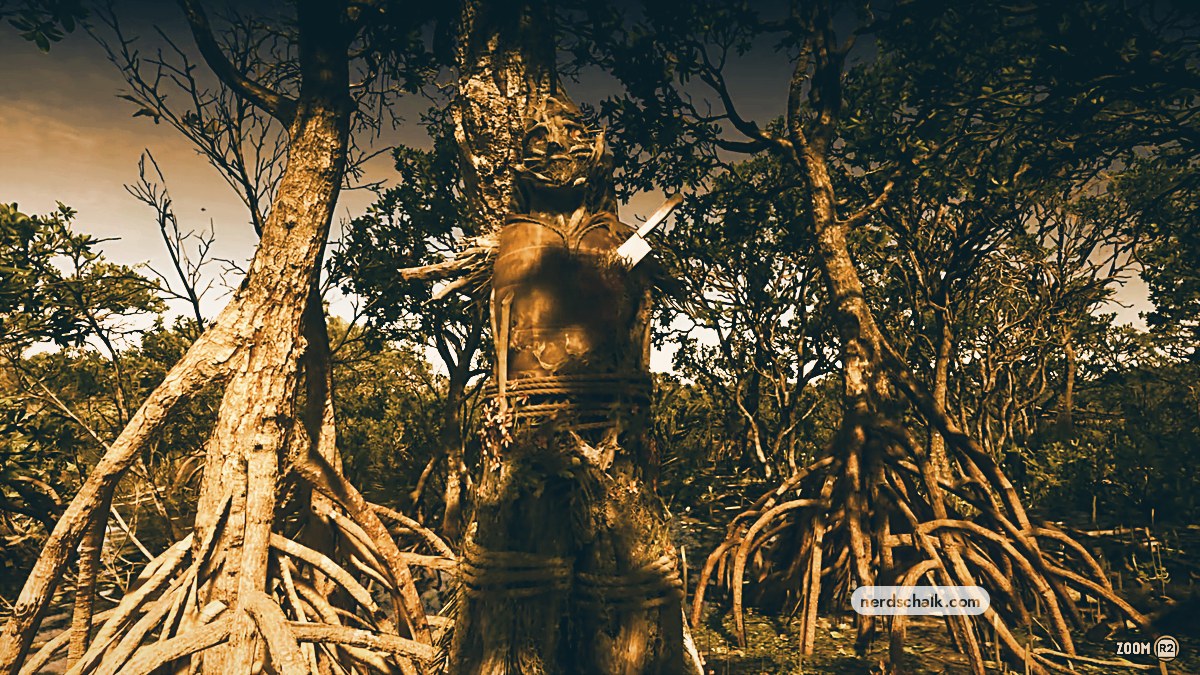
Find the Cleaver embedded in the chest of a tree-mounted effigy near a waterside clearing in Pelican Valley.

The Cleaver is a weapon pickup in Grand Theft Auto VI. This guide covers the local approach to its effigy, the inspection controls and the pickup interaction.

objectiveInspect the effigyinspect controlL2LTclose-view zoomR2RT

How to find and collect the Cleaver in Pelican Valley in Grand Theft Auto VI

STEP 1

Find the effigy tied to the tree

Follow the water through dense vegetation, then wade through the mangrove swamp toward the clearing. Look for a clothed, human-shaped effigy secured with ropes to a large mangrove trunk. Walk around the tree and inspect the effigy.
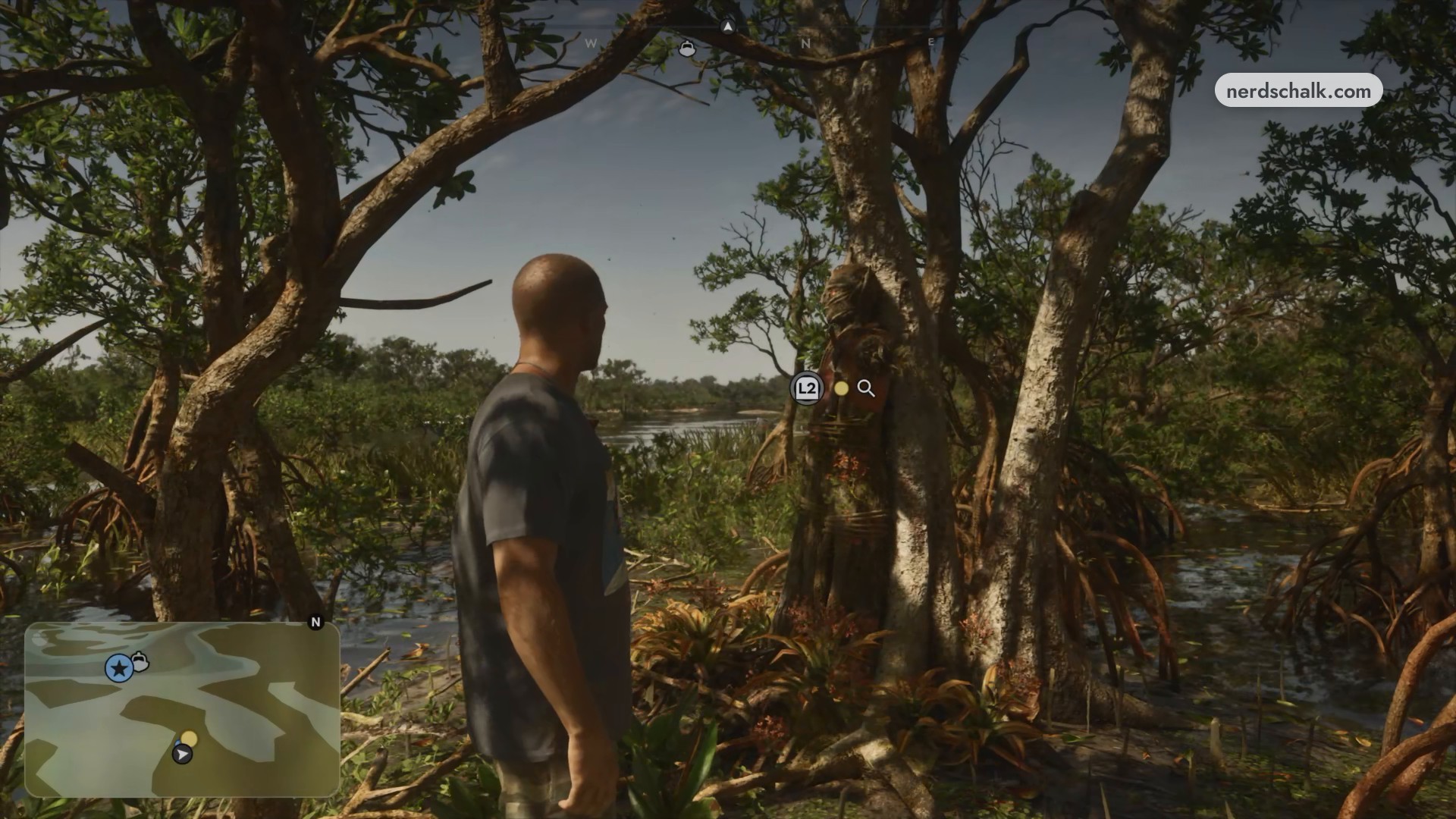
Effigy attached to a mangrove trunk beside the clearing
Effigy attached to a mangrove trunk beside the clearing · Screenshot by NerdsChalk

Recognize the effigy fastened to the large tree trunk as you reach the clearing.
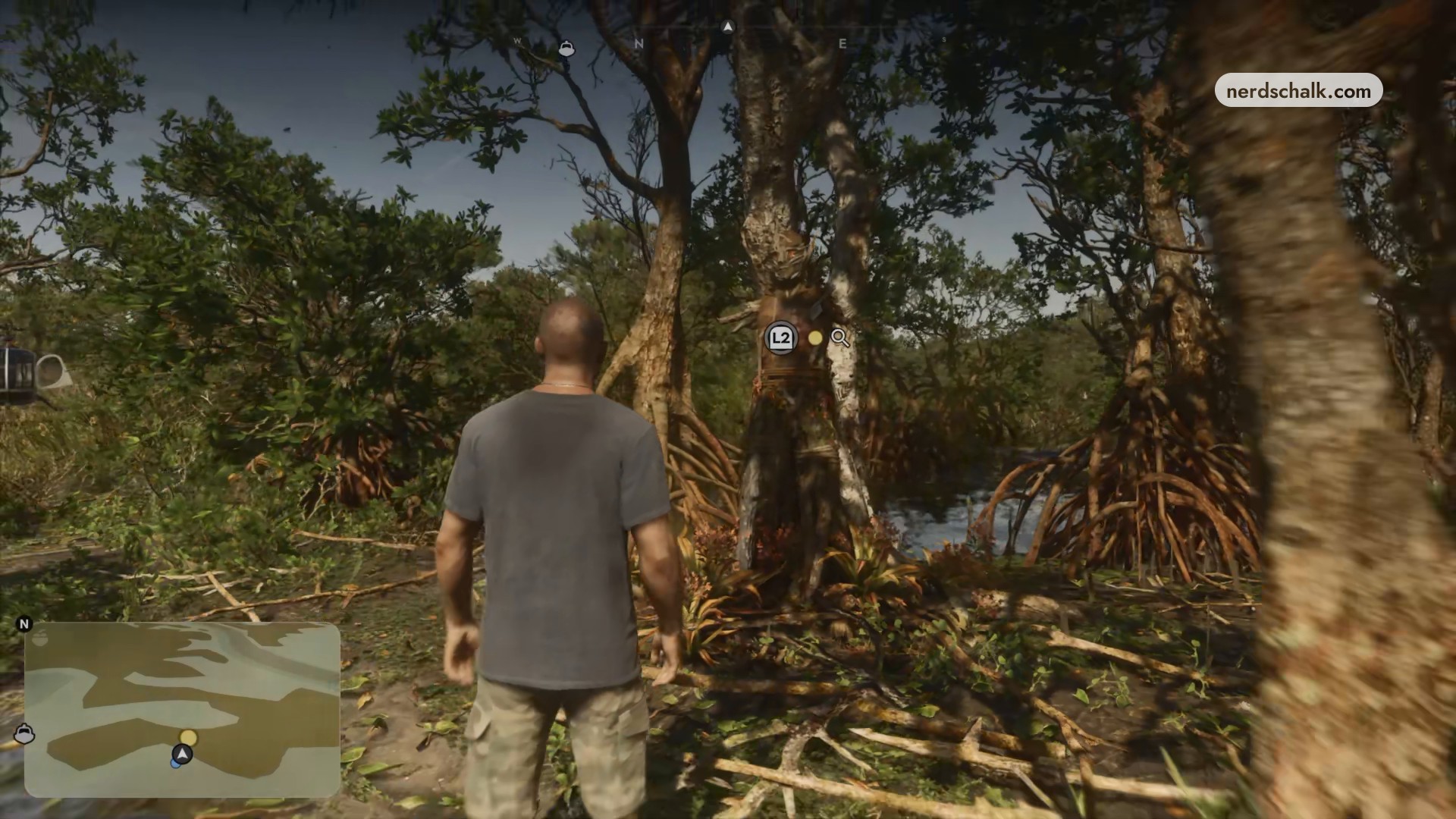
Effigy tied to a large swamp tree
Effigy tied to a large swamp tree · Screenshot by NerdsChalk
STEP 2

Inspect the embedded Cleaver

Examine the blade in close view, focusing on where it is lodged in the effigy.
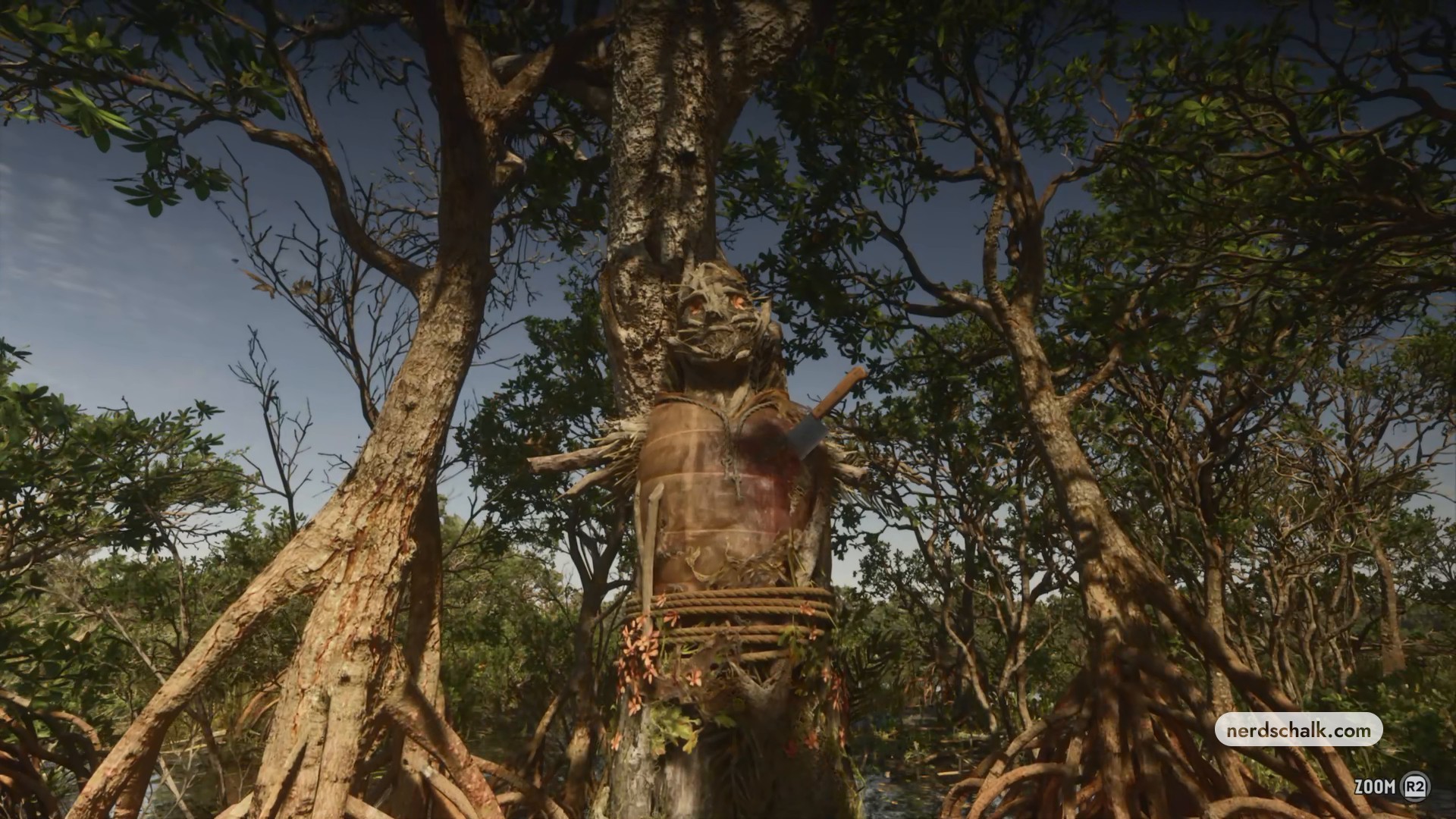
Cleaver embedded in the effigy’s chest
Cleaver embedded in the effigy’s chest · Screenshot by NerdsChalk
STEP 3

Take the Cleaver

Use the displayed L1LB CLEAVER pickup prompt to collect the weapon.
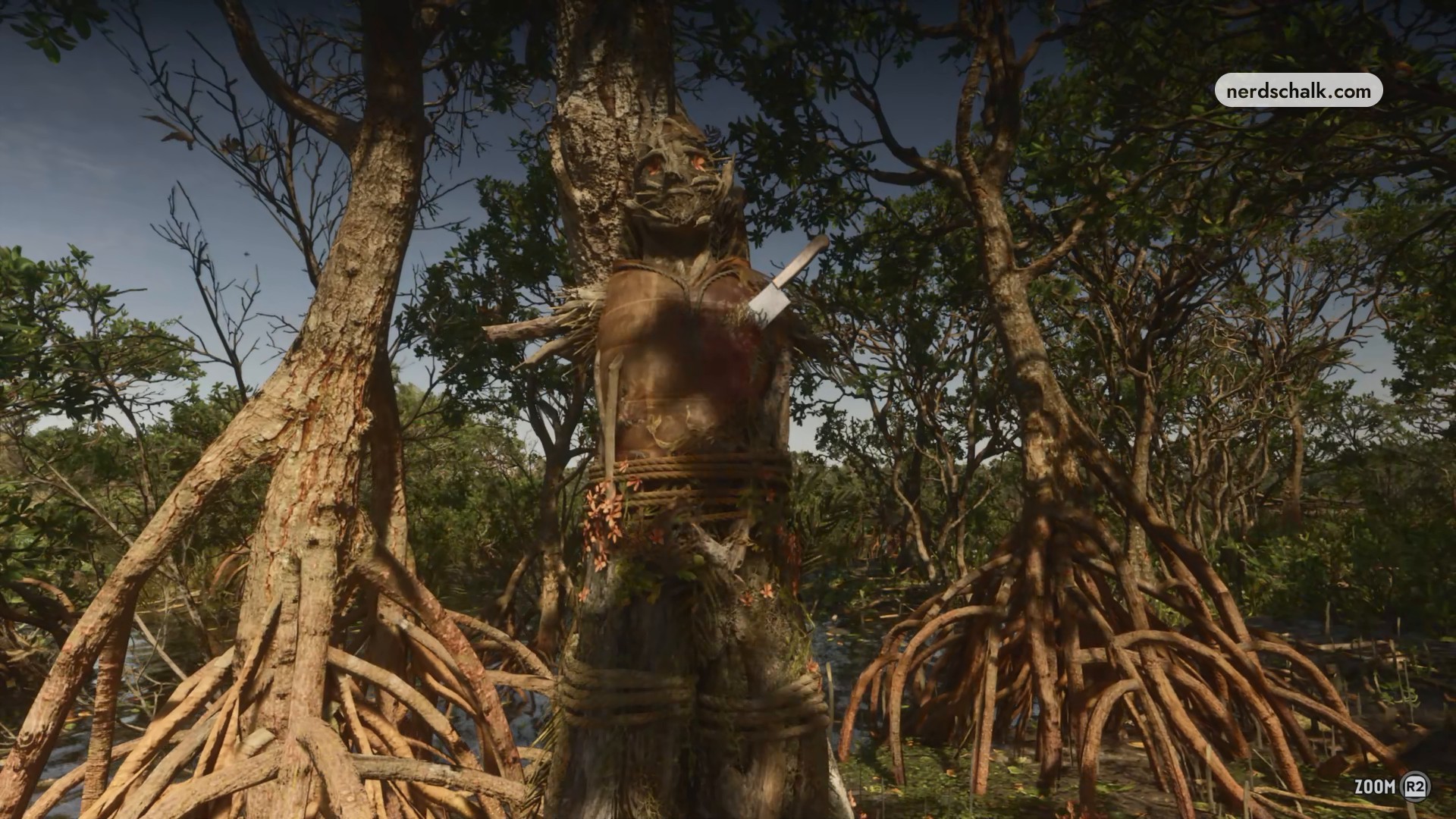
Close view of the Cleaver and rope-bound effigy
Close view of the Cleaver and rope-bound effigy · Screenshot by NerdsChalk
STEP 4

Orient yourself on the Pelican Valley map

Open the world map to locate Pelican Valley within the wetlands. The map displays an active objective marker; the wider view shows surrounding waterways and roads. A highlighted search zone appears on the Pelican Valley wetlands map. The Marker entry displays 35 m. After the map checks, open your smartphone to read messages about the effigies. Beside the effigy, an incoming message from Jason appears at the lower right and reads “Here’s another one.” The chat lists Kirk, Jason and Lucia.
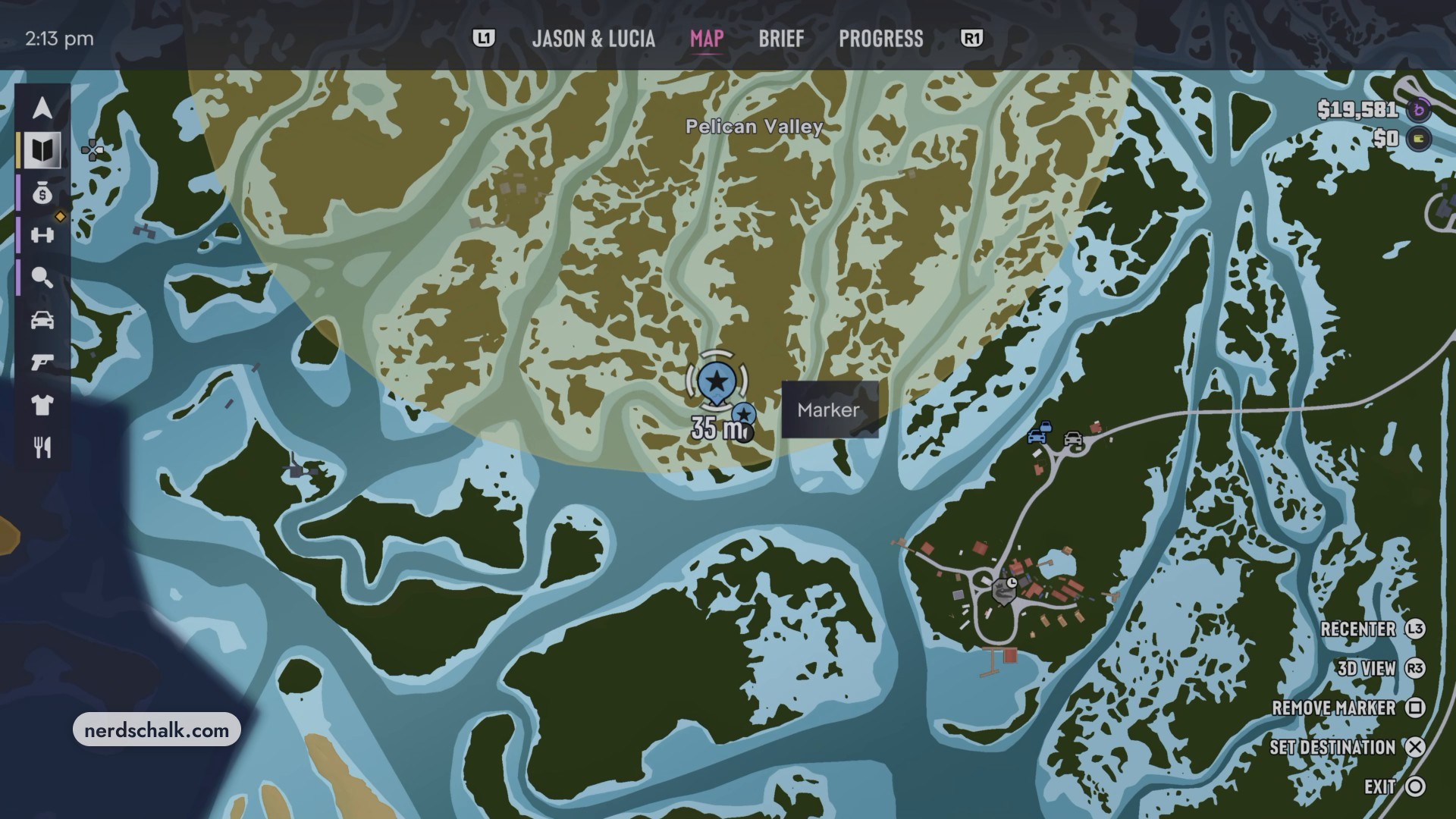
Active objective marker on the Pelican Valley map
Active objective marker on the Pelican Valley map · Screenshot by NerdsChalk

Use the wider map to orient yourself among Pelican Valley’s waterways and roads.
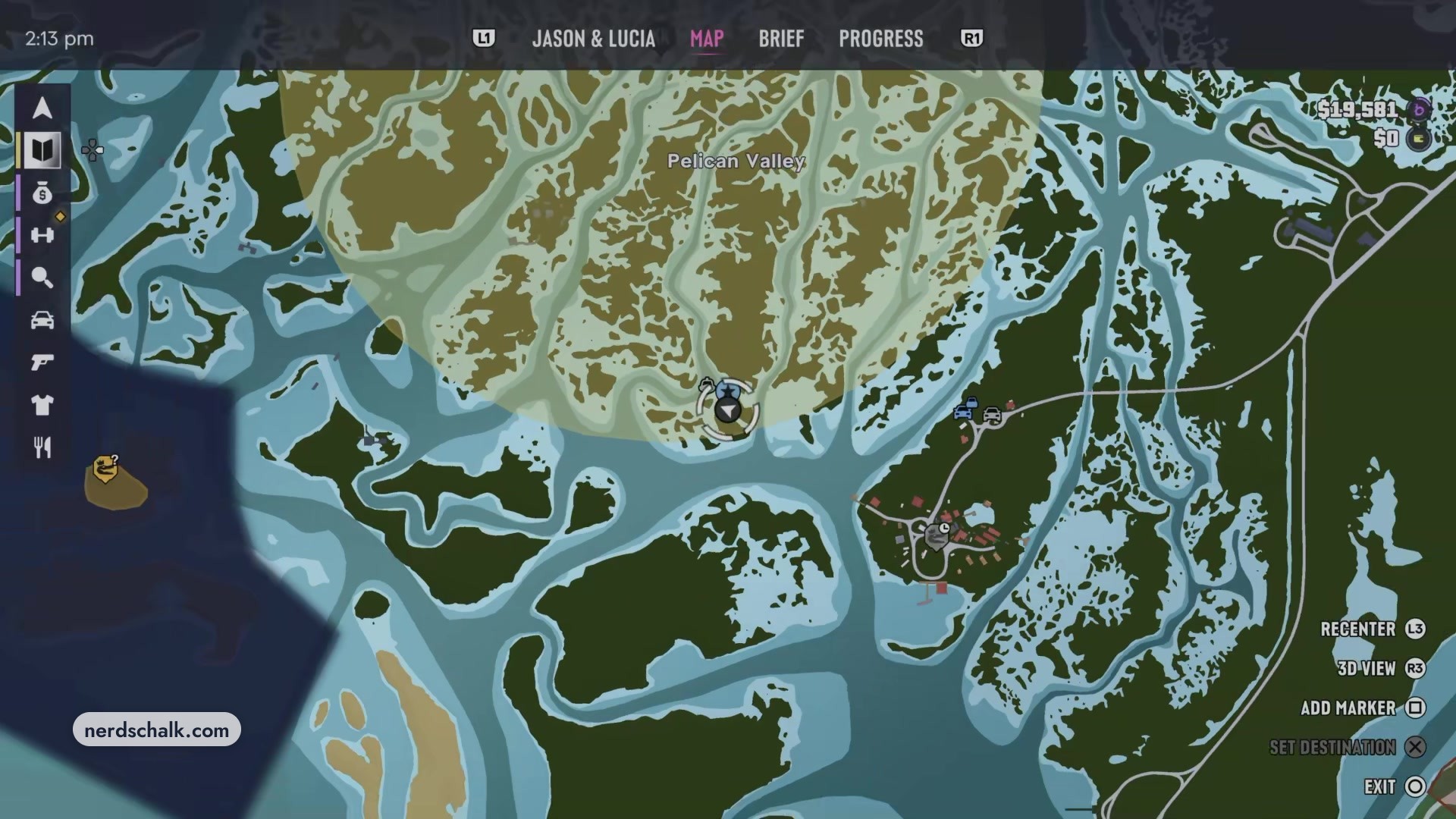
Pelican Valley waterways and surrounding roads
Pelican Valley waterways and surrounding roads · Screenshot by NerdsChalk

Locate the highlighted search area on the regional wetlands map.
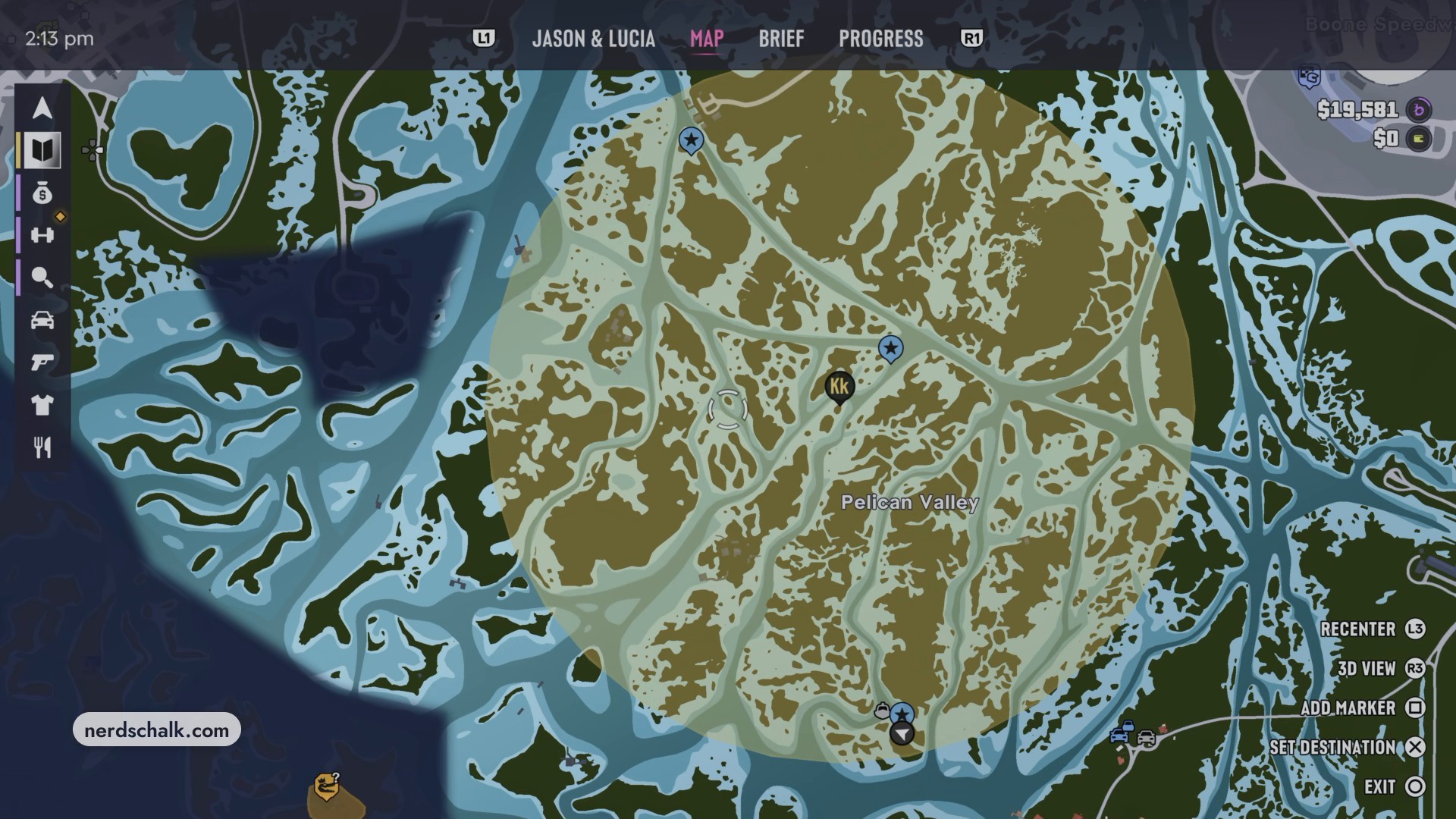
Highlighted search area in Pelican Valley
Highlighted search area in Pelican Valley · Screenshot by NerdsChalk
Don’t miss thisGet close to the effigy tree before collectingMoving close to the tree reveals the Cleaver pickup prompt.
releaseNovember 19, 2026platformsPlayStation 5, Xbox Series X|SeditionsStandard Edition, Ultimate EditionratingsUS: ESRB M (Mature 17+); Europe: PEGI 18

Related Grand Theft Auto VI guides
Leave a Reply

Your email address will not be published. Required fields are marked *