
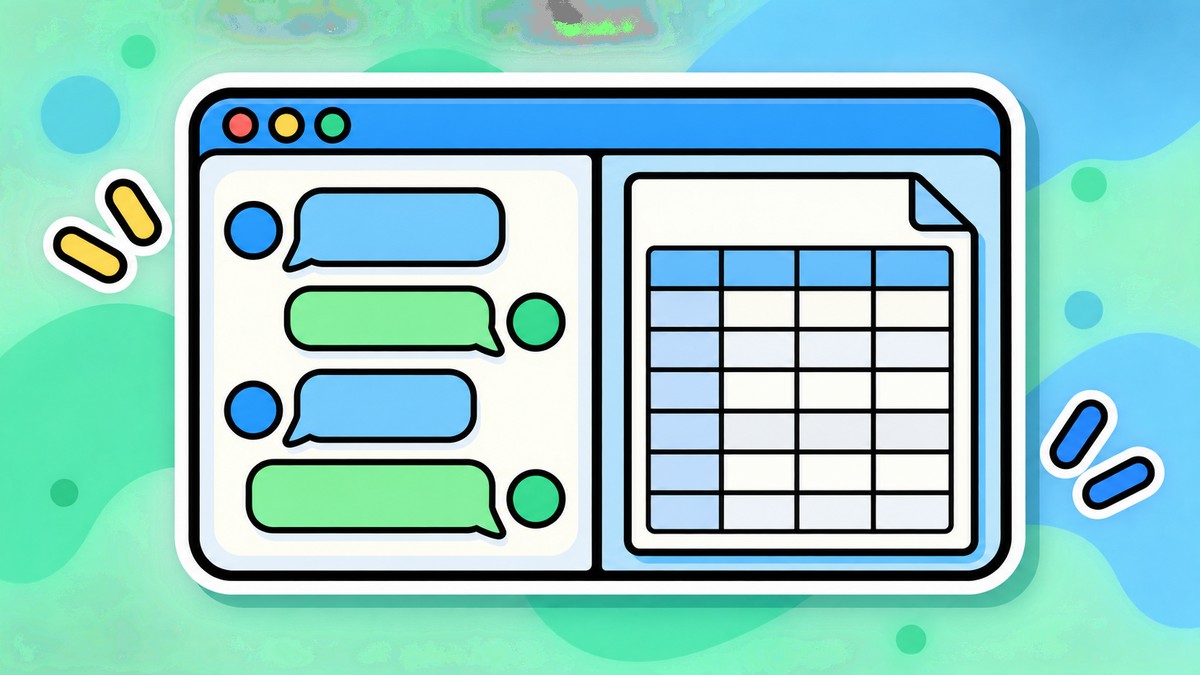
ChatGPT can now keep a Google Doc, Sheet, or Slide open beside the conversation on the web, so a file can be read, summarized, and reworked without leaving the chat. OpenAI began rolling the change out on August 13, 2026, according to its ChatGPT release notes.
Drive files now open in a pane next to the thread
With the Google Drive plugin connected, Drive files and folders appear directly in ChatGPT’s Library, including items shared directly with you. A file can be pulled into any chat from the composer or with an @mention, without uploading it again. It then stays open next to the conversation while ChatGPT summarizes, analyzes, compares, or drafts something new from it, and it stays linked to Drive so the original is one click away. Folders work the same way — point ChatGPT at one and it can work across the files inside it.
OpenAI showed the feature off in an August 14 post on the ChatGPT account, with a clip of the composer surfacing Drive documents behind a half-typed @googledrive mention.
https://x.com/ChatGPT/status/2088044956091089281
The Drive connector already existed — the side-by-side pane is the new part
ChatGPT has been able to reach Google Drive for some time, so the connection itself is not the news. Google Docs, Sheets, and Slides actions were folded into a single Google Drive app, which already let ChatGPT create and edit those file types rather than only read them, and a separate sync option indexes a Drive so search can span many files at once. What the August 13 update adds is the surface: browsing Drive from Library, pulling files in by @mention, and keeping a document open beside the thread are the parts that did not exist before.
Six plans on the web, and mobile has no date
OpenAI’s release notes list the rollout as reaching Plus, Pro, Enterprise, Edu, Healthcare, and Business users on the web, in both the Chat and Work toggles. The announcement post names a shorter set — Plus, Pro, Business, and Enterprise — and leaves out Edu and Healthcare. Mobile support, OpenAI says, “will follow,” with no date attached. The company describes the release as rolling out rather than fully live, so an account on a listed plan may not have the feature yet.
The first version is narrower than the announcement suggests. OpenAI lists these limits:
- My Drive and files or folders shared directly with you are covered; Shared Drives are not included yet.
- Some Google Drive editing and collaboration features are not yet available inside ChatGPT, so the pane does not replace the Docs, Sheets, or Slides editors.
- Writing back is conditional — ChatGPT can update the source file directly only where that is supported and the user has authorized it.
- The Google Drive plugin has to be connected first; the feature surfaces an existing connection rather than creating one.
Workspace administrators keep control of the underlying app. In Enterprise and Edu workspaces the unified Drive actions stay off until an admin enables them, Business workspaces have them on by default, and a Google Workspace admin may need to re-authorize Drive scopes before the actions work for anyone.




Leave a Reply