
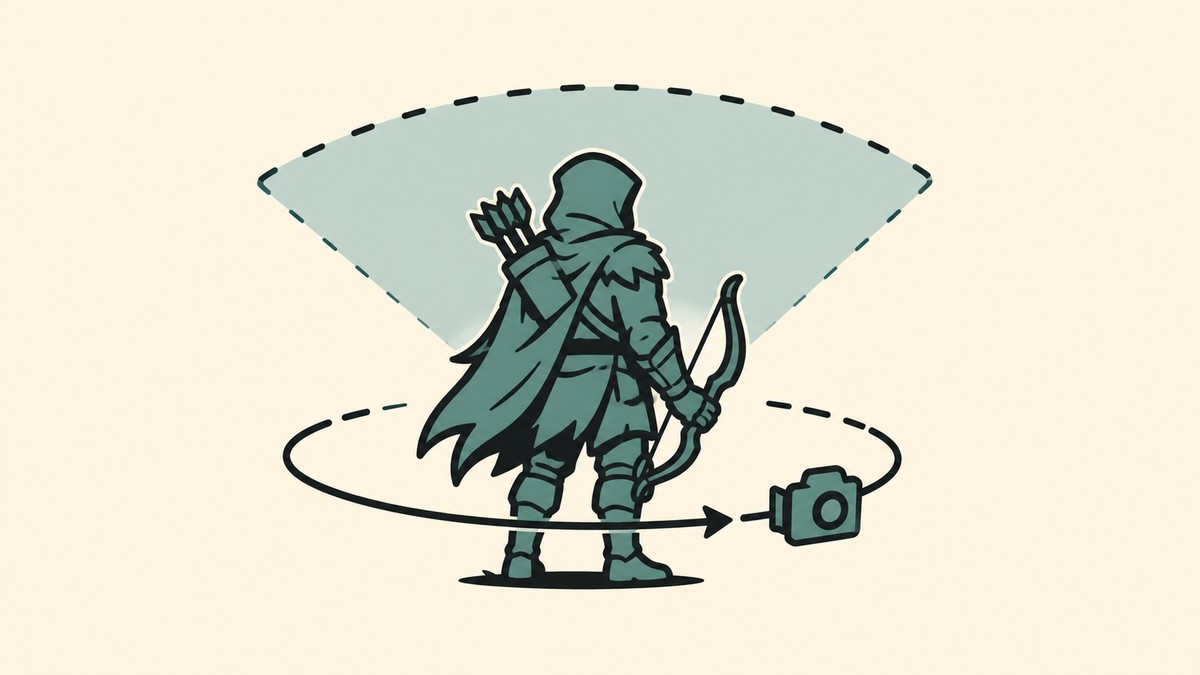
No, Mistfall Hunter does not currently have an in-game FOV slider or camera distance setting, so you cannot officially change the field of view.
Mistfall Hunter uses a fixed third-person camera, which can feel tight during PvPvE fights, dungeon pushes, and crowded spell-heavy encounters. The useful move right now is to separate real camera controls from settings that only improve clarity, smoothness, or comfort.
The FOV option in Mistfall Hunter
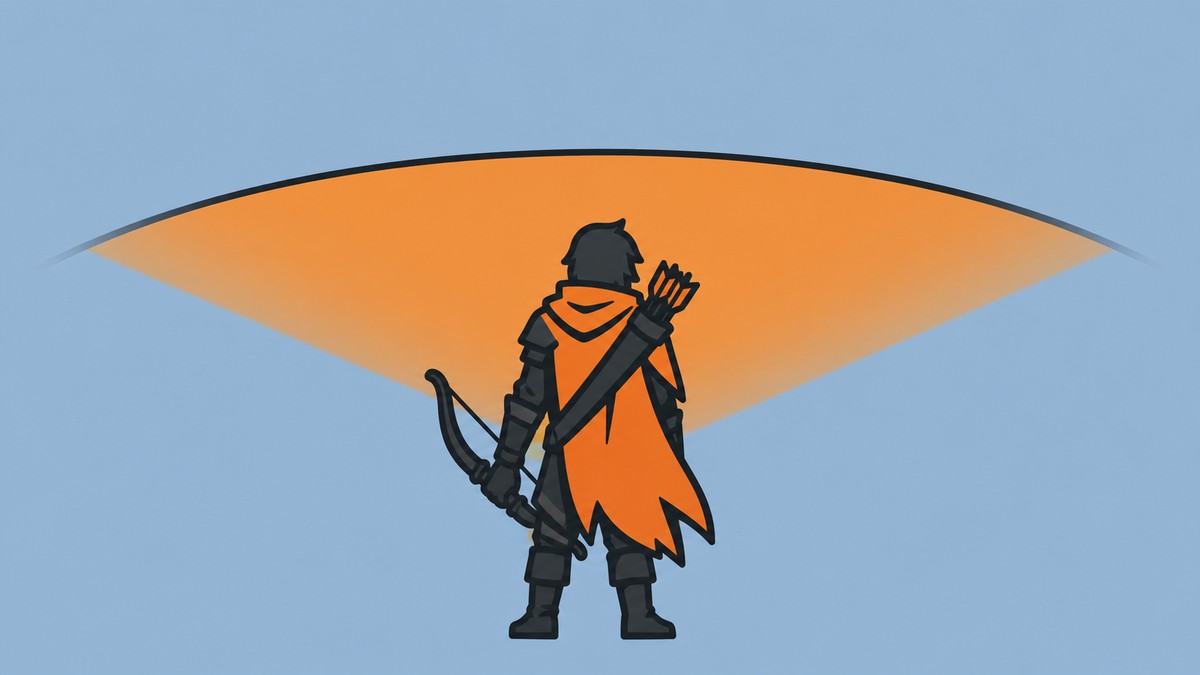
There is no native FOV slider in Mistfall Hunter. The standard settings menus do not include a supported way to widen the field of view, pull the camera farther away from your character, or choose a different camera-distance preset.
That means the close third-person view is not something you can officially fix through the game’s graphics or gameplay menus. Every settings change below should be treated as a comfort or visibility tweak, not as an actual FOV change.
Graphics settings that affect visibility
| Setting | Effect |
|---|---|
| FOV slider | Not available in the in-game menus. |
| Camera distance | No supported zoom-out or distance preset is available. |
| Resolution | Improves image sharpness, but does not widen the camera view. |
| Aspect ratio | Changes screen presentation, not the supported camera setting. |
| FSR or resolution scaling | Affects sharpness and performance, not field of view. |
| Display mode | Changes fullscreen or window behavior only. |
| Graphics quality | Can affect FPS and visual clutter, but not camera distance. |
KEY!The display and graphics options can still matter, especially if the fixed camera feels worse because the image is blurry, dark, or unstable. They just do a different job: they improve how readable the screen feels without changing the camera angle itself.
Lower visual clutter first: turn down heavy effects and disable motion blur when available, because a steadier image helps more than chasing unofficial FOV fixes.
How to change FOV in Mistfall Hunters
Disable motion blur
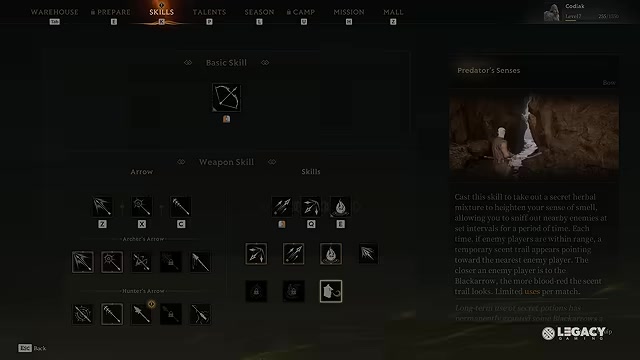
Turn it off if the option is present so fast camera swings and spell effects smear less during combat.
Raise brightness carefully
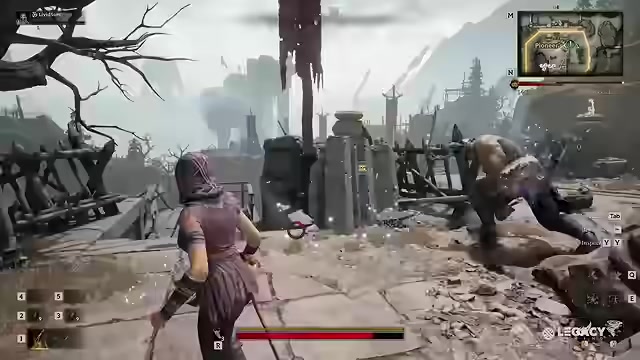
Increase brightness until dark paths, enemy shapes, and terrain edges are easier to read without washing out the image.
Tune camera sensitivity
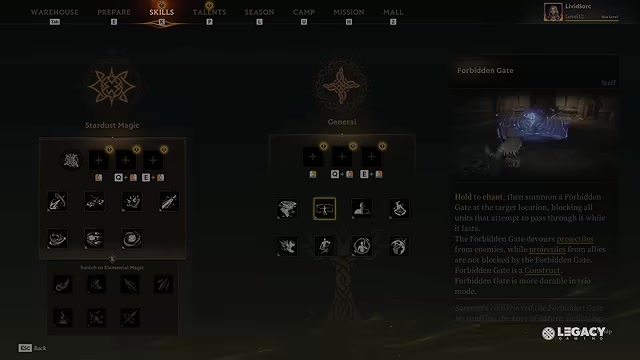
Adjust sensitivity until tracking enemies feels steady inside the fixed third-person view.
Increase view distance

Use a higher view-distance setting if present for clearer world detail, not for a wider camera angle.
Lower heavy effects
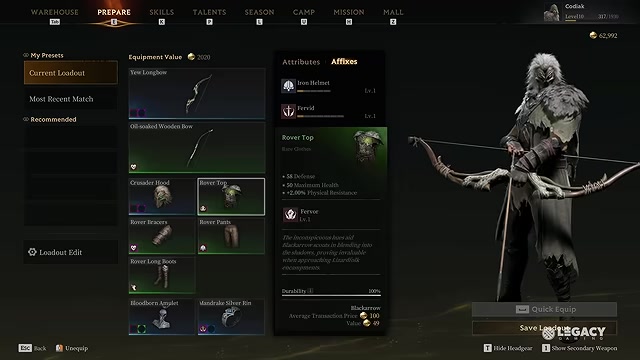
Reduce shadows, effects, or post-processing if frame drops are making fights harder to read.
Community FOV commands and fov120 claims
Some community discussion mentions commands such as /fov 120 and the broader fov120 meme. Treat that separately from the settings menu: it is not an official slider, camera-distance option, or reliable in-game setting path.
If you are trying to avoid motion sickness or improve competitive awareness, build your setup around supported options instead. A forum command is not the same as a proper menu toggle that the game exposes, saves, and supports across updates.
Future FOV slider status
Players are asking for an FOV option, but no release timing has been announced for one. As of the July 30, 2026 balance notes and known-issues context, the game’s update focus does not include a field-of-view slider or camera-distance control.
Frequently Asked Questions
Can you change FOV in Mistfall Hunter on PC?
No. On PC, the supported settings path does not include a field-of-view control, so you cannot officially change FOV through the menus.
Is there a camera distance setting in Mistfall Hunter?
No. Mistfall Hunter does not currently offer a camera-distance slider, zoom-out preset, or third-person camera range option.
Does changing resolution, aspect ratio, or FSR increase FOV?
No. Resolution, aspect ratio, and FSR can affect presentation, sharpness, or performance, but they do not increase the game’s camera angle.
Is /fov 120 an official Mistfall Hunter setting?
No. /fov 120 appears in community discussion, but it is not an official Mistfall Hunter menu setting.
Has an FOV slider been announced for a future update?
No release date has been announced. Player requests exist, but the latest available update context does not list an incoming FOV slider.
Video help






Leave a Reply