

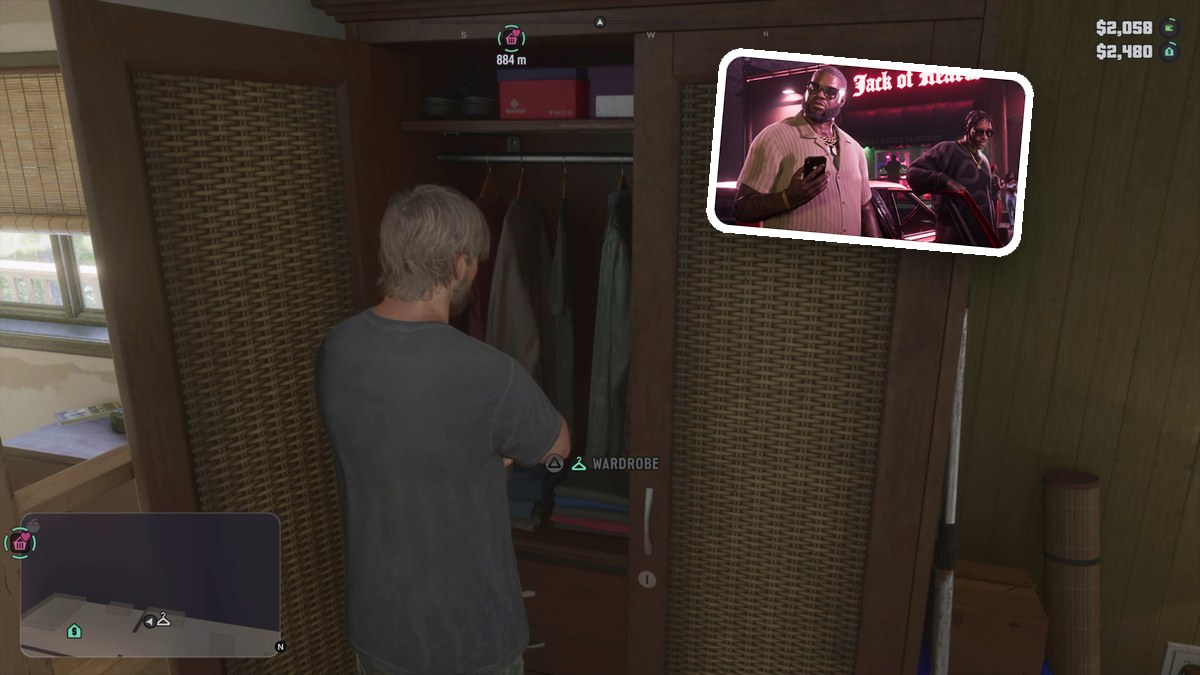
To change clothes in Grand Theft Auto VI, open a wardrobe with TriangleY, select an outfit, press CrossA to wear it, and exit with CircleB.
Wardrobes let you change your clothes, and the process works the same way at each one. Jason’s house has a wooden bedroom cabinet where you can equip Big Shots Workwear. The wardrobe also offers individual clothing categories, saved outfits, and trunk storage for custom outfits.
How to change clothes in Grand Theft Auto VI
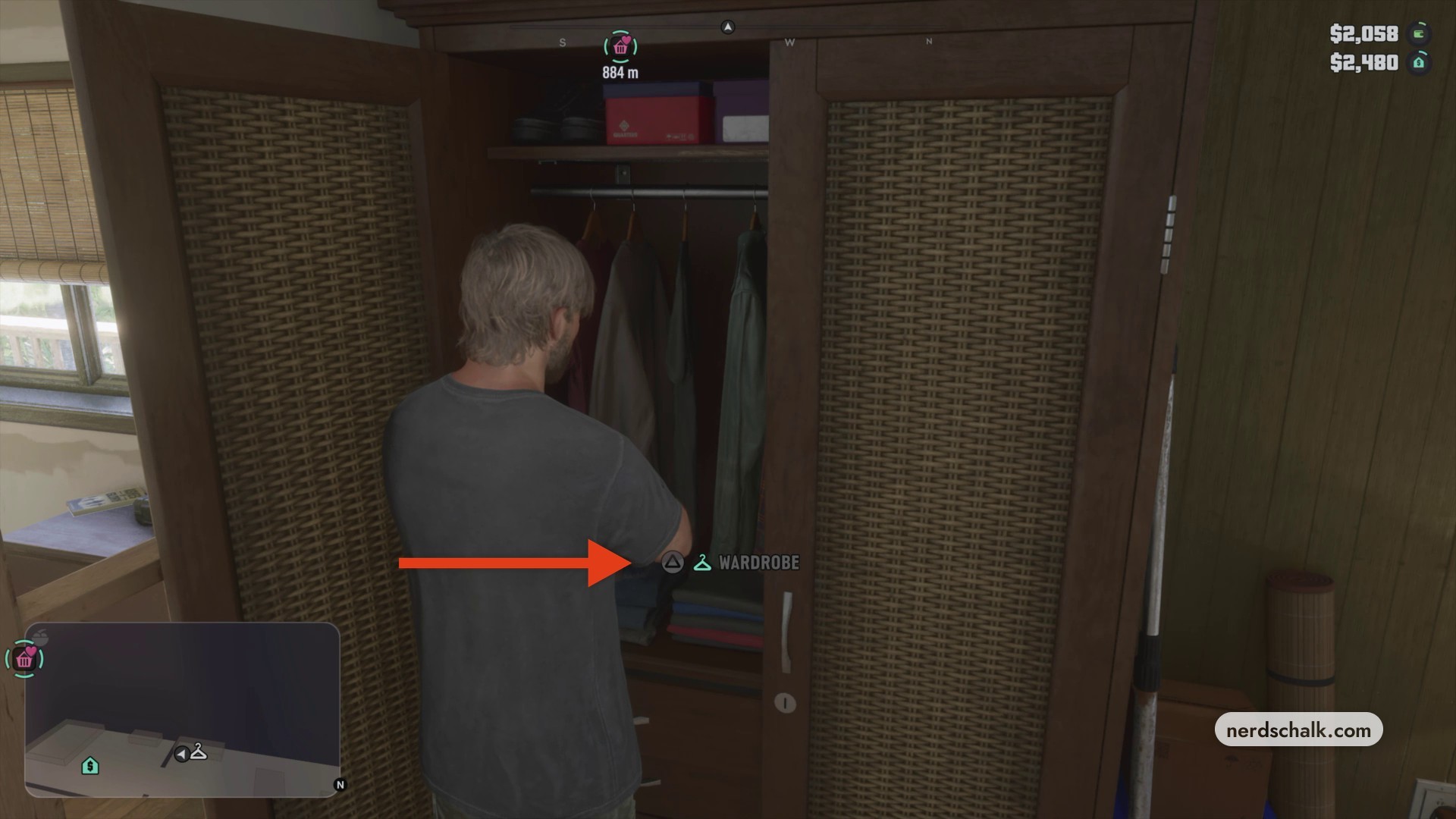
Find the bedroom wardrobe
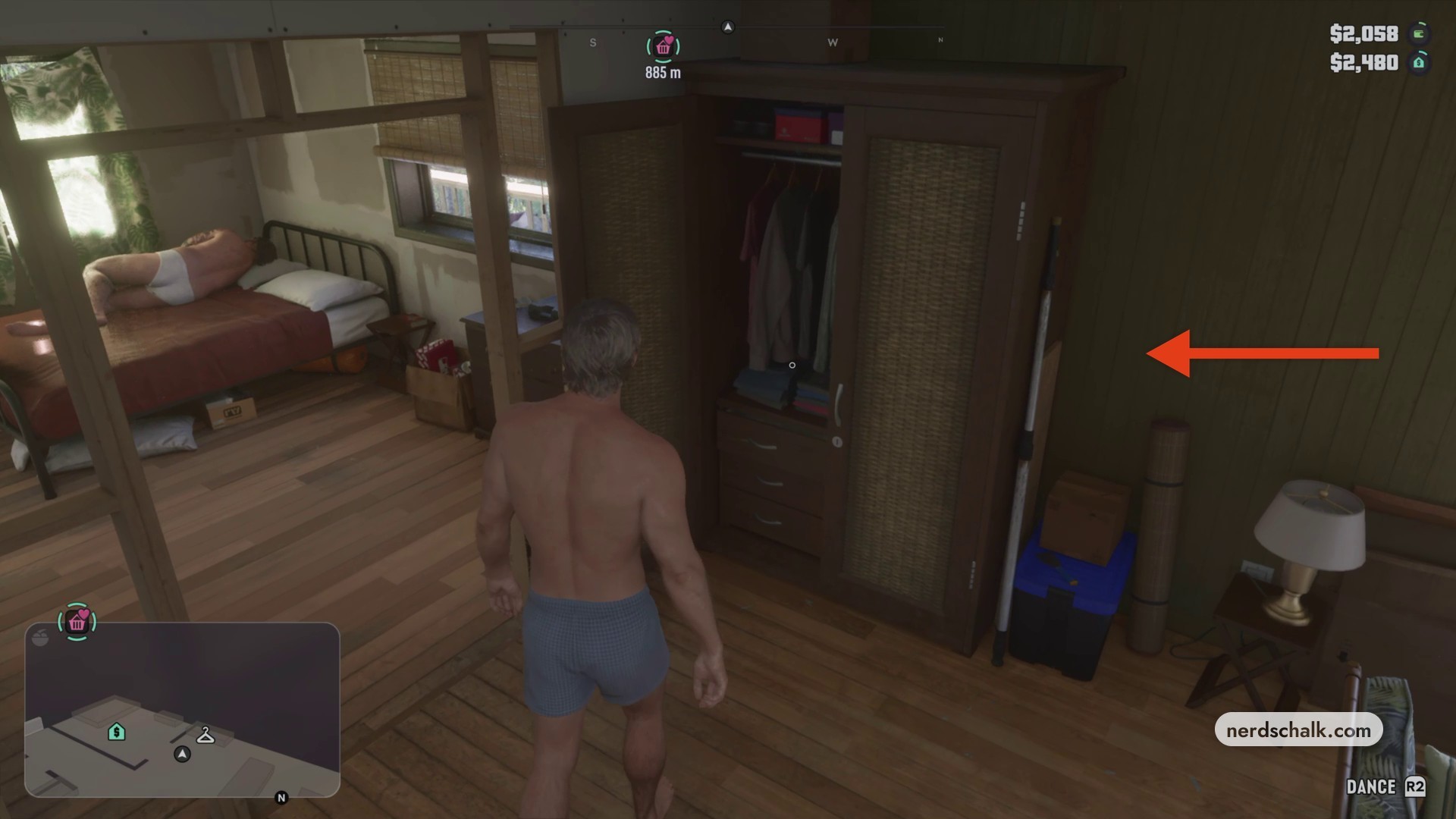
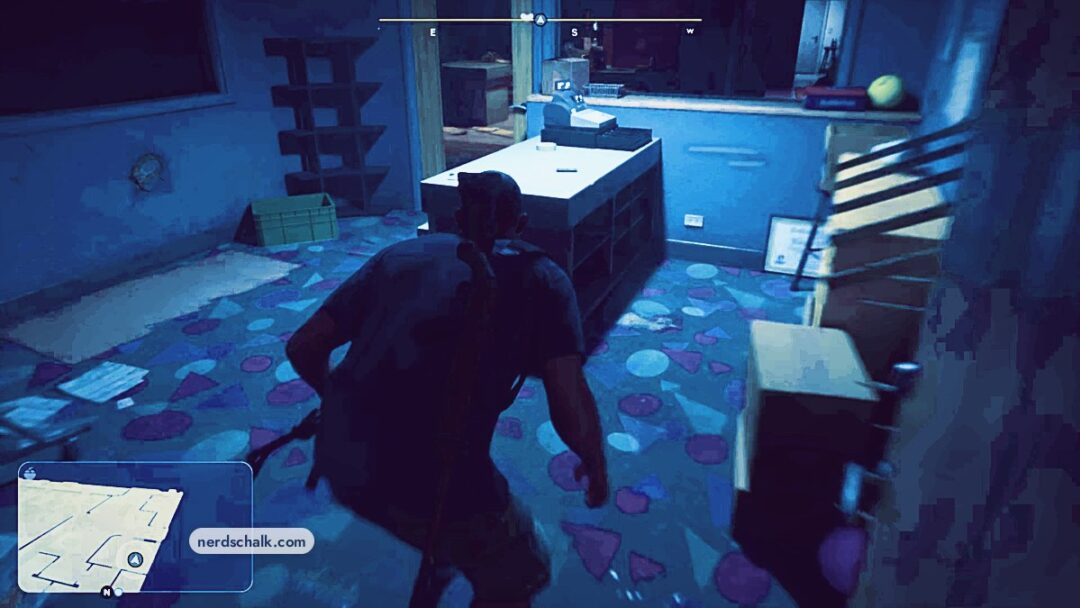
Locate the Wardrobe icon on the map inside Jason’s house, then approach the wooden cabinet in the bedroom.
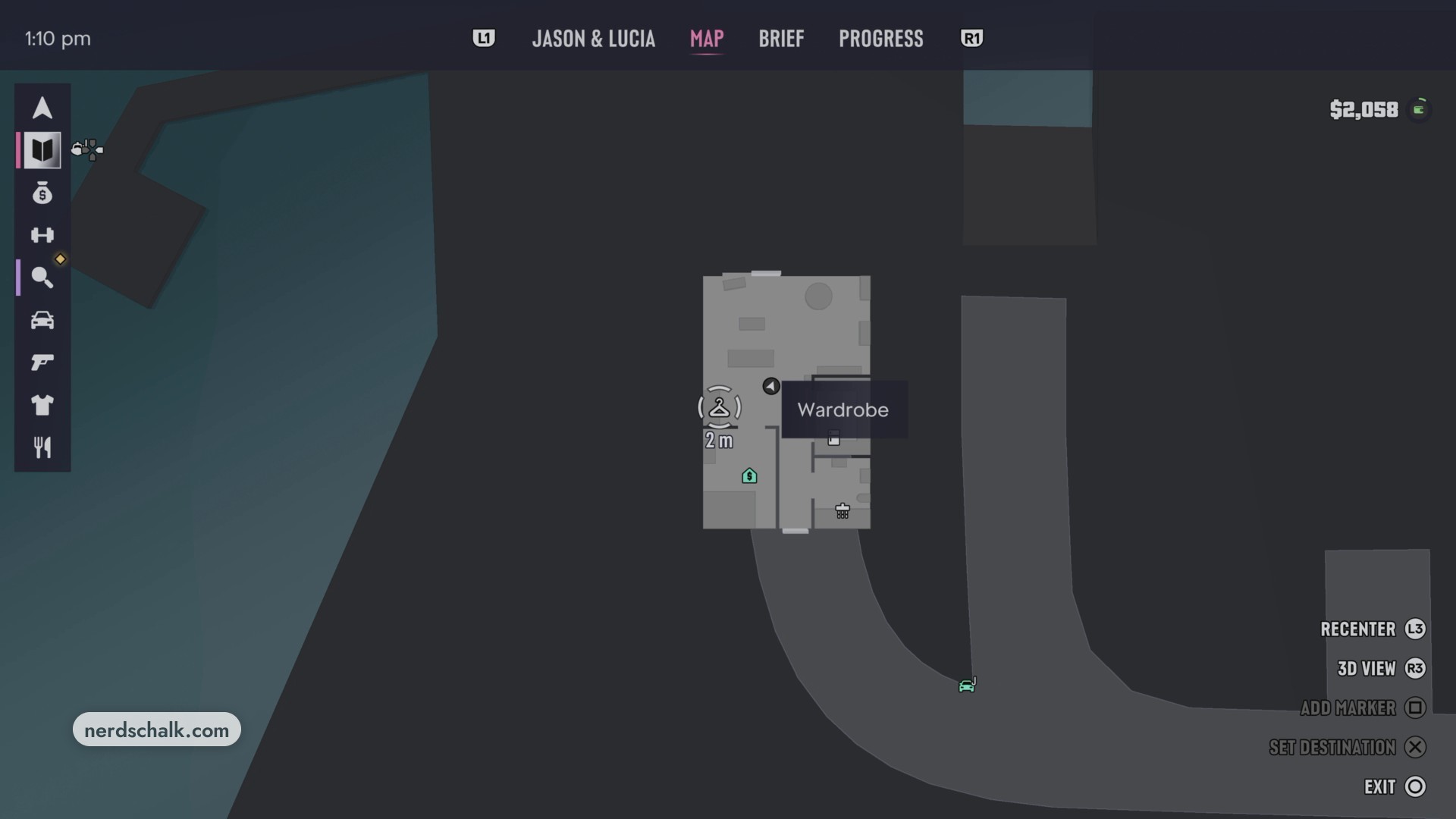
Approach the open wooden wardrobe shown in the bedroom.
Open the outfit menu
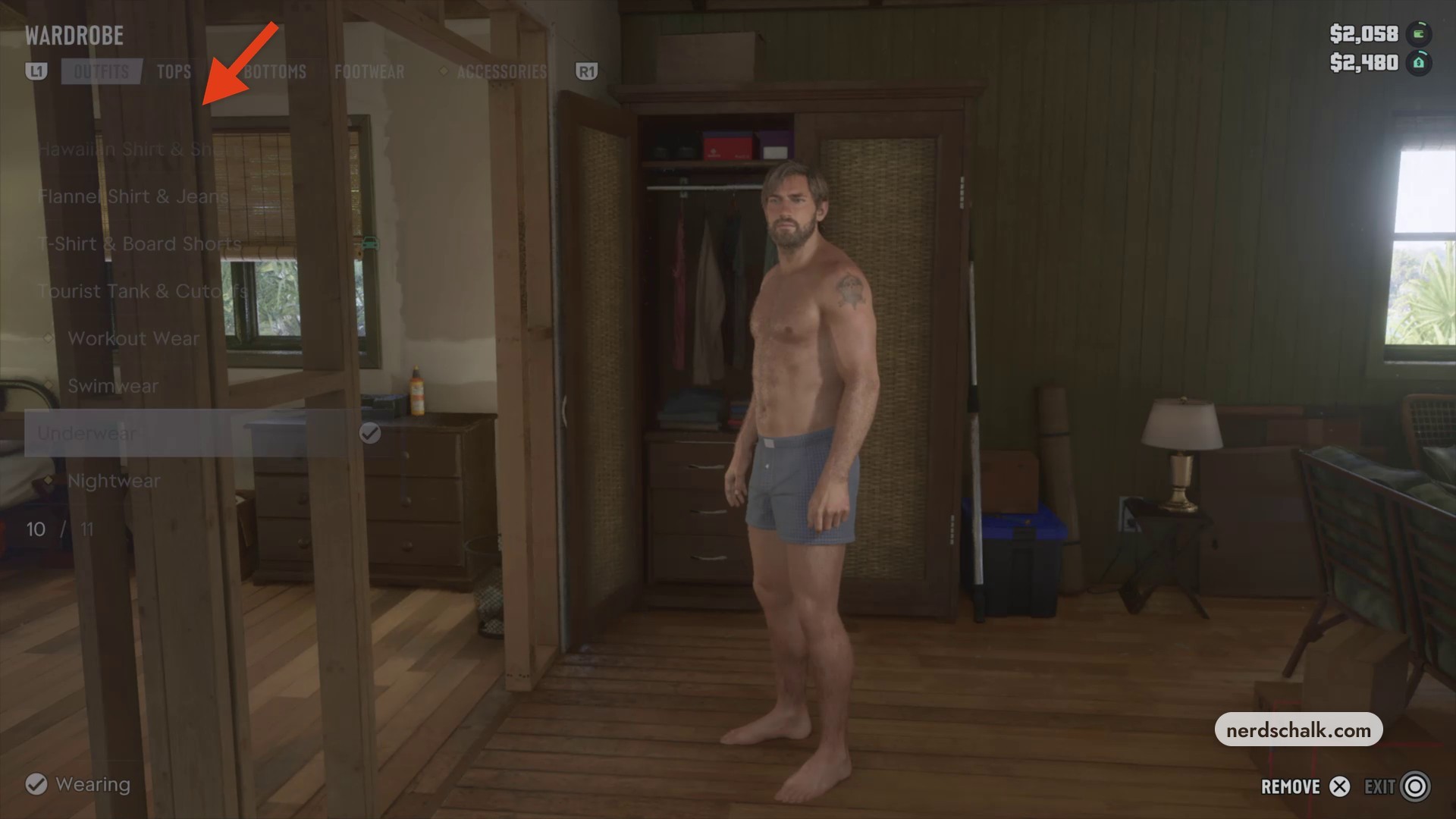
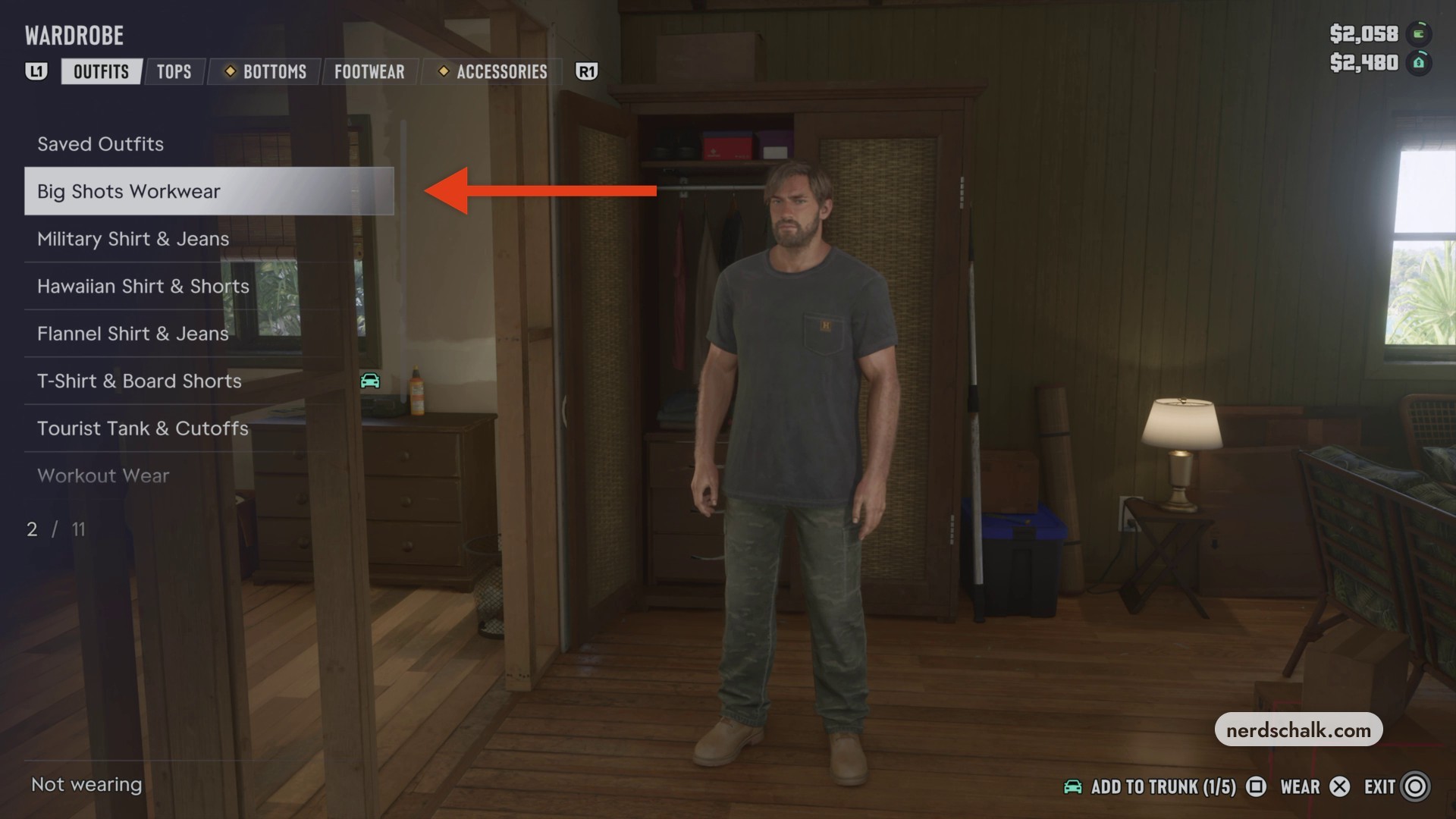
Press TriangleY to open the wardrobe, then browse the OUTFITS category for a full outfit.
Equip Big Shots Workwear
Move down the outfit list until Big Shots Workwear is highlighted. Press CrossA for WEAR to equip it.
Exit the wardrobe
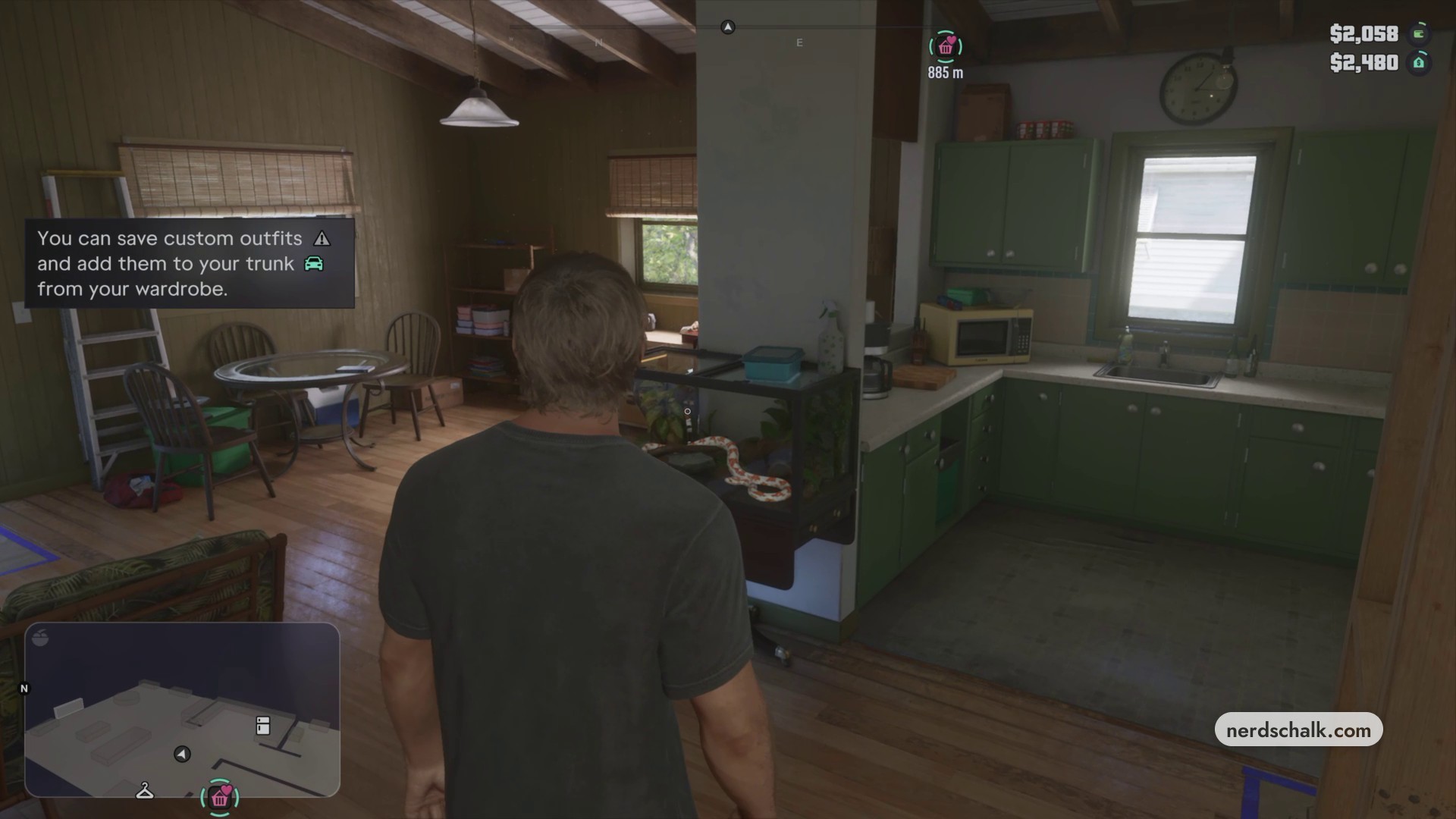
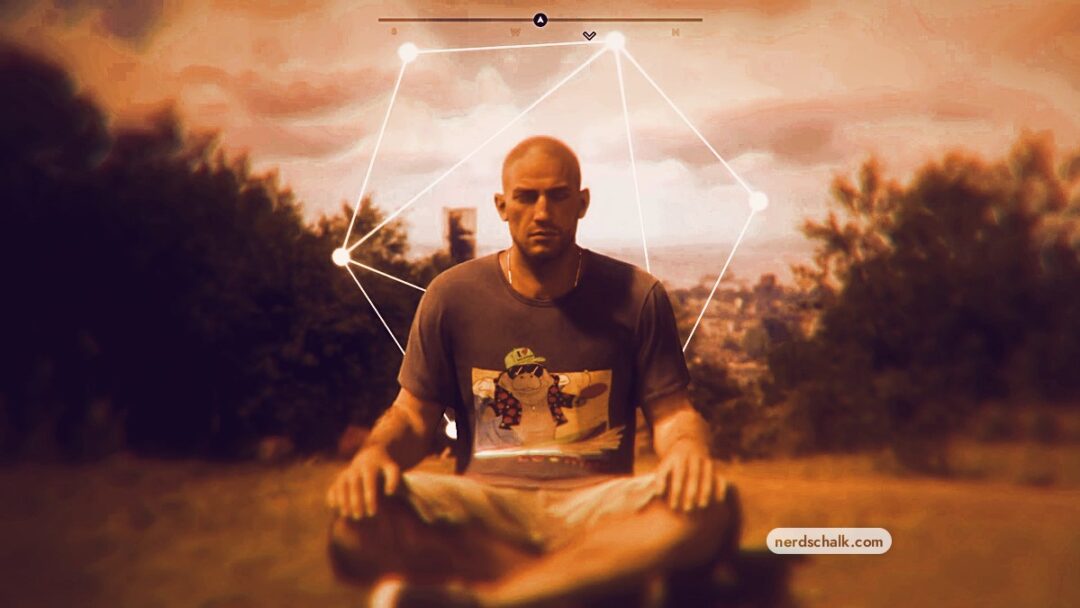
Press CircleB for EXIT to close the menu and return to gameplay wearing your selected outfit. Turn back toward the living area to see the equipped clothes outside the menu.
Check the equipped outfit after turning back into the living area.
What can you customize and save in the wardrobe?
Alongside OUTFITS, the wardrobe has TOPS, BOTTOMS, FOOTWEAR, and ACCESSORIES categories for choosing individual pieces.
The outfit list includes Military Shirt & Jeans, Hawaiian Shirt & Shorts, Flannel Shirt & Jeans, T-Shirt & Board Shorts, and Tourist Tank & Cutoffs. Other visible choices include Workout Wear, Swimwear, Underwear, and Nightwear.
Saved Outfits appears in the list, and you can save custom outfits through the wardrobe and add them to your trunk. The selection menu offers an ADD TO TRUNK (1/5) command for this.
When browsing clothes, the menu displays Wearing or Not wearing to indicate the selected item’s status. It can also offer a REMOVE command.
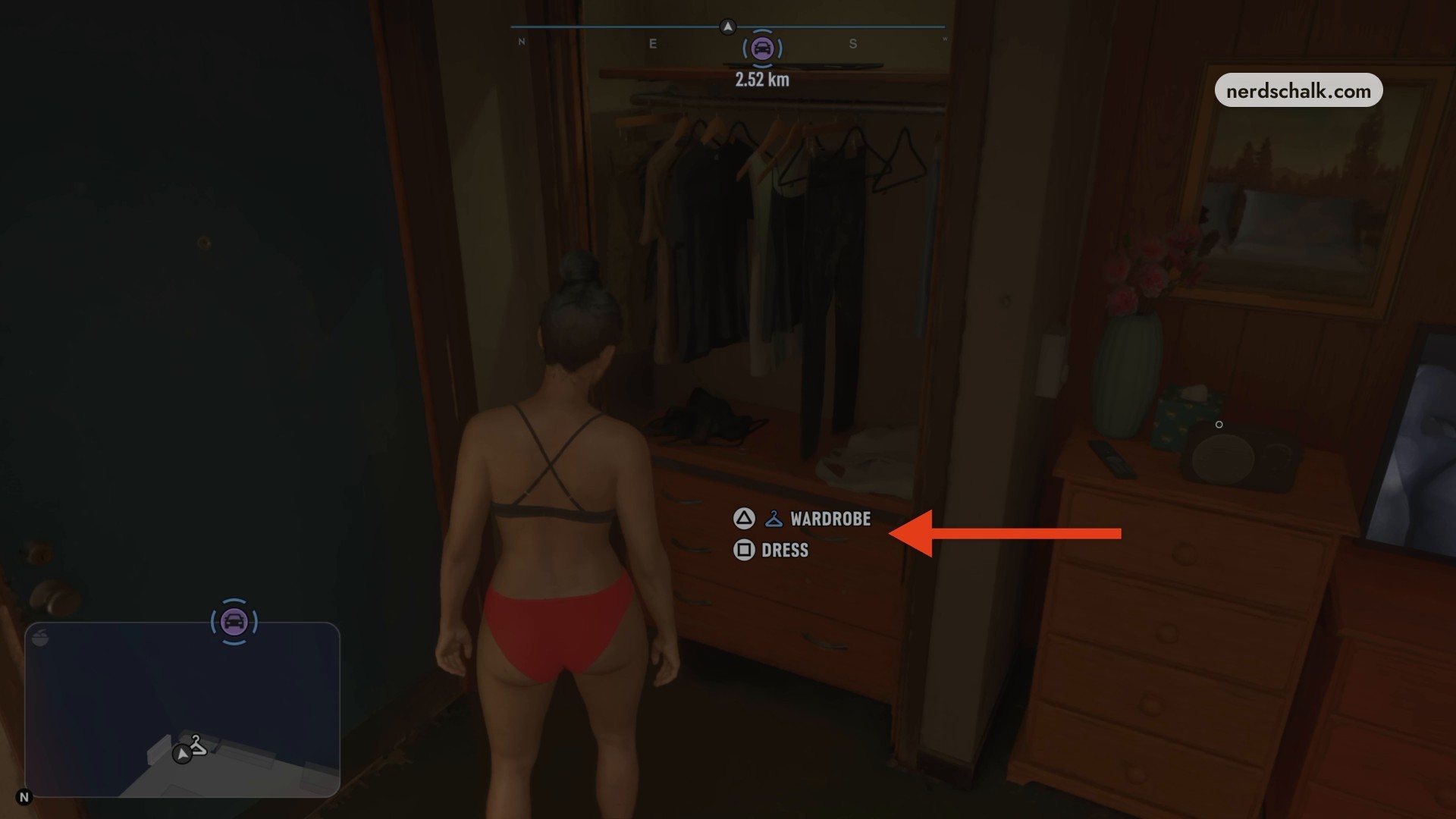
Where is the wardrobe at Starlet Motel in Grand Theft Auto VI?
Inside the Starlet Motel room, approach the open closet as Lucia. Its interaction prompts show WARDROBE and DRESS: press TriangleY to open the wardrobe or SquareX to activate DRESS.
The wardrobe can display a SAVE FOUND HEADWEAR? confirmation with YES and NO options.
Choose a full outfit or browse the clothing categories, then return to gameplay with your selected look.
Related Grand Theft Auto VI guides
Leave a Reply