Category
News
-
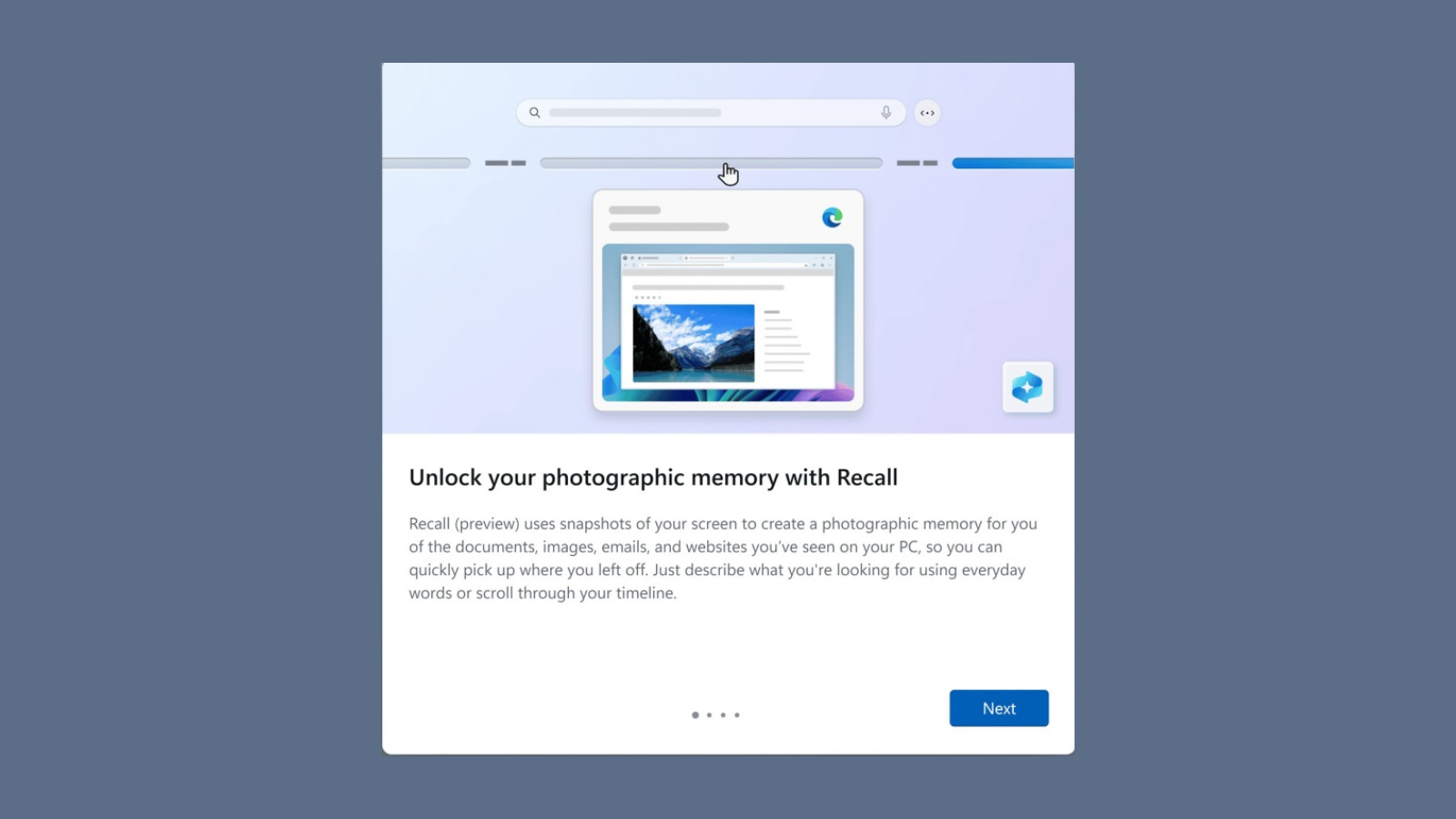
Windows Recall Is Finally Available to Try for Copilot+ PCs
What to know Windows Recall (Preview) is available for Windows Insiders (Dev Channel) with Copilot+ PCs. Microsoft has tried to address the privacy concerns…
-

Google Gemini Gets ‘’Saved Info’’ Option, Can Remember You Choices and Info
What to know Google has launched a new “Saved Info” feature for Gemini that allows it to remember user preferences and personal information. The…
-

Stream Your Own Games Now With Xbox Game Pass Ultimate
What to know • Xbox Game Pass Ultimate subscribers can now stream their owned games through Xbox Cloud Gaming. • The service launches with…
-

Android 16’s First Developer Preview Introduces the ‘’Even Dimmer’’ Feature
What to know Android 16’s first developer preview introduces “Even Dimmer,” integrating advanced screen dimming directly into the brightness control slider. The feature improves…
-

Samsung Plans a Budget-Friendly Flip and Premium Fold in 2025
What to know Samsung will launch a cheaper Galaxy Z Flip FE and premium Galaxy Z Fold 7 SE in 2025. The Z Flip…
-

You Can Now Turn Google Photos Memories into Shareable Videos
What to know Google Photos now lets you share Memories as video files. You can edit and customize these videos before sharing. The feature…
-
Apple Releases macOS 15.2 and iPadOS 18.2 Public Beta 3 Updates
What to know Apple has released public beta 3 for macOS Sequoia 15.2 and iPadOS 18.2, bringing AI-powered features and improvements. The update introduces…
-
iOS 18.2 Beta 4 is Now Available to Developers!
What to know Apple released iOS 18.2 beta 4 to developers with new AI features including ChatGPT and image generation tools. The update adds…
-

New Bing Wallpaper App Might Hurt More Than Help
What to know Microsoft’s Bing Wallpaper app has launched on the Microsoft Store with concerning privacy and tracking features. The app includes built-in tracking…
-
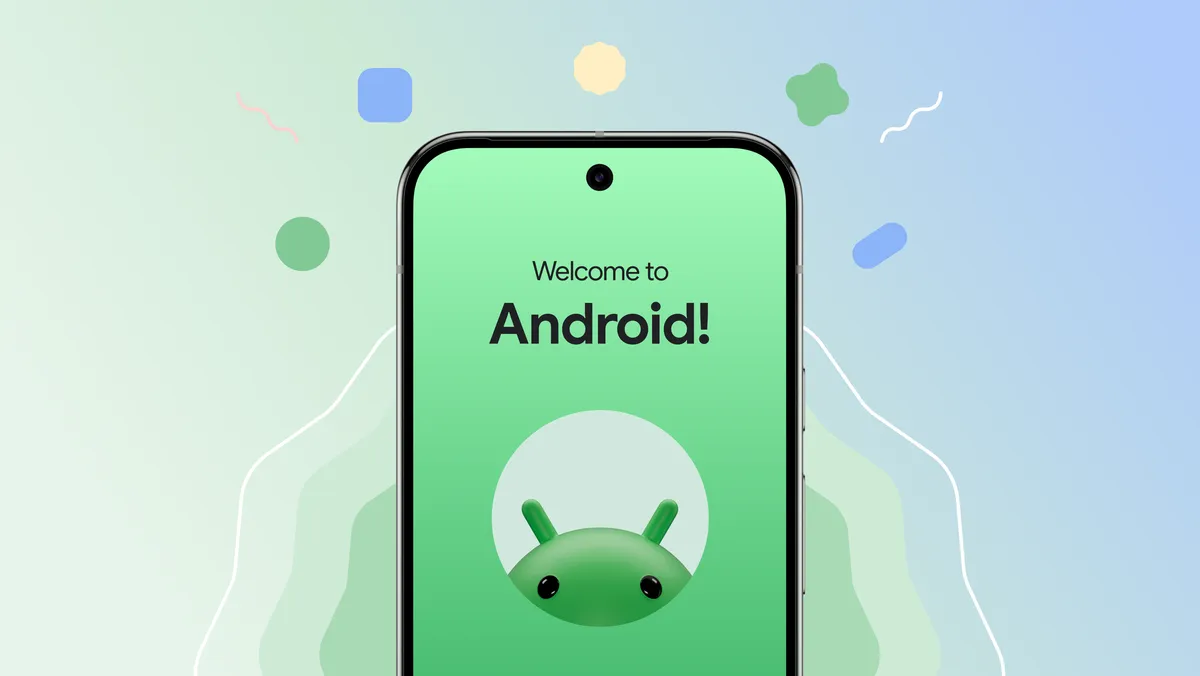
Yay! Google To Bring Pixel 9’s Post-setup Data Copying Feature to More Android Phones
What to know Google will extend the Pixel 9’s post-setup data copying feature to more Android phones in 2025, allowing users to transfer data…
-
Microsoft is Showing Full-Screen Ads to Windows 10 Users to Promote Windows 11
What to know Microsoft shows full-screen ads on Windows 10 computers to promote Windows 11 and Copilot+ PCs. The ads highlight new features and…
-
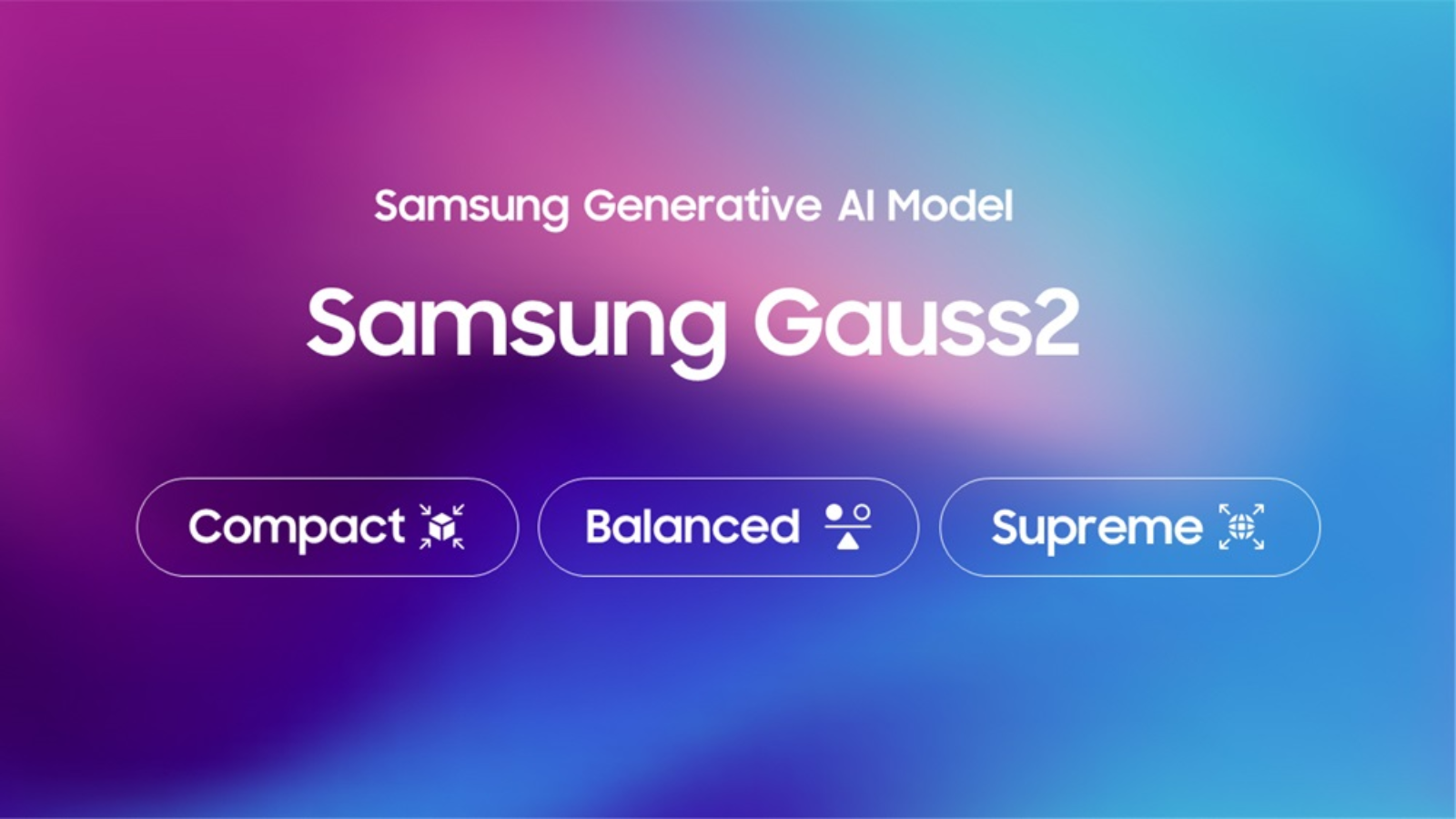
Galaxy Devices To Get Smarter with Samsung’s New Gauss 2 AI Model
What to know Samsung’s new Gauss 2 AI model runs up to 3 times faster than its previous version. The model comes in three…
-

Oppo Find X8 and Find X8 Pro Now Available for Pre-order Globally, Feature iPhone-like Camera Slider
What to know Oppo releases Find X8 series with new MediaTek chip and Hasselblad cameras. Find X8 Pro costs Rs 99,999, Find X8 priced…
-
Apple Insists Users to Install iOS 18.1.1, iOS 17.7.2, iPadOS 17.7.2, and iPadOS 18.1.1 for Important Security Fixes
What to know: Apple released multiple emergency security updates: iOS 18.1.1, iOS 17.7.2, iPadOS 17.7.2, and iPadOS 18.1.1 to patch critical vulnerabilities. The updates…
-

Messenger Introduces AI Backgrounds, HD Video, Noise-Free Calls and More
What to know Facebook Messenger now offers HD video calls with better audio quality. New AI backgrounds let users change their video call backgrounds.…
-

You Can Now Create Custom Feeds on Threads, Too
What to know Meta has globally launched custom feeds on Threads, allowing users to create personalized topic-based feeds. Users can create up to 128…
-

Soon, Transform Your Sketches into Art with Google Keep’s ‘Help Me Draw’
What to know Google Keep adds ‘Help me draw’ to transform sketches into polished artwork. The feature offers vector art, colored pencil, and ink…
-
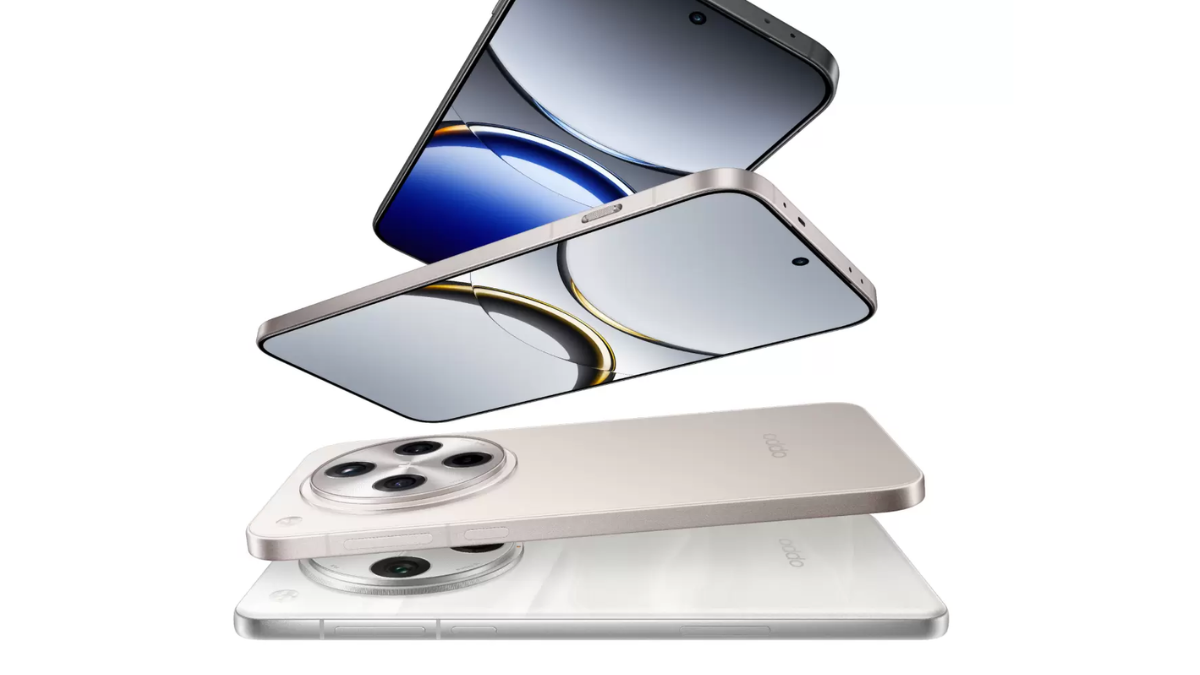
Oppo Find X8 Series Will Have Google’s Circle to Search Feature
What to know Oppo will introduce Google’s Circle to Search feature with ColorOS 15, based on Android 15. The feature will debut alongside the…
-
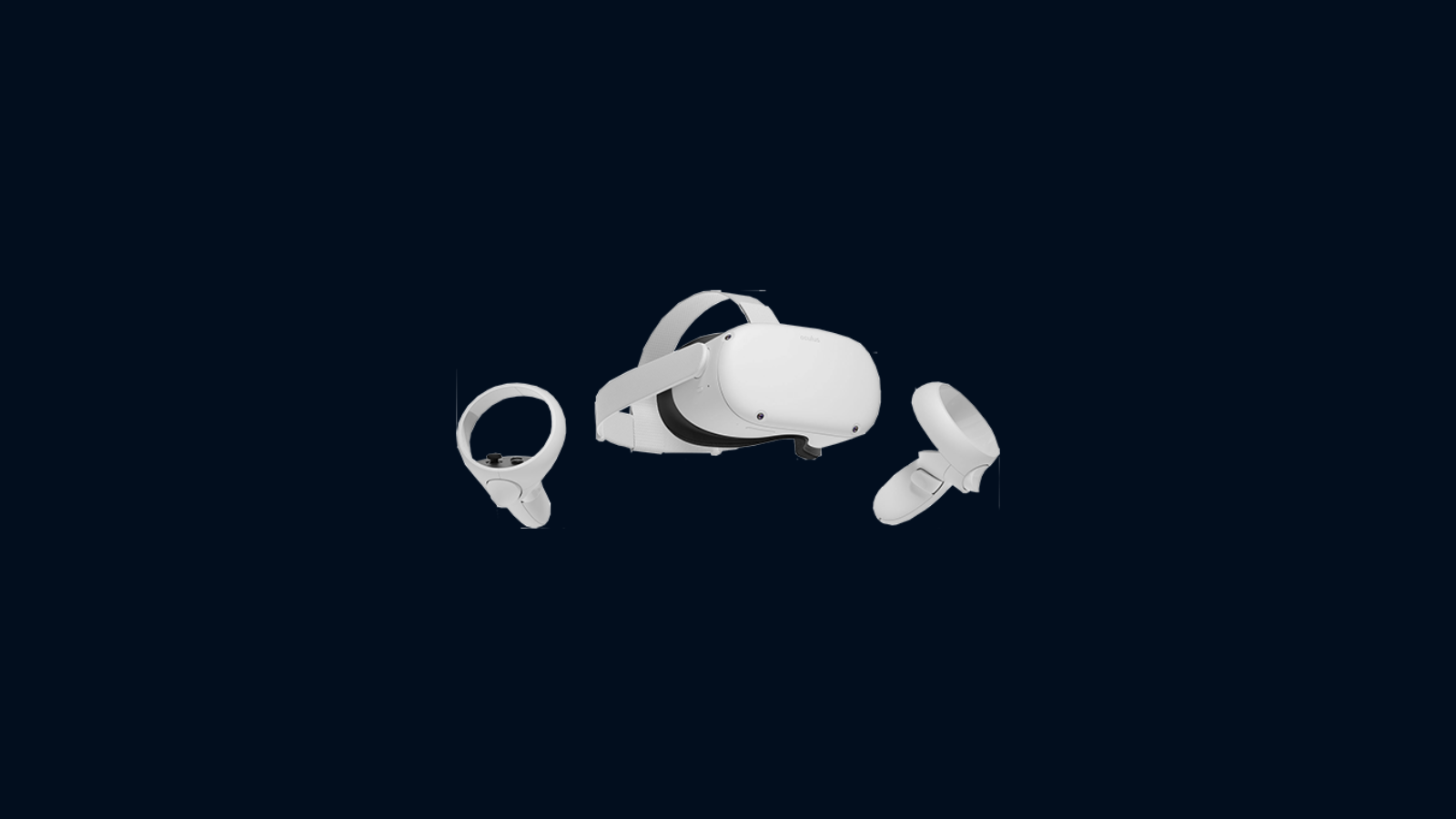
Windows 11 With “Full Capabilities” Coming to Meta Quest 3 and 3S
What to know Windows will work with “Full capabilities” of Windows 11 on Meta Quest 3 and Quest 3S headsets from December 2024. PC…