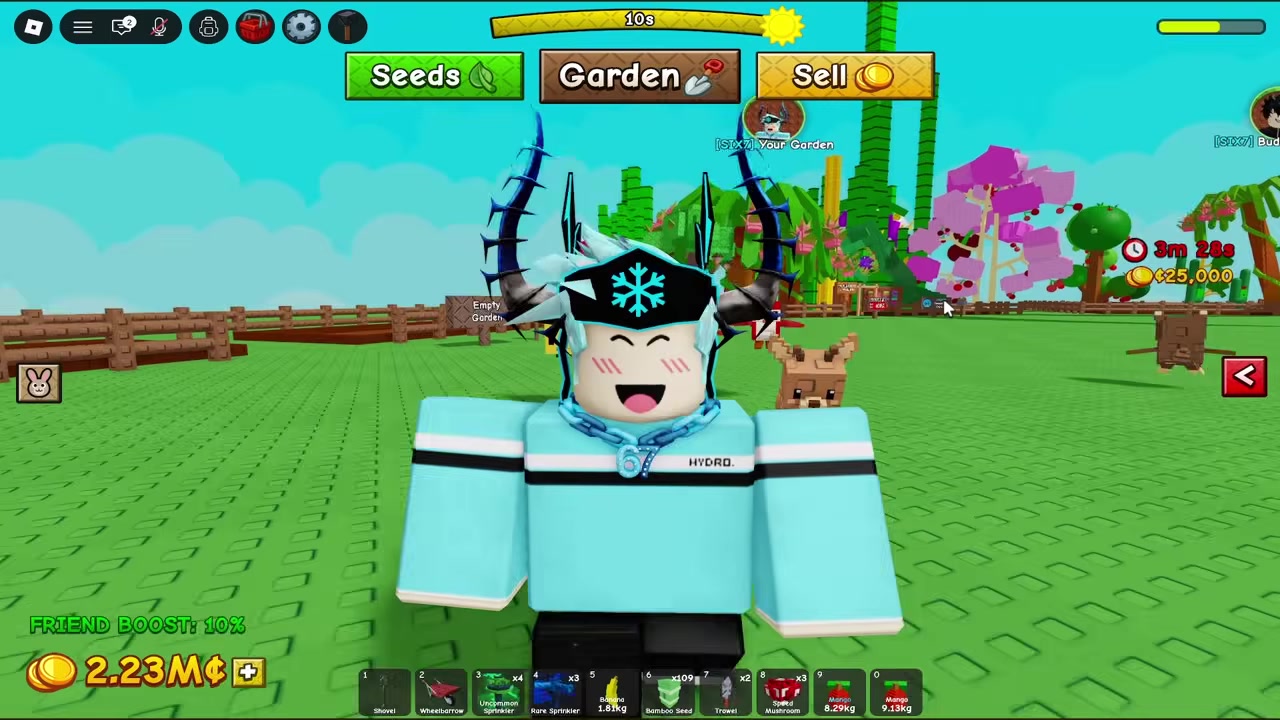
No — there is no verified system for transferring progress, pets, currency, or items from Grow a Garden 1 to Grow a Garden 2; the sequel starts every player from a fresh garden.
If you sank hours into your first garden, the obvious hope is that your pets, currency, and unlocks follow you into the sequel. Right now they don’t. Everything currently known about Grow a Garden 2 describes a clean-slate start, and no official post or in-game button points to importing your old save. Here’s exactly what carries over (nothing, so far), why, and what to do with the progress you already have.
Why nothing carries over at launch

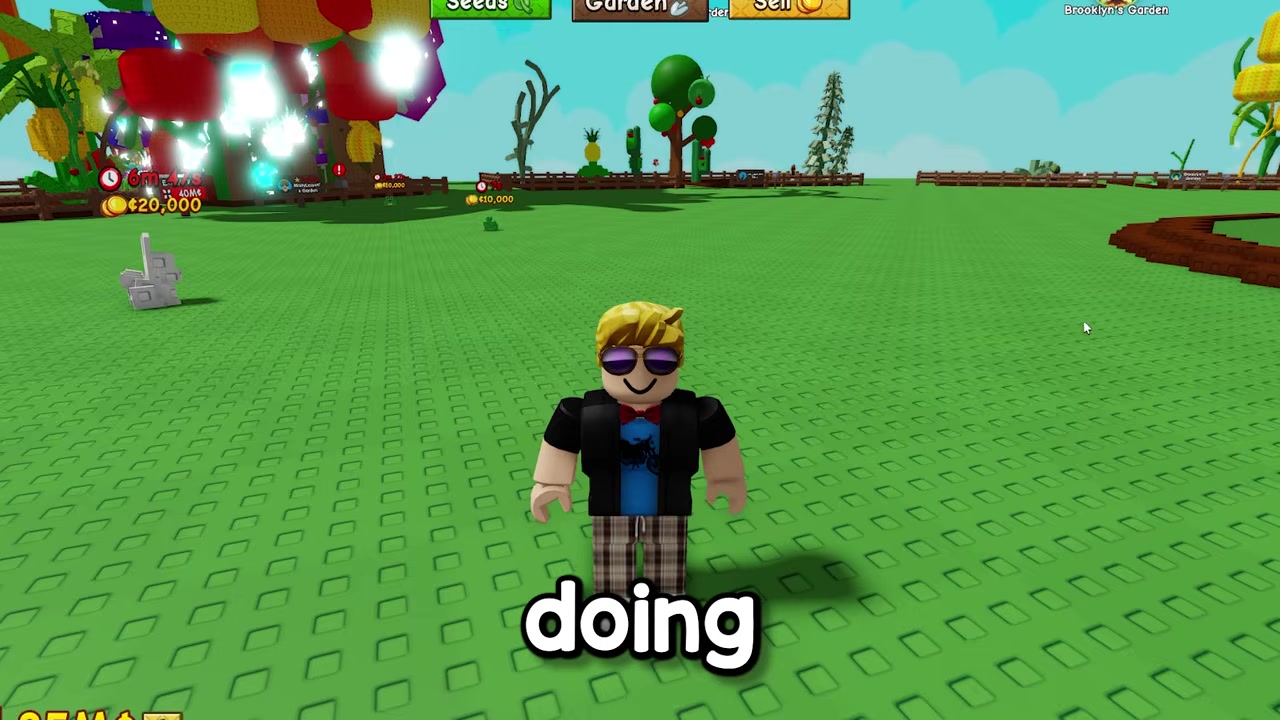
The answer lines up across the board: you start Grow a Garden 2 with a blank garden and have to rebuild from the basic seeds you can buy at the Seed Shop in the center of the map. There is no documented “Import Save,” “Legacy Reward,” or “Link Grow a Garden 1” option anywhere in the new game.
This fits how Roblox normally works: each experience stores its own save data unless the developers deliberately build a bridge between them, and no such bridge has been announced. So this isn’t a bug or a setting you’ve missed — it’s the default. If a transfer ever shows up, it would arrive as an explicit future update, not something that happens automatically the first time you load in.
One important honesty note: accounts disagree on Grow a Garden 2’s economy. Some say the sequel runs on a new coin balance, while early GAG2 pet listings still show prices in Sheckles. Either way, the point for transfers holds — nothing shows your old balance converting into the new game.
What specifically does not move over
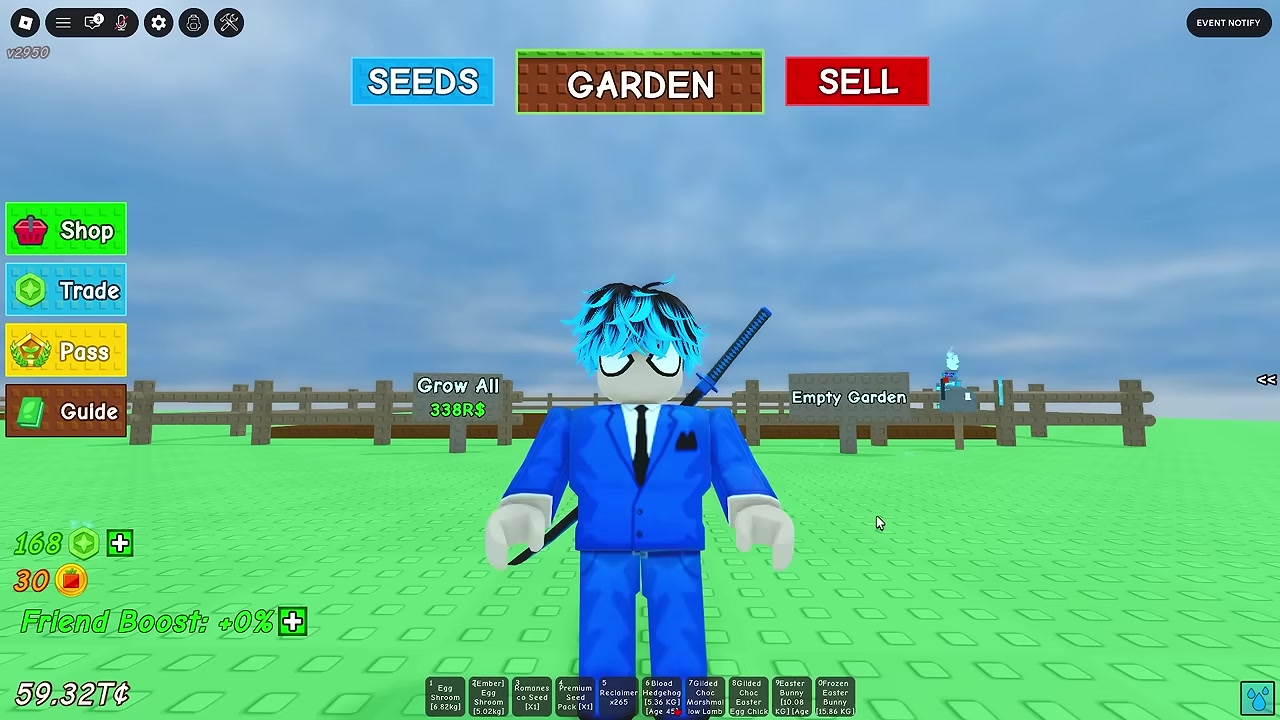
Going system by system, here’s what stays behind in Grow a Garden 1:
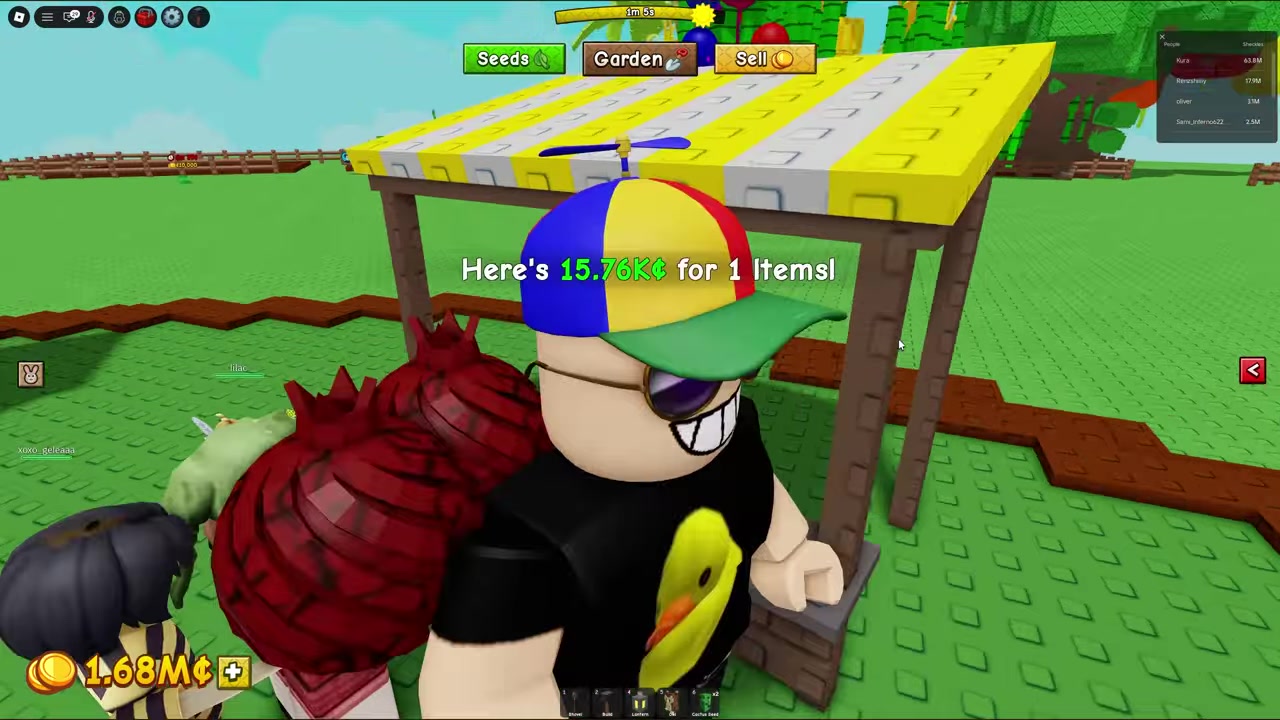
- Currency: Your GAG1 Sheckles do not convert into the sequel’s balance. The two economies are completely separate.
- Garden size and upgrades: GAG1 plot expansions — including the ones that cost up to 250 million per side or sit behind 24-hour and 3-day timers — don’t appear as completed in GAG2. You start on a basic plot again.
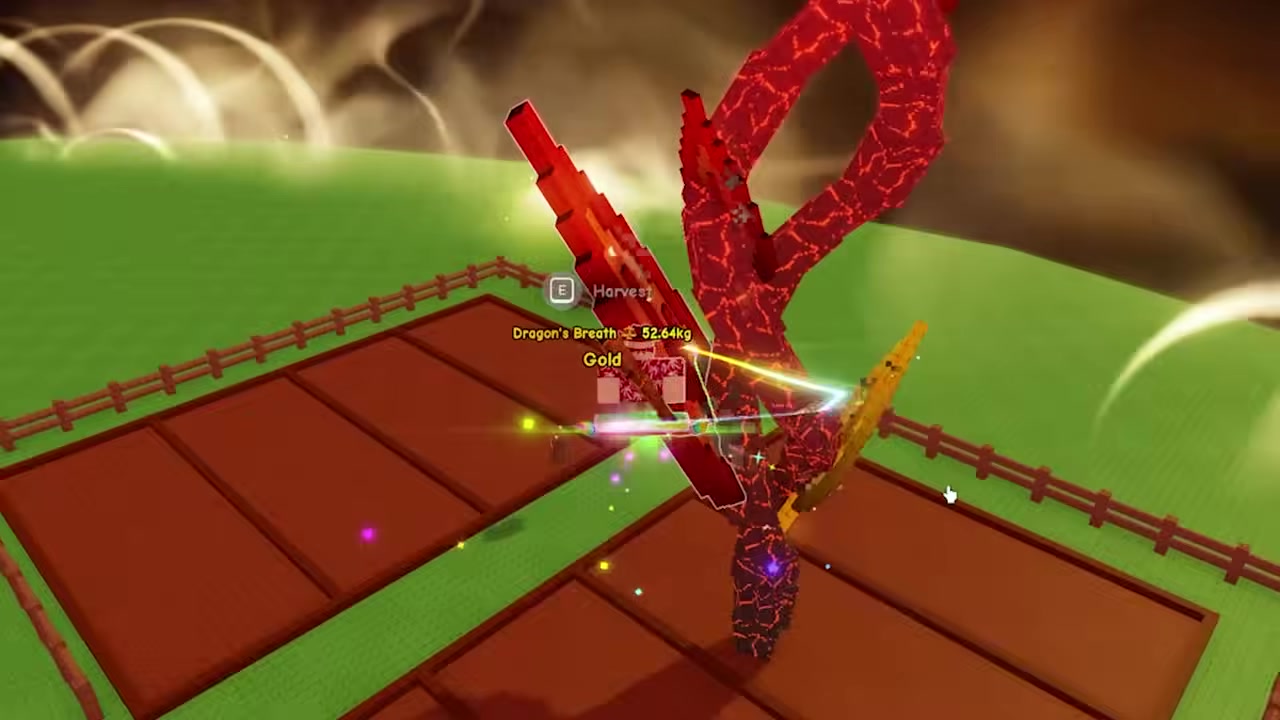
- Pets and collections: GAG1’s Garden Guide tracked Crops, Pets, Cosmetics, Food, and Mutations. Grow a Garden 2 has its own pet collection that you build inside the new game; there is no documented cross-game pet unlock.
- Gamepasses and Robux buys: Nothing officially confirms that gamepasses or cosmetics you bought in GAG1 unlock anything in the sequel. New power gear like the Power Hose and Freeze Ray is treated as fresh GAG2 content.
Worth being clear about the limits of this: the early GAG2 pet listing is still marked a stub and the game is brand-new. So read this as “not currently documented or verified,” not as a permanent developer promise that a transfer will never exist.
The mix-ups that make players think transfers exist
A lot of the confusion comes from three honest mistakes:
- Save slots vs. game transfers. There are known ways to move crops between save slots inside a single Grow a Garden game. That only shuffles data between internal slots — it does not move anything from GAG1 to GAG2.
- Assuming balances are shared. Because both games live on Roblox and share a theme, players expect their currency to sync. All current evidence says the economies are entirely separate.
- Assuming pets are account-wide. Pets in both games are tied to that specific game’s data, not to your Roblox account globally, so they don’t follow you between titles.
The community reaction reflects the worry rather than a feature: Reddit threads show players nervous about starting over — one bluntly said, “If they take away my pets I’m done with this game” — and others openly speculating about whether transferable pets should be added. That’s discussion and hope, not a confirmed system.
What to do with your Grow a Garden 1 progress
Since it won’t move, decide whether finishing GAG1 is still worth it on its own terms. There’s real value in wrapping up your remaining Achievements, hunting rare Mutations, and completing the Garden Guide‘s Pets and Cosmetics sections — just go in knowing that progress stays in the first game.
For the sequel, your time is better spent learning its fresh-start loop: buy cheap starter seeds like carrots and strawberries from the center Seed Shop, sell your harvests, and reinvest into better seeds and seed packs to climb the ladder. Pets in GAG2 are something you earn inside the new game — accounts split on the method, with some saying you hatch them from eggs and early GAG2 listings showing pets bought from random map spawns — so treat the exact route as still settling. Either way, building that collection from scratch is part of the new game’s progression.
Don’t wait for a transfer before starting Grow a Garden 2 — there’s no migration at launch, so the fastest path is to dive into the sequel’s economy fresh and finish anything you still want from Grow a Garden 1 separately.
Frequently Asked Questions
Will a transfer feature be added later?
Do my Sheckles from Grow a Garden 1 convert into the new game?
No. The currencies are separate, and nothing describes GAG1 Sheckles converting into the sequel’s balance. You start the new economy from zero.
Do gamepasses or cosmetics I bought in Grow a Garden 1 carry over?
There’s no official documentation that any Robux gamepass or cosmetic purchase from the first game unlocks anything in Grow a Garden 2. Treat all GAG2 items as new buys.
How do I get pets in Grow a Garden 2 then?
Inside the sequel itself. Accounts conflict on the exact method — some say the only way is hatching pets from eggs, while early GAG2 listings also show pets you buy from map spawns with in-game currency before a countdown timer runs out. That detail is still settling.
Does moving crops between save slots count as a transfer?
No. Slot-swapping only moves data inside one Grow a Garden game. It can’t pull anything from the first game into the sequel.
More questions⤵
Is it still worth finishing Grow a Garden 1?
If you enjoy it, yes — for the Achievements, rare Mutations, and Garden Guide completion in that game. Just know none of it migrates to Grow a Garden 2.
Researched from multiple Grow a Garden 2 community sources. We update this as the game settles.