Grow a Garden 2 has exactly one confirmed working code right now — TEAMGREENBEAN, which rewards 3 Green Bean Seeds.
Grow a Garden 2 only went live on June 12, 2026, so the code list is short and still settling — and a lot of the “ALL CODES” lists floating around are padded with guesses. The honest version is that the developers have dropped a single launch code so far, and it’s worth grabbing the moment you load in. Here’s the one that genuinely works, exactly how to claim it, and which names you can safely ignore.
| At a glance | Detail |
|---|---|
| Working codes | 1 — TEAMGREENBEAN |
| Reward | 3 Green Bean Seeds (listed as Epic rarity) |
| Expired codes | None yet |
| Launch date | June 12, 2026 |
| Where codes drop | Official Discord, update days |
The one code that works right now
Every reliable community source lines up on the same entry. TEAMGREENBEAN is the first launch code and the only verified active one, and it hands you 3 Green Bean Seeds — described in at least one listing as Epic-rarity seeds. There are no expired codes yet, because nothing has had time to lapse, so there’s no rush beyond the free seeds themselves.
| Code | Reward | Status |
|---|---|---|
| TEAMGREENBEAN | 3 Green Bean Seeds | Working |
One small wording note worth clearing up: some footage calls the reward “three green bean seed packs,” then a moment later refers to plain “three green bean seeds.” Treat the pack phrasing as loose talk rather than a second reward — what lands in your inventory is three seeds.
How to redeem codes in Grow a Garden 2
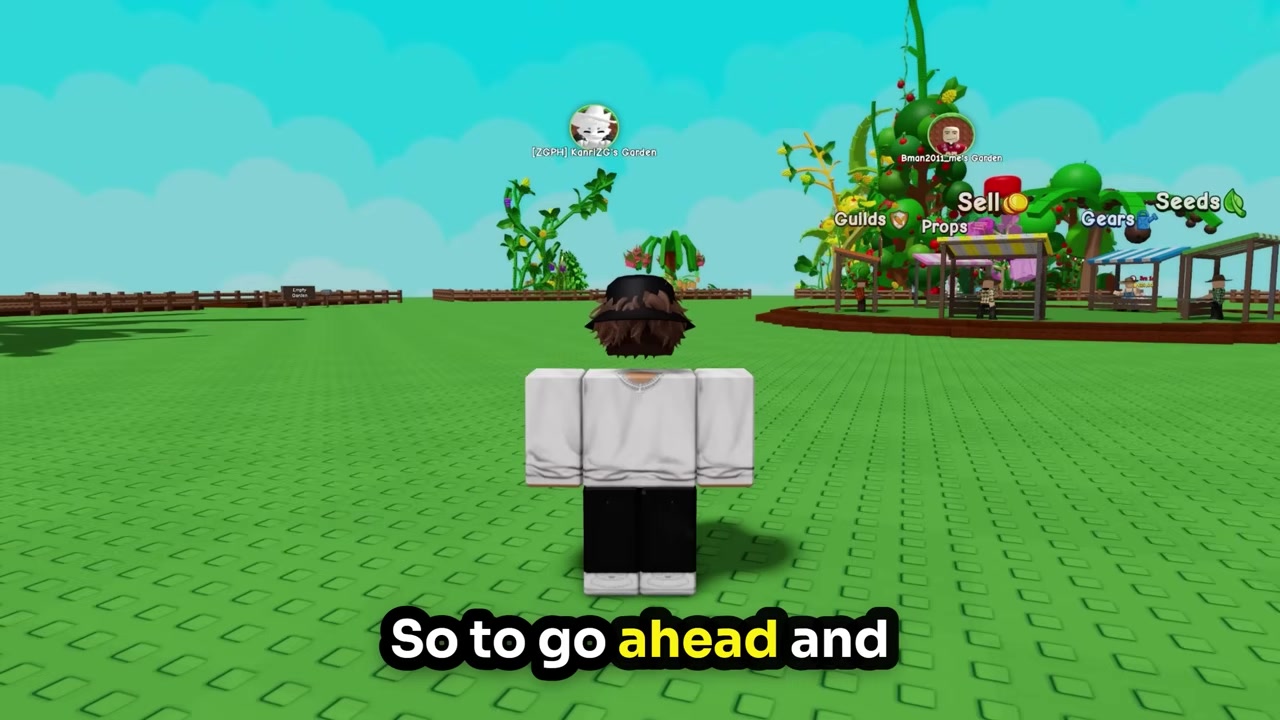
Load into the game
Open Grow a Garden 2 on Roblox and spawn into your garden.
Check the top-left
The icons you need sit in the top-left corner of the screen, right next to the shop.
Open Settings
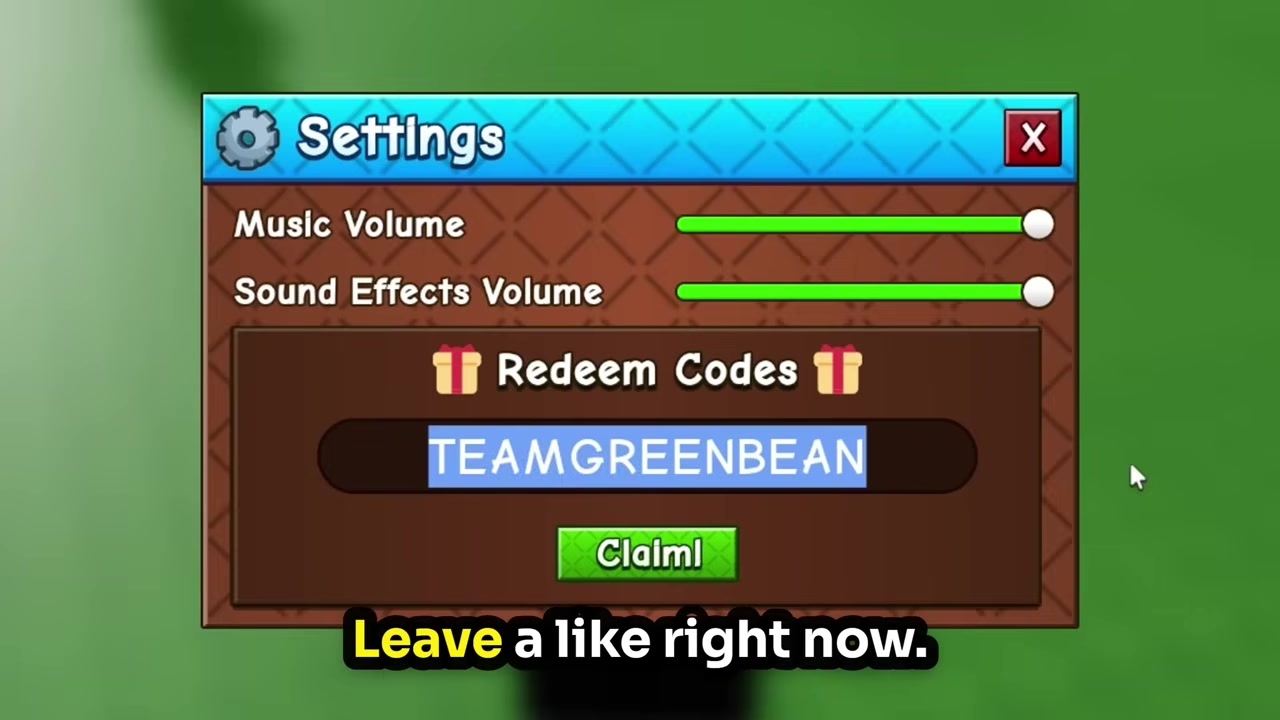
Click the silver settings cog in the top-left to open the menu.
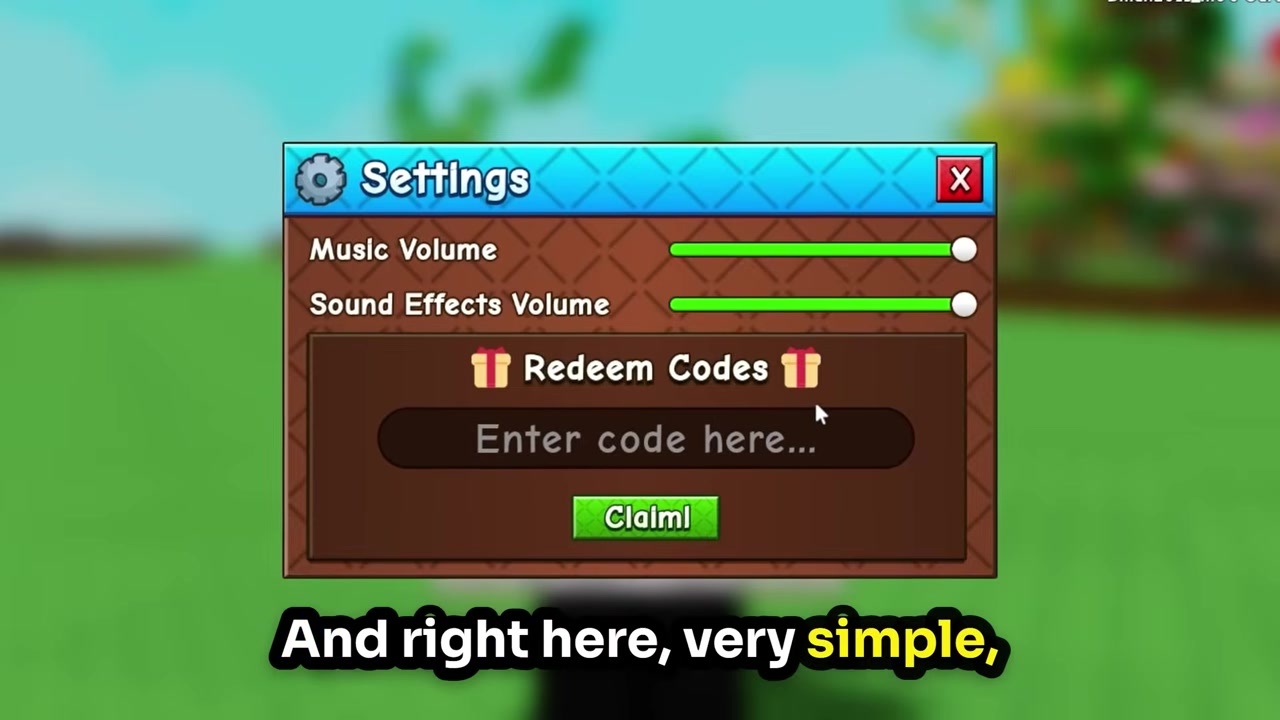
Find the code box
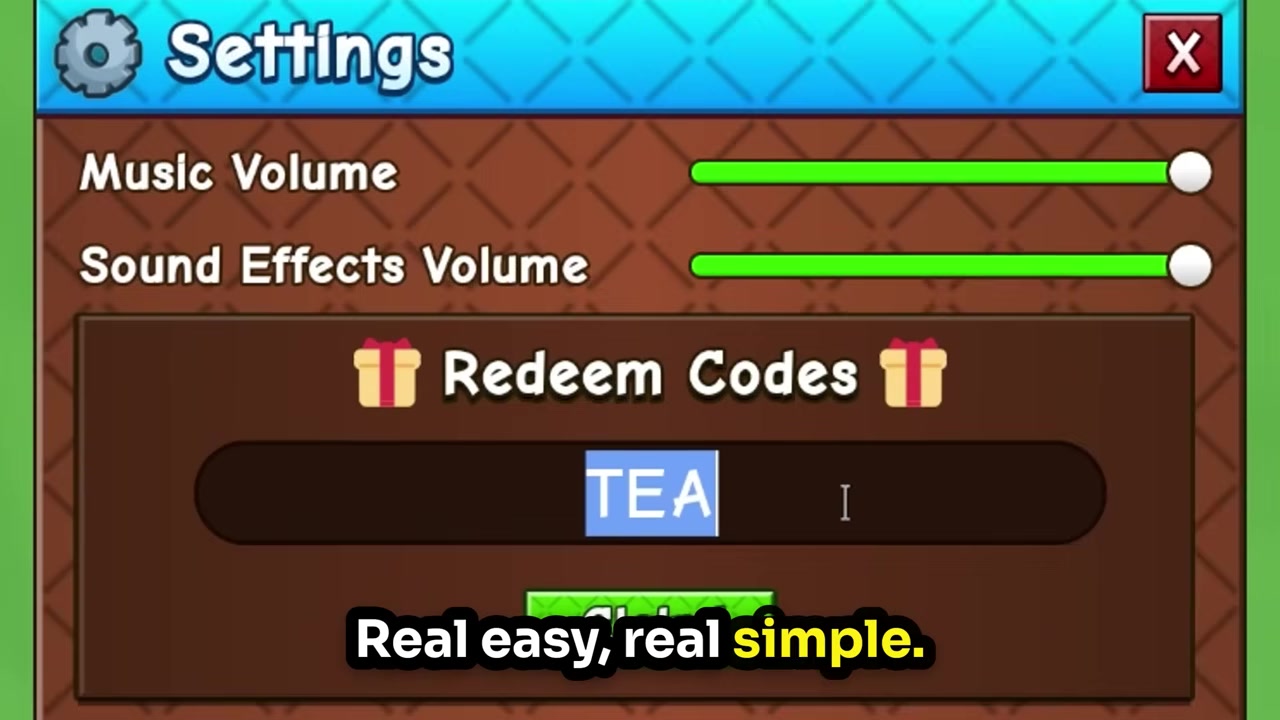
Look for the “redeem codes” section with the “enter code here” field and a Claim button.
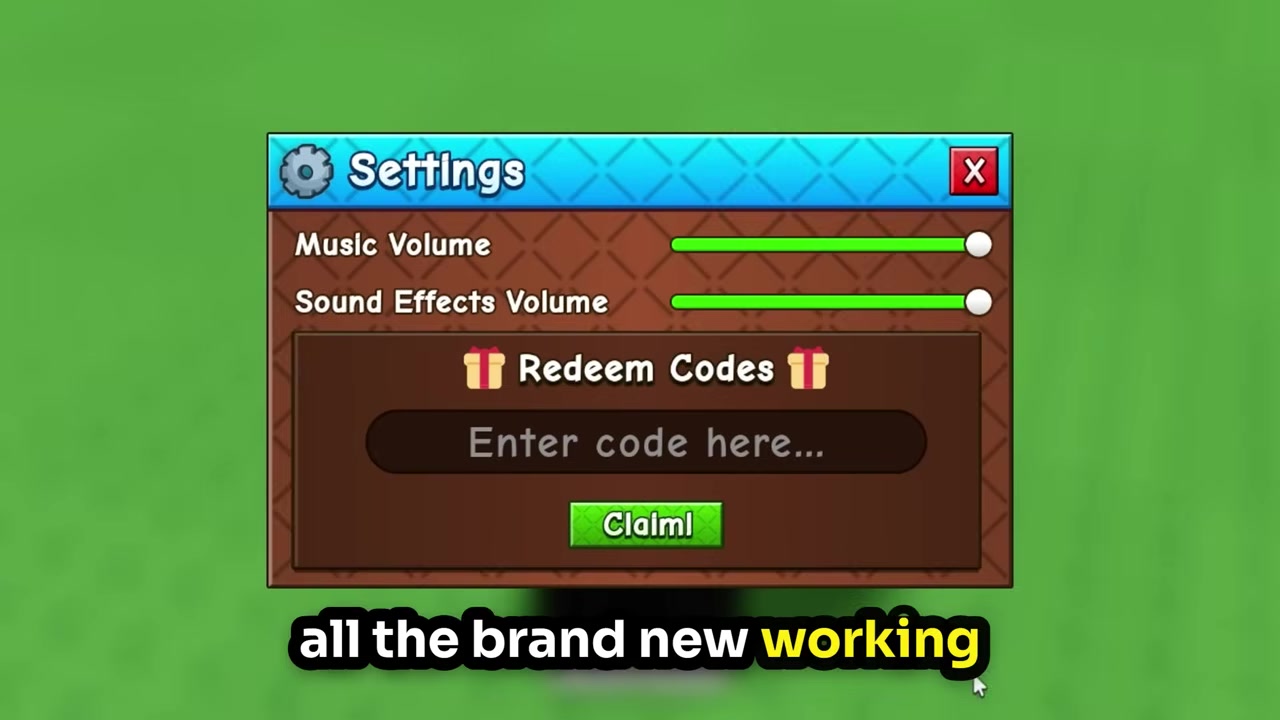
Match the casing
Type the code in all caps exactly as shown, because codes are case-sensitive.
Enter TEAMGREENBEAN
Type TEAMGREENBEAN in capital letters with no spaces and no numbers.
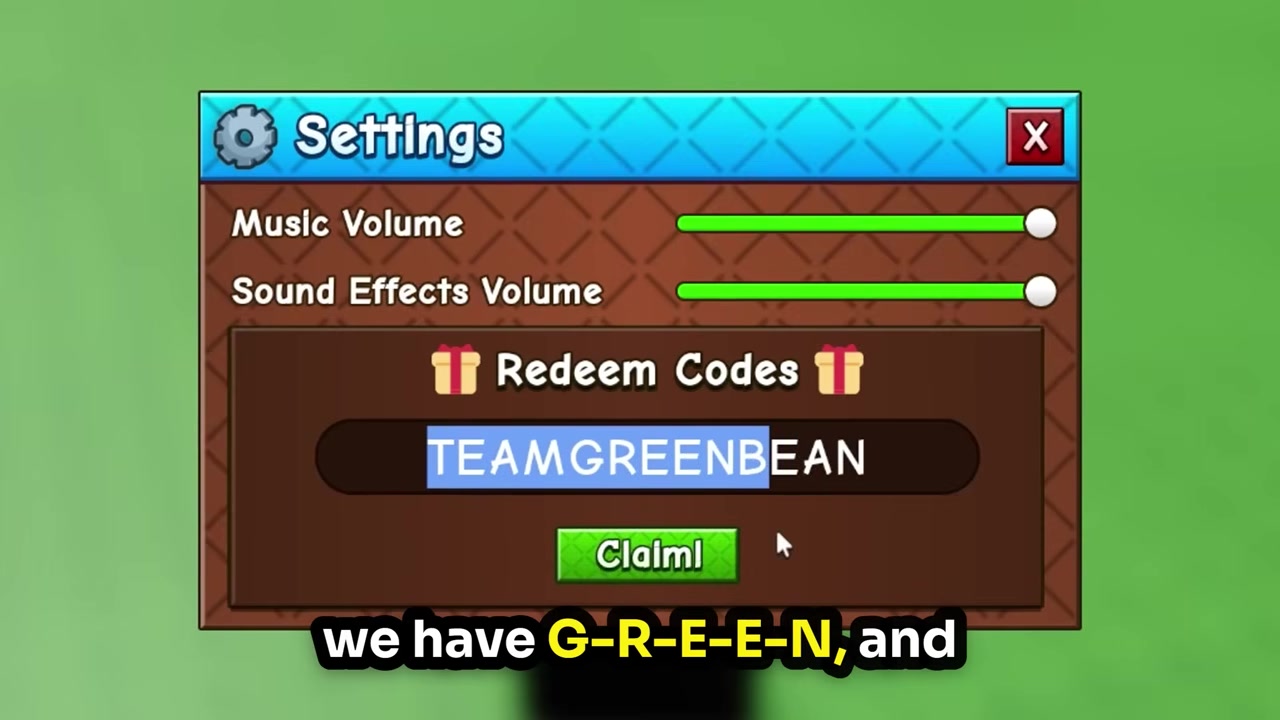
Claim the reward
Press Claim (or Enter) to bank your 3 Green Bean Seeds.
Video help
Codes floating around that you should skip
This is where most “all codes” videos go sideways. Names like GROWAGARDEN2 and a supposed future RELEASE (or NEWRELEASE) code get passed around as if they’re live, but neither is listed as working in any credible tracker. Treat them as rumors until you personally see a “Code successful” message in-game.
The bigger trap is recycling codes from the original Grow a Garden. Old entries belong to the first game’s code page and are not verified for the sequel — none carried over, and there were no pre-launch codes for Grow a Garden 2 at all. Your saves don’t transfer either, so you genuinely start fresh here.
| Don’t bother with | Why it fails |
|---|---|
| GROWAGARDEN2 | Rumored, never shown redeeming successfully |
| NEWRELEASE / RELEASE | Unconfirmed leak, not active in any tracker |
| torigate, BEANORLEAVE10, RDCAward | From the first game — they don’t carry over |
Earning rewards once the codes dry up
With only one code live, the faster way to stock up is simply playing. Completing Guild tasks and climbing the leaderboard are both quick ways to earn resources early. For a money jump, ask friends to gift you high-priced crops — ideally ones with mutations, which boost their value and your income.
The core loop sits underneath all of it: the Seed Shop restocks every five minutes, so you plant seeds, let crops grow and mutate, then sell them for Sheckles. Those three free Green Bean Seeds are a tiny head start — the restock-plant-sell rhythm is what actually builds the garden. Plant the higher-value or event seeds first to get that engine turning sooner.
Redeem TEAMGREENBEAN the second you can open Settings — it’s free, it hasn’t expired, and there’s no reason to leave 3 Green Bean Seeds sitting on the table while you wait for more codes.
Frequently Asked Questions
How many Grow a Garden 2 codes are there?
Just one confirmed code right now: TEAMGREENBEAN. Anything else you see listed is currently unverified.
What does TEAMGREENBEAN give you?
3 Green Bean Seeds, listed in at least one source as Epic rarity. Despite some “seed pack” wording in videos, the actual reward is three seeds.
Are there any expired Grow a Garden 2 codes?
No. The game launched on June 12, 2026, so nothing has lapsed yet — there’s no deadline to beat.
Do Grow a Garden 2 codes give Robux?
No. The current code hands out seeds, not Robux or paid shop bundles.
Can I use old Grow a Garden codes in the sequel?
No. Codes from the first game don’t carry over and aren’t verified for Grow a Garden 2, even if they still appear on the original game’s list.
More questions⤵
Do I need to finish the tutorial before redeeming?
This one is genuinely unsettled — some players redeem straight away, others say the box only works after the brief opening tutorial. If your code won’t take, play through the tutorial and try again.
Why won’t my code redeem?
Codes are case-sensitive and must be typed exactly, usually all caps with no spaces. Double-check for typos, then, if it still fails, finish the tutorial and retry.
Where do new codes get announced?
New codes typically show up on the game’s official Discord and around update days, so checking on patch days is the quickest way to catch them early.