
No, Palworld 1.0 does not appear to let you change an already placed bed in-place; dismantle the old bed and build the bed type or layout you want instead.
If you unlocked a better bed or want to clean up a crowded base, the answer is the same in Palworld 1.0: rebuild the sleeping setup. The 1.0 base changes give you more layout room and compact-building options, but they do not turn a placed bed into something you can swap like equipment.
Placed beds cannot be changed directly
No. In Palworld 1.0, a bed you have already placed does not get a bed-only edit, upgrade, or swap action that turns it into another bed type.
The same answer applies after the 1.0.1 hotfix: beds still behave like ordinary base build objects, so changing the type or position means replacing the object rather than editing it in-place. If someone is describing a one-click bed swap, bed upgrade, or bed relocation tool, that is not part of the 1.0 or 1.0.1 bed flow.
How to replace a bed in Palworld
Open build mode
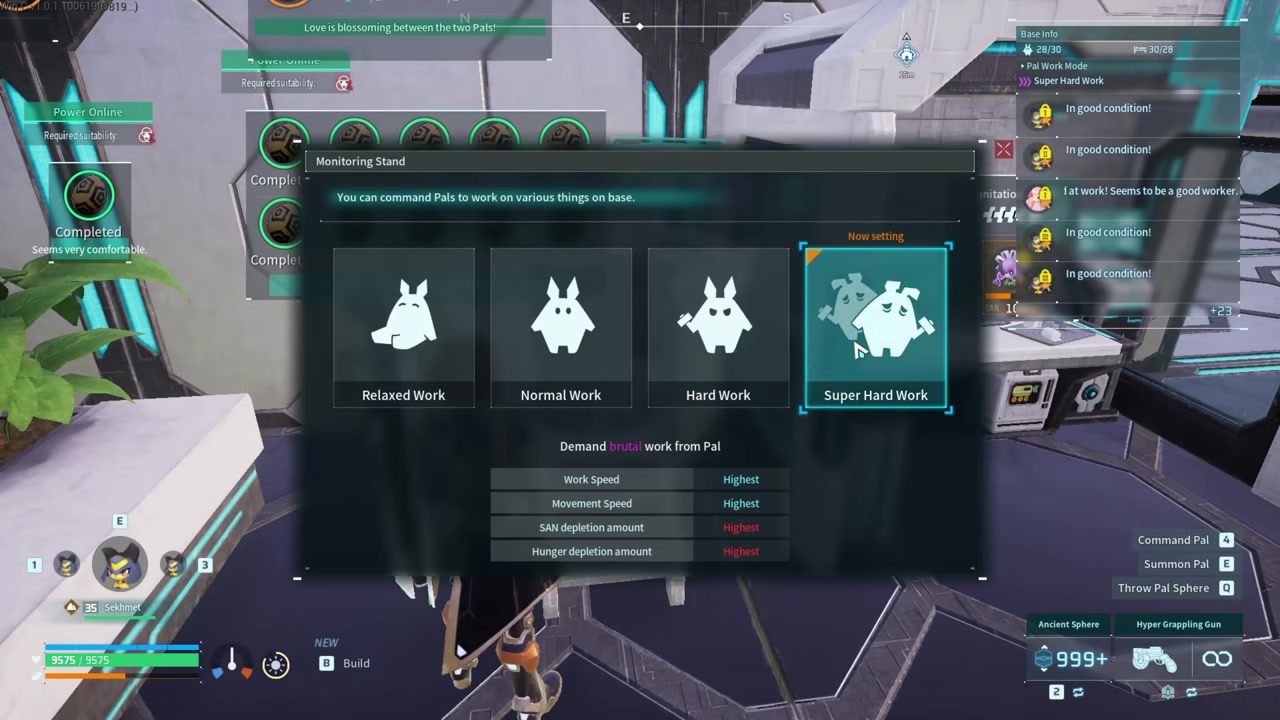
Enter the building interface while you are at the base that has the bed you want to change.
Dismantle the old bed

Use the dismantle/remove option on the existing bed so the space is cleared.
Pick the replacement bed
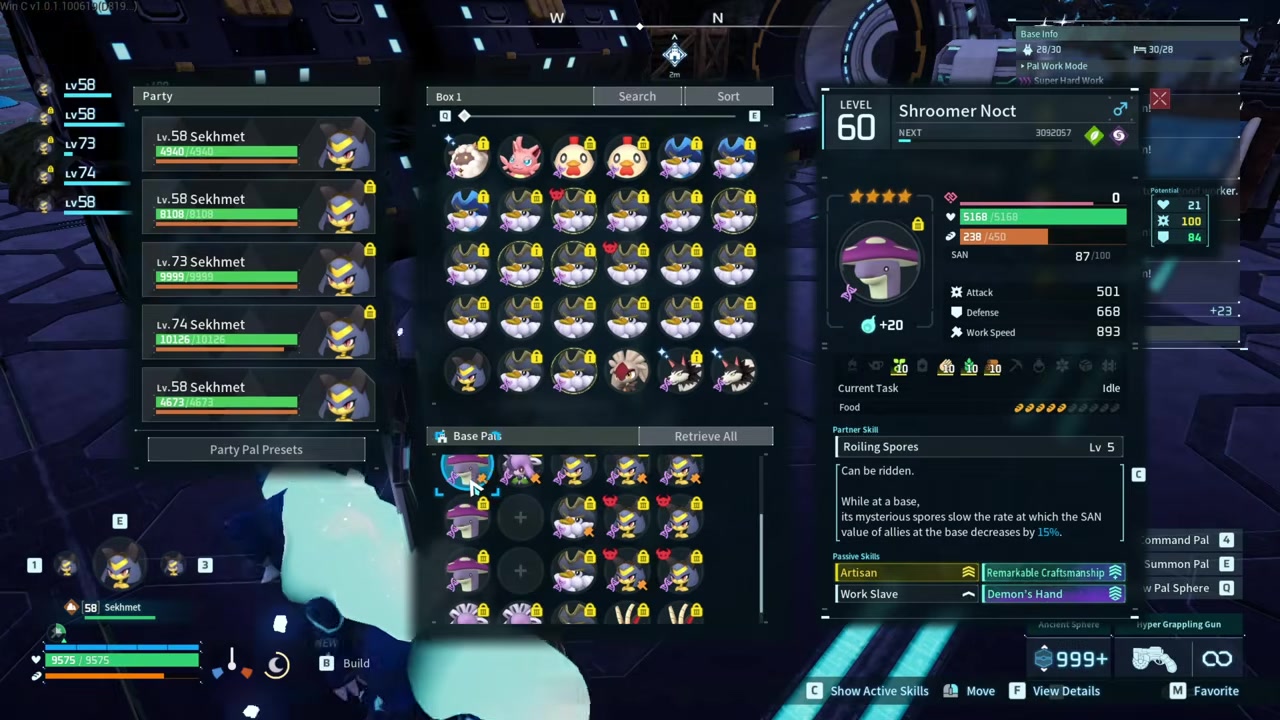
Choose the bed type you want from the build menu after you have unlocked it.
Place the new bed

Set it in the new spot or the same spot, then confirm construction.
Let the base settle

Pals will start using available beds naturally after the rebuild.
For a clean swap, unlock the replacement bed before you dismantle the old one so the base is not left short on available beds while you rebuild.
What 1.0 changed around bases
Palworld 1.0 broadened base building around beds rather than turning beds into editable furniture. The update added more building parts, aquatic construction options, Work Pal improvements, and raid changes that make base layout feel more important.
KEY!That gives you more reason to rethink where beds sit, especially in tighter production bases, but the bed object itself still follows the normal place-or-remove rhythm. The 1.0.1 hotfix does not add a separate bed relocation or conversion tool.
Bed layout options players usually mean
| Goal | What |
|---|---|
| Change bed type | Dismantle the placed bed, then build the bed type you want. |
| Move a bed | Remove the old placement and rebuild the same bed type in the new spot. |
| Save space with Pal beds | Use compact stacked-bed layouts; table-assisted setups become an option after tables are unlocked at level 12. |
| Run no-sleep workers | Do not rely on Dark Pals as no-sleep workers; Dark-type Pals still follow usual sleep behavior, while pals with insomnia can work without beds. |
When players ask about “changing” beds, they are often asking about two different jobs: replacing the bed itself or rearranging the sleeping area. Replacement is the bed object; layout work is about how much floor space the beds occupy.
Stack Pal beds and other compact setups are a separate building trick, not a bed conversion tool. Use them when the problem is base space, especially after the 1.0 building additions give you more ways to shape a base.
When beds are optional for a base
There is one advanced exception: an always-working base can be built around Pals that do not need to sleep. Dark Pals still follow usual sleep behavior at night, so do not treat Dark type as a no-sleep exception; Pals using insomnia can work through the night instead of going to bed.
KEY!In that kind of setup, beds can be removed because the assigned workers are not using sleep as part of the routine. For a normal base, changing beds still means rebuilding the sleeping area rather than looking for an upgrade button.
Frequently Asked Questions
Can you upgrade a Stack Pal Bed without rebuilding it?
No. A Stack Pal Bed is changed by replacement, not conversion, so build the better bed separately after it is unlocked.
Can you move a placed bed in Palworld?
No. A placed bed has to be removed from its old position and rebuilt where you want it.
Will Pals use a new bed after you rebuild it?
Yes. Once the new bed exists at the base, Pals use available beds naturally; there is no separate bed-assignment step in the 1.0 process.
Can you stack Pal beds in Palworld?
Yes. Stack Pal bed layouts exist in 1.0 for saving floor space, including table-assisted setups after tables are unlocked at level 12.
Can you remove every bed from a base?
Yes, but it only fits a base where the assigned workers do not need sleep. Dark Pals are not a no-sleep option because Dark-type Pals still follow usual sleep behavior; Pals using insomnia are the relevant no-sleep option.
Video help






Leave a Reply