
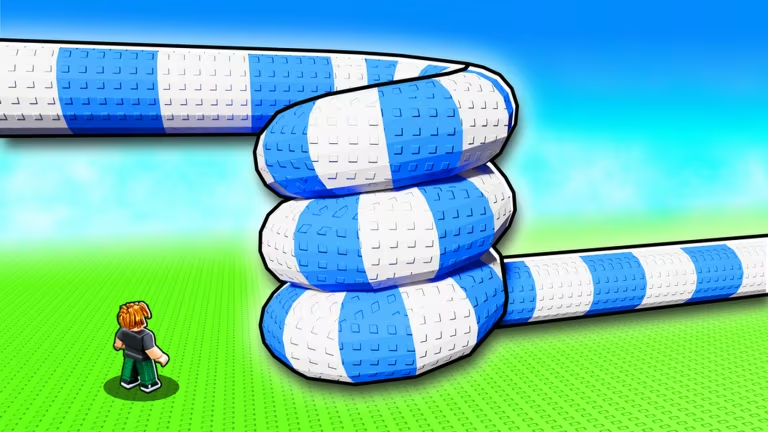
Build a Waterslide is a Roblox building experience where you design and race down custom slides, and codes are the developer’s way of handing you free in-game perks without spending Robux. When new codes go live, they typically unlock currency, boosts, or cosmetic extras you can put toward your slide builds.
Working Build a Waterslide codes
There are no active Build a Waterslide codes right now. Codes for this experience tend to come and go quickly, so this list gets refreshed as soon as the developer drops something new. Check back before you start redeeming so you don’t waste a trip to the codes menu.
How to redeem codes in Build a Waterslide
Specific redemption steps for Build a Waterslide haven’t been confirmed yet since there’s nothing to redeem at the moment. Once codes go live, the safest way to find the exact process is to open the experience itself and look through its menus for a redemption option, since that’s where Roblox games typically place it.
How to get more Build a Waterslide codes
New codes for Build a Waterslide usually get announced through the game’s own community spaces rather than in-game alone. Joining the official Discord server puts you in front of announcements as soon as they’re posted, and it’s typically the fastest way to catch a code before a lot of other players redeem it. The official Roblox community page for the game is also worth following, since developers often drop updates there too.
There’s no fixed schedule for when new codes appear. They tend to line up with updates, milestones, or events, so checking in periodically instead of expecting a set drop date will serve you better.
Frequently asked questions
Are Build a Waterslide codes free?
Yes. Codes are released by the developer at no cost and simply need to be redeemed inside the experience to claim their rewards.
Why didn’t my code work?
Codes stop working once the developer deactivates them, and typing a code exactly as it’s listed matters since a small typo or extra space will cause it to fail.
Right now, the smartest move is to bookmark this page and swing by the game’s Discord or community page every so often. As soon as Build a Waterslide gets a fresh code, you’ll want to be one of the first to grab it before it runs its course.


Leave a Reply