
[rominfo]
LEAKED FIRMWARE INFO
| Firmware Version | I337UCUFNB1 |
| Android Version | Android 4.4.2 KitKat |
| Is this Official? | YES! This is an OTA update. |
| Stability | Full stability. |
| Credits | Maribou & jeboo |
[/rominfo]
Known Bugs/Issues
- None so far
WARNING!
This update contains a new bootloader due to which downgrading to previous stock firmwares WILL NOT BE POSSIBLE.
As of yet, root CAN NOT be retained or acquired on this build (I337UCUFNB1).
Warranty may be void of your device if you follow the procedures given on this page.
You only are responsible for your device. We won’t be liable if any damage occurs to your device and/or its components.
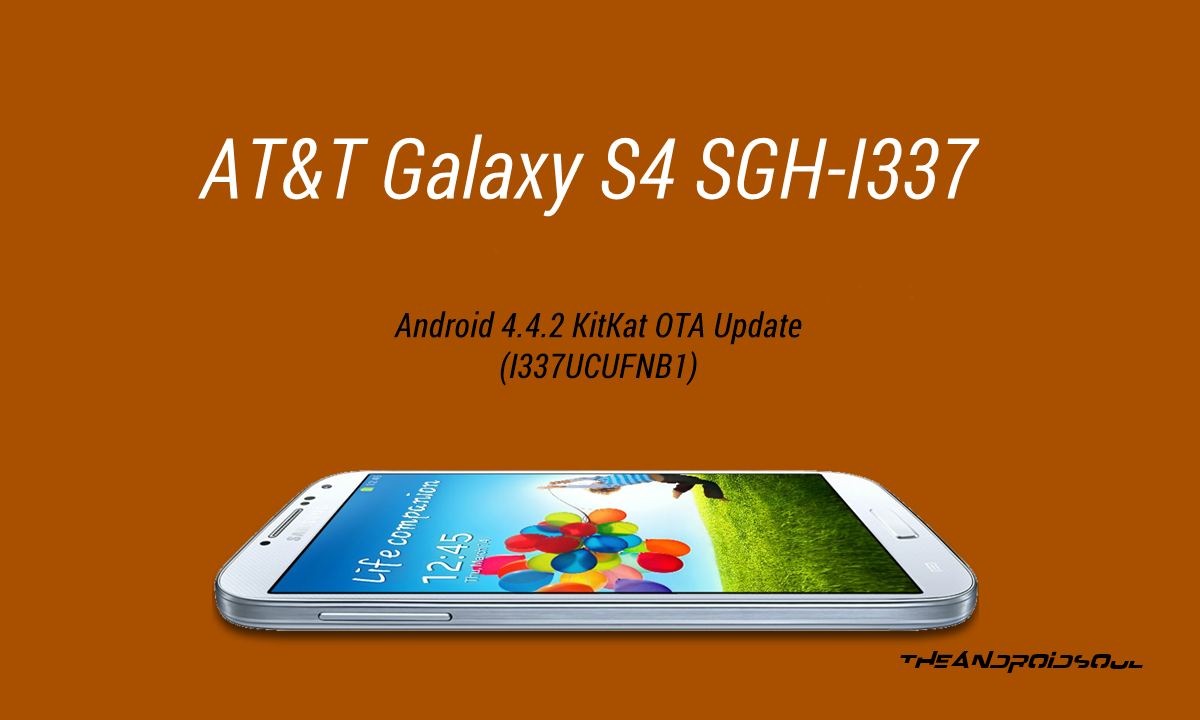
AT&T GALAXY S4 SGH-I337 ANDROID 4.4.2 KITKAT OTA UPDATE
Before you begin with the instructions below, make sure your android device is adequately charged — at least 50% battery of the device.
STEP 0: CHECK DEVICE MODEL NO.
To make sure your device is eligible with this, you must first confirm its model no. in ‘About device’ option under Settings. Another way to confirm model no. is by looking for it on the packaging box of your device. It must be SGH-I337!
Do not use the procedures discussed here on any other Galaxy S4 (including the Galaxy S4 variant at Sprint, Verizon, US Cellular, T-Mobile and other International variants) or any other device of Samsung or any other company. You have been warned!
STEP 1: BACKUP YOUR DEVICE
Back up important data and stuff before you start playing around here as there are chances you might lose your apps and app-data (app settings, game progress, etc.), and in rare case, files on the internal memory, too.
For help on Backup and Restore, check out our exclusive page on that linked right below.
► ANDROID BACK UP AND RESTORE GUIDE: APPS AND TIPS
STEP 2: YOU MUST HAVE STOCK FIRMWARE INSTALLED
It’s required that you are unrooted, and don’t have a custom recovery (CWM or TWRP) installed. Plus, no custom firmwares, either.
So, it’s mandatory that you first go back to stock to Android 4.3 build on your AT&T Galaxy S4, using the firmware MK2.
Follow the link below to Update or Install Plain Android 4.3 build from Samsung, which is neither rooted nor has a CWM/TWRP recovery installed.
Then try the guide below, and using the stock recovery, you shall be able to update to latest Android 4.4 KitKat Update for your AT&T Galaxy S4 without any trouble.
INSTALL ANDROID 4.3 MK2 FIRMWARE
STEP 3: INSTALLATION INSTRUCTIONS
DOWNLOADS
Download the firmware file given below.
OTA FILE
DOWNLOAD LINK [MIRROR] | File name: 2400258.cfg (417.66 MB)
STEP-BY-STEP GUIDE
Important Note: Backup important files stored on internal SD card of your device, so that in case a situation arises requiring you to do a factory reset after flashing the leaked firmware, which might delete internal sd card too, your files will remain safe on PC.
- Make sure you are running Android 4.3 MK2 firmware for your AT&T Galaxy S4. And that it’s not rooted, and has stock recovery installed, not CWM/TWRP recovery. If not, follow the link in Step 2 above to installed the MK2 firmware first.
└ If your AT&T Galaxy S4 is running MK2 firmware, then you won’t be able to update to Android 4.4 using this guide. - Rename the OTA file that you downloaded from the link above to change its extension to .zip. The new file name should then be 2400258.zip
- Transfer the 2400258.zip file to root of your phone’s internal or external SD card
└ Note that you must put the 2400258.zip file in the root directory of either storage. Don’t put the file inside any folder on your card. - Boot into Recovery mode:
- Power off your phone and wait for few seconds until it’s completely powered off.
- Hold down the following three buttons together ‘Home + Power + Volume UP‘ and release them as soon as you see the Samsung Galaxy S4 logo on the device’s screen. This will boot your phone into recovery mode. It must be saying 3e recovery at the top. If not, it’s not stock recovery and you haven’t read the above carefully. Pls do now.
└ Once in recovery, use Volume buttons to navigate between options and Power button to select an option. And if you need further help with booting into recovery mode, check our Galaxy S4 Recovery Mode help page.
- Now select ‘Apply update.zip‘ if you transferred the file to internal SD card OR select ‘Apply update from external storage‘ if you transferred the file to external storage.
- Wait for the device to finish the flashing process. Once it’s done, select Reboot from the main menu in recovery.
That’s it. You’re done.
FEEDBACK US!
It was easy to flash the OTA update of Android 4.4.2 KitKat for AT&T Galaxy S4, right? Let us know in comments below.
214 responses to “Download / Install The AT&T Galaxy S4 SGH-I337 Android 4.4.2 KitKat OTA Update [I337UCUFNB1]”
can you please update the download links? i would really appreciate it thank you!
can you please update the download links? i would really appreciate it thank you!
You need to know this:
download link: https://mega.co.nz/#!tx8XHICT!qmzZP6ftt2kPsUA2MRMAKr2xzFxXG48AvYh9LD-VJOs
Listen up, on S4, you only have to press VOLUME UP button and POWER BUTTON at the same time. And keep holding it until the actual recover options appear on your phone screen. Do not let go when you see that little message show up on upper left screen. Keep holding it until you actually see the recovery options before you on your screen. DO NOT HOLD THE HOME BUTTON WHATSOEVER!!! Now, if you see that your phone is going into another restart without options appearing, just hold the VOLUME UP button and hold it until you see the recovery options show up on your screen.
So to summarize, to enter recovery mode on your Galaxy S4, it is VOLUME UP + POWER BUTTON. That’s it. Ignore the HOME button holding nonsense.
Alternative directions:
http://www.android.gs/how-to-enter-samsung-galaxy-s4-recovery-mode/
That being said… The firmware didn’t update from MK2 to kitkat…
Verified: this works:
http://www.droidviews.com/install-android-4-4-2-kitkat-att-galaxy-s4/
You need to know this:
download link: https://mega.co.nz/#!tx8XHICT!qmzZP6ftt2kPsUA2MRMAKr2xzFxXG48AvYh9LD-VJOs
Listen up, on S4, you only have to press VOLUME UP button and POWER BUTTON at the same time. And keep holding it until the actual recover options appear on your phone screen. Do not let go when you see that little message show up on upper left screen. Keep holding it until you actually see the recovery options before you on your screen. DO NOT HOLD THE HOME BUTTON WHATSOEVER!!! Now, if you see that your phone is going into another restart without options appearing, just hold the VOLUME UP button and hold it until you see the recovery options show up on your screen.
So to summarize, to enter recovery mode on your Galaxy S4, it is VOLUME UP + POWER BUTTON. That’s it. Ignore the HOME button holding nonsense.
Alternative directions:
http://www.android.gs/how-to-enter-samsung-galaxy-s4-recovery-mode/
That being said… The firmware didn’t update from MK2 to kitkat…
You need to know this:
download link: https://mega.co.nz/#!tx8XHICT!qmzZP6ftt2kPsUA2MRMAKr2xzFxXG48AvYh9LD-VJOs
Listen up, on S4, you only have to press VOLUME UP button and POWER BUTTON at the same time. And keep holding it until the actual recover options appear on your phone screen. Do not let go when you see that little message show up on upper left screen. Keep holding it until you actually see the recovery options before you on your screen. DO NOT HOLD THE HOME BUTTON WHATSOEVER!!! Now, if you see that your phone is going into another restart without options appearing, just hold the VOLUME UP button and hold it until you see the recovery options show up on your screen.
So to summarize, to enter recovery mode on your Galaxy S4, it is VOLUME UP + POWER BUTTON. That’s it. Ignore the HOME button holding nonsense.
Alternative directions:
http://www.android.gs/how-to-enter-samsung-galaxy-s4-recovery-mode/
That being said… The firmware didn’t update from MK2 to kitkat…
Verified: this works:
http://www.droidviews.com/install-android-4-4-2-kitkat-att-galaxy-s4/
Verified: this works:
http://www.droidviews.com/install-android-4-4-2-kitkat-att-galaxy-s4/