

Anime Piece codes grant Race Spins, Teleport Crystals, Common Fruit Chests, and timed 2x drop boosts through the Settings redemption field.
Codes in Anime Piece let you claim items, spins, and timed boosts. This guide covers the code rewards, entries that return an error, and how to redeem your rewards.
Which codes can you redeem in Anime Piece?
| Code | Rewards |
|---|---|
| 100kGroup | 5 Race Spins, 2 Teleport Crystals, 1 Common Fruit Chest |
| 1MVisits | 60 minutes of 2x drops |
| AnimePieceUpdate1 | 10 Race Spins, 4 Teleport Crystals |
| SorryForTheHakers | 1 Common Fruit Chest |
| SorryForThe2xDropBug | 10 minutes of 2x drops |
Item rewards appear in separate notifications, so a claim can produce several messages.
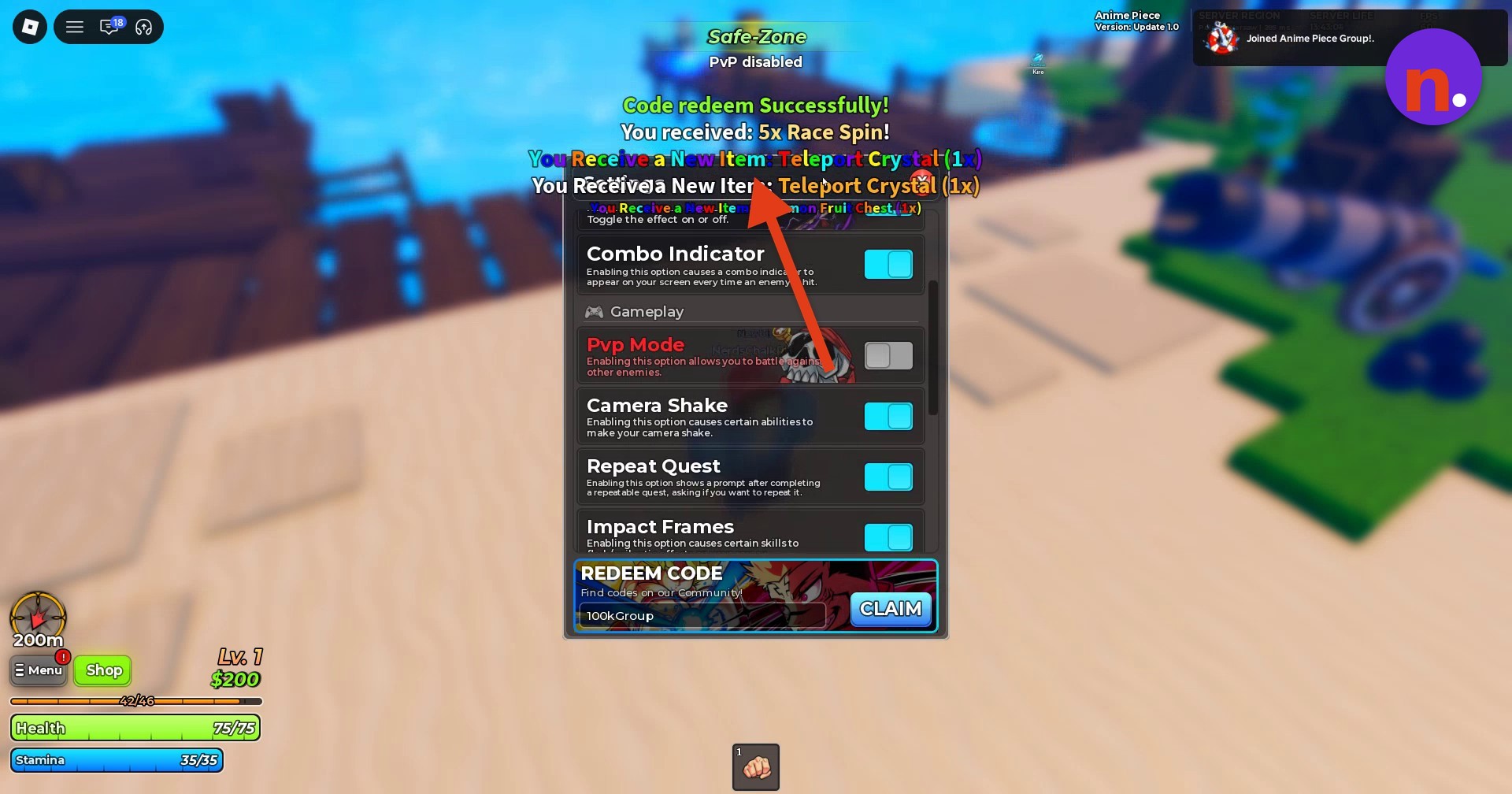
Look for Code redeem Successfully! alongside the reward notifications to recognize a completed claim.
Which code entries return an error in Anime Piece?
| Code entered | Response |
|---|---|
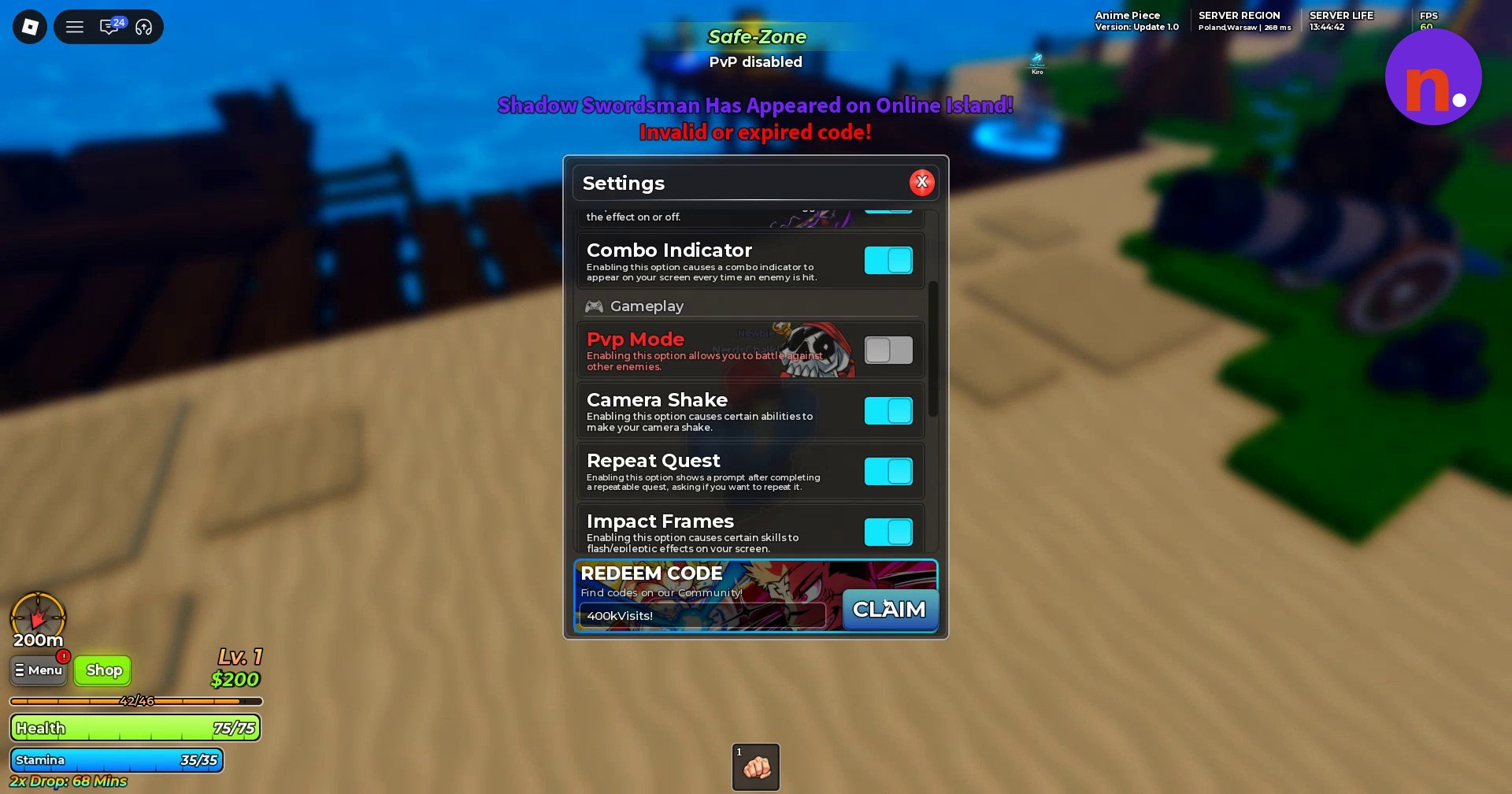
| 400kVisits | Invalid or expired code! |
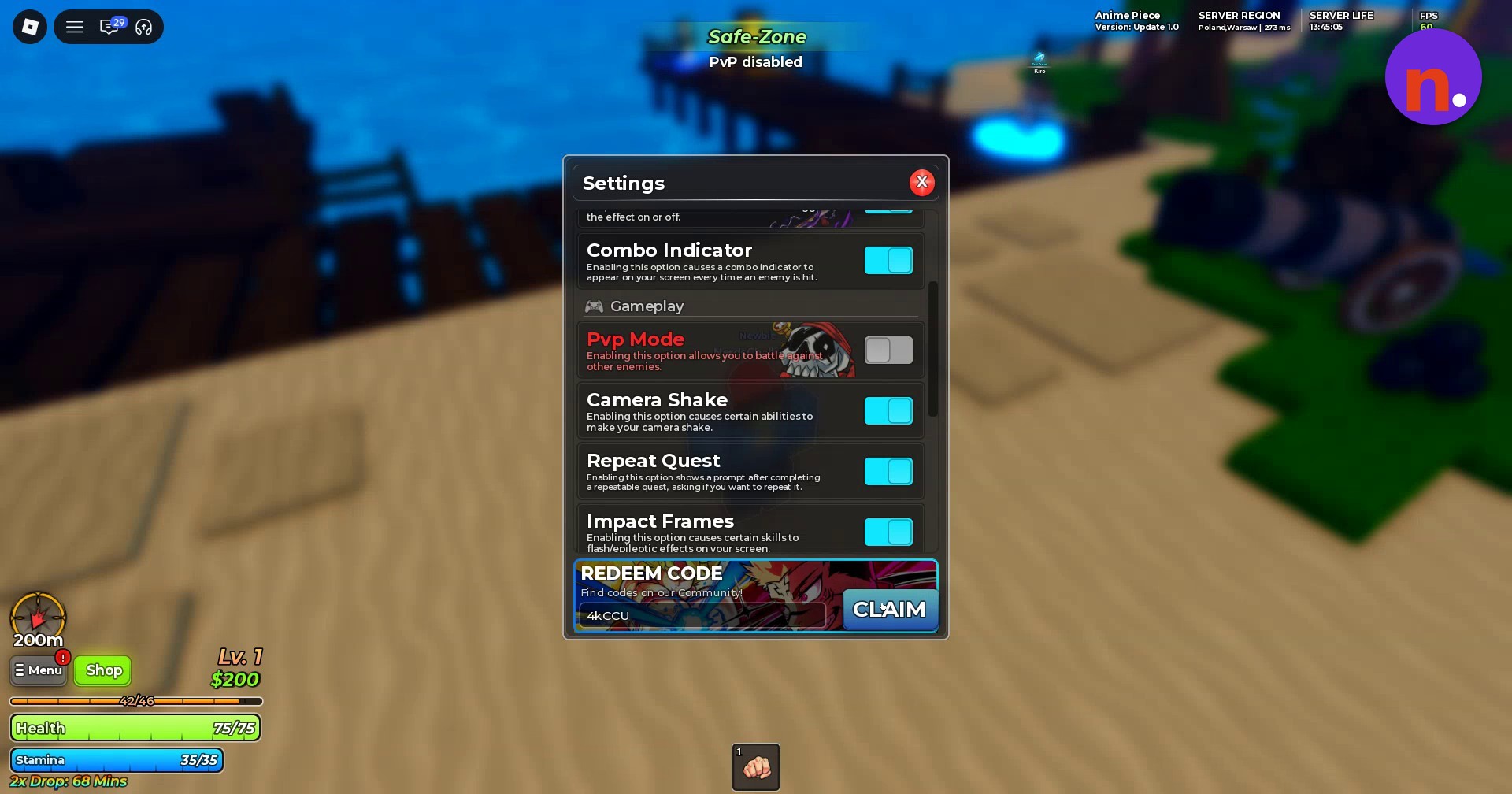
| 4kCCU | Invalid or expired code! |
A repeat attempt with 400kVisits also returns an error.
How to redeem codes in Anime Piece
You can submit each code through the same redemption field.
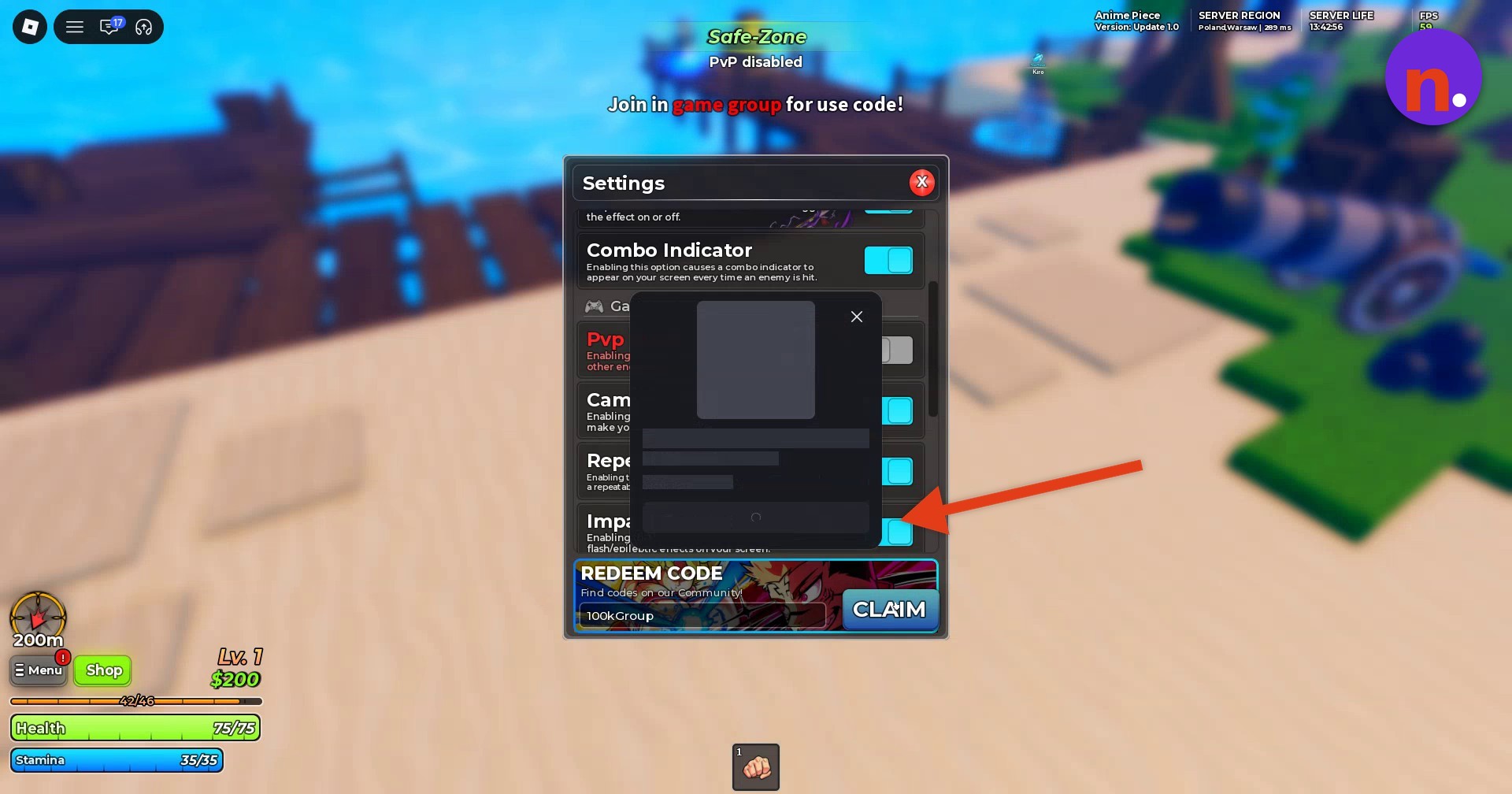
Open Menu
Select Menu on the left side of the screen.
Open Settings
Select the Settings gear inside the Menu popup to reach the redemption area and its code input.
Redeem 100kGroup
Enter 100kGroup in the field under REDEEM CODE, then select CLAIM.
Redeem 1MVisits
Replace the field’s contents with 1MVisits and select CLAIM.
Redeem AnimePieceUpdate1
Enter AnimePieceUpdate1 in the same field and select CLAIM.
Redeem SorryForTheHakers
Enter SorryForTheHakers exactly as written and select CLAIM.
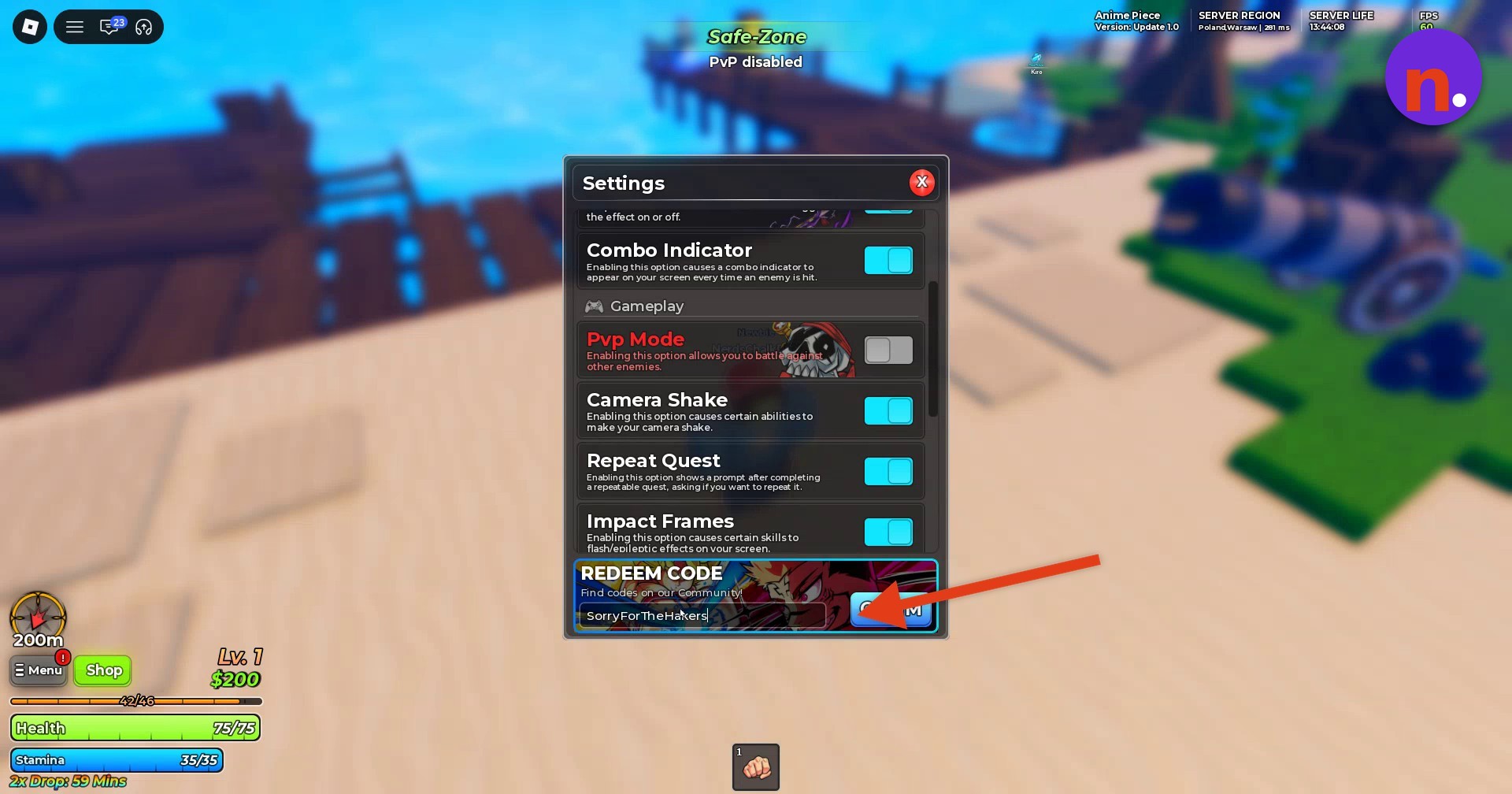
Redeem SorryForThe2xDropBug
Replace the input with SorryForThe2xDropBug and select CLAIM.
Check 4kCCU
To check this entry’s status, enter 4kCCU and select CLAIM.
Each successful claim gives you the reward associated with that code.
Frequently Asked Questions
Where can you find more Anime Piece codes?
The redemption area points you to the Community with the message “Find codes on our Community!”
Leave a Reply