
You must be Level 20 to create a guild in Anime Expeditions, and the guild image ID comes from copying a Roblox decal asset ID and pasting it into the guild image field.
The Guild menu in Anime Expeditions gives you three main routes: creating your own guild, checking join invites, and viewing guild leaderboards. If you are not Level 20 yet, you can still get into a guild through an invite instead of waiting to make your own.
Guild requirements in Anime Expeditions
| Action | Requirement |
|---|---|
| Create a guild | Reach Level 20. |
| Join a guild | Get invited by another player. |
| Set a guild image | Use a numeric Roblox decal asset ID. |
Guild creation is locked behind Level 20 in the recorded client, so check the same requirement on your current guild screen if the live UI changes after updates. The menu also shows Join Guild for invites and Leaderboards for the best guilds in Anime Expeditions.
How to create a guild and set its image ID in Anime Expeditions
KEY!Use the guild menu after reaching Level 20, then grab a Roblox decal asset ID for the guild image field.
STEP 1/8
Open the Guild menu
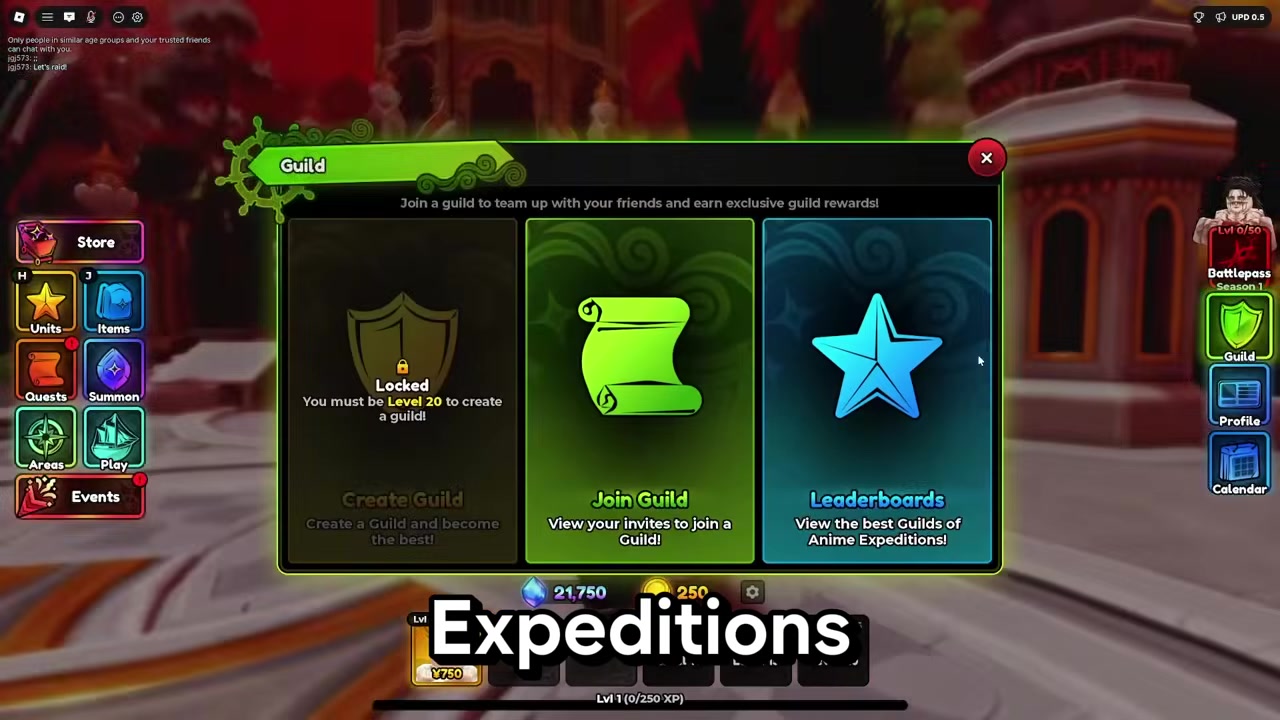
Open Guild and check the creation lock, which shows that you must be Level 20 to create a guild.
STEP 2/8
Create once Level 20
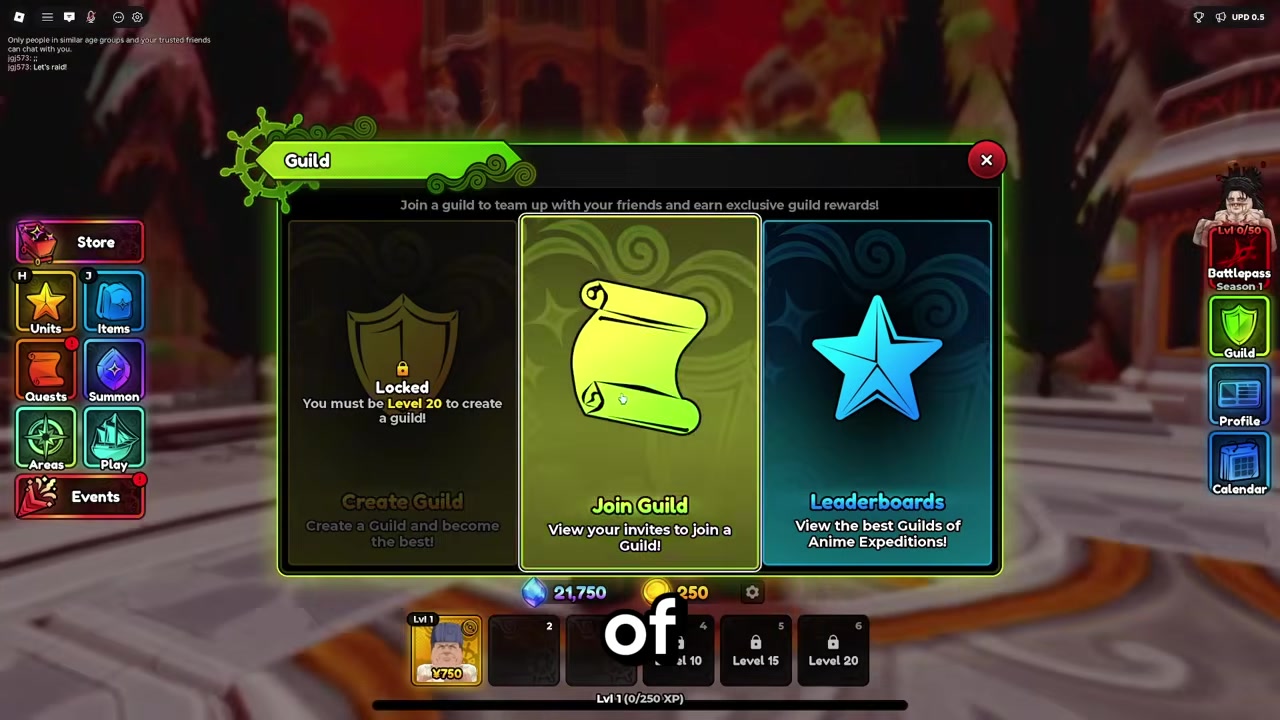
After you reach Level 20, use the guild area to create your own guild.
STEP 3/8
Open Roblox Create
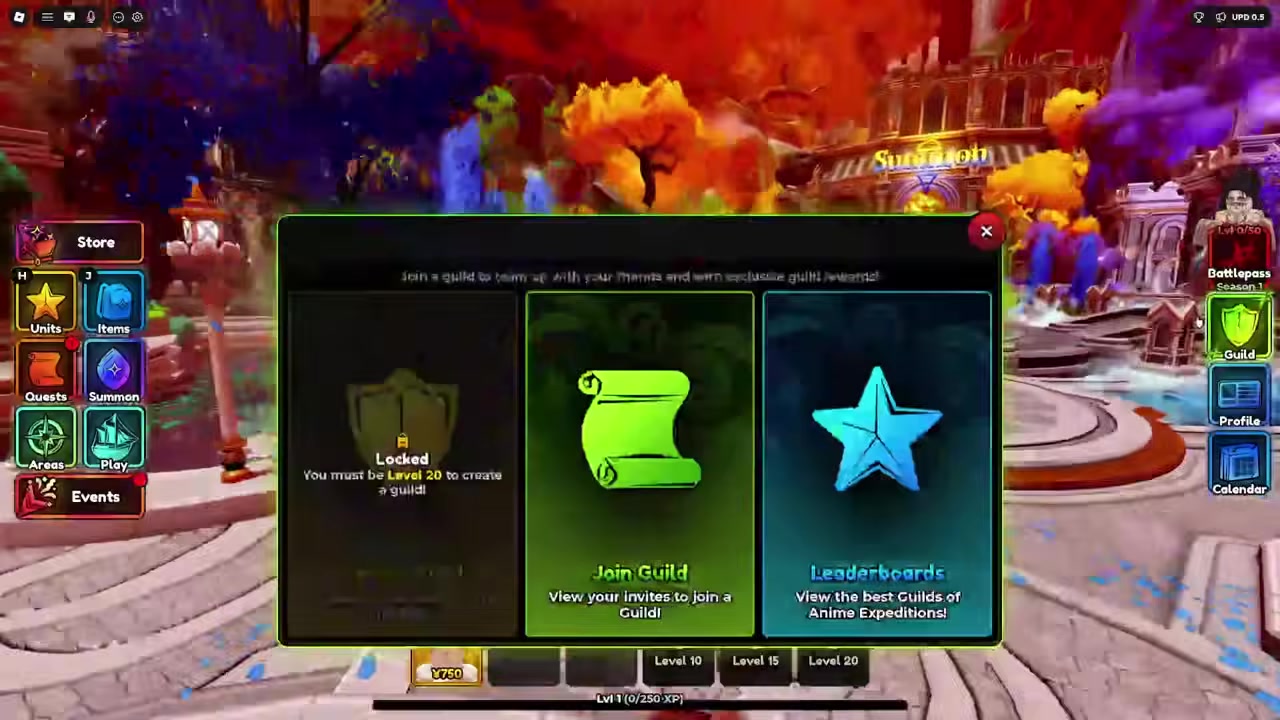
Go to Roblox and open Create so you can find a decal for the icon.
STEP 4/8
Go to the Store

In Roblox Create, open the Store where asset types are listed.
STEP 5/8
Select 2D Assets
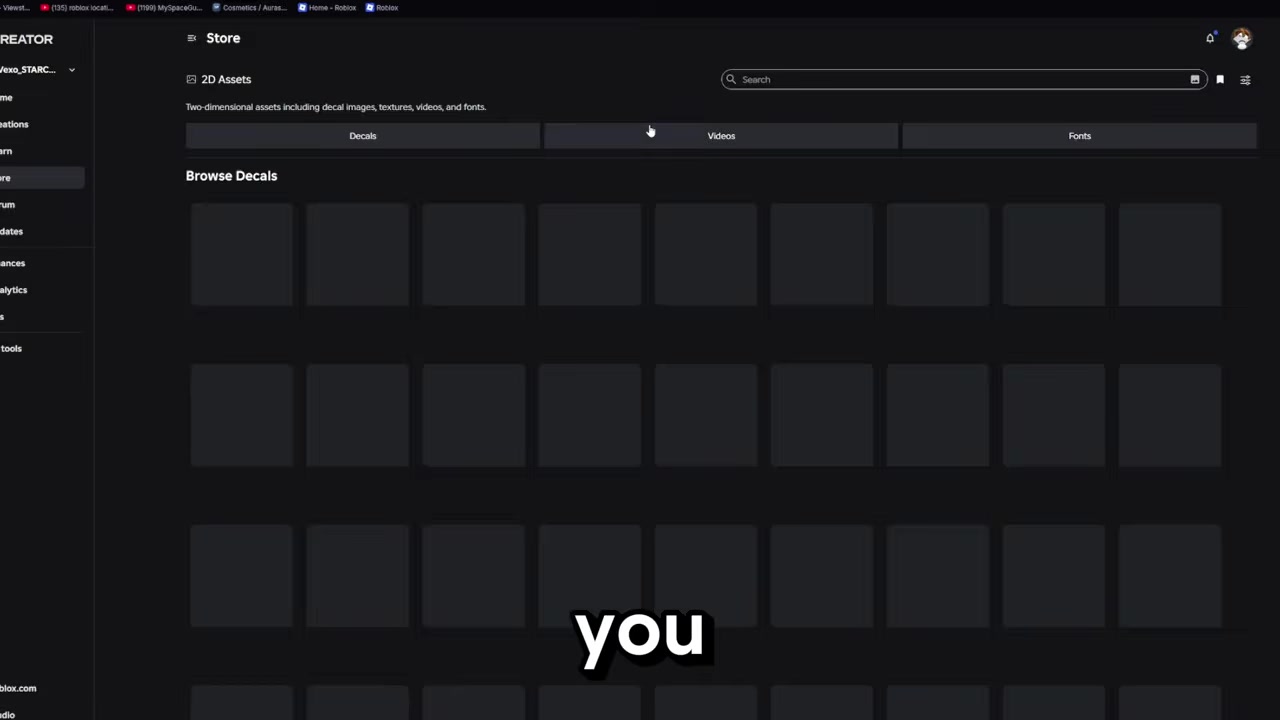
Choose 2D Assets, since this is where image IDs for decals are found.
STEP 6/8
Search for a decal
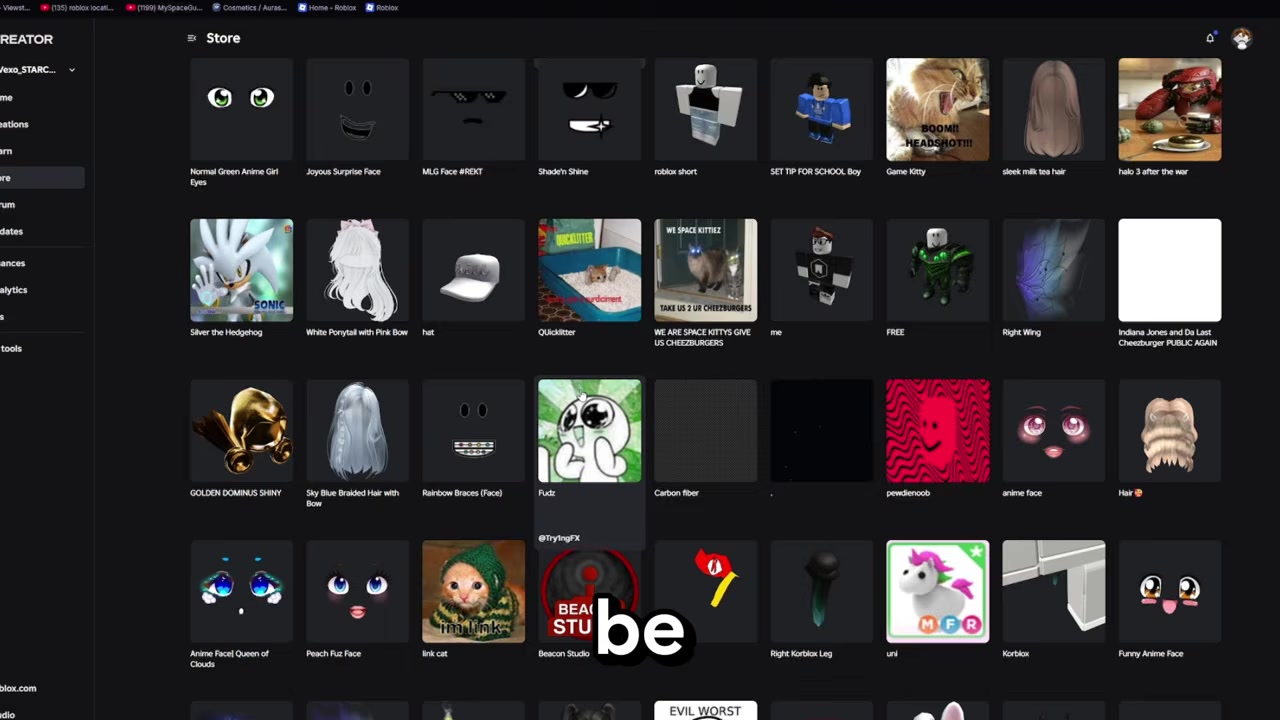
Scroll or search for the image you want to use as your guild icon.
STEP 7/8
Copy the asset ID
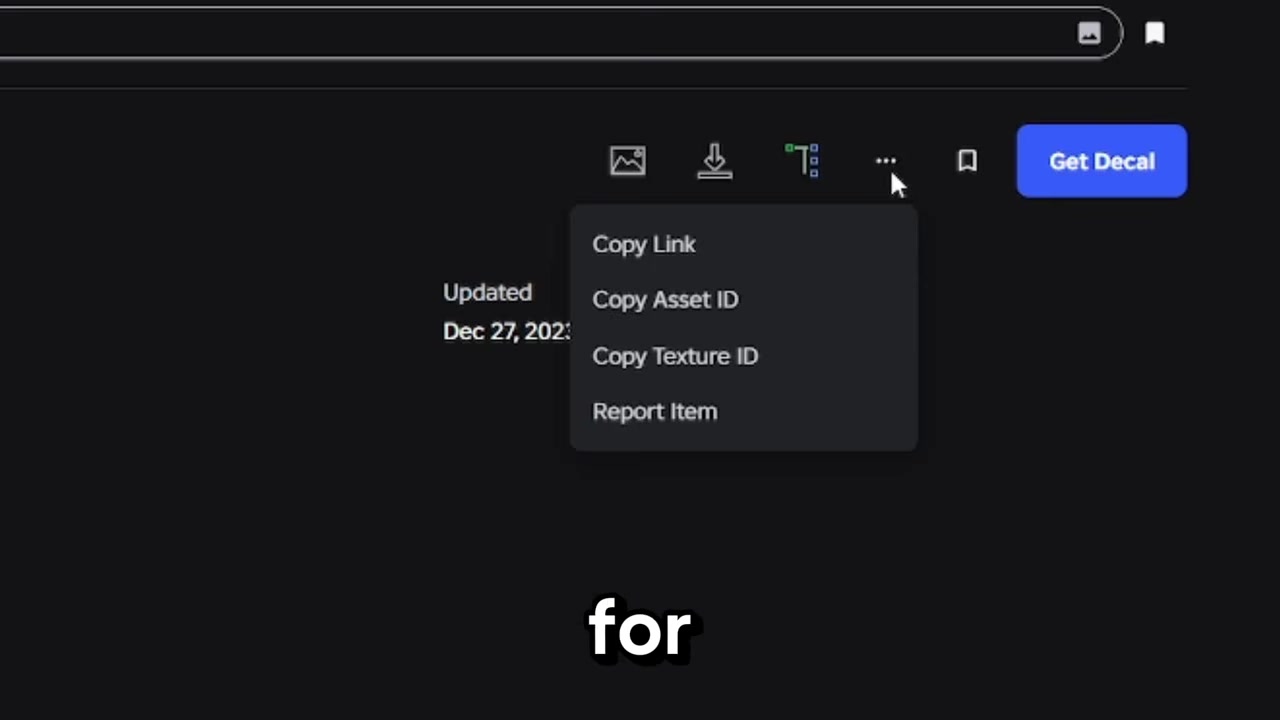
Open the decal’s three-dot menu and choose Copy Asset ID.
STEP 8/8
Paste the image ID
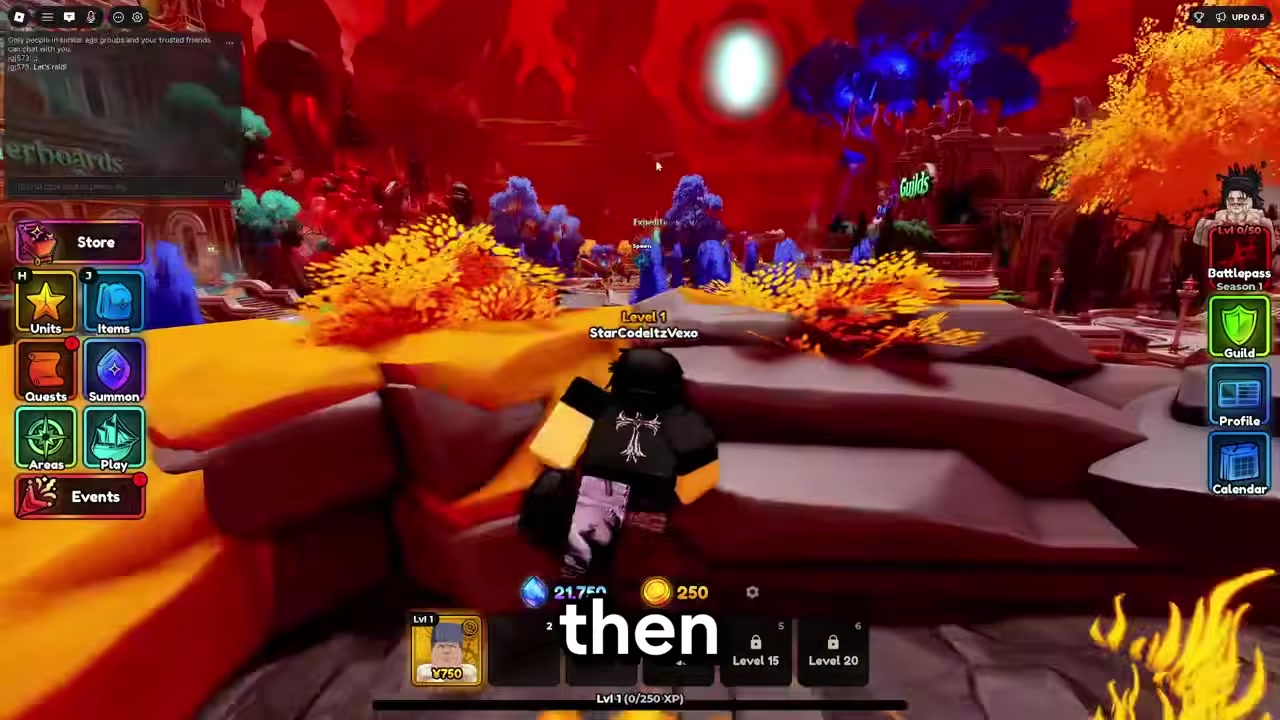
Paste the copied numeric asset ID into the Image ID field for your guild.
Copy the asset ID from the three-dot menu, not the page link; Anime Expeditions needs the numeric Roblox decal ID for the guild image field.
Video help
Joining a guild before creating one
If you are below Level 20, ask another guild owner or member to invite you. Once the invite is sent, use Join Guild in the Guild menu to view your invites and accept one.
This is also the easier route if you do not want to manage your own guild yet. Community spaces such as the Anime Expeditions Discord are a practical place to find players recruiting members.
Guild image ID problems and fixes
| Problem | Fix |
|---|---|
| You copied the wrong number | Use the decal’s three-dot menu and copy Asset ID directly. |
| You used a non-image asset | Pick a decal from 2D Assets, not a model, audio, or other asset type. |
| You pasted a full Roblox URL | Paste only the numeric asset ID. |
| The asset is private or moderated | Choose a public decal that Roblox allows to display. |
| The icon does not appear right away | Give Roblox time to finish processing the image, then try again. |
KEY!
Most guild icon issues come from using the wrong Roblox value. Anime Expeditions wants the decal’s asset ID, so anything copied from the wrong part of the page can fail or show nothing.
Frequently Asked Questions
What level do you need to create a guild in Anime Expeditions?
You need to be Level 20 before the guild creation option unlocks.
Can you join a guild before Level 20?
Yes. Players under Level 20 can join through a guild invite instead of creating their own guild.
Where do you get an image ID for a guild?
Get it from Roblox Create by opening the Store, choosing 2D Assets, selecting a decal, and copying its asset ID.
Do you paste the Roblox URL or the asset ID?
Paste the numeric asset ID. The full Roblox URL is not the value the guild image field is asking for.
Why is my guild image not showing?
The image may be the wrong asset type, private, moderated, still processing, or pasted as a URL instead of an ID.






Leave a Reply