
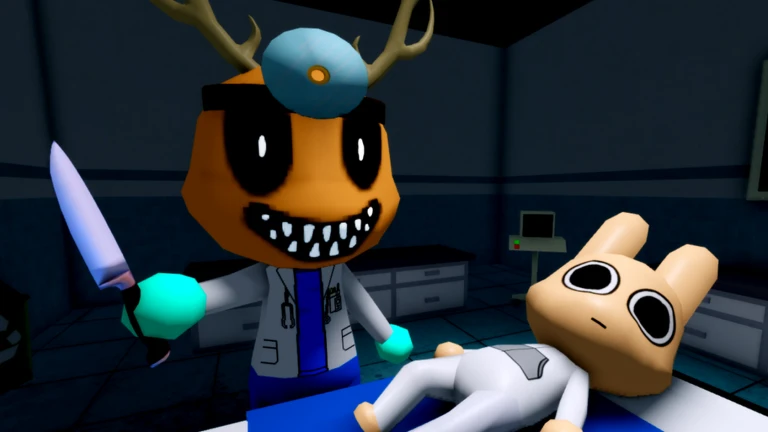
The Animal Hospital update reworks Secret Agent into a much stronger anomaly-hunting class with a Scanner, anomaly kill rewards, refreshed visuals, new Security Guard equipment, and fresh Liz/Harlow/Stalker lore content.
Harlow’s Favorite is a gameplay-heavy update for Animal Hospital Roblox, not just a visual pass. The headline change is the Secret Agent rework, but the update also touches the interface, class models, Security Guard tools, and the hospital’s ongoing mystery content.
- Harlow’s Favorite update changes
- Secret Agent rework changes
- Scanner results and best timing
- How to play Secret Agent after the rework
- Security Guard camera and X taser
- Updated UI, class models, and skins
- Liz camera, Dr. Harlow, and Stalker lore
- Mistakes that hurt post-update runs
- Frequently Asked Questions
Harlow’s Favorite update changes
| Update area | What changed |
|---|---|
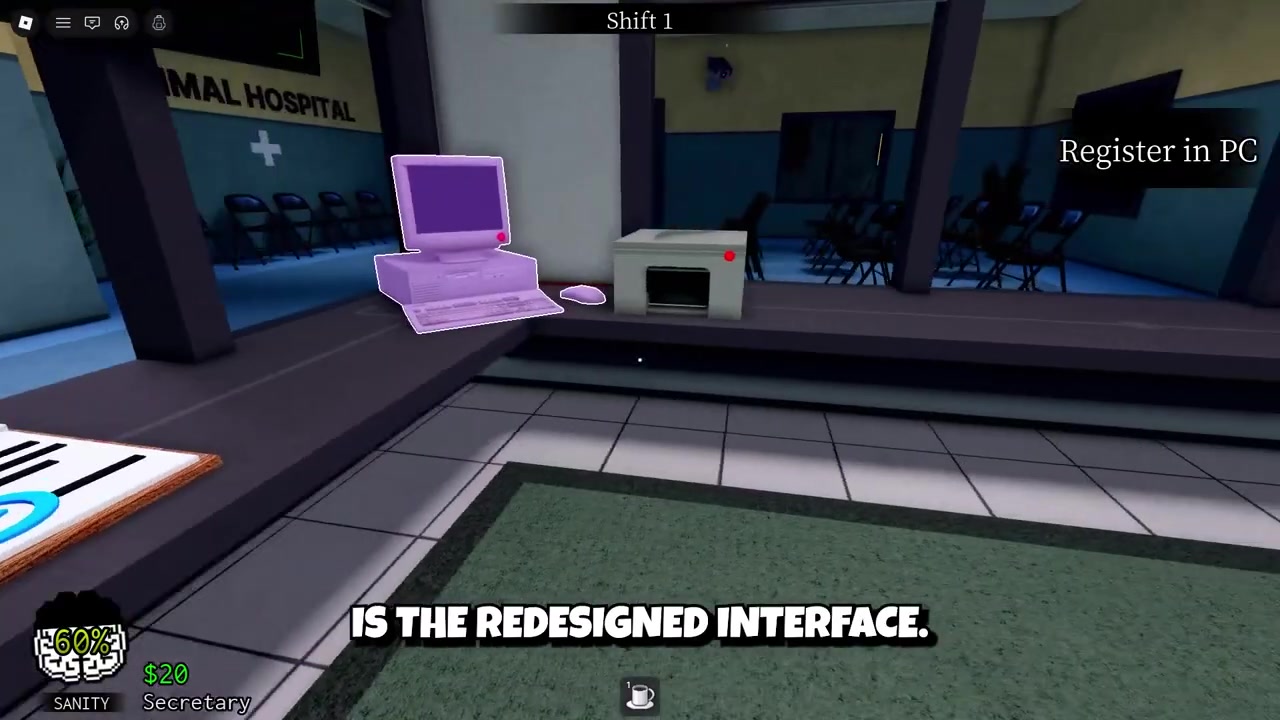
| Secret Agent | Now starts with a Scanner, gun, and extra inventory slots. |
| Scanner | Reveals patient scan results with green, red, and yellow outcomes. |
| Rewards | At higher levels, killing real anomalies gives sanity and cash. |
| Security Guard | Starts with an X taser and a deployable camera. |
| Visuals and UI | Animal coin display, menus, 2D icons, class models, and portraits were refreshed. |
| Lore | Adds Liz, Liz’s camera, new Dr. Harlow interactions, and Stalker content. |
The update pushes Animal Hospital further toward active anomaly management. Instead of guessing through busy shifts, Secret Agent players now have a proper detection loop: scan, confirm, shoot only when the target is real, then use the reward and ammo economy to survive longer.
Secret Agent rework changes
| Feature | New behavior |
|---|---|
| Starting kit | Gun, reusable Scanner, and two extra inventory slots. |
| Starting ammo | About 20 uses at level 1, with higher-level counts varying. |
| Level 3 reward | Real anomaly kills give 4 sanity and 5 cash. |
| Normal patients | Shooting them does not trigger the sanity or cash bonus. |
| Ammo economy | Bullets regenerate between shifts. |
| Class value | Best for long runs where detection, sanity recovery, and ammo management matter. |
Secret Agent remains a Robux-exclusive class from the Lobby Class Shop, with the price varying by region around 360-850 Robux. The important part after Harlow’s Favorite is that the class is no longer just a gun pick. It now has a stronger identity built around finding anomalies before they spiral out of control.
At level 1, Secret Agent starts each round with a gun, a reusable Scanner, and two extra inventory slots. Starting gun uses sit around 20 early on, while higher-level numbers can vary by level or patch, with level 3 seen at 24 bullets. Treat the exact ammo count as level-dependent, but the playstyle is clear: your bullets are limited, renewable, and much more valuable when paired with scans.
KEY!The biggest reward kicks in at level 3. When you eliminate a real anomaly with the gun, you gain 4 sanity and 5 cash. That bonus does not apply to normal patients, so careless shooting still hurts your run instead of turning the class into a free-fire option.
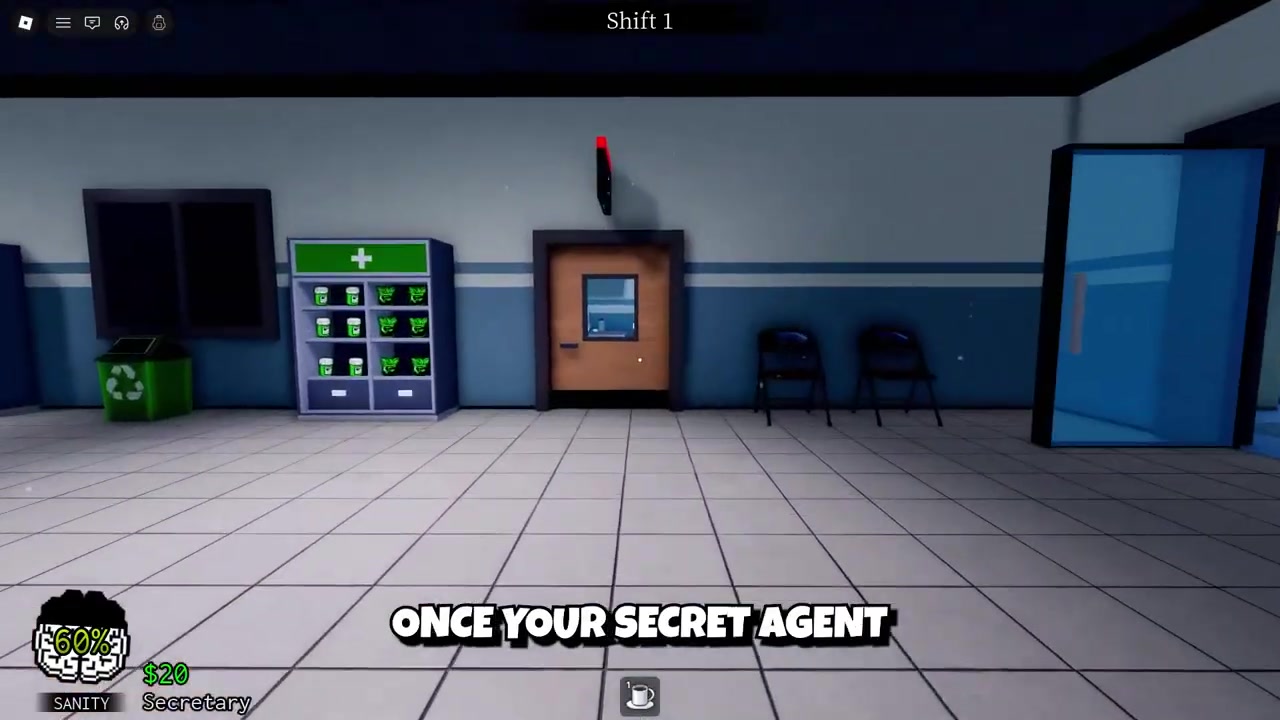
This makes target confirmation more important than before. Secret Agent is stronger, but only if you use the Scanner to protect your ammo and avoid wasting shots on safe patients.
Scanner results and best timing
| Scanner result | Meaning |
|---|---|
| Green | The patient is normal. |
| Red | The patient is an anomaly. |
| Yellow | No patient was detected. |
The Scanner is the new core anomaly-detection item. Secret Agent starts with it, and other players can buy it from the Supplies Shop for $150. Once used, it has a 120-second cooldown, so every scan should be saved for a moment where it can check meaningful pressure, not a quiet hallway.
The Scanner is strongest during ambulance events, late shifts, large patient waves, and any moment where several patients arrive together. In those situations, it turns a messy room into a readable threat list.
A red result is your firing signal. A green result means hold your shot. A yellow result means the scan did not catch a patient, so do not treat it like a hidden warning.
Save the Scanner for crowded moments so one 120-second cooldown can identify multiple threats instead of checking a single low-pressure patient.
How to play Secret Agent after the rework
STEP 1/5
Hold the Scanner
Do not burn it the moment it comes off cooldown; wait for a patient wave, ambulance event, late shift, or crowded room.
STEP 2/5
Scan before shooting
Use the Scanner to separate real anomalies from normal patients before spending bullets.
STEP 3/5
Fire only on red targets
Shoot when the scan points to an anomaly, because normal patients do not give the sanity or cash reward.
STEP 4/5
Protect your ammo
Let bullet regeneration between shifts do its work by avoiding panic shots during quiet moments.
STEP 5/5
Use rewards to extend runs
Combine anomaly kills, 4 sanity recovery, 5 cash, and regenerated bullets to stabilize longer shifts.
Video help
Security Guard camera and X taser
Security Guard also gets new equipment in this update. Each round now starts with an X taser and a deployable camera, giving the class more control over hospital coverage.
The camera can be placed around the hospital and then monitored through the security camera system. That makes it useful for watching rooms or angles you cannot physically babysit during a busy shift.
It is a strong utility upgrade, but it does not redefine the class as much as the Scanner redefines Secret Agent. Think of the camera as extra vision, while Secret Agent’s Scanner is direct anomaly confirmation.
Updated UI, class models, and skins
The update refreshes the animal coin display and several menus, giving the interface a cleaner look when checking resources and moving through the game’s screens. It also reworks 2D icons for items and classes.
Several class visuals were redesigned too. Nurse, Doctor, Head Nurse, Surgeon, and Security Guard now have updated models and portraits.
If you liked the older look, the update does not remove it. Classic skins remain available, including the original Secret Agent look, so you can swap between old and new styles.
Liz camera, Dr. Harlow, and Stalker lore
The lore side of Harlow’s Favorite starts becoming more active around Shift 11, when Liz appears at the hospital. She introduces herself at reception and gives you Liz’s camera, which is placed in front of the reception desk.
STEP 1/6
Reach Shift 11
Continue shifts until Liz appears at reception and starts her interaction.
STEP 2/6
Take Liz’s camera
After the interaction, use Liz’s camera from its position near the front of the reception desk.
STEP 3/6
Remember the names
Liz gives specific patient names, and those names decide who you need to photograph.
STEP 4/6
Wait for the target patient
Do not waste the camera on random arrivals; hold it until the named target shows up.
STEP 5/6
Take the correct photo
Interact with the camera when the target arrives to create a polaroid of the anomalous patient.
STEP 6/6
<
p class=”vg-step-title” id=”respect-the-one-shot-limit” style=”margin:16px 0 6px”>Respect the one-shot limit
Each named target gives you only one photo attempt, so a wrong picture wastes that objective.
The update also adds new Dr. Harlow interactions, secret conversations, hidden interactions tied to earlier mysteries, and a mysterious Stalker character. Not every trigger has been fully mapped yet, so the best approach is to keep checking later shifts, unusual interactions, and named character moments instead of treating the update as only a class balance patch.
Mistakes that hurt post-update runs
| Mistake | Fix |
|---|---|
| Wasting Liz photos | Only photograph the named target patient Liz gives you. |
| Misreading green scans | Treat green as normal and do not shoot. |
| Ignoring yellow scans | Remember yellow means no patient was detected. |
| Using Scanner too early | Save it for waves, ambulance events, late shifts, or crowded rooms. |
| Shooting normal patients | Only real anomaly kills trigger the sanity and cash reward. |
| Playing old Secret Agent | Build your run around Scanner timing, ammo regeneration, and level 3 rewards. |
The rework makes Secret Agent stronger, but it also punishes sloppy play more clearly. The class now rewards accurate anomaly hunting, not random shooting.
The easiest way to throw away the new power is to treat the Scanner like a spam button or the gun like an unlimited answer. Slow down, scan the right moments, and let the rework pay you back over the full shift.
Frequently Asked Questions
Is Secret Agent still a Robux class after the update?
Yes. Secret Agent remains a Robux-exclusive class in the Lobby Class Shop, with the price varying by region around 360-850 Robux.
What does the Scanner do in Animal Hospital Roblox?
The Scanner checks patients and helps identify whether they are normal, anomalous, or not detected by the scan. Secret Agent starts with it, and it can also be bought from the Supplies Shop for $150.
How long is the Scanner cooldown?
The Scanner has a 120-second cooldown, which is about 2 minutes between uses.
What do green, red, and yellow Scanner results mean?
Green means the patient is normal, red means the patient is an anomaly, and yellow means no patient was detected.
Do you get sanity and cash for shooting every patient?
No. At level 3, Secret Agent gets 4 sanity and 5 cash only for eliminating real anomalies with the gun. Normal patients do not trigger the reward.
More questions⤵
Can you still use the old class skins?
Yes. Classic skins are still available, so players who prefer the older class designs can keep using them.
When does Liz appear and how does her camera work?
Liz appears on Shift 11. She gives you Liz’s camera and names target patients to photograph; when the correct target arrives, use the camera to take the picture, but remember that each target only gives you one shot.
Leave a Reply